Local Looks
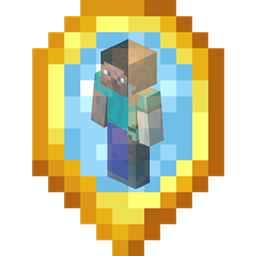
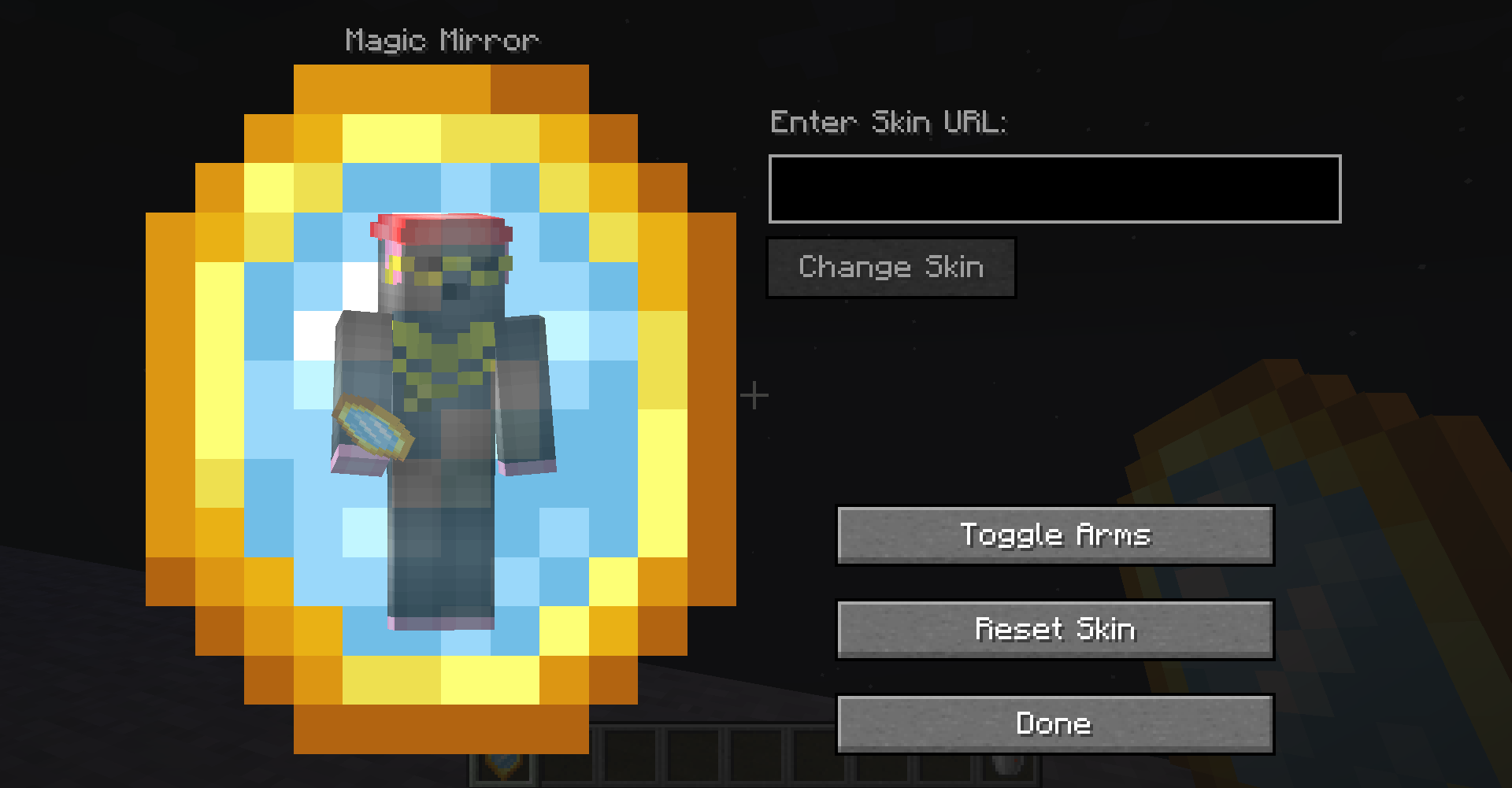
Adds a magic mirror that can be used to change player appearance for individual worlds/servers.
截图
介绍
 NOTE: This mod requires Citadel 1.11.0 or later for 1.18.2 and Citadel 1.8.0 or later for 1.16.3+!
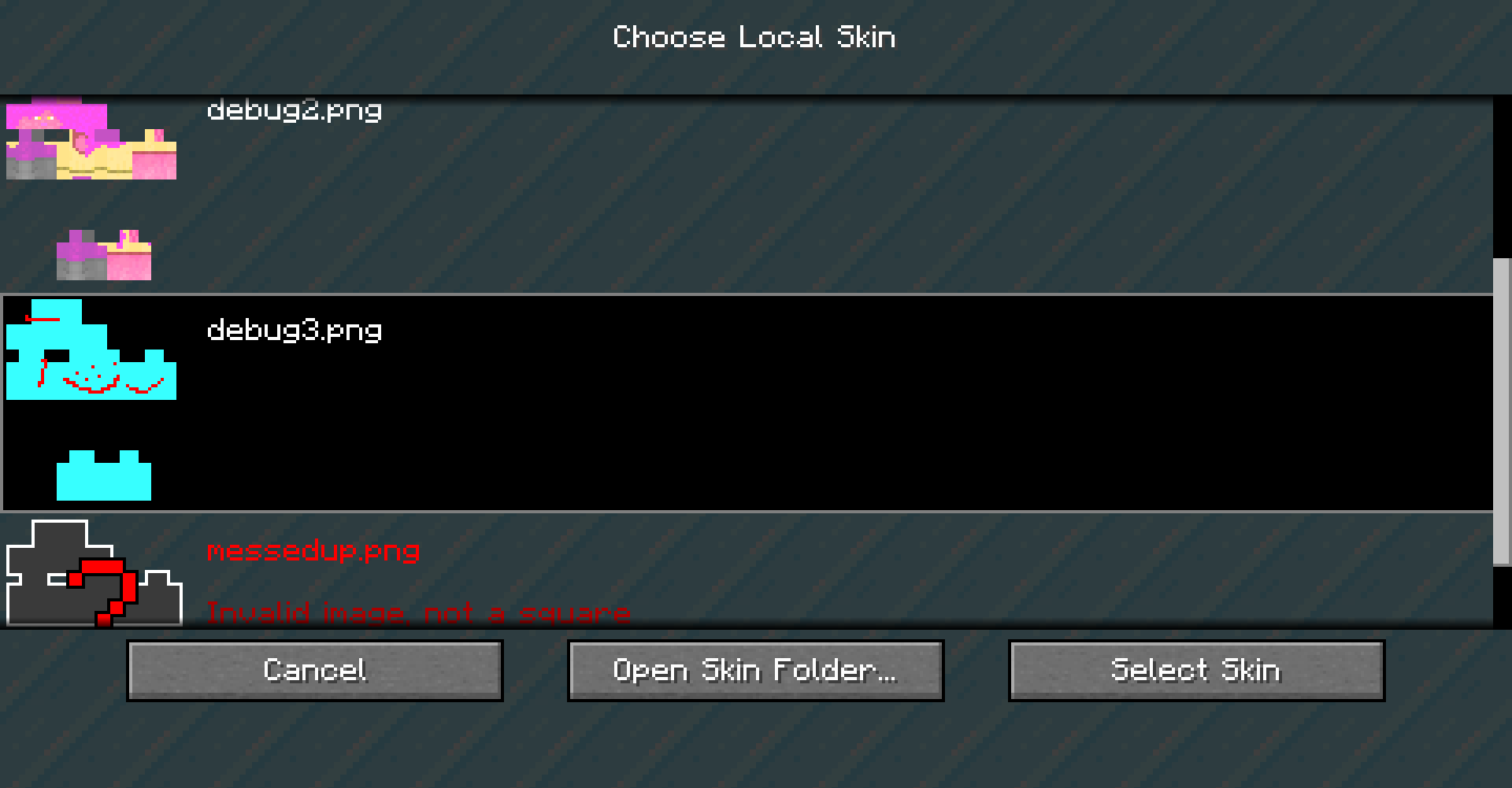
Local Looks is a simple mod that adds one item: The Magic Mirror. When used, this mirror opens up a GUI that allows the player to change their skin to any valid, uploaded skin. There are also additional appearance options. Included is support for transparent and high resolution player textures as well.
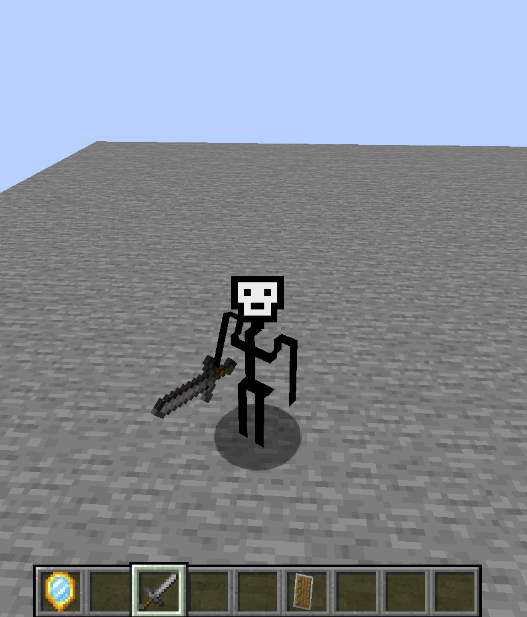
Asides from being able to rapidly update your skin in game, the unique aspect of Local Looks is how each skin is unique to the game save in question. For example, a skin you change in one world or server will stay that way, provided the mod is installed, until it is changed or reset through the use of the mirror again. This means every minecraft save can have a different look to it!
Here’s a gif of Local looks in action:

Local Looks works on the server side, meaning that servers must have the mod installed for it to work. The player’s name and title will also not be changed by any update to the appearance, and any caching of the textures is done on the client side. Further more, each change of the player’s appearance consumes the mirror, meaning more have to be crafted.
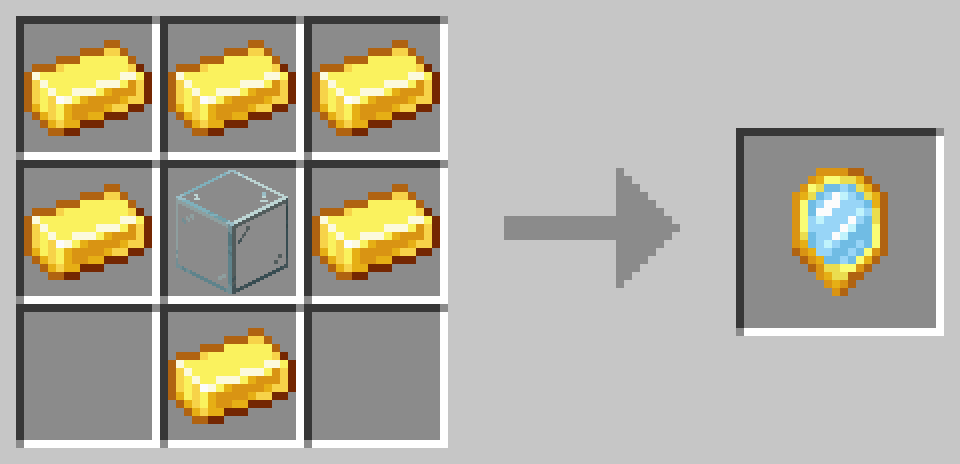
The Magic Mirror is given to all new players by default(configurable) but additional mirrors can be crafted like so:
One important limitation to note is that Local Looks only supports skins that are 1:1 height:width ratio. In other words, only skins that are in the new, square format will work properly. Also note that LocalLooks cannot “find” images on its own – if you don’t link it directly to a file, it will not work! To solve this, make sure your entered URL ends with .png or other supported image extensions. If you use Mozilla Firefox or Google Chrome, an easy way to ensure this is to right-click an image and select “Copy Link”. For best results, upload your skin to websites like imgur where they are secure, can be publicly accessed and are less likely to be removed.
If uploading files is not your forte, you can also select a skin png or jpeg from a folder added to your minecraft directory.

Local Looks has several configs for both servers and clients, including whether to give players a mirror on startup, whether mirrors are single use, and whether transparency of skins is supported. Future updates may introduce saving recently used skins, upgraded mirrors and animated textures.
常见问题
Local Looks 支持哪些 Minecraft 版本?
Local Looks 支持 Minecraft Java 版 1.16.3–1.20.1,共 12 个版本,可用的加载器:Forge。下载时注意选择和你游戏版本一致的文件。
Local Looks 怎么安装?
先用 PCL2 或 HMCL 启动器安装对应版本的 Forge,再把下载的 .jar 文件放进游戏目录的 mods 文件夹,重新启动游戏即可。开启了版本隔离的,mods 文件夹在 versions/版本名 下面。
sbom_xela 的其他作品
查看全部 →
Ice and Fire: Dragons
Minecraft中的龙与神话生物。
Rats
可爱的小害兽,可以驯服并训练它们进行战斗、自动化、资源采集、烹饪等各种活动。

Mediumcore Mode
介于硬核和普通生存之间的难度选项
Rats: Ratlantis
一个为 Rats 添加的附属模组,新增了一个全新的维度,以及全新升级、Boss 等内容。
评论
登录后评论和评分