
LitematList
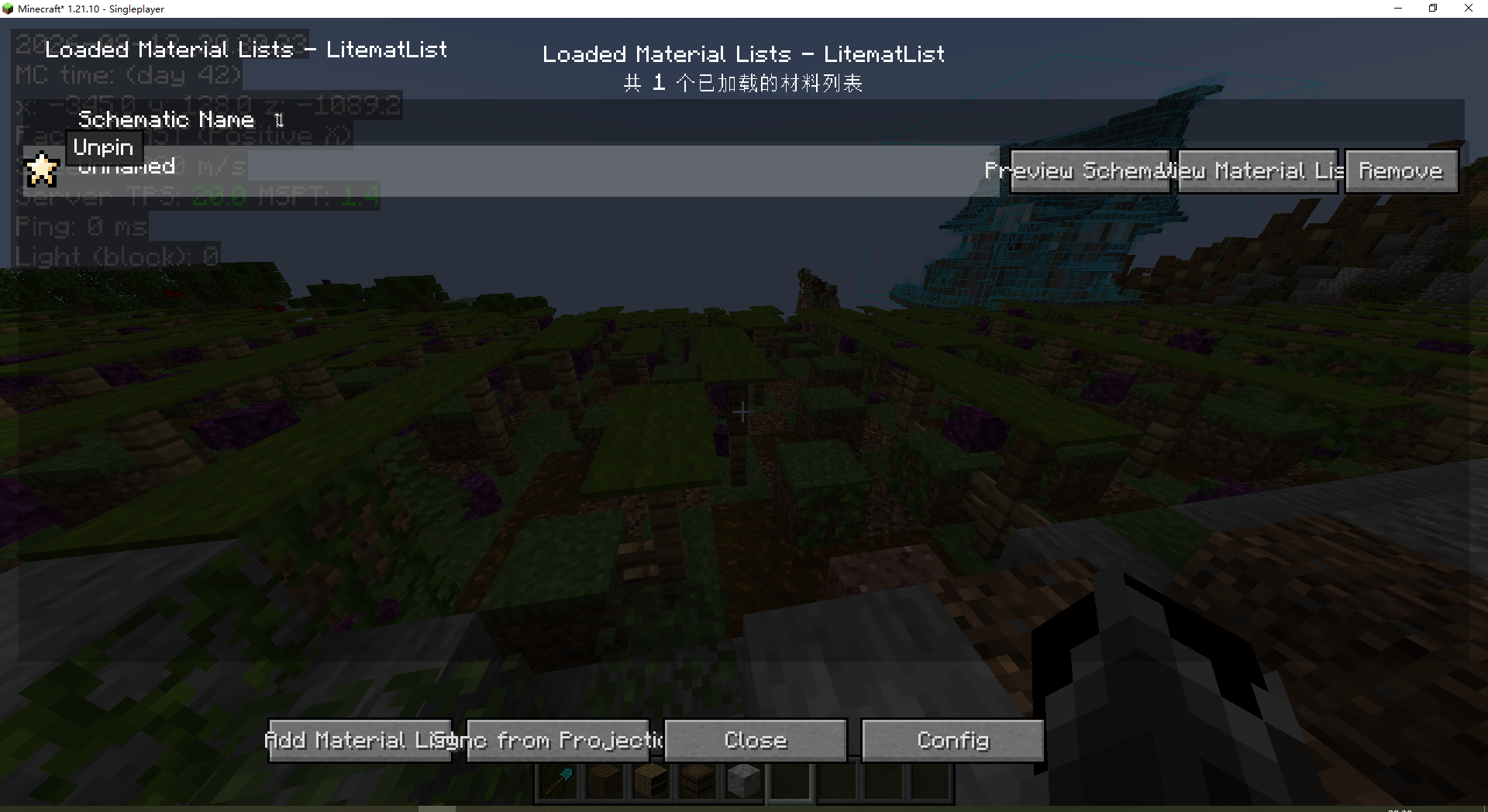
Allows players to view a list of materials for multiple litematic files simultaneously within a single window.
截图
介绍
材料清单管理:在一个窗口中同时管理多个原理图的材料列表。
Bill of materials management: manage the bill of materials of multiple schematic diagrams in one window at the same time.

多格式导入:支持 Litematica 导出的 .txt、 .json、.csv文件。
Multi-format import: supports. txt,. json and. csv files exported by Litematica.

从投影同步:与 Litematica 联动,可同步已加载原理图的材料列表。
Synchronization from Litematica: in conjunction with Litematica, the material list of the loaded schematic diagram can be synchronized.

树状图:用树状图显示成品所需原材料。
Tree diagram: use tree diagram to show the raw materials needed for finished products.

同步投影渲染层:从投影同步时按 Litematica 当前渲染层规则统计方块。
Synchronize Litematica rendering layer: when synchronizing from projection, press Litematica’s current rendering layer rule statistics box.

自动取货:劫持投影的材料列表,让tweakermore的“自动收集材料列表物品”读取并取货。
Automatic pick-up: hijack the Litematica material list, and let tweakermore’s “Automatic Collection of Material List Items” read and pick up the goods.

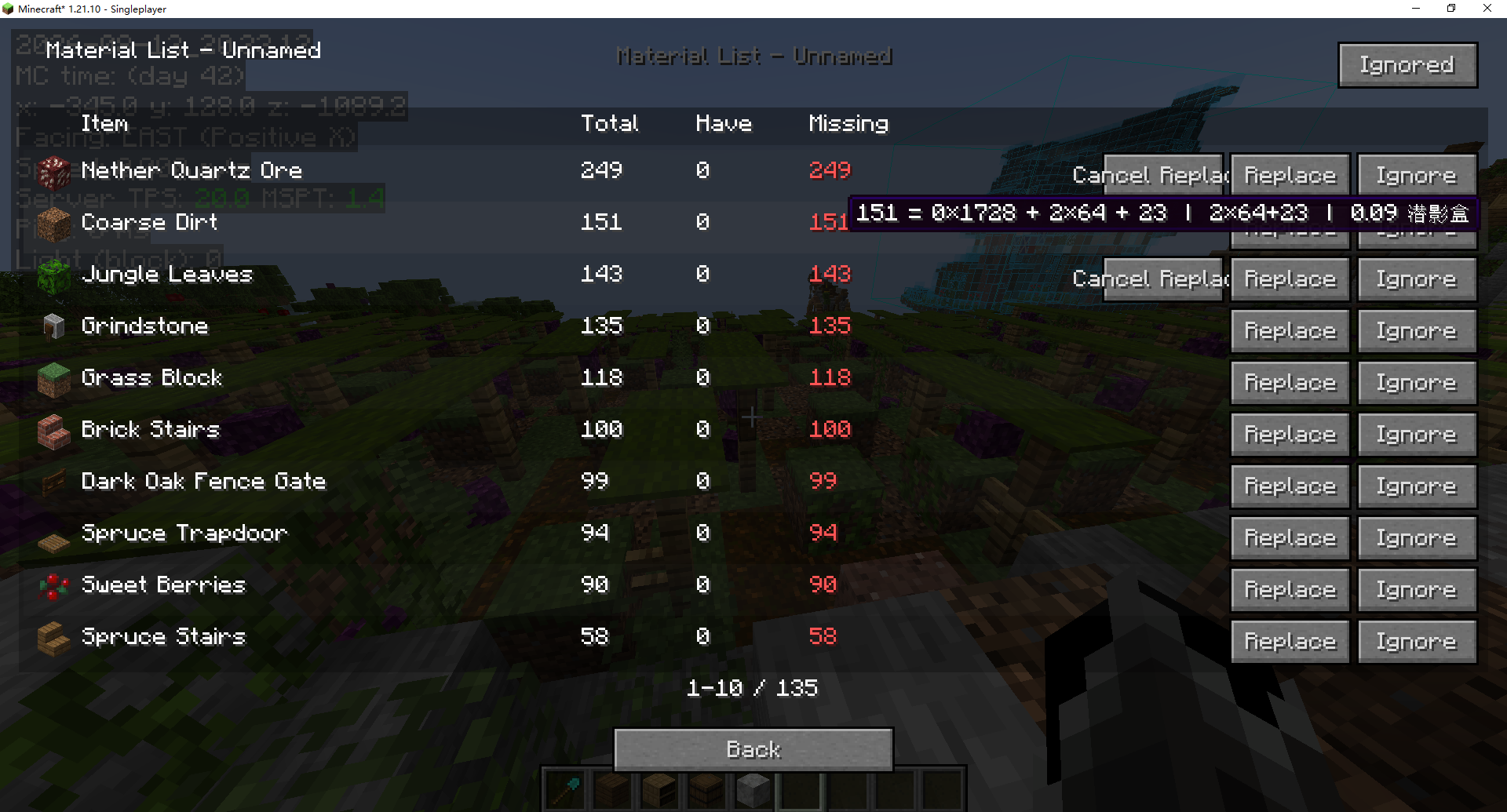
材料统计:显示物品图标+名称、总计、已有、缺失数量。
量级换算:鼠标悬停时显示数量换算(如 328 = 5×64 + 8,0.19 潜影盒)。
Material statistics: display item icon+name, total, existing and missing quantity.
Magnitude conversion: display quantity conversion when hovering over the mouse (for example, 328 = 5×64+8, 0.19 shulker box).

忽略/替换:可忽略不需要的材料,或替换为其他物品。
Ignore/Replace: You can ignore unnecessary materials or replace them with other items.

标记材料:支持置顶标记材料,优先显示⭐。
Marking material: Supporting top marking material, giving priority to display ⭐.

隐藏不缺材料:在列表中隐藏缺失数量为 0 的物品。
Hide No Missing Materials: Hide the items with missing quantity of 0 in the list.

原理图预览:安装 SchematicPreview 模组后,可在主界面直接预览原理图 3D 全貌。
SchematicPreview: After installing the schematic preview module, you can directly preview the 3D panorama of schematic diagram in the main interface.

共享原理图读取:可同步「共享原理图增强」(Syncmatica Revolution) 的已认领材料。
Shared schematic reading: the claimed materials of “synchronized Syncmatica Revolution” can be synchronized.

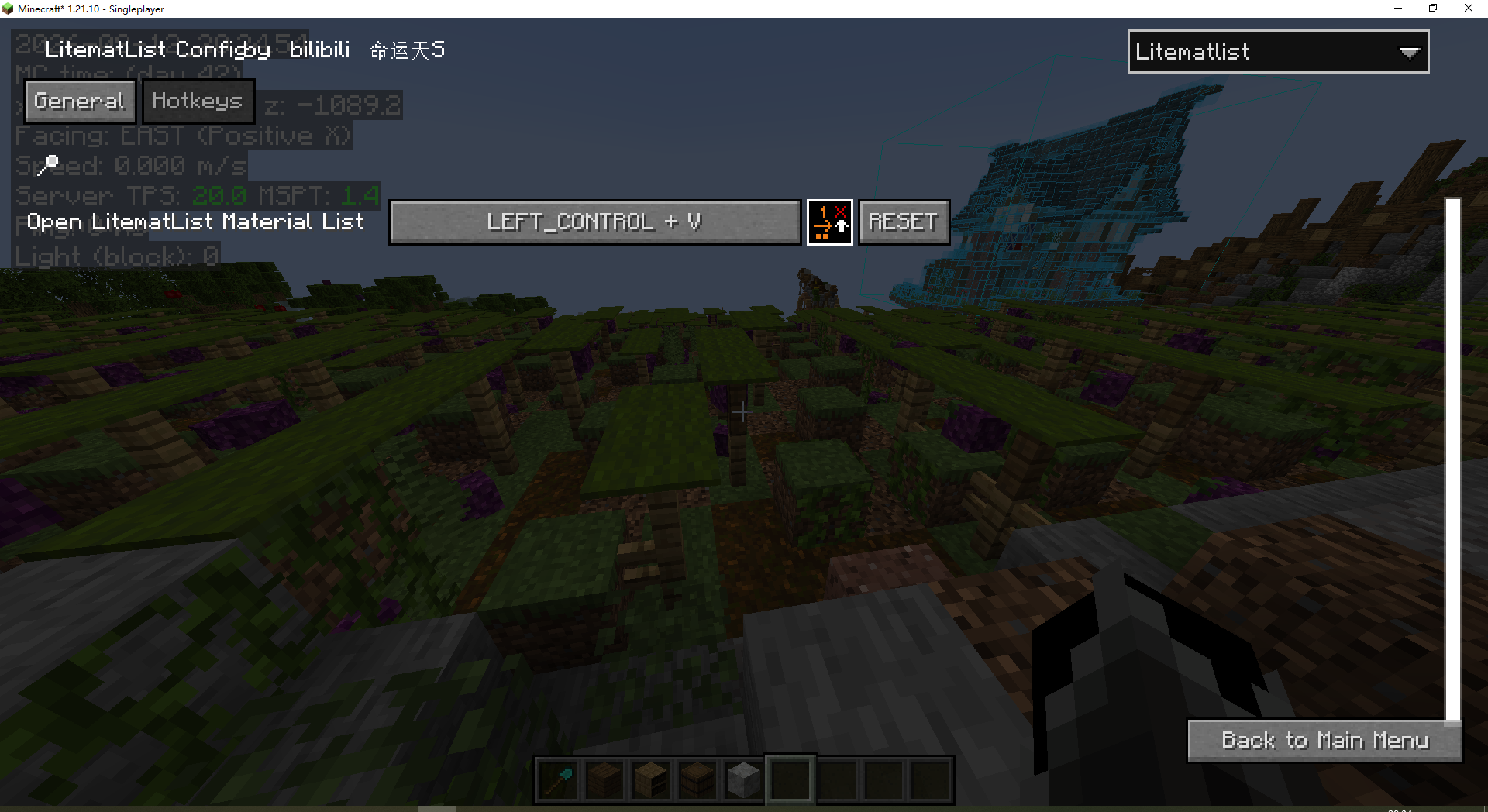
配置系统:通过 MaLib 的多模组配置菜单进行配置。
Configure the system: through MaLib’s configuration menu.

常见问题
LitematList 支持哪些 Minecraft 版本?
LitematList 支持 Minecraft Java 版 1.19.4–26.2,共 10 个版本,可用的加载器:Fabric。下载时注意选择和你游戏版本一致的文件。
LitematList 怎么安装?
先用 PCL2 或 HMCL 启动器安装对应版本的 Fabric,再把下载的 .jar 文件放进游戏目录的 mods 文件夹,重新启动游戏即可。开启了版本隔离的,mods 文件夹在 versions/版本名 下面。运行环境:仅客户端。
评论
登录后评论和评分