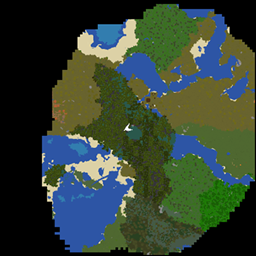
Lite Map
A flexible and user-friendly mini-map mod designed for smooth performance and customization.
介绍
Take Your Minecraft Exploration to the Next Level!
This mini-map mod offers a smooth and immersive experience. It’s designed to enhance your gameplay without sacrificing hardware efficiency.
Key features include:
- Dynamic Zoom Levels: Zoom in up to 5x for precise navigation or zoom out up to 8x to see the bigger picture.
- Customizable Radius: Adjust the mini-map radius for seamless performance, even on low-end PCs.
- Flexible GUI Options: Resize the mini-map directly on the screen, and switch effortlessly between minimized and expanded modes.
- Biome-Aware Rendering: Enjoy mini-map visuals that match the colors of Minecraft’s biomes for a more immersive and visually appealing experience.
- Full Control: Reposition the mini-map, configure zoom keys, and toggle modes—all through an intuitive settings menu.
Ready to navigate with ease? Try it out now and transform the way you explore Minecraft!
Zoom Levels
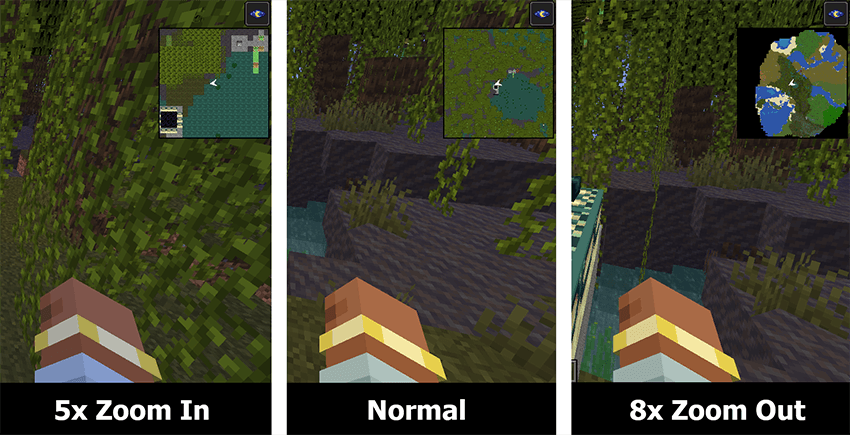
The zoom-in levels include 5x and 2x, while the zoom-out levels include 2x, 4x, and 8x. You can switch between these levels using the PageUp and PageDown keys. These key bindings can be customized in the mod settings menu in the mod list.
GUI Scale Modes
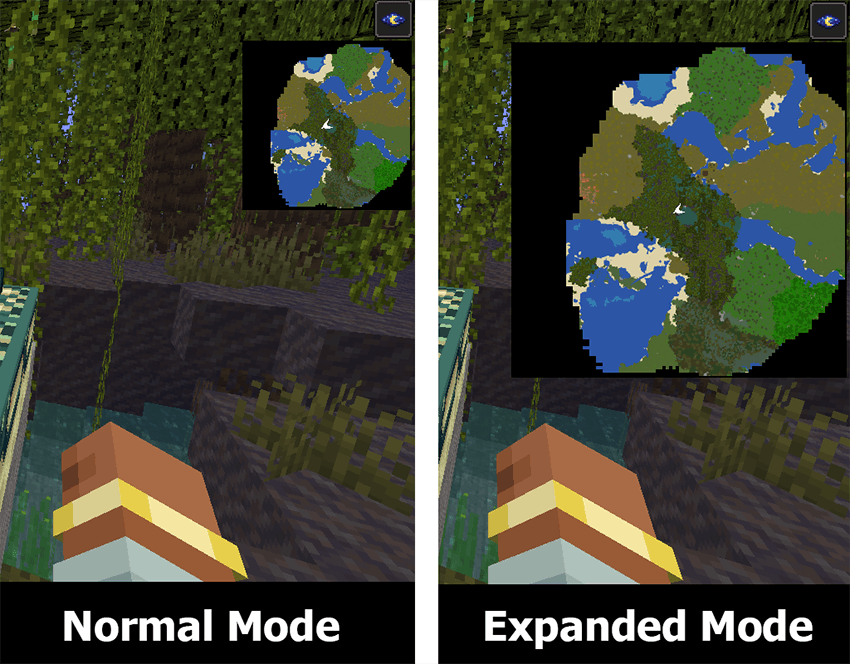
GUI Scale Modes consist of minimized/normal mode and expanded mode. You can switch between modes using the CapsLock key. This key binding can be customized in the mod settings menu in the mod list.
Reposition the mini-map
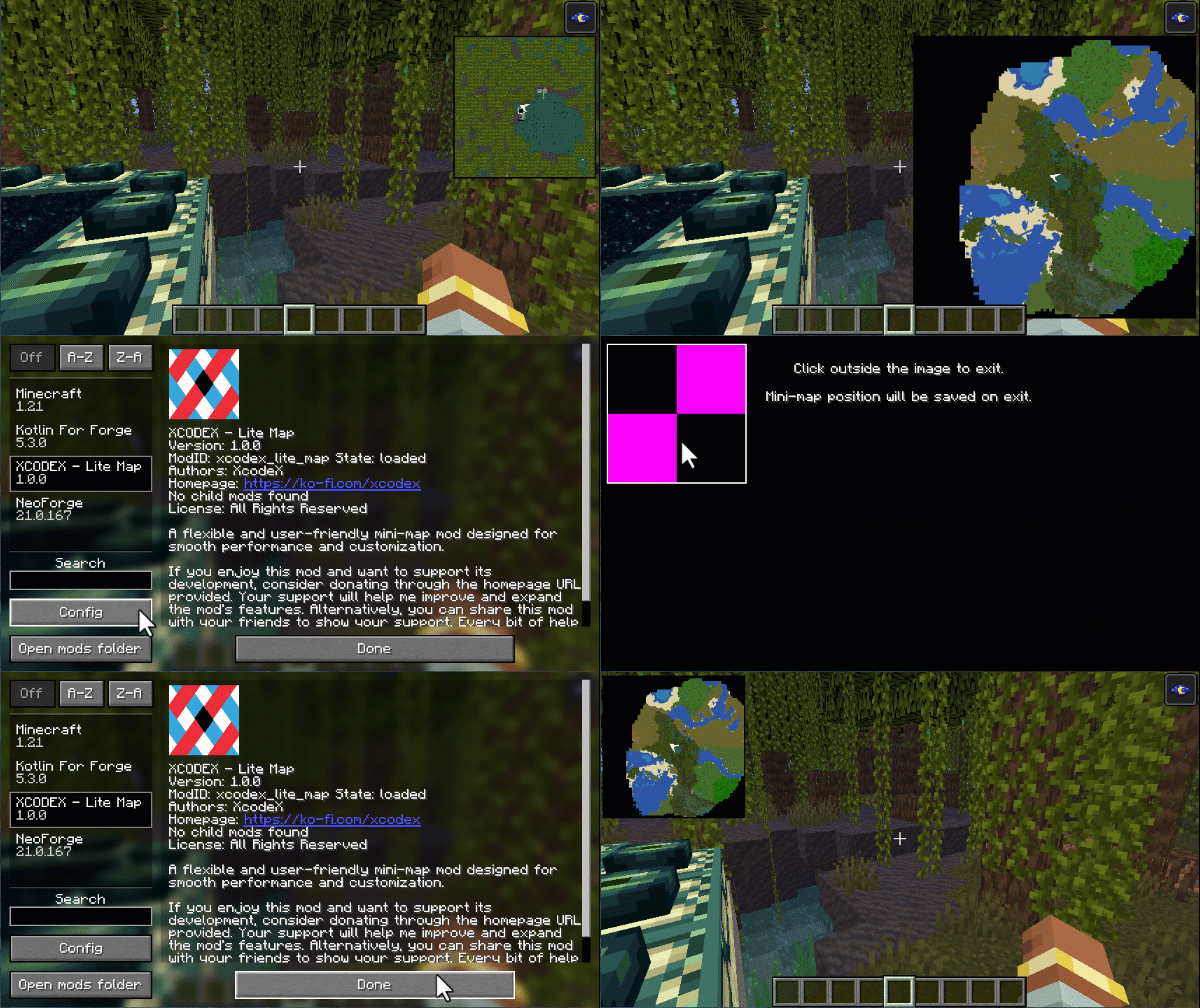
Effortlessly reposition the mini-map by simply clicking and dragging it to your desired spot, then click outside to save its position — making customization as seamless as ever!
Required Dependency: Kotlin for Forge. Please ensure you have the Kotlin for Forge library installed for this mod to work properly.
常见问题
Lite Map 支持哪些 Minecraft 版本?
Lite Map 支持 Minecraft Java 版 1.21–1.21.1,共 2 个版本,可用的加载器:NeoForge。下载时注意选择和你游戏版本一致的文件。
Lite Map 怎么安装?
先用 PCL2 或 HMCL 启动器安装对应版本的 NeoForge,再把下载的 .jar 文件放进游戏目录的 mods 文件夹,重新启动游戏即可。开启了版本隔离的,mods 文件夹在 versions/版本名 下面。
评论
登录后评论和评分