
List my Mods
Easy list of your mods for copy-pasting elsewhere: when reporting issues; sharing your mod list, etc.
介绍
Provides an easy and accessible way to view all of your installed mods. This is useful in a variety of scenarios; for example, sharing your mods, viewing the homepages to your mods, and providing a list for stack traces.
There are four different ways to view your mod list.
- /listmymods
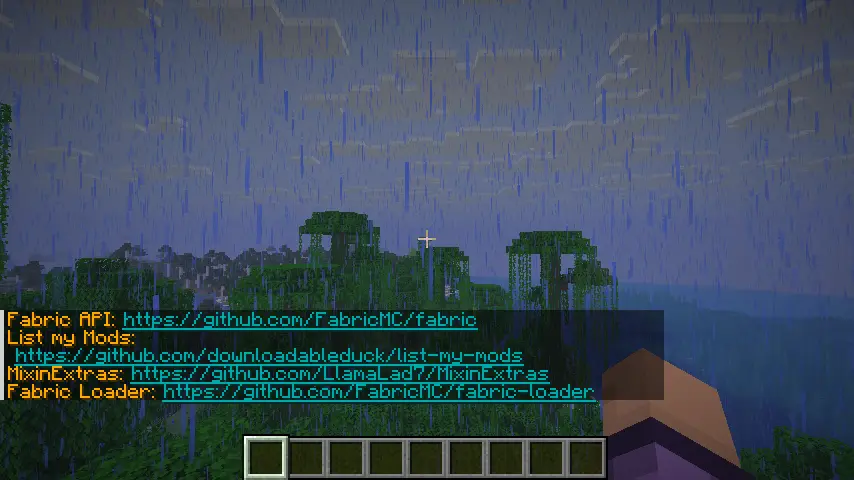
Simply lists all of your mods in chat, so you can view them.
_You can click on the links that appear._
- /listmymods file
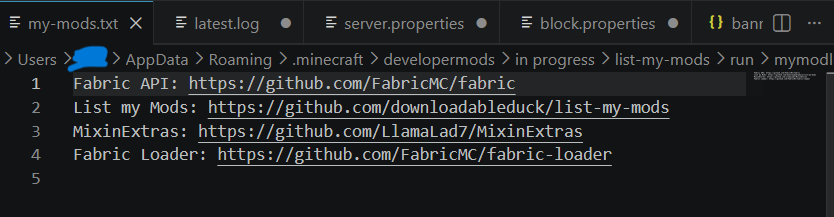
Sends your mod list to a .txt file located in ~/.minecraft/mymodlist-my-mods.txt. The command will automatically open the file in your associated application (VSCode, notepad, etc).
- /listmymods md file
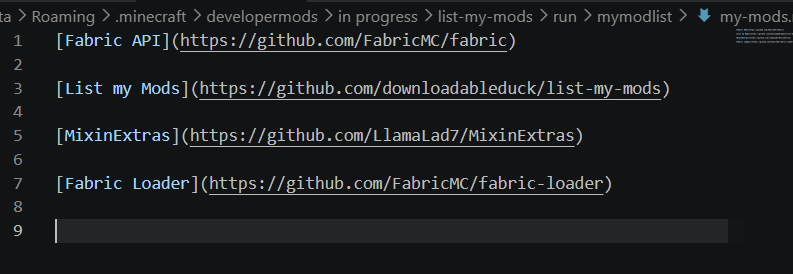
_raw markdown_
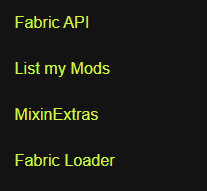
_A preview of how it will look. The links are clickable._
Sends your mod list to a .md file located in ~/.minecraft/mymodlist-my-mods.md for use on GitHub or other apps that support markdown formatting.The command will automatically open the file in your associated application (VSCode, notepad, etc).
- /listmymods extensive
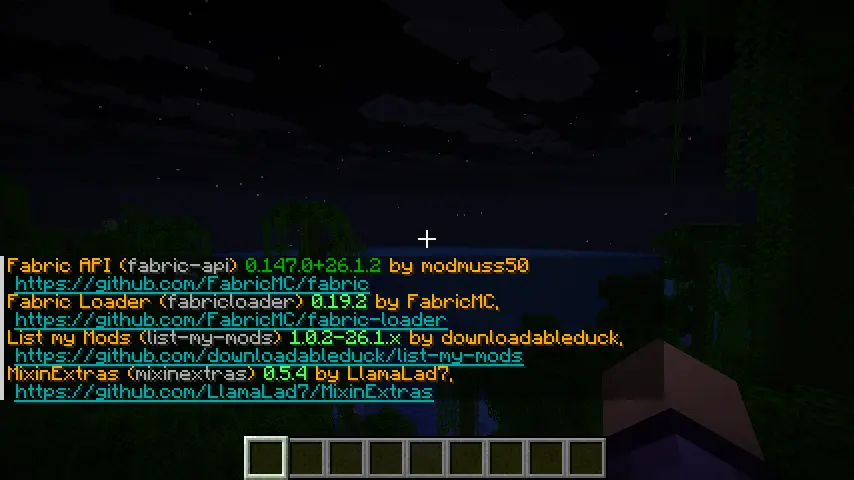
Provides a more thorough list including versions, the mods ids, and their authors.
But what about Mod Menu?
Mod Menu is great for configuring and viewing _your_ mods, but you can’t export your list or share them with others – which is the point of this mod.
常见问题
List my Mods 支持哪些 Minecraft 版本?
List my Mods 支持 Minecraft Java 版 26.1–26.3,共 5 个版本,可用的加载器:Fabric / Quilt。下载时注意选择和你游戏版本一致的文件。
List my Mods 怎么安装?
先用 PCL2 或 HMCL 启动器安装对应版本的 Fabric / Quilt,再把下载的 .jar 文件放进游戏目录的 mods 文件夹,重新启动游戏即可。开启了版本隔离的,mods 文件夹在 versions/版本名 下面。运行环境:仅客户端。
downloadableduck 的其他作品
查看全部 →
Horizon
Up-to-date port of FabricSkyboxes, which adds custom skybox support into your game

Pets Mod
Adds completely client-sided pets to your game. Supports every vanilla mob, some custom ones, and will work on any server, including in singleplayer!
Jeff’s Pets
Adds completely client-sided pets to your game. Supports every vanilla mob, some custom ones, and will work on any server, including in singleplayer!

Remove Reloading Bar
Add-on for Remove Reloading Screen that removes the bar as well
评论
登录后评论和评分