
LiquidSource
作者:kenyka
Mod for highlights water and lava source blocks with customizable colors and transparency
截图
介绍
中文介绍正在准备中,下面暂时显示原文。
LiquidSource
A Minecraft (Fabric) client mod that highlights water and lava source blocks.
Requirements
- Minecraft: 26.1 – 26.2
- Fabric Loader: 0.19.2 or newer
- Fabric API: 0.152.1+26.1.2 or newer
- Mod Menu
- Cloth Config API
Features
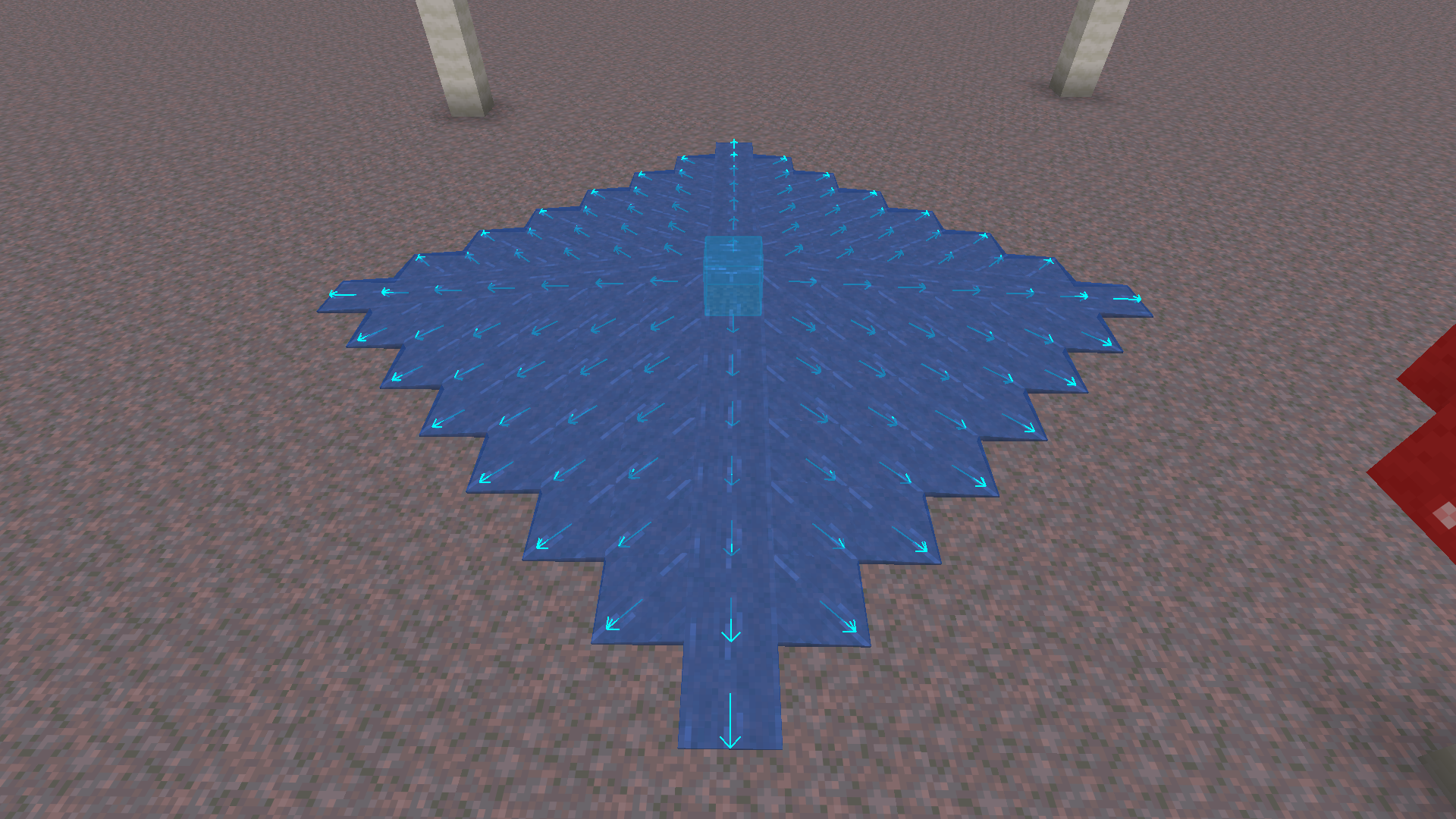
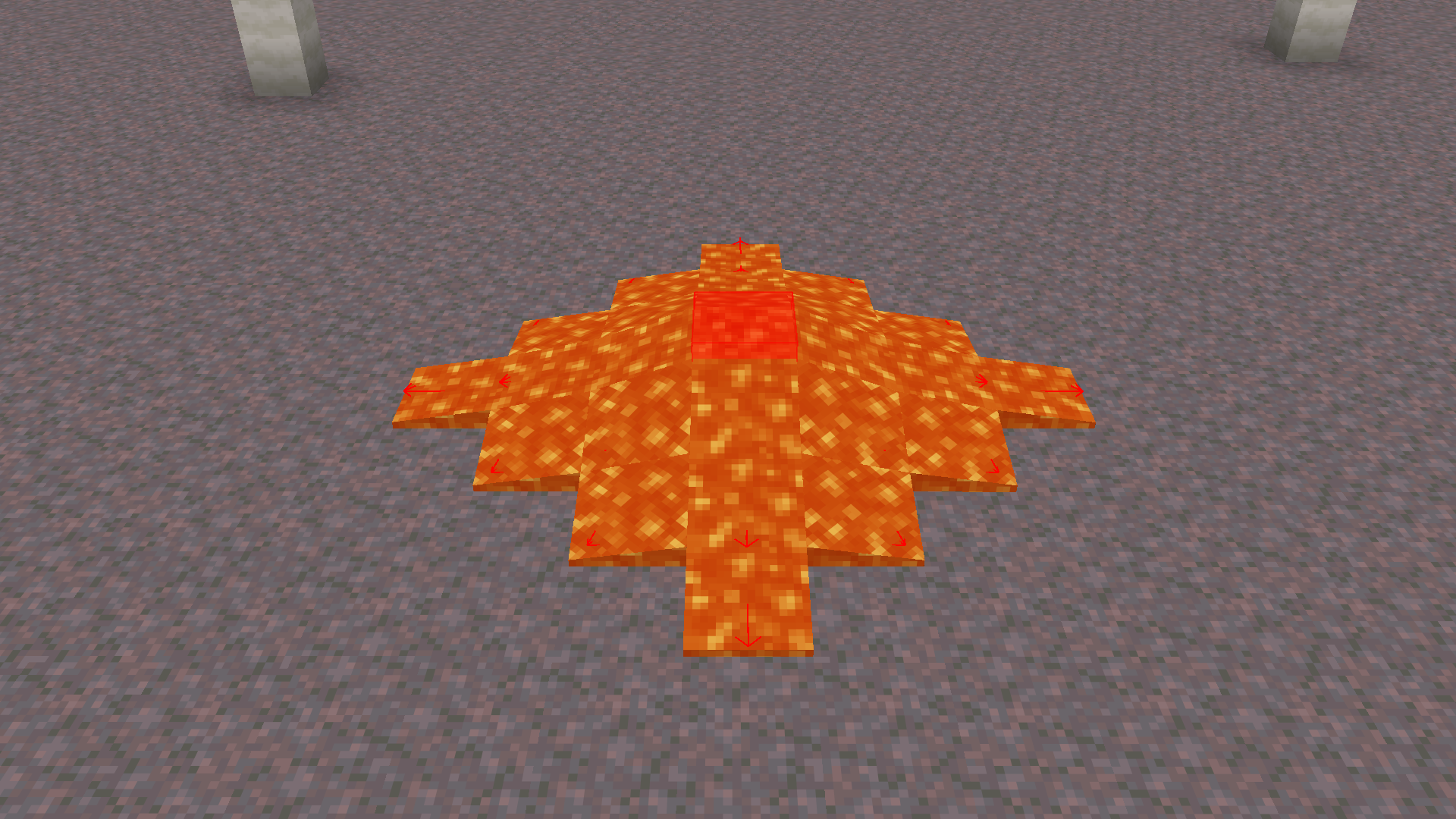
- Water & Lava Source Highlighting: Visualizes water and lava source blocks. Offers three rendering modes: Fill, Outline, or Fill + Outline, with configurable colors (via ARGB hex values).
- Liquid Flow Direction Arrows: Renders 3D arrows indicating the flow direction of non-source liquids. Arrow color and scale (10% to 200%) are fully customizable.
- Bucket Pickup Indicator: Shows a convenient green checkmark HUD indicator (
✔) next to your crosshair when you are holding a bucket and targeting a liquid block that can be picked up. - Quick Display Toggle Key: Easily enable or disable the mod’s overlay at any time using a customizable hotkey (unassigned by default). Toggling displays a temporary notification above the hotbar.
Screenshots
Water source blocks

Lava source blocks

Configuration
Install Mod Menu, open it from the pause or title screen, find LiquidSource, and click the config button.
The color value is entered as an ARGB hex string:

- The first 2 characters are the transparency (alpha channel).
- The remaining 6 characters are the hex color value.
常见问题
LiquidSource 支持哪些 Minecraft 版本?
LiquidSource 支持 Minecraft Java 版 26.1–26.2,共 4 个版本,可用的加载器:Fabric。下载时注意选择和你游戏版本一致的文件。
LiquidSource 怎么安装?
先用 PCL2 或 HMCL 启动器安装对应版本的 Fabric,再把下载的 .jar 文件放进游戏目录的 mods 文件夹,重新启动游戏即可。开启了版本隔离的,mods 文件夹在 versions/版本名 下面。运行环境:仅客户端。
评论
登录后评论和评分