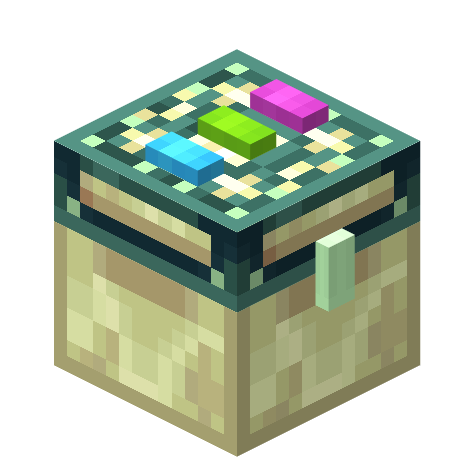
截图
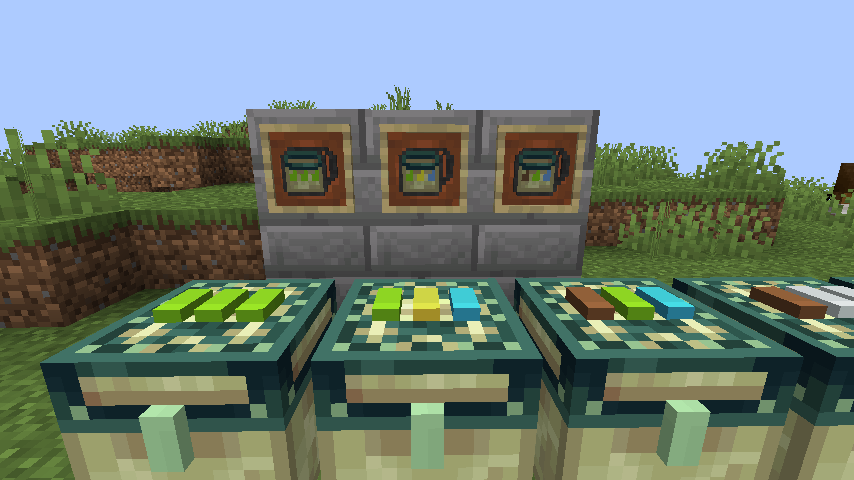


介绍
Linked storage allows you to link your inventories together.
By applying a dye to the dye-able pads on top of the chest you can specify the “channel” that chest is linked to. All other Storage Blocks with the same dye pattern will share the same inventory. Storage Blocks are compatible with hoppers and most other forms of “pipes”
Right clicking on a chest while holding a diamond will turn the chest into a personal dye channel chest. Personal dye channel’s are unique to you.
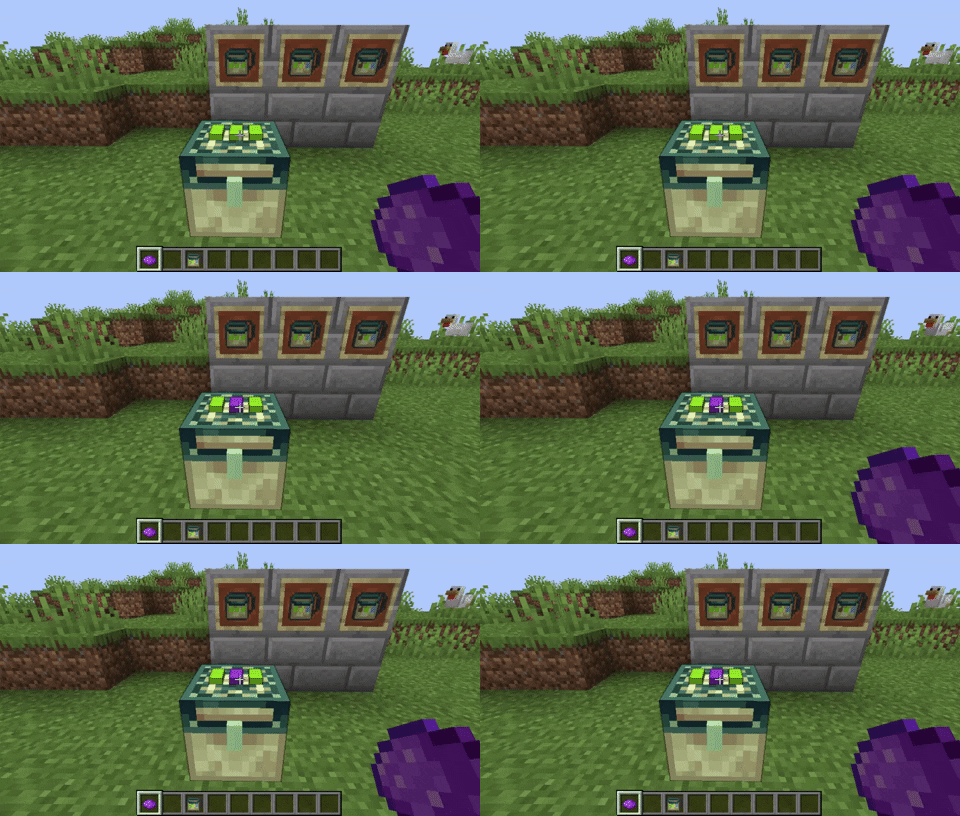
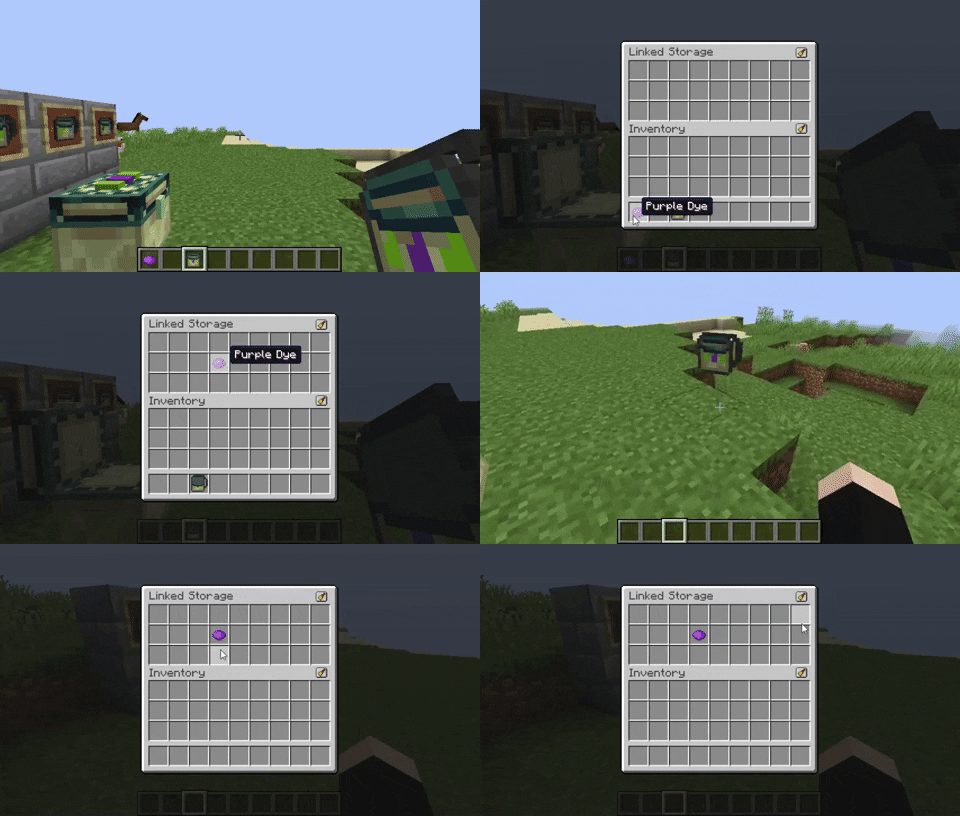
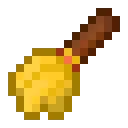
Crafting a Handheld storage will allow you to access the inventories remotely. The dye channel will be copied to the Handheld storage when crafting. Right clicking on a Storage Block will copy the dye channel to your Handheld storage
Linked Storage now by default includes a resourcepack that can be enabled to use textures from the original EnderStorage! Thanks to https://www.curseforge.com/minecraft/texture-packs/enderstorage-for-fabric
Huge thanks to Samo Lego for creating the textures!
常见问题
Linked Storage 支持哪些 Minecraft 版本?
Linked Storage 支持 Minecraft Java 版 1.15–1.20.1,共 20 个版本,可用的加载器:Fabric。下载时注意选择和你游戏版本一致的文件。
Linked Storage 怎么安装?
先用 PCL2 或 HMCL 启动器安装对应版本的 Fabric,再把下载的 .jar 文件放进游戏目录的 mods 文件夹,重新启动游戏即可。开启了版本隔离的,mods 文件夹在 versions/版本名 下面。运行环境:客户端和服务端都要装。
kyrptonaught 的其他作品
查看全部 →
ToolTipFix
修复工具提示超出屏幕边缘的问题。
Inventory Sorting
快速、简单且轻量的物品栏整理

Enchanted ToolTips
Enchantment info in tooltips!

QuickShulker
Quickly open shulker boxes(and more) without placing them down
评论
登录后评论和评分