
截图

介绍
_Have you ever_
- Wonder “Why is 200% sensitivity not twice as fast as 100%” ?
- Change your DPI and can’t find optimal sens ?
- Find Minecraft’s sensitivity setting is terrible ?
_Then Fear Not!_
Linear Sensitivity is for you!
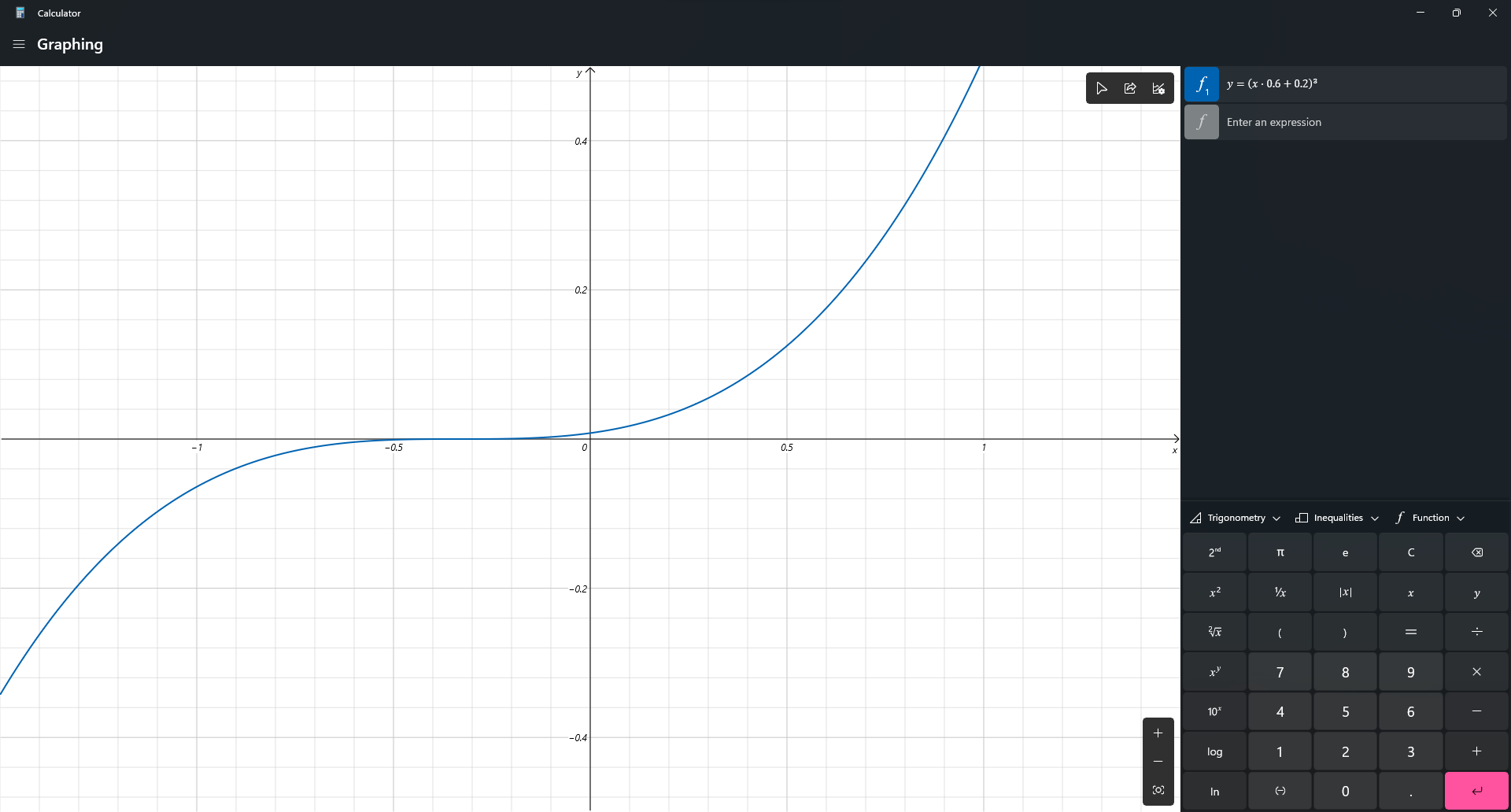
Normally, Minecraft handles mouse sensitivity as a cubic function:\
This mod change it. Instead of a cubic function, the sensitivity will be processed in a linear scale. So now, if you change your DPI from 400 up-to 1600, and your sens from 200% down-to 50%, you will feel exactly the same!
_Bonus Feature:_
/sens to change your sensitivity (Max: 1, Min: 0), based on advSensitivity. It supports Float value so you can make your sens 8 digits, like: 0.0000001 (Why you need so many ‘0’?)
_Why I create this mod?_
Long time ago, when I modify Timeless and Classic mod (the original on 1.18.2 one, not TAC:Z), I find zoom sensitivity is so wrong (it’s faster than I expect). After 3 hours digging through the code, I found that the way Minecraft process mouse sens is so weird compared to other games. Therefore, I decide to create a mod to change it. After all, I’m a CS player who have fun when creating config files instead of actually playing the game.
_Technical detail_
I use a single mixin class to change a variable in updateMouse() method.
_Planning_
- Custom /m_yaw and /m_pitch like CS2, bonus, /fov
_Credit_
- Feature Image: Mebig
常见问题
Linear Sensitivity 支持哪些 Minecraft 版本?
Linear Sensitivity 支持 Minecraft Java 版 1.20–1.21.11,共 19 个版本,可用的加载器:Fabric / Forge。下载时注意选择和你游戏版本一致的文件。
Linear Sensitivity 怎么安装?
先用 PCL2 或 HMCL 启动器安装对应版本的 Fabric / Forge,再把下载的 .jar 文件放进游戏目录的 mods 文件夹,重新启动游戏即可。开启了版本隔离的,mods 文件夹在 versions/版本名 下面。运行环境:仅客户端。

评论
登录后评论和评分