
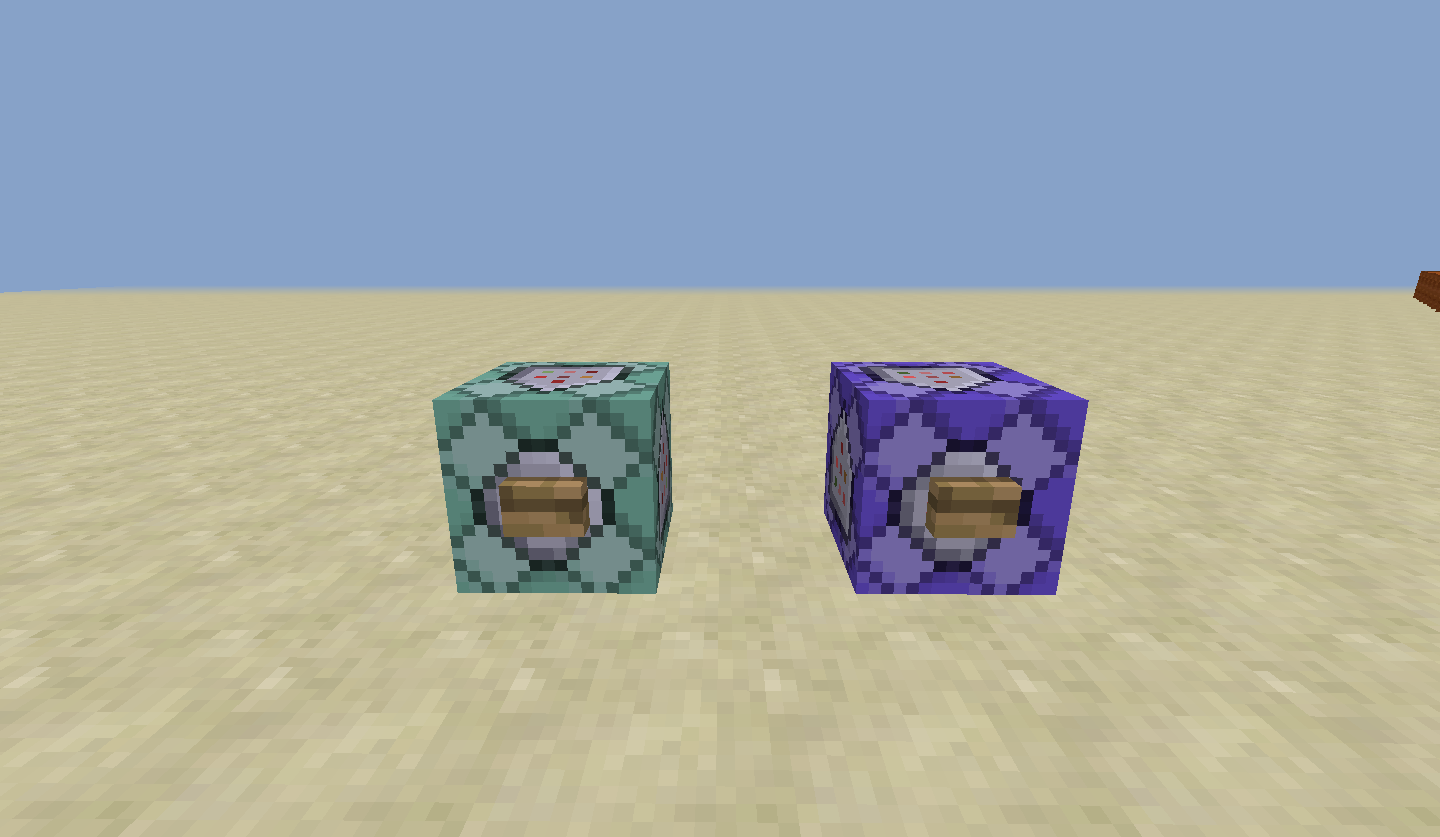
截图
介绍
The name of this mod will change to ‘UpdateCraft’ when the first ‘1.8’ version is released(The 1.8 version will add Blocks and Items from 1.9 and 1.10 into 1.8, Entities will come later)
I know about Et-Futurum, His is 1.7.10 ONLY.
I got this idea while I was reading a minecraft forum post, A user(Ayria) was looking for mods that add in features from 1.8 into 1.7
That page can be found here.
If you want things like the slime block you can go to the following links.
–slime block by don_bruce
I will try to bring features from the following versions into 1.7:
1.8
1.9
1.10
Known_Bugs with Like1.8:
-Rabbit stew will not give the bowl back.(Fixed in the newest BETA release)
-You can’t craft the new fences. (Fixed in v1.0.2)
-Diffrent fences won’t link up to each other. (Sorta Fixed in the latest BETA release)
-Purpur slabs won’t stack on top of each other.
-Elytra won’t glide.
Need info on 1.9, Go Here.
How to install:
-Install Forge for the version in the []
-Put Like1.8[x.x.x].jar in mods folder
-Run minecraft
-Enjoy
If you want to use this mod in a modpack please ask me in the comments.
Made by:
cubic_control
If found on anything other than curse.com/PMC, please exit the site and inform me.
Quote from PMC user SloPro11:
“This document is Copyright ©2015 <name> and is the intellectual property of the author. It may be not be reproduced under any circumstances except for personal, private use as long as it remains in its unaltered, unedited form. It may not be placed on any web site or otherwise distributed publicly without advance written permission.Use of this mod on any other website or as a part of any public display is strictly prohibited, and a violation of copyright“
I might need this.
常见问题
Like1.8 支持哪些 Minecraft 版本?
Like1.8 支持 Minecraft Java 版 1.7.2–1.7.10,共 2 个版本,可用的加载器:Forge。下载时注意选择和你游戏版本一致的文件。
Like1.8 怎么安装?
先用 PCL2 或 HMCL 启动器安装对应版本的 Forge,再把下载的 .jar 文件放进游戏目录的 mods 文件夹,重新启动游戏即可。开启了版本隔离的,mods 文件夹在 versions/版本名 下面。

评论
登录后评论和评分