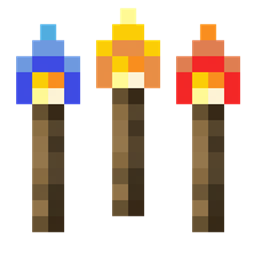
截图
介绍
This mod is fully dependant of shaders, if You don’t use shaders there is no point in having this mod.
This mod is for the not so tech savy people or just lazy people to be honest.
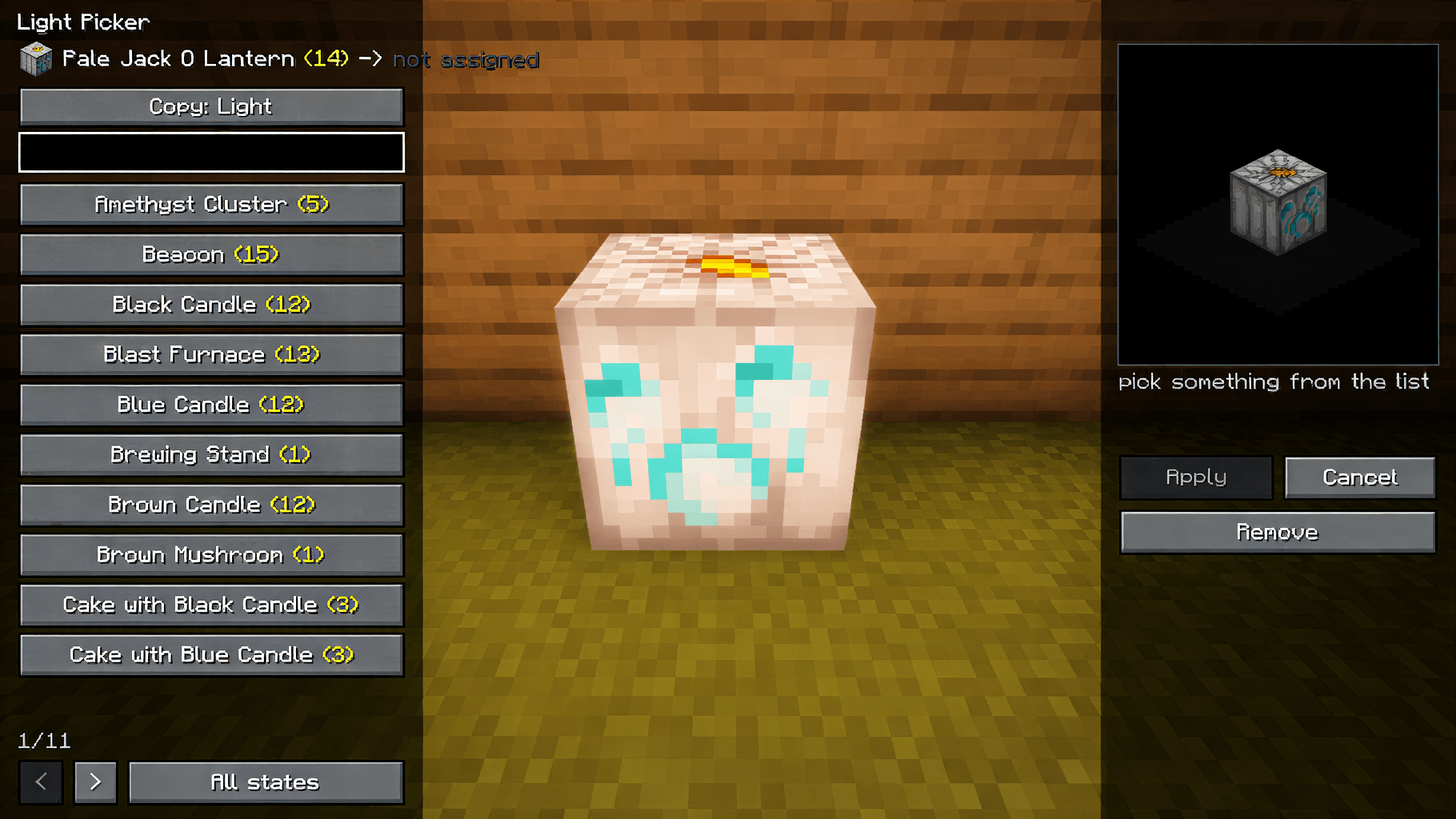
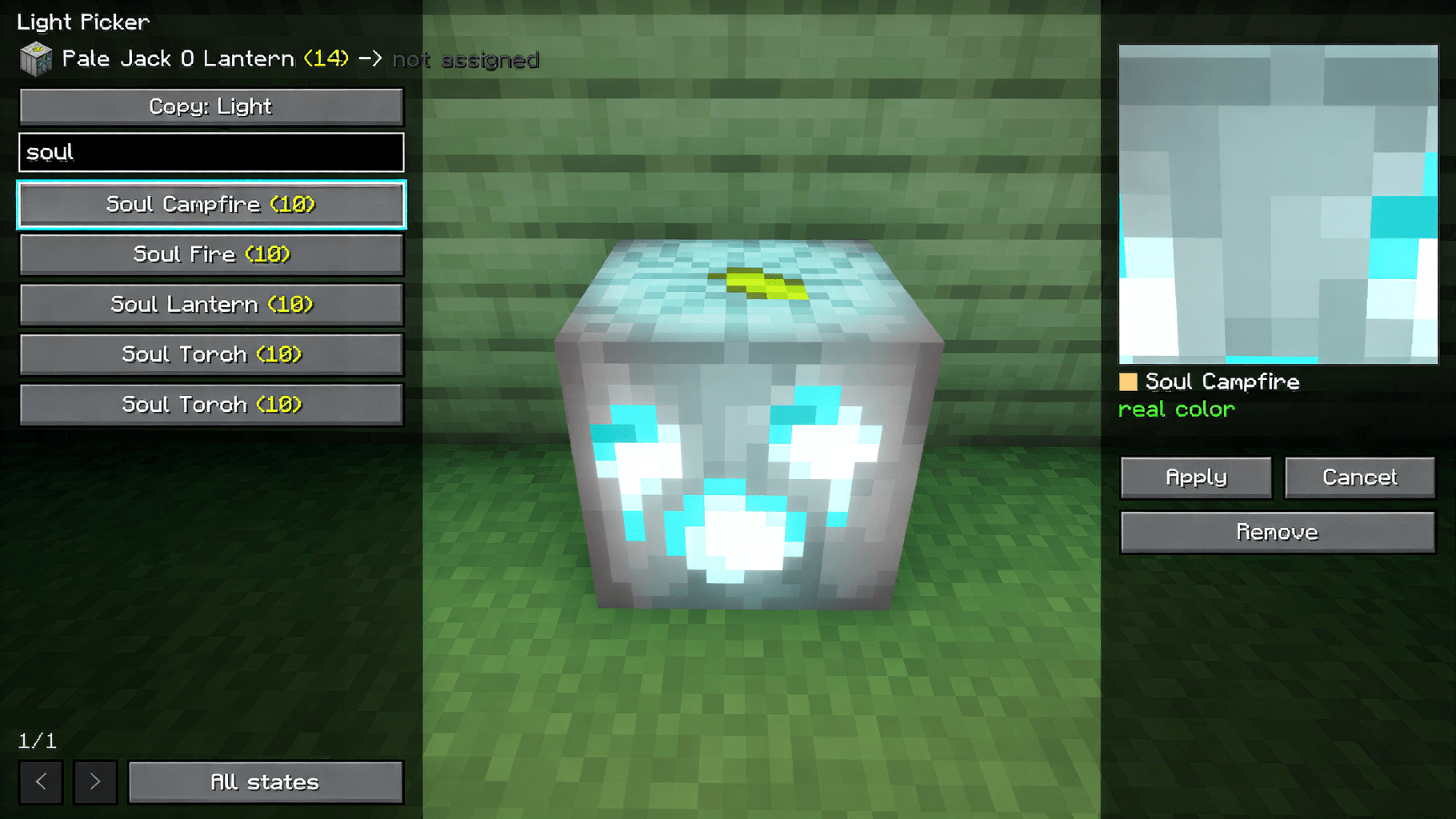
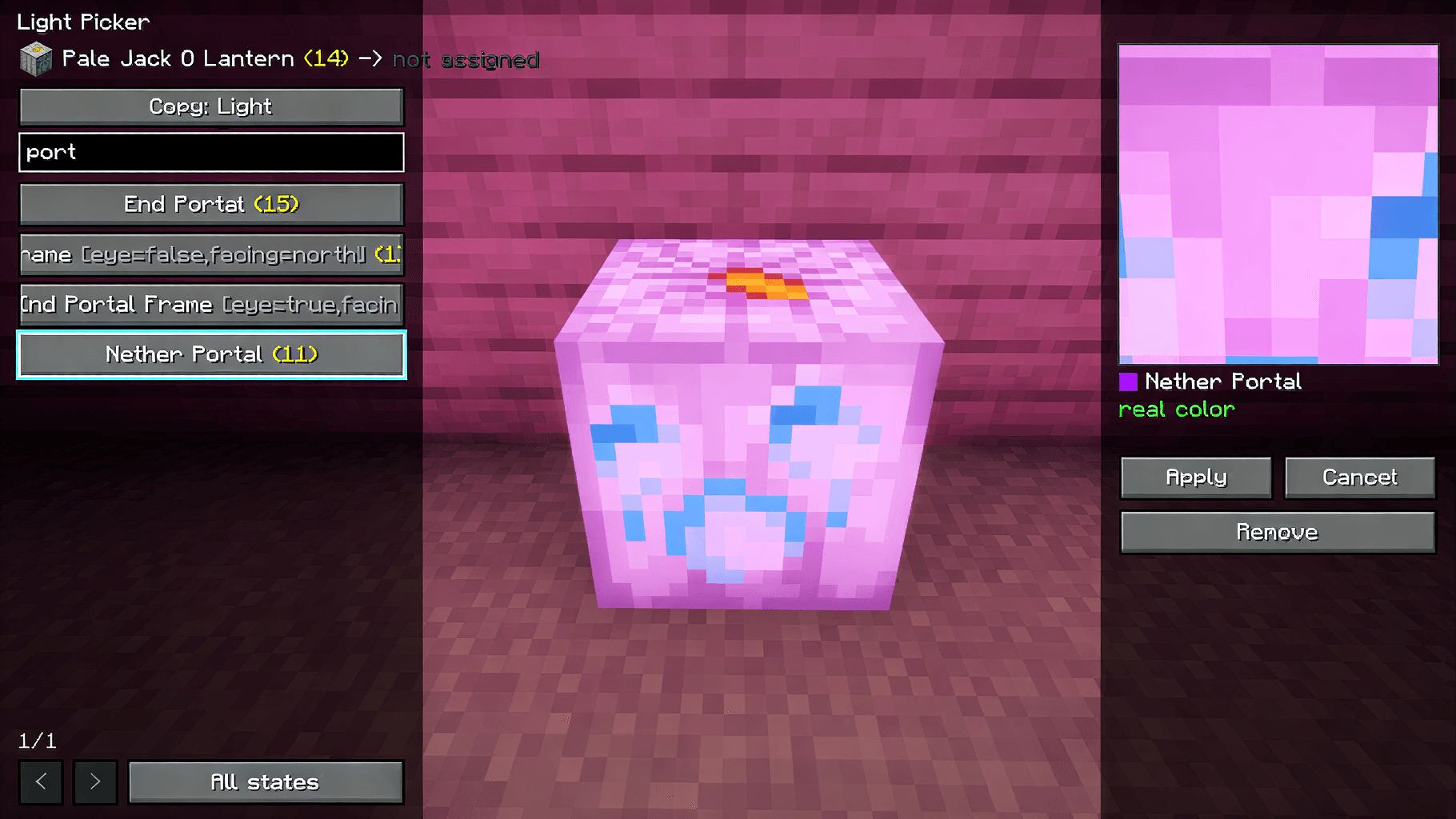
Modded lamps and plants usually look plain with shaders because the shaderpack doesnt know them. This lets you fix that in game without the need of opening the shaders files just look at the block You want to add the properties and press J and pick which vanilla block it should act like.
It copies what the shader does with that vanilla block, so you can use it for:
– light color and glow
– wind (plants, leaves, vines)
– light going through (leaves, snow, ice)
– reflections (metals, ores, wood)
– colored shadows (glass)
Sadly You can only choose one of these for each block and depends heavily on what shader are you using.
Clicking an option shows it on the block right away so you can see how it looks before saving. Hit Apply to keep it or Esc to cancel. Wall/hanging versions of the same lamp get it too(this sometimes does not work)
Everything gets saved in config/lightpicker.json and it keeps working when you change shaderpacks.(Some thigs may change, depending on which shaders you are using)
Known issues
These are things that can go wrong. The mod is made so they dont crash your game, but they can still happen and im working on them.
– If your lightpicker.json gets broken (for example if you edited it by hand and made a mistake) the mod will try to ignore it, so your blocks might go back to normal but in rare occasions it can make your game crash
– some blocks textures shine incorrectly depending on what shader youa re using.
– Sometimes the config cant be saved or read, usually because of folder permissions. If your changes dont stay after restarting, this is probably why.
– If you update iris and it changed how it works inside, the mod turns itself off and tells you in chat. Your game wont crash, but the mod wont do anything until i update it.
– The same can happen when opening the menu. If you see the “not supported” message thats the reason.
– Some modded blocks have textures the mod cant read, so the approximate color in the preview can look wrong or just show a default warm color. The real color in game is not affected.
– On some graphics cards or with some shaders the live preview picture can fail. I still don’t knoe why, When that happens the preview just stops, you can still apply and see the results on the block. This may be fixed or may be not.
– Wall and hanging versions of a lamp dont always get detected, so you might need to set them up one by one.
– in some cases the light option copies everything the shader does with that block, not just the color. Lava for example can give your lamp lava’s animation depending on your shaders animations.
If you find something else please report it on the mod page.
This mod is client only.
常见问题
Light Picker 支持哪些 Minecraft 版本?
Light Picker 支持 Minecraft Java 版 1.21.1,可用的加载器:NeoForge。下载时注意选择和你游戏版本一致的文件。
Light Picker 怎么安装?
先用 PCL2 或 HMCL 启动器安装对应版本的 NeoForge,再把下载的 .jar 文件放进游戏目录的 mods 文件夹,重新启动游戏即可。开启了版本隔离的,mods 文件夹在 versions/版本名 下面。

评论
登录后评论和评分