
LifeTime
A highly customizable Minecraft mod that adds two in-game timers: a World Timer tracking total playtime and a Session Timer tracking current play sessions. Features full color customization (including rainbow effects), draggable HUD positioning, and flexib
截图
介绍
🚀 Description
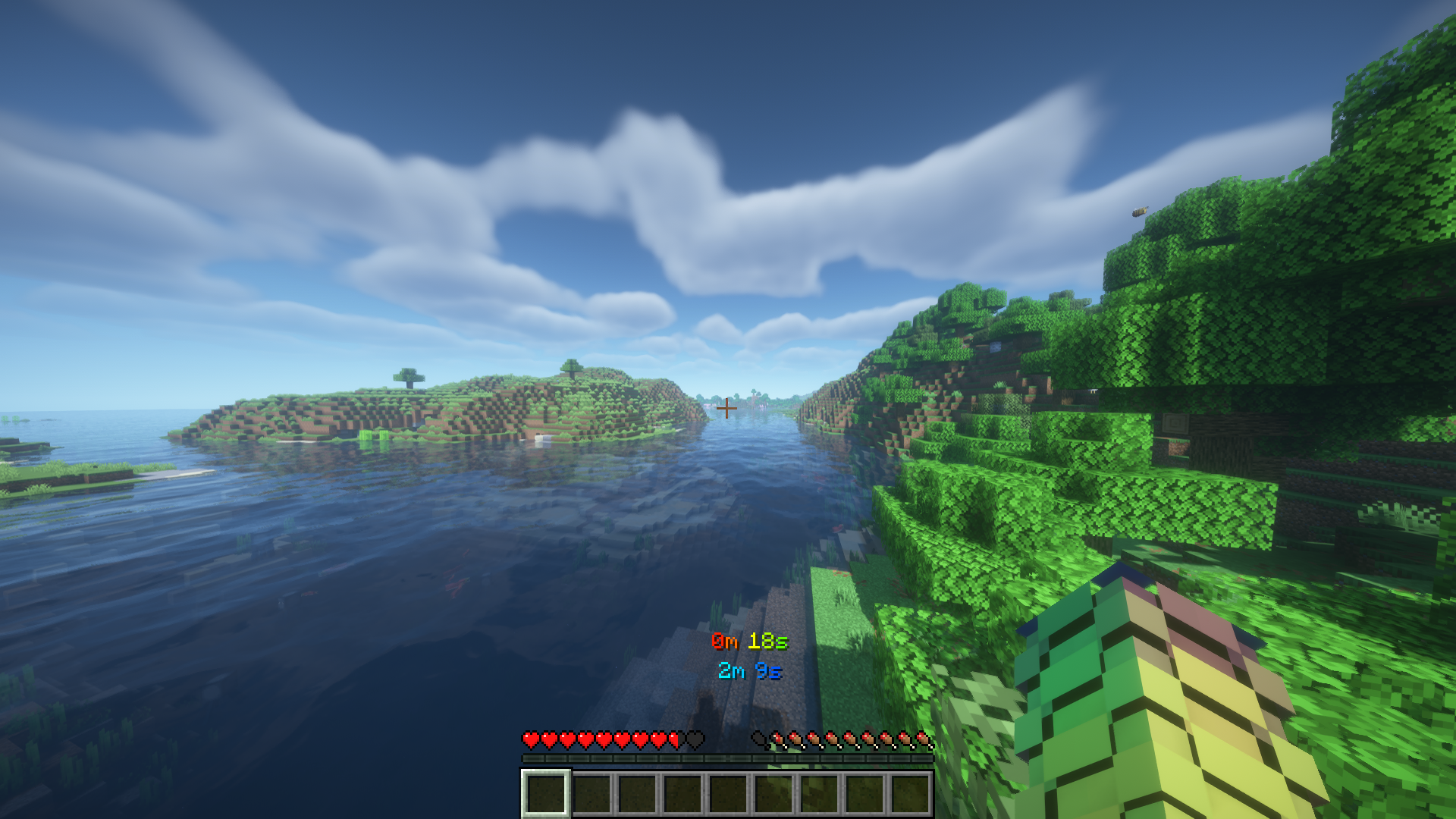
Take full control of your playtime with this highly customizable Minecraft timer mod!
This mod adds two powerful in-game timers designed to help you track your gameplay like never before:
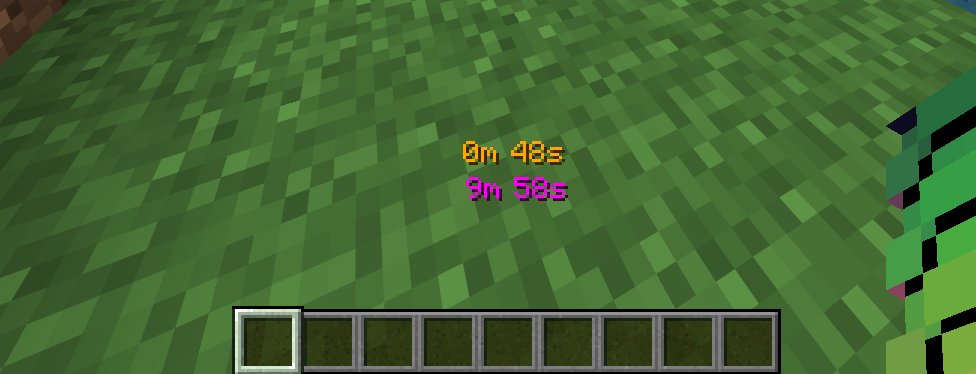
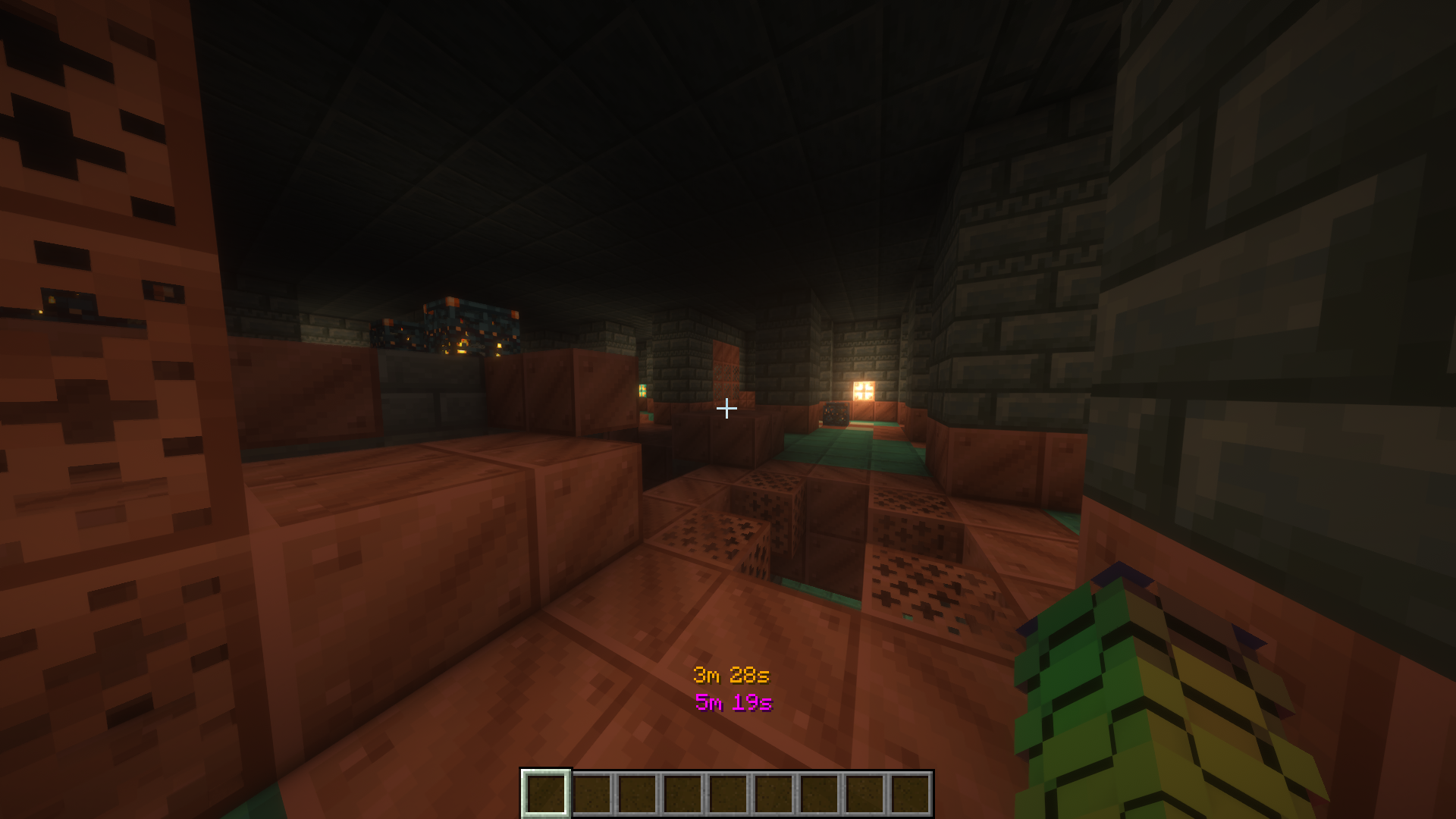
- ⏱️ World Timer – Tracks the total time spent in a world or server
- ⏳ Session Timer – Tracks your current play session since joining
Every detail of your timers can be customized:
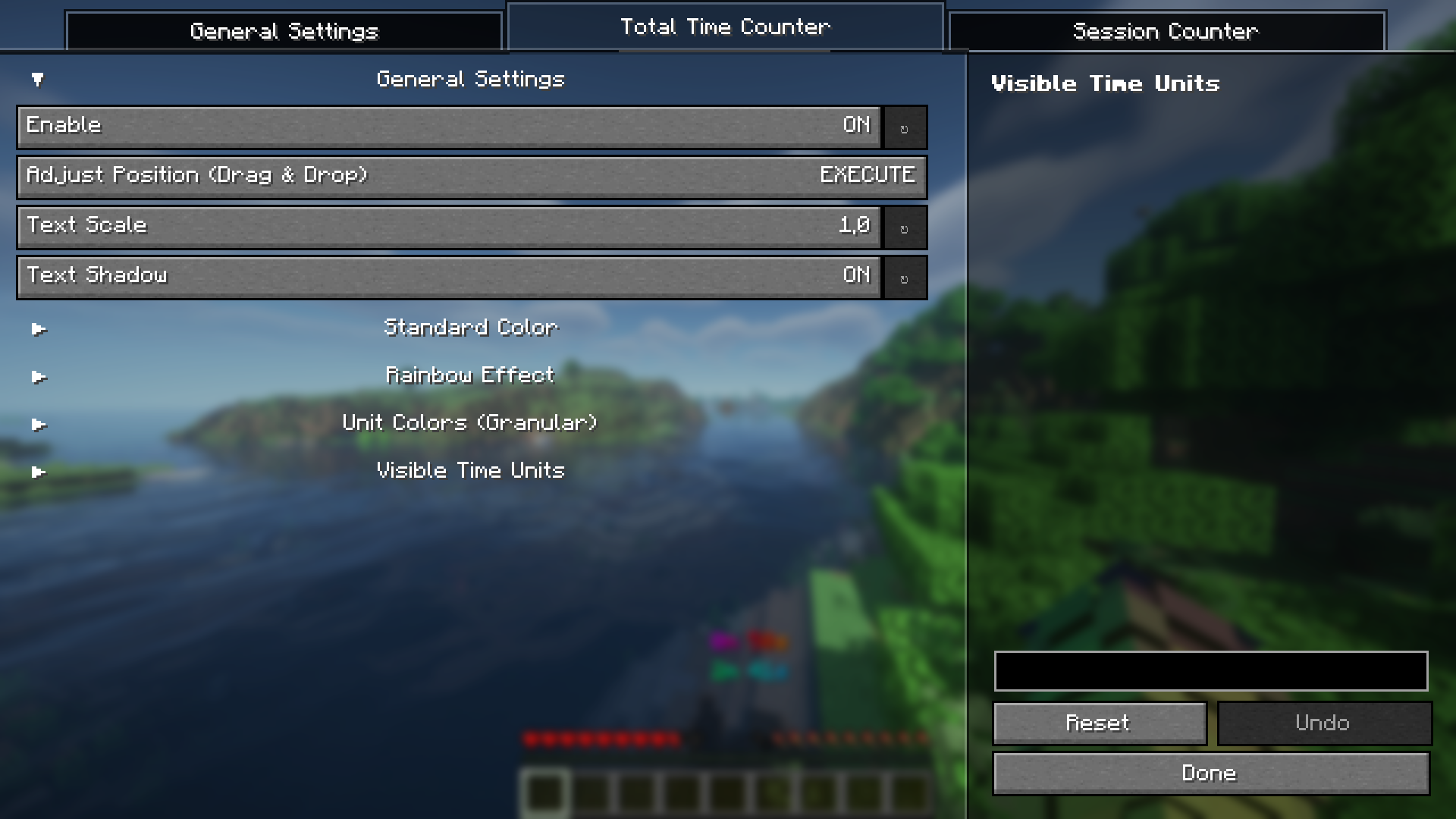
- Individual colors for every time unit (seconds, minutes, hours, days)
- Fully independent styling for each element
- Rainbow color effect for dynamic visuals 🌈
- Adjustable formatting and display style
- Drag & drop positioning — move timers anywhere on your screen
- Toggle visibility and layout options
By default, the Total Time counter is enabled and displayed in white.
⚙️ Easy Configuration (Mod Menu Required)
All advanced settings (like enabling the Session Timer, changing colors, or UI customization) require:
🧩 Commands Included
Control your timers anytime with simple commands:
- /totaltime pause → Pause the Total Time counter
- /totaltime start → Resume the Total Time counter
- /sessiontimer pause → Pause the Session Timer
- /sessiontimer start → Resume the Session Timer
_💡 These commands are client-side focused and do not give gameplay advantages, making them safe for most servers._
🌍 Multiplayer & Singleplayer Ready
Works seamlessly in:
- Singleplayer worlds
- Multiplayer servers
_Lightweight, non-intrusive, and performance-friendly._
⚙️ Required mods:
_Fabric:_
_NeoForge:_
💡 Why this mod?
Perfect for players who want to:
- Track grind sessions ⛏️
- Monitor world playtime 📊
- Improve productivity or speedrun tracking ⚡
- Customize their HUD completely 🎯
常见问题
LifeTime 支持哪些 Minecraft 版本?
LifeTime 支持 Minecraft Java 版 1.11–26.2,共 56 个版本,可用的加载器:Fabric / NeoForge。下载时注意选择和你游戏版本一致的文件。
LifeTime 怎么安装?
先用 PCL2 或 HMCL 启动器安装对应版本的 Fabric / NeoForge,再把下载的 .jar 文件放进游戏目录的 mods 文件夹,重新启动游戏即可。开启了版本隔离的,mods 文件夹在 versions/版本名 下面。运行环境:仅客户端。
评论
登录后评论和评分