
截图

介绍
Letterboxed
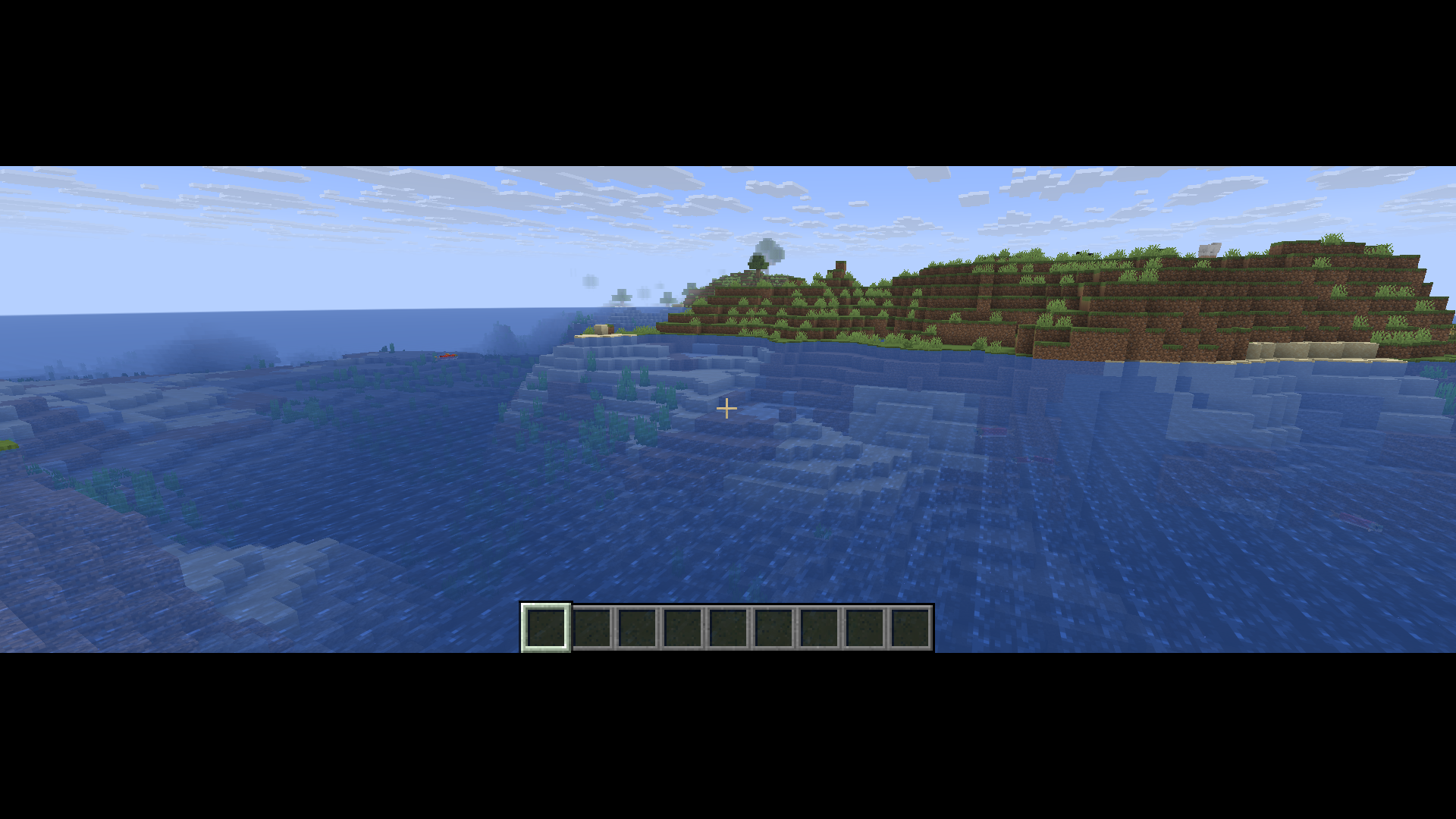
This is a fun little mod I made because I started playing Minecraft (Java) on an 16:10 Monitor while now I use a 16:9 one.
You can set any aspect ratio you want and the mod will keep it preserved adding black bars on the sides or top and bottom.
You can configure the mod via the /letterboxed command. Either set a ratio directly via /letterboxed <ratio> or indirectly via /letterboxed <width> <height> (the ratio will be width / height). /letterboxed reset is basically just /letterboxed set 0.
Setting the ratio to 0 will effectively disable the Mod.
I’m probably going to add some kind of GUI to configure the Mod (idk yet).
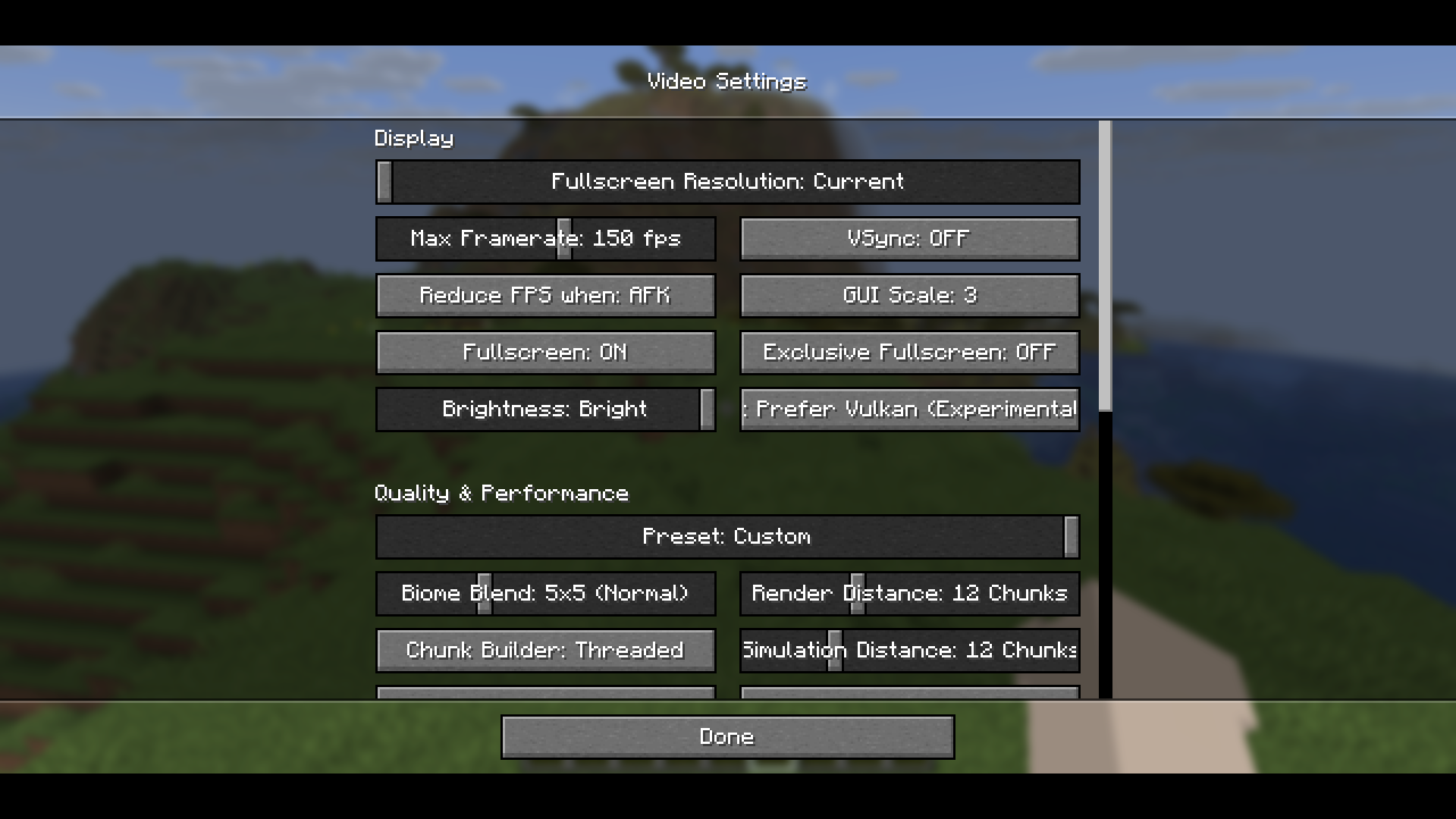
As the mod doesn’t just draw black bars to the screen, but also move the GUI around, there are probably many Mods that won’t render their UI correctly with this mod installed.
The mod will also only affect the GUI not the actual 3d world. So the black bars can overlap important stuff like your hands if you use to high or low ratios.
There are still many issues even in vanilla (e.g. screens sometimes being cut off, chat hover tooltips only at original position) so I’ll try to fix them in future releases.
常见问题
Letterboxed 支持哪些 Minecraft 版本?
Letterboxed 支持 Minecraft Java 版 1.21.11–26.3,共 6 个版本,可用的加载器:Fabric。下载时注意选择和你游戏版本一致的文件。
Letterboxed 怎么安装?
先用 PCL2 或 HMCL 启动器安装对应版本的 Fabric,再把下载的 .jar 文件放进游戏目录的 mods 文件夹,重新启动游戏即可。开启了版本隔离的,mods 文件夹在 versions/版本名 下面。运行环境:仅客户端。
technicfan 的其他作品
查看全部 →
LANLock
a whitelist for LAN worlds e.g. when opening them to the public with e4mc

MprisCustomHud
(Linux only) Mpris music info addon for CustomHud and Hudder

MediaToast
Current playing media info via the vanilla music toast (previously MprisToast)

Don’t Drop It! Revivied
Prevents accidental dropping of items via various means.
评论
登录后评论和评分