
Legiti Browser
Adds a world browser and searcher menu for the Legitermoose server, amongst other features.
截图


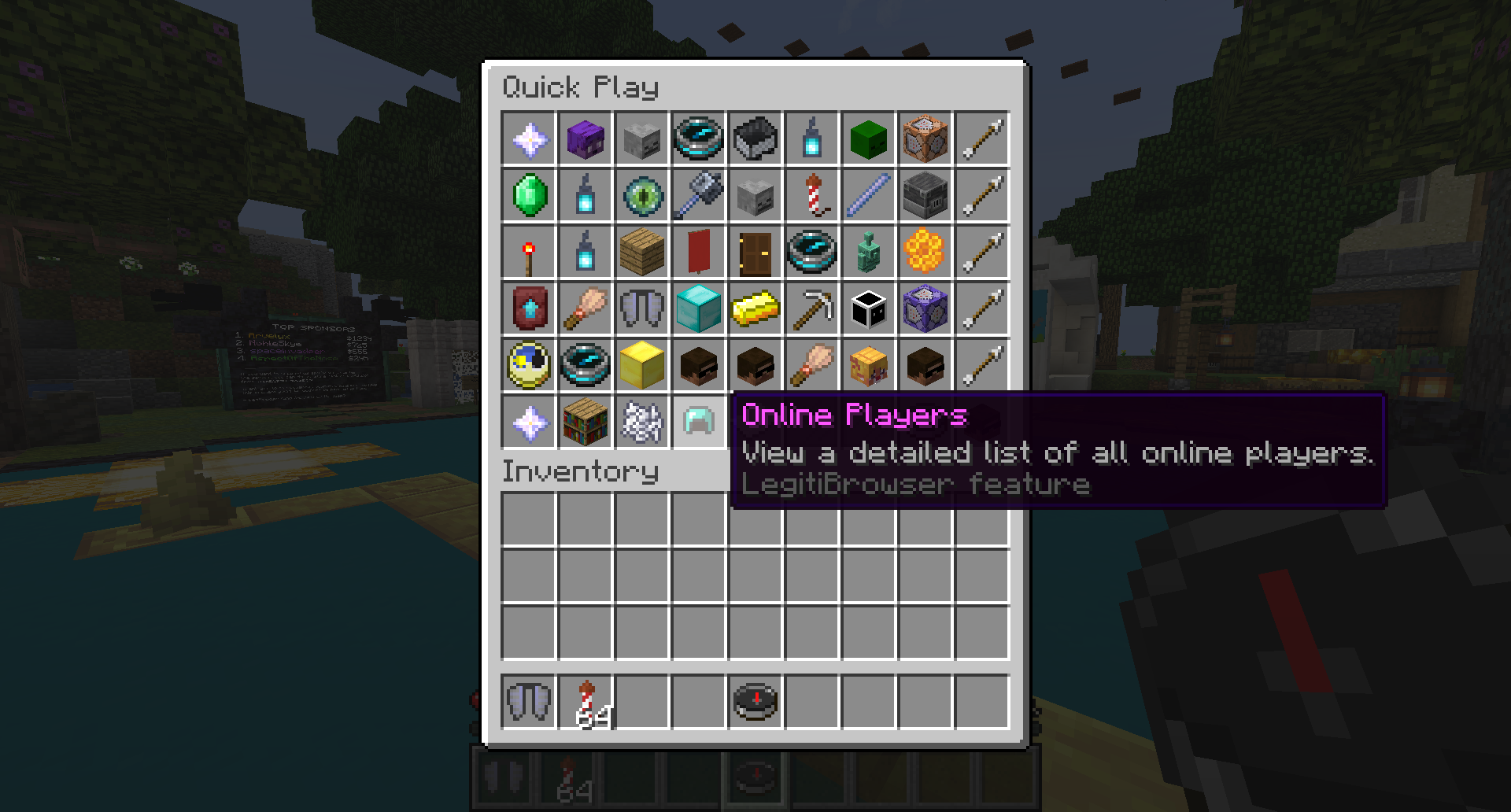


介绍
Adds a client side world browser, player searcher, random world chooser, and a variety of clientside options.
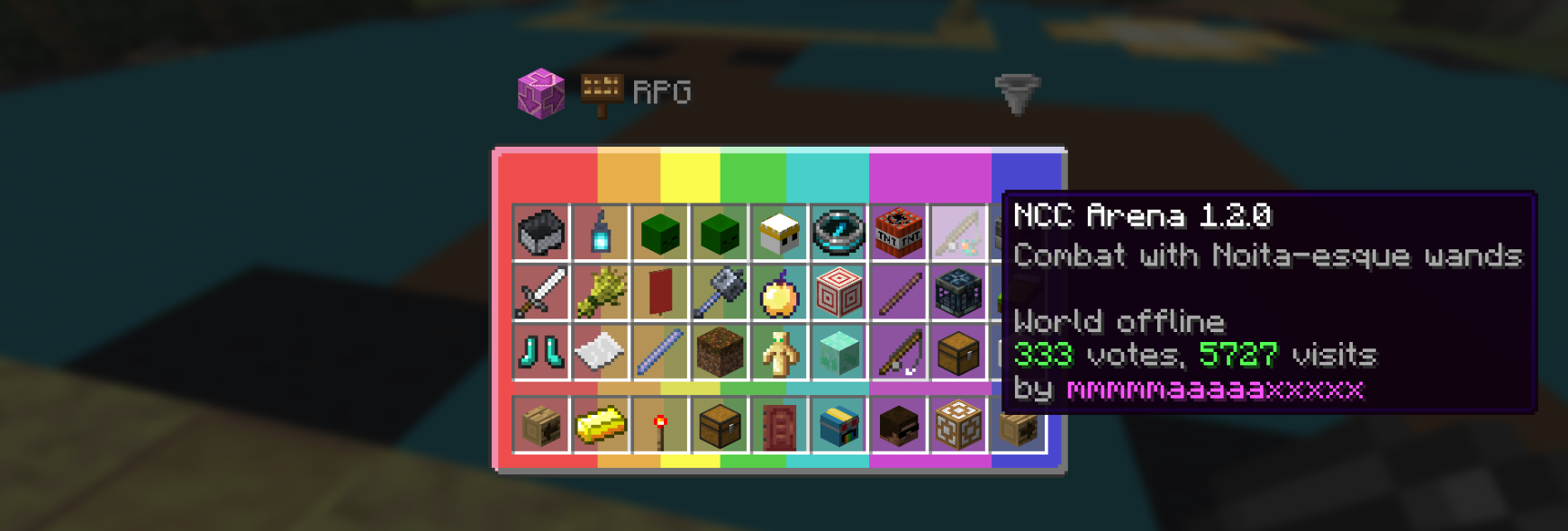
To open the API Browser type “/legitibrowse“
To open the player list type “/legitiwho“
To open the config menu type “/legiticonfig“
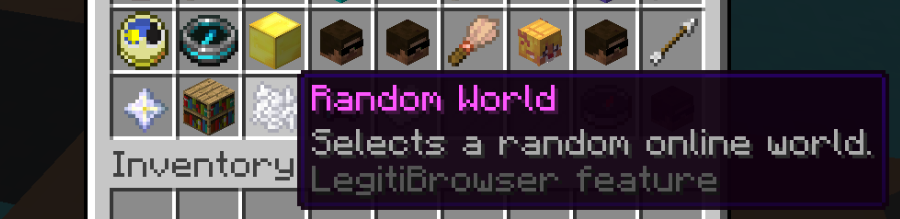
To select a random, online world type “/legitirandom“
Alternatively, you can click on the LegitiBrowser icons in the play menu. These can be configured in the Features config menu.
Browser Features
Easy world searching, by user or by world name, and detailed world information, various ways to sort the worlds by clicking the hopper.
Three different world icon formats and an option of six coloured backgrounds.
An player menu, displaying currently online players and some of their statistics (legiticoin, streak). Offline players are also displayed. You can search by username.
Extra Features
- The
/legiticodecommand shortcut, it automatically opens the browser editor and copies the password safely
- Optional Auto /trigger elytra and auto /trigger beg on lobby joins
- Hand swing animation for the navigator when you right click, with a stab animation alternative
- Option to replace the big bold [SHOUT] text with a classic globe icon
- Option to set the compass menu to either the default /play menu, the /browse menu or the /nav menu
- Option to prefix all messages sent in the lobby with :: to avoid them being sent to discord
- Option to open the menu listing a players worlds when you shift right click on them in the lobby (configurable to simply right clicking as well)
- Option to remove the /vote confirmation screen when voting on a world. The vote button is clicked automatically without the screen being displayed
- Bot related features: a Brigadier-Style command list when you start typing a bot command, and an option for consecutive bot messages to be clumped together to reduce it’s chat verbosity.
- Options to add a Random World, API Browser, Player List and Config icons to the /play menu
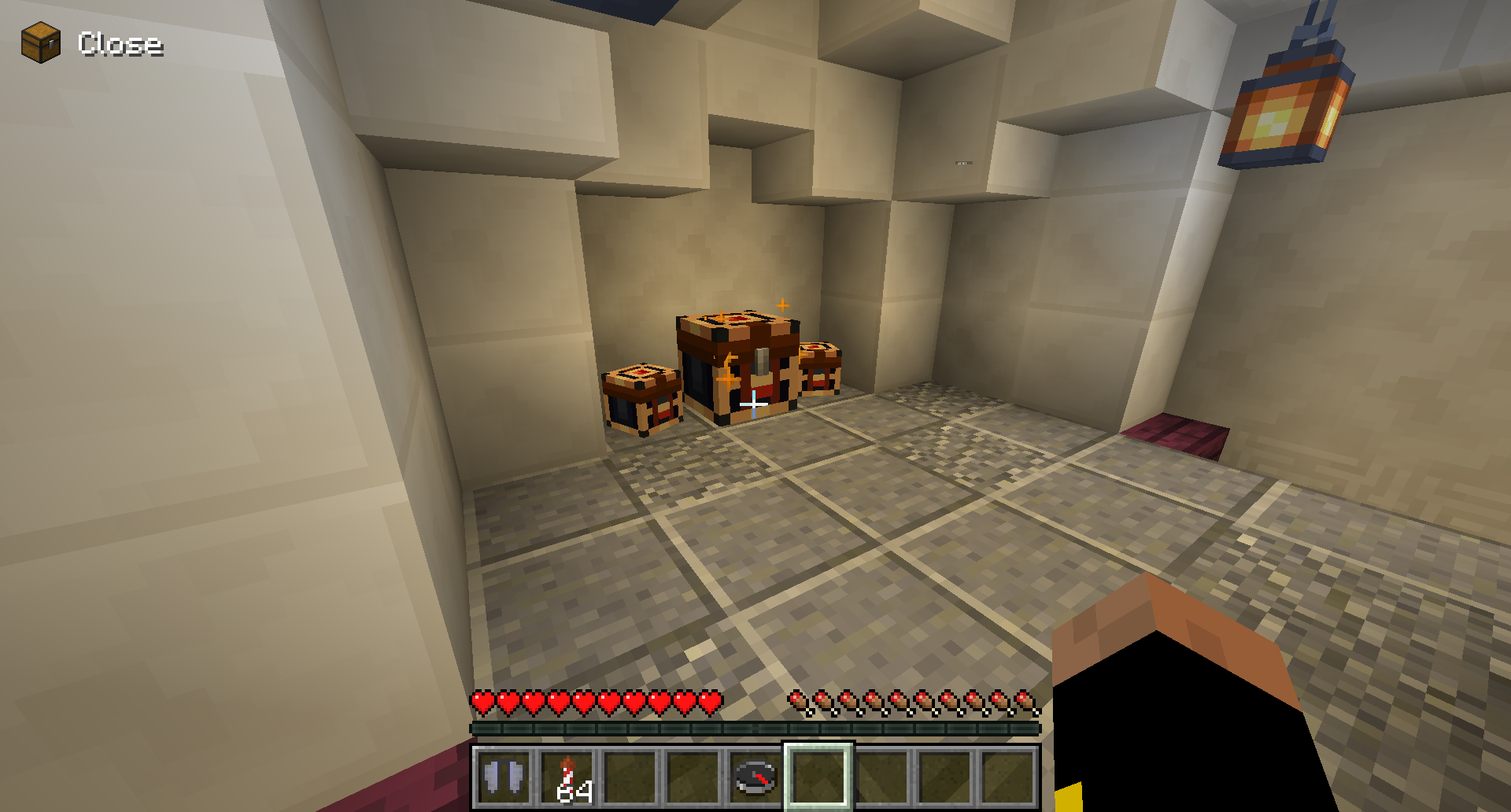
- Option to display an icon in the HUD when a LegitiCoin chest is within 10 blocks
- Option to automatically insert minimessage closing tags when writing in chat
- 3 options for date format in the menus, dd/mm/yy (default), mm/dd/yy or yy-mm-dd.
Later
Many more features will be introducted once API V4.1 is out. These will eventually include a complete API search system allowing for more complex queries and filtering.
Changelog
29/01/26 v1.0 Initial Release
01/03/26 v2.0 Complete redesign and many new features
08/03/26 v2.1 Added some more features and bug fix
22/03/26 v2.2 Many new features, bug fixes, more customisability
29/03/26 v2.3 Seperation and improvement of feature and browser configs, bug fixes
07/04/26 v2.4 New features, small improvements and more customisability.
27/04/26 v2.5 Small changes, /legiticode command.
18/08/26 v2.6 New features, general improvements, updated to 26.2.
22/10/26 v2.7 Browser reworks and bug fixes, new features, updated to 26.3.
常见问题
Legiti Browser 支持哪些 Minecraft 版本?
Legiti Browser 支持 Minecraft Java 版 1.21.10–26.3,共 4 个版本,可用的加载器:Fabric。下载时注意选择和你游戏版本一致的文件。
Legiti Browser 怎么安装?
先用 PCL2 或 HMCL 启动器安装对应版本的 Fabric,再把下载的 .jar 文件放进游戏目录的 mods 文件夹,重新启动游戏即可。开启了版本隔离的,mods 文件夹在 versions/版本名 下面。运行环境:仅客户端。
JustGnat 的其他作品
查看全部 →
Modern Map Tooltip
Displays the map component in the tooltip

Server Resource Pack Ignorer
Adds a button in the Confirm Server Textures screen to allow you to reject server textures from downloading without being disconnected.

No Loading Bar
Removes the new loading bar on the world loading screen that appeared in 1.21.9 snapshot 25w31a
No Loading Bar
Removes the new loading bar on the world loading screen that appeared in 1.21.9 snapshot 25w31a
评论
登录后评论和评分