
截图
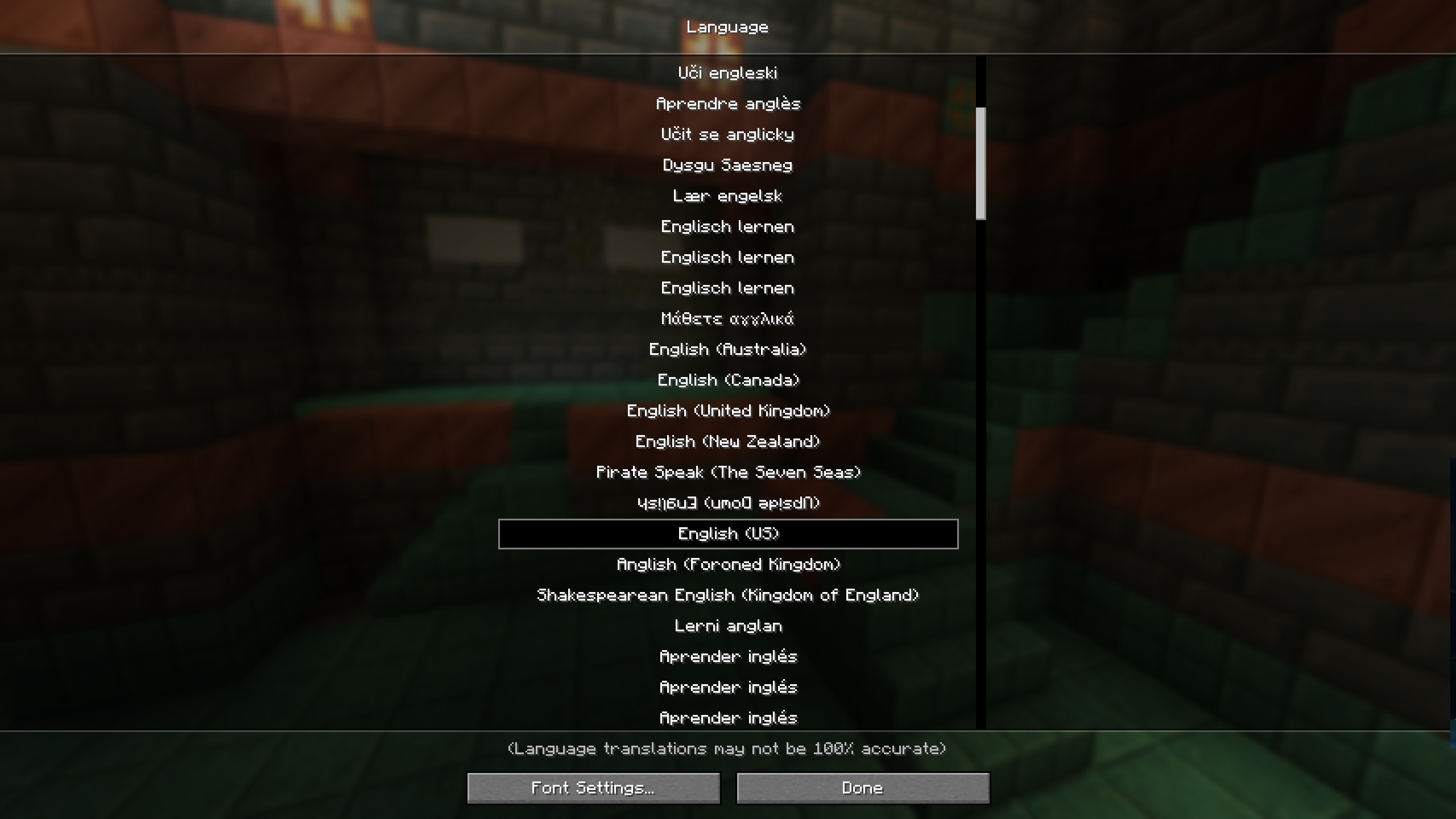

介绍
![Contributors][contributors-url]
![Forks][forks-url]
![Stargazers][stars-url]
![Issues][issues-url]
![MIT License][license-url]
![LinkedIn][linkedin-url]
![Discord][discord-url]
![Modrinth][modrinth-url]

Table of Contents
About The Project
Mod removes the possibility of using non-English languages. Using English in Minecraft connects you with players worldwide, enhancing your game experience and language skills. It’s
a fun and practical way to learn, opening doors to global friendships and future career opportunities. Let’s build and
learn together in English!
Built With


Usage
Plug and play
Roadmap
See the open issues for a full list of proposed features (and known issues).
Contributing
Contributions are what make the open source community such an amazing place to learn, inspire, and create. Any contributions you make are greatly appreciated.
If you have a suggestion that would make this better, please fork the repo and create a pull request. You can also simply open an issue with the tag “enhancement”.
Don’t forget to give the project a star! Thanks again!
- Fork the Project
- Create your Feature Branch (
git checkout -b feature/AmazingFeature) - Commit your Changes (
git commit -m 'Add some AmazingFeature') - Push to the Branch (
git push origin feature/AmazingFeature) - Open a Pull Request
License
Distributed under the MIT License. See LICENSE.txt for more information.
常见问题
Learn English 支持哪些 Minecraft 版本?
Learn English 支持 Minecraft Java 版 1.20–1.21.1,共 9 个版本,可用的加载器:Fabric。下载时注意选择和你游戏版本一致的文件。
Learn English 怎么安装?
先用 PCL2 或 HMCL 启动器安装对应版本的 Fabric,再把下载的 .jar 文件放进游戏目录的 mods 文件夹,重新启动游戏即可。开启了版本隔离的,mods 文件夹在 versions/版本名 下面。运行环境:仅客户端。
syorito-hatsuki 的其他作品
查看全部 →ModMenu Badges Lib
更多徽章!!!

Yet Another Cobblestone Generator
Flexible customizable generators

Ducky Updater Lib
Simple library for checking mod updates from modrinth

Death Counter
Death Counter with client Web UI
评论
登录后评论和评分