
Lava Rises
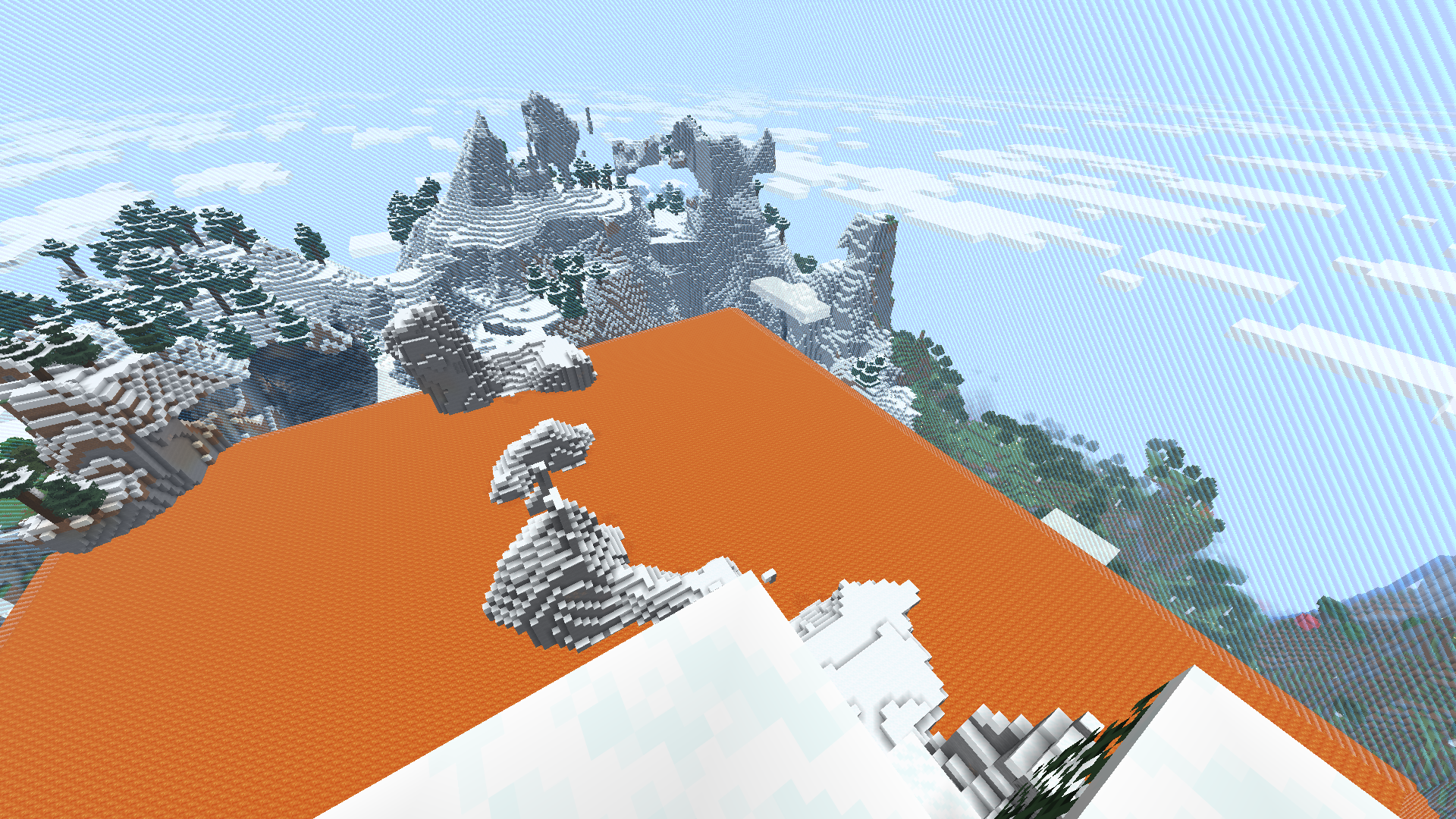
Minecraft, but every minute lava rises. Or water rises. Or any block you want!
截图
介绍
Lava Rises
Minecraft, but every minute lava rises. Or water rises. Or any block you want!
Installation
Datapack version:
- Download latest release
- Locate your world’s datapack folder (
.minecraft/saves/[your_world_name]/datapacks) - Place the datapack into the datapack folder
- Make sure the datapack is enabled by using
/datapack list. If it isn’t, enable it with/datapack enable "file/lava-rises_(version_number).zip"
Mod version:
- Download latest version from Modrinth
- Place mod into mods folder (
.minecraft/mods)
How to Use
Upon loading the datapack, a menu will appear with the options to start the game or configure the settings. While a game is active, the menu will have the option to cancel the current game. This menu can be brought up at any time by doing /reload.
When a game starts, players are teleported to a random location in the map with a small world border, and depending on how the datapack is configured, are given a grace period. After the grace period is over, the lava will begin to rise.
This datapack is recommended to be played in an Amplified world on Hardcore mode.
Settings
This datapack is very configurable, allowing the user to change the following settings:
- Block type (lava, water, or any block of your choice)
- Border size
- Progress bar
- Grace period
- Starting level (which y-level the rising starts at)
- Rising interval (how often the blocks rise)
- Layer increment (how many layers up the blocks will rise each time)
- Rise exponentially (whether the increment itself will increase each time e.g. one layer the first, two layers the next, three the one afterwards etc.)
常见问题
Lava Rises 支持哪些 Minecraft 版本?
Lava Rises 支持 Minecraft Java 版 1.21.6–1.21.11,共 6 个版本,可用的加载器:Fabric / Forge / NeoForge / Quilt。下载时注意选择和你游戏版本一致的文件。
Lava Rises 怎么安装?
先用 PCL2 或 HMCL 启动器安装对应版本的 Fabric / Forge / NeoForge / Quilt,再把下载的 .jar 文件放进游戏目录的 mods 文件夹,重新启动游戏即可。开启了版本隔离的,mods 文件夹在 versions/版本名 下面。运行环境:客户端 / 服务端。
TWS2401 的其他作品
查看全部 →
Tracker Compass
A simple datapack that adds a compass which can track any player.

Assassin Manhunt
A recreation of "Speedrunner vs Assassin". Assassins can one-hit kill speedrunners, but speedrunners can freeze them in place by looking at them.
评论
登录后评论和评分