
截图
介绍
Larger Advancement Tab
Fabric mod that adds a setting to increase the size of the advancements tab.
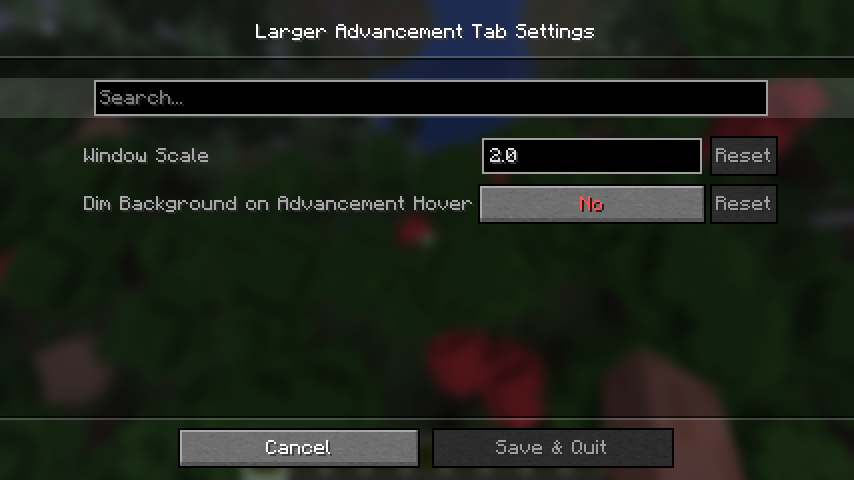
Settings Tab

Window Scale
Scales the width and height by x, mod’s default is 2, vanilla default is 1. Extreme values may have unexpected results.
Dim Background on Advancement Hover
Adds an option to disable the background dimming when hovering over an advancement icon. By default, vanilla dims background

Examples
*All example screenshots come from a 2560×1440 display with a gui scale of 2.
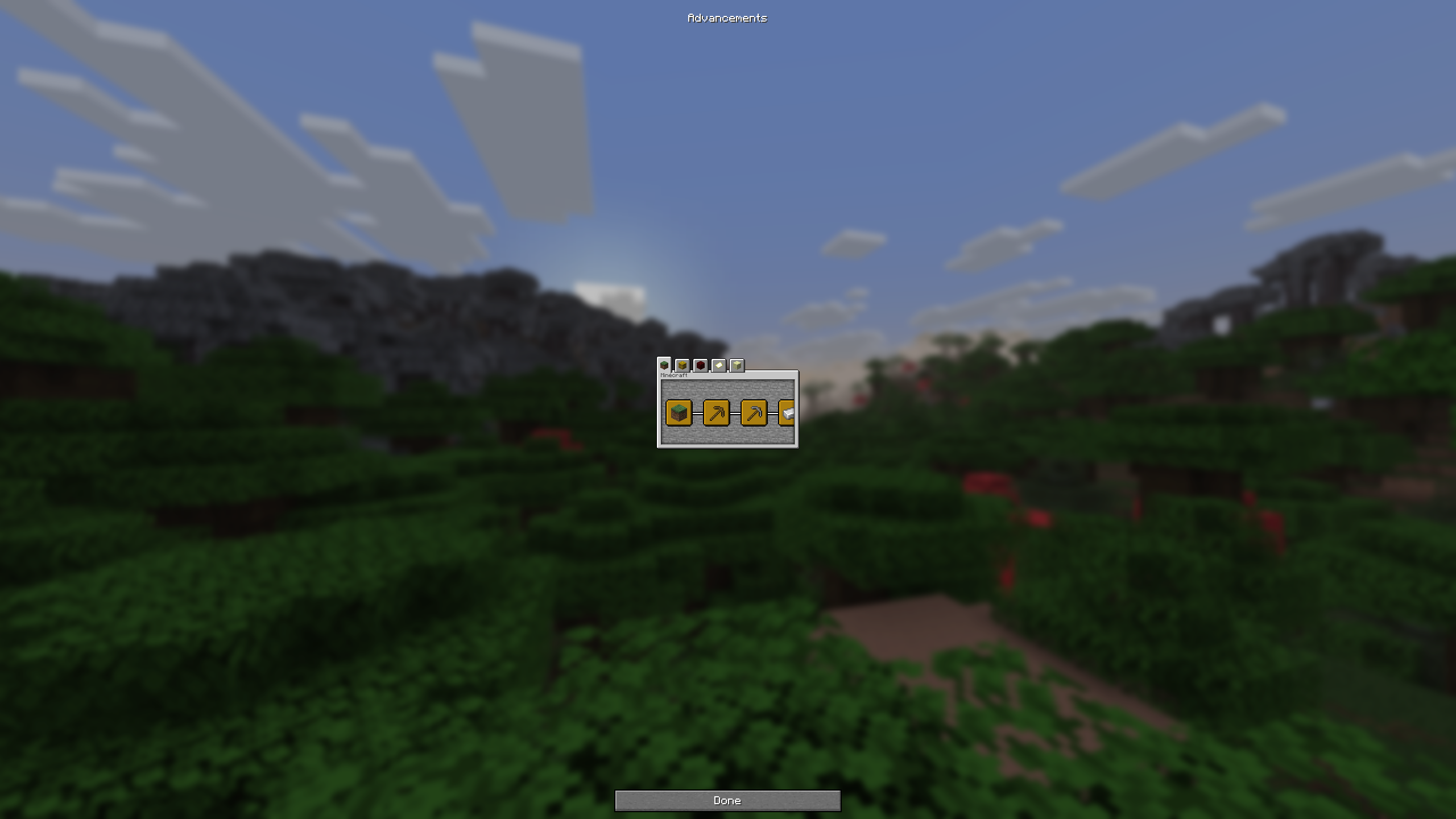
0.5 Scale

You can make it smaller if you’d like, although I do not see why you would do this.
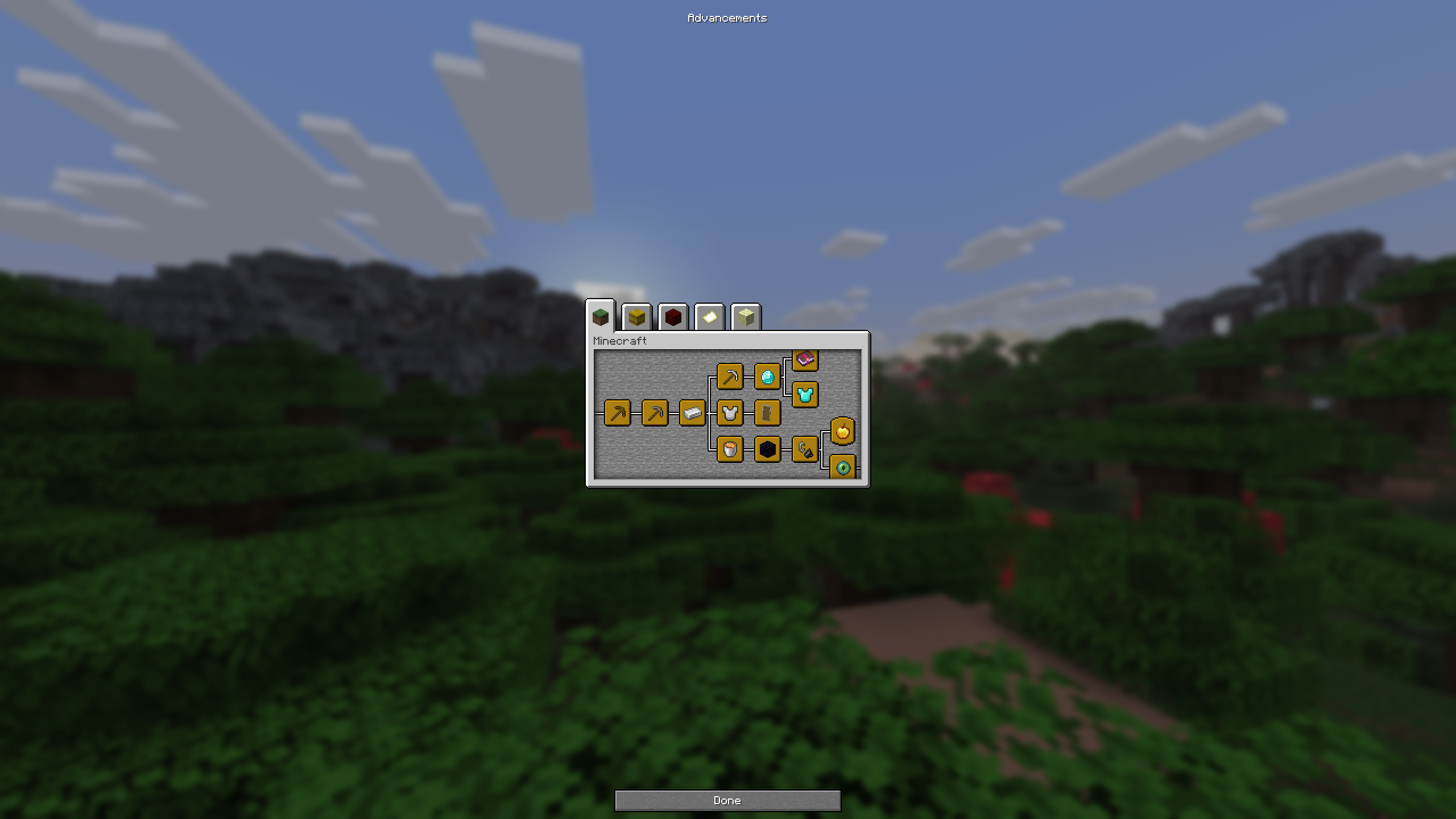
1.0 Scale

Vanilla’s default size.
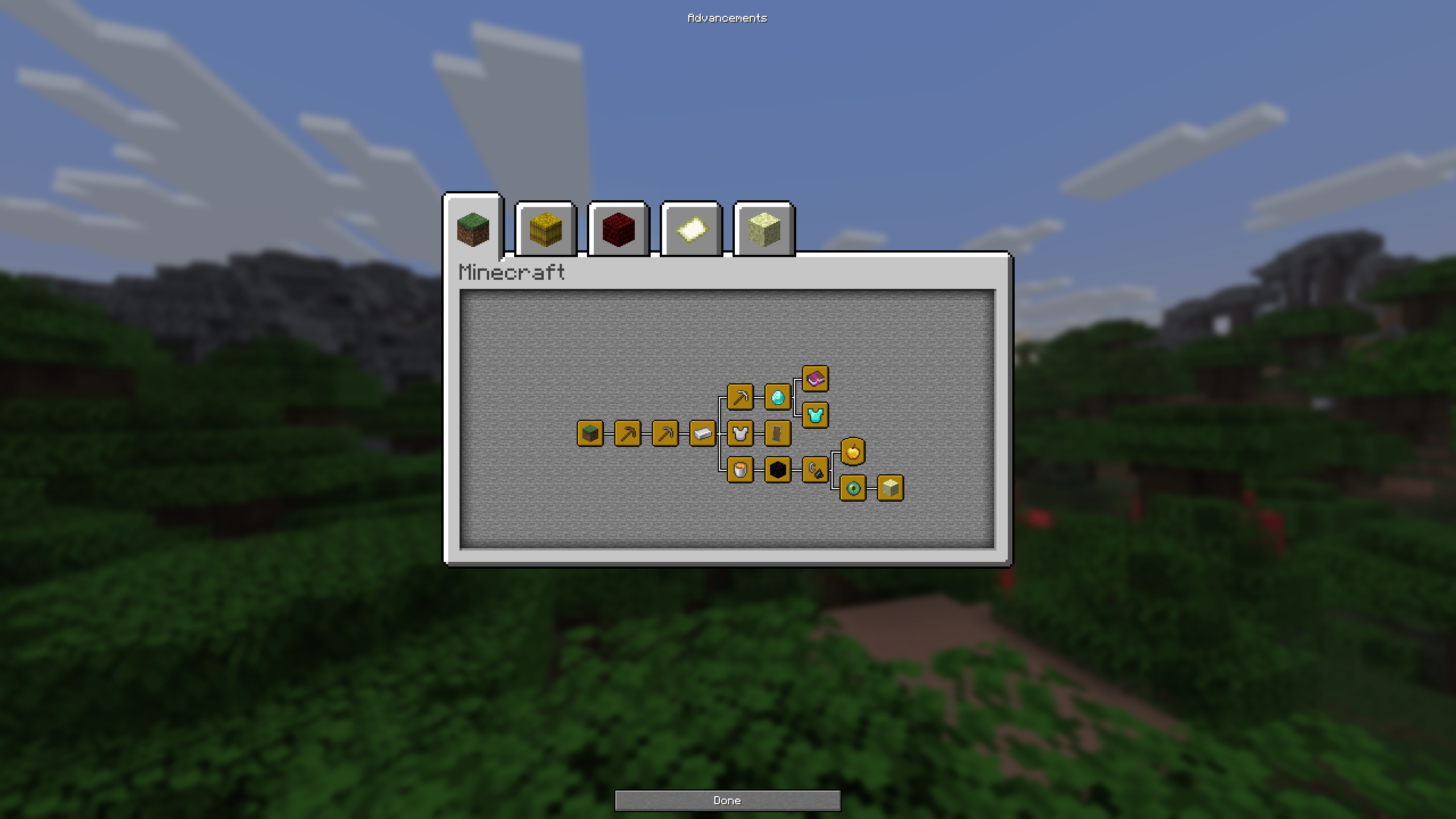
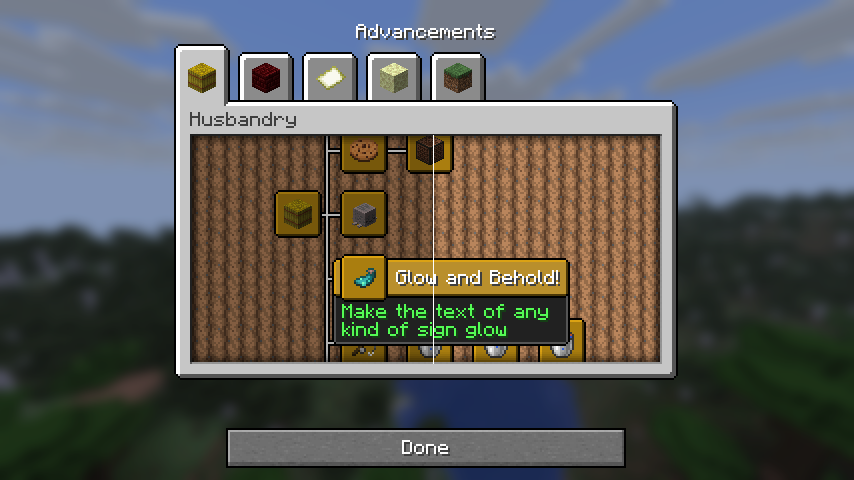
2.0 Scale

Mod’s default size.
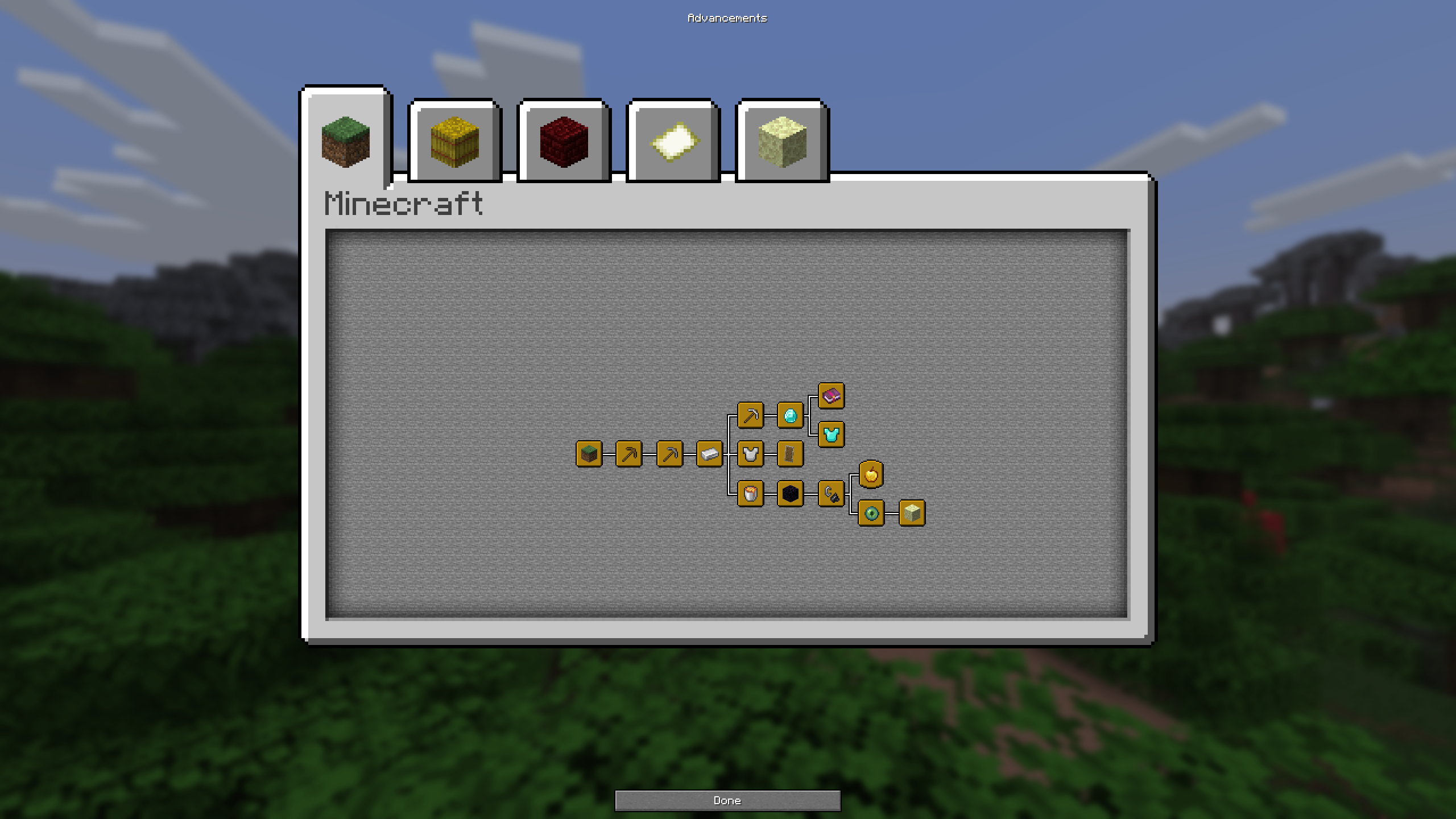
3.0 Scale

常见问题
Larger Advancement Tab 支持哪些 Minecraft 版本?
Larger Advancement Tab 支持 Minecraft Java 版 1.21.9–1.21.11,共 3 个版本,可用的加载器:Fabric。下载时注意选择和你游戏版本一致的文件。
Larger Advancement Tab 怎么安装?
先用 PCL2 或 HMCL 启动器安装对应版本的 Fabric,再把下载的 .jar 文件放进游戏目录的 mods 文件夹,重新启动游戏即可。开启了版本隔离的,mods 文件夹在 versions/版本名 下面。运行环境:仅客户端。


评论
登录后评论和评分