Lag Meter
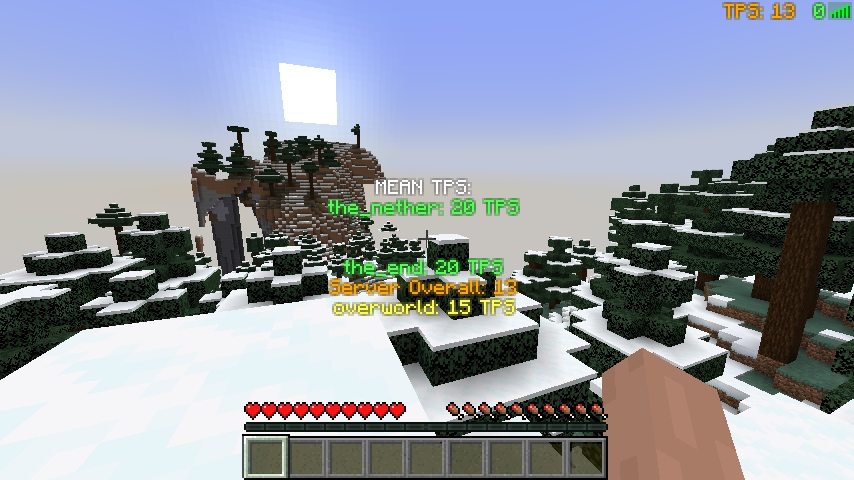
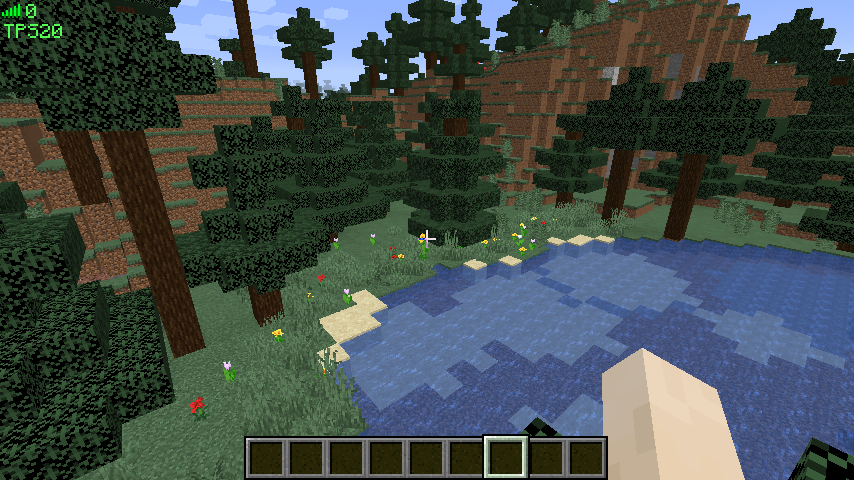
ARCHIVED/DISCONTINUED. Displays lag, connectivity and TPS information on screen. Versions for Forge and Fabric.
截图
介绍
ARCHIVED/DISCONTINUED. I think I’m done modding.
Lag Meter
About
Displays lag, connectivity and TPS information on screen.
Disclaimer
** Disclaimer: CurseForge.com and forgecdn.net are the current official locations to obtain this mod. Files obtained elsewhere were uploaded without permission from iPixeli. It is possible that files and mod packs obtained from other locations or means are not genuine and have been altered or tampered with. The only one with my permission to continue this mod (should I ever stop) is iChun (https://twitter.com/ohaiiChun) **
Installation
1) Install MinecraftForge
2) Put a the .jar file into the mods folder (see below).
• Windows: /AppData/Roaming/.minecraft
• Mac: Home -> Library -> Application Support -> Minecraft
• Linux: ~/.minecraft
3) If you have a .zip file, extract file into the mods folder
FAQ
• Is there a fabric version?
Not yet! I am working on one though…
• Is this required to have on the client? Is this required to have on the server?
Both the client and server don’t require the other side to have this mod installed. To see TPS data, you do need to have LagMeter installed on the server.
• I’m not seeing the meter…
1. Verify that you see it in Forge’s in-game mod listing. If you don’t see it, check that you have placed the correct version of the mod into your mods folder.
2. Verify you are connected to an external server. The meter will automatically display when you are connected to a server. The meter will not show when you are playing single player or if your client is hosting because in both situations you will not face any network-related connectivity issues.
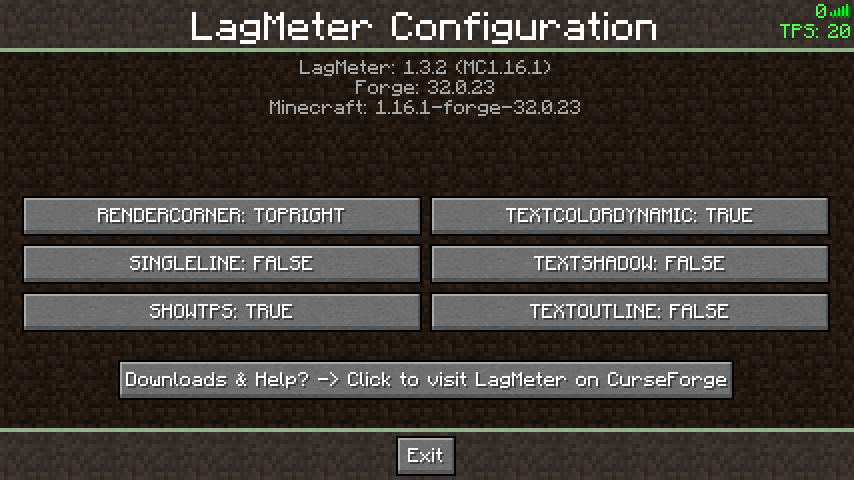
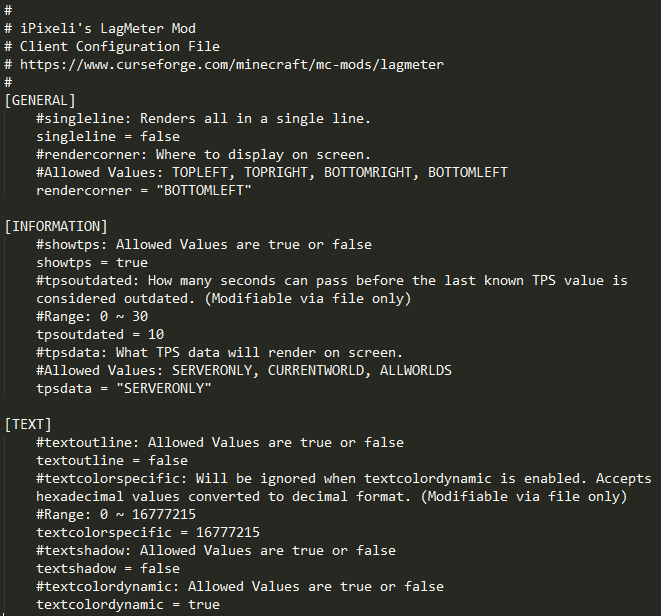
3. Is something rendering on top of it? Try adjusting the ‘rendercorner’ setting in the ‘lagmeter-client.toml’ configuration file.
• Do you plan to add more to this mod?
Yes. Hit the follow button to be notified of updates.
• Can I use this mod in a video?
Yes. Please link back to this page: https://www.curseforge.com/minecraft/mc-mods/lagmeter
• Can I put this mod in a ModPack?
Yes. Please see the README file included inside the download file.
• Can I host the mod file on my website / server / online so others can download it?
No. Please see the README file included inside the download file.
• Where did you get the idea for this mod?
Sometimes I’m not sure if slowness is network or client related. Made this mod to add an on-screen indication.
Information for Texture Pack & Mod Pack Creators
Configuration File: config\lagmeter-client.toml
Texture File: minecraft:textures/gui/icons.png
WordPress • CurseForge • Twitter • GitHub • MinecraftForum • Twitch
常见问题
Lag Meter 支持哪些 Minecraft 版本?
Lag Meter 支持 Minecraft Java 版 1.12–1.18.1,共 23 个版本,可用的加载器:Forge。下载时注意选择和你游戏版本一致的文件。
Lag Meter 怎么安装?
先用 PCL2 或 HMCL 启动器安装对应版本的 Forge,再把下载的 .jar 文件放进游戏目录的 mods 文件夹,重新启动游戏即可。开启了版本隔离的,mods 文件夹在 versions/版本名 下面。
iPixeli 的其他作品
查看全部 →
Female Gender & Age Mod
已归档/停止更新。为Minecraft添加玩家年龄和性别设置。根据玩家设置使用新的受伤音效、女性模型和材质。僵尸根据其年龄和性别使用新材质。

Chat Sound
ARCHIVED/DISCONTINUED. Plays a sound when you get a message. Plays another sound when someone says your name. Fully configurable! You can set any minecraft or custom sound. Version for Forge and Fabric.
评论
登录后评论和评分