
KVisual Settngs
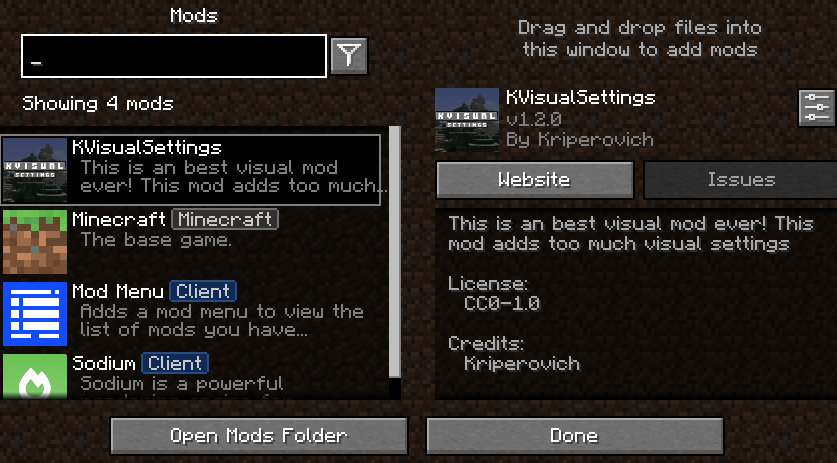
This is an best visual mod ever! This mod adds too much visual settings
截图
介绍
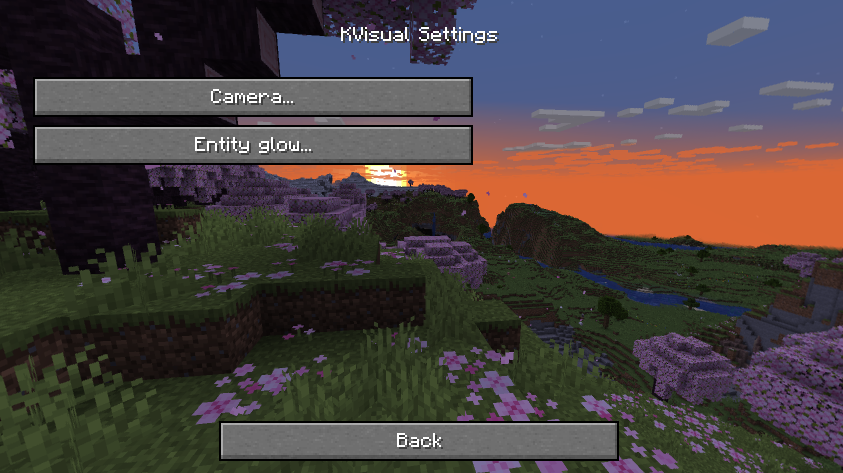
KVisual Settings is a client-side Minecraft modification for the 1.20.1 game version that is designed to provide a better visual experience by allowing players to use customizable visual side of Minecraft!
✨ Features
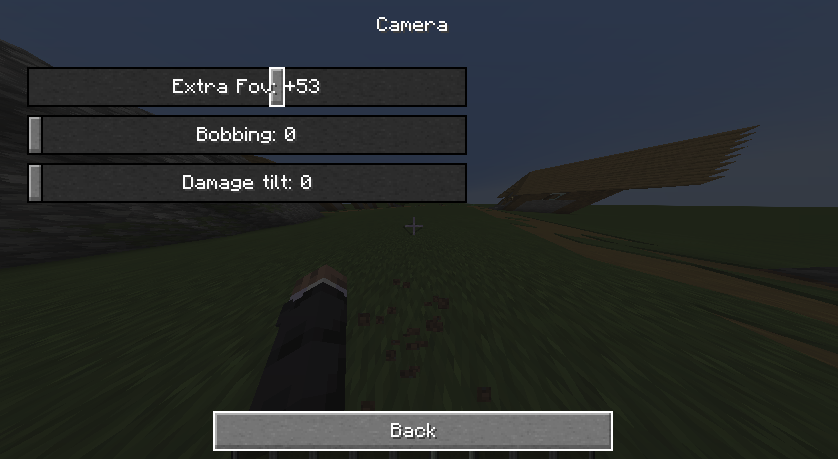
🎥 Camera Settings

Extra FOV – Increase the field of view beyond the regular vanilla field of view limit for a much larger view.
Toggle View Bobbing Independently – Control whether you want to use walking bobbing (regardless of whether you are using vanilla bobbing or not) independently from other movement animations.
Damage Tilt – When you take damage, you can disable or adjust the tilt of the screen to make the world appear steadier.
💡 Glow System

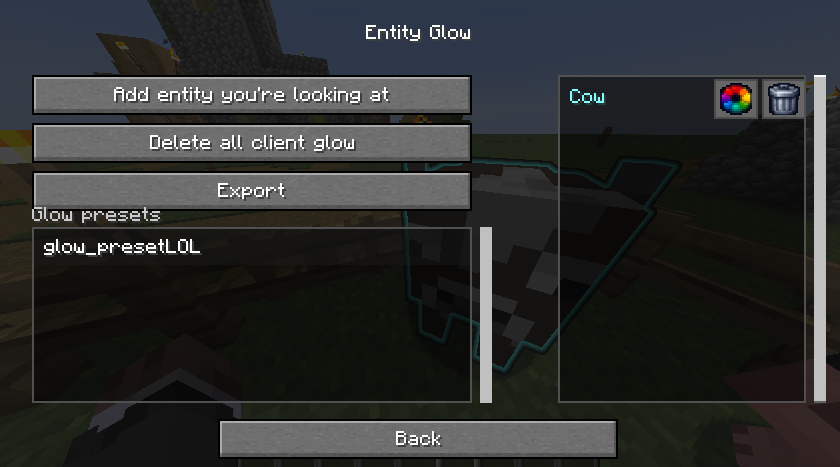
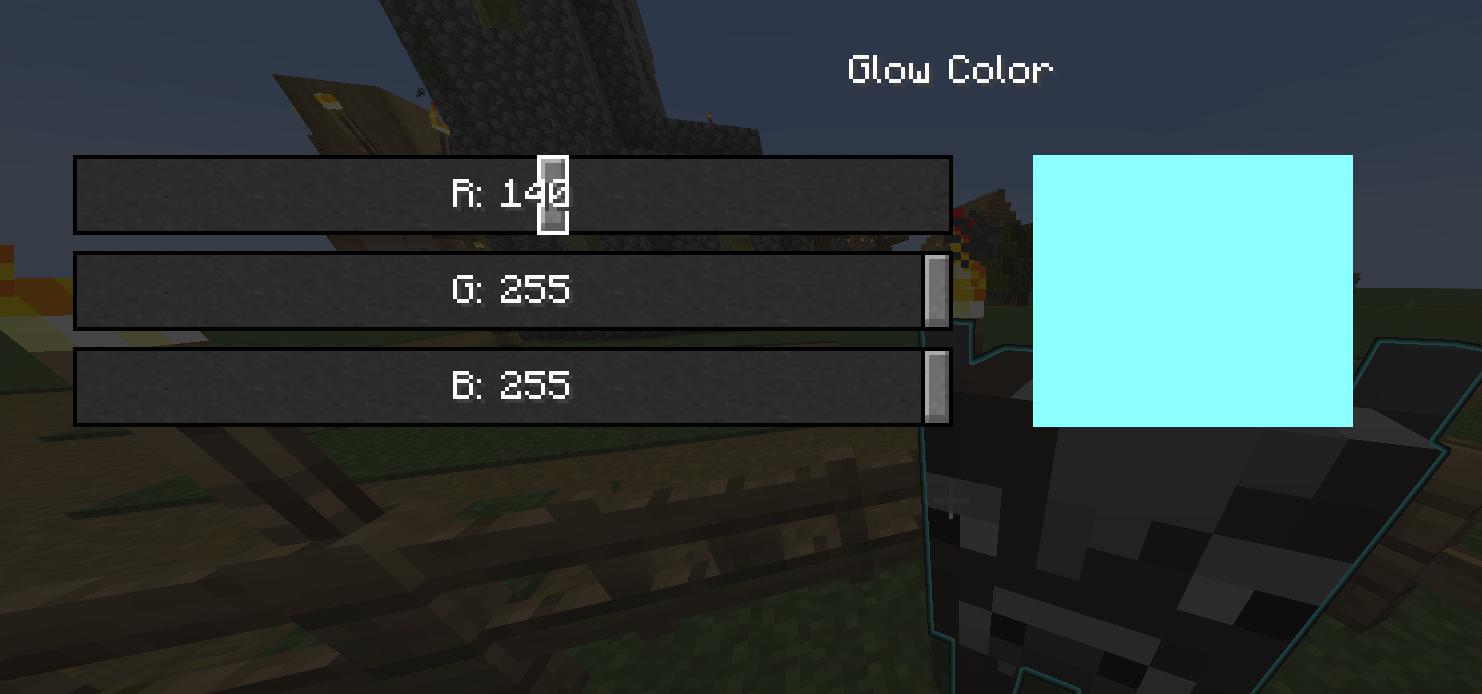
Select Glowing Entities – Make any entity in the world (mobs, players, items, etc.) glow by selecting them to glow.
Choose Your Glow Colors – There are many different colors you can choose to make an entity glow.
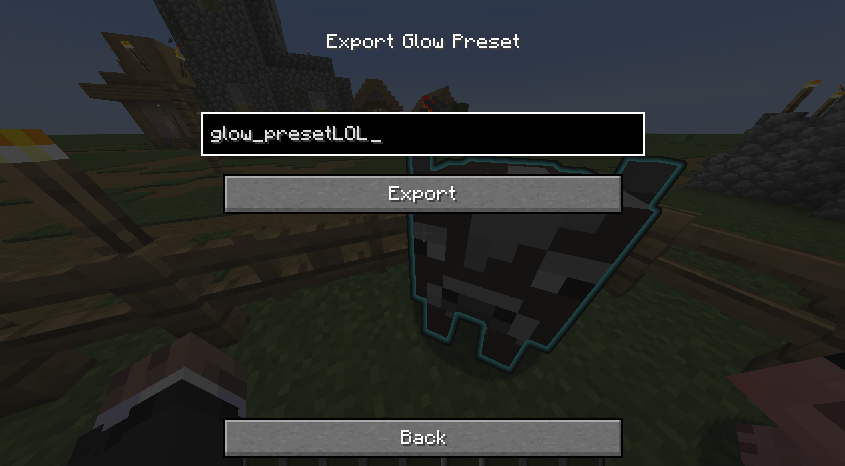
Save and Import Your Glow Settings – You can save your specific glow settings into a JSON file, which allows you to share your glow settings with others and/or download and use their glow settings.
You can configure and manage your glow settings through the easy-to-use in-game graphical interface.
🛠️ Configuration
JSON Export – Export your current glow assignments and colors to a JSON file. This will be saved into the .minecraft/kvisual/glow directory. You can edit this file manually or share it with others.
常见问题
KVisual Settngs 支持哪些 Minecraft 版本?
KVisual Settngs 支持 Minecraft Java 版 1.20.1,可用的加载器:Fabric。下载时注意选择和你游戏版本一致的文件。
KVisual Settngs 怎么安装?
先用 PCL2 或 HMCL 启动器安装对应版本的 Fabric,再把下载的 .jar 文件放进游戏目录的 mods 文件夹,重新启动游戏即可。开启了版本隔离的,mods 文件夹在 versions/版本名 下面。运行环境:仅客户端。

评论
登录后评论和评分