
KubeJS Offline
作者:Hunter19823
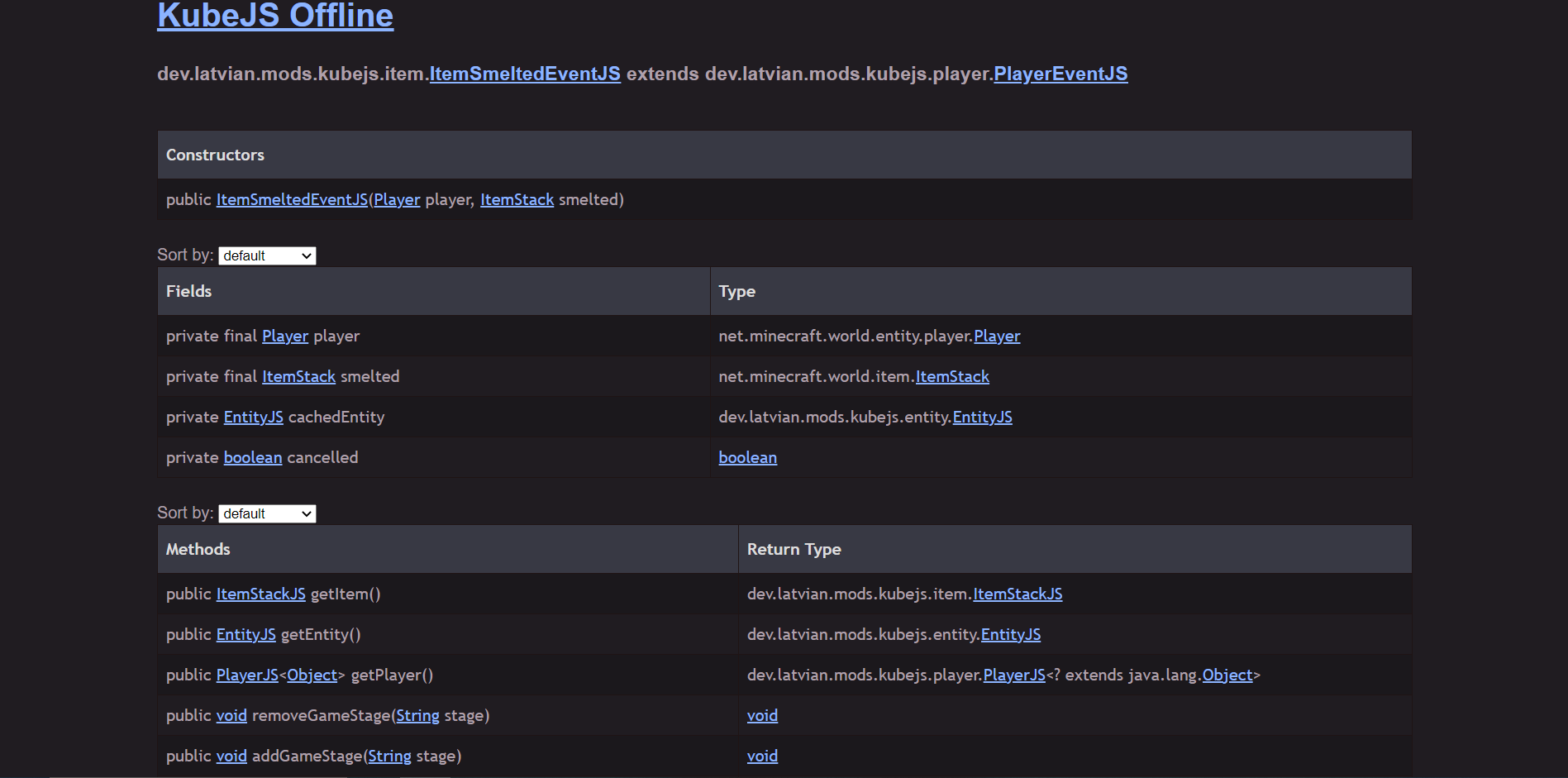
KubeJS Documentation files, generated dynamically via command, accessed with an HTML page.
截图

介绍
中文介绍正在准备中,下面暂时显示原文。
Wouldn’t it be nice to have one place to find all your events?
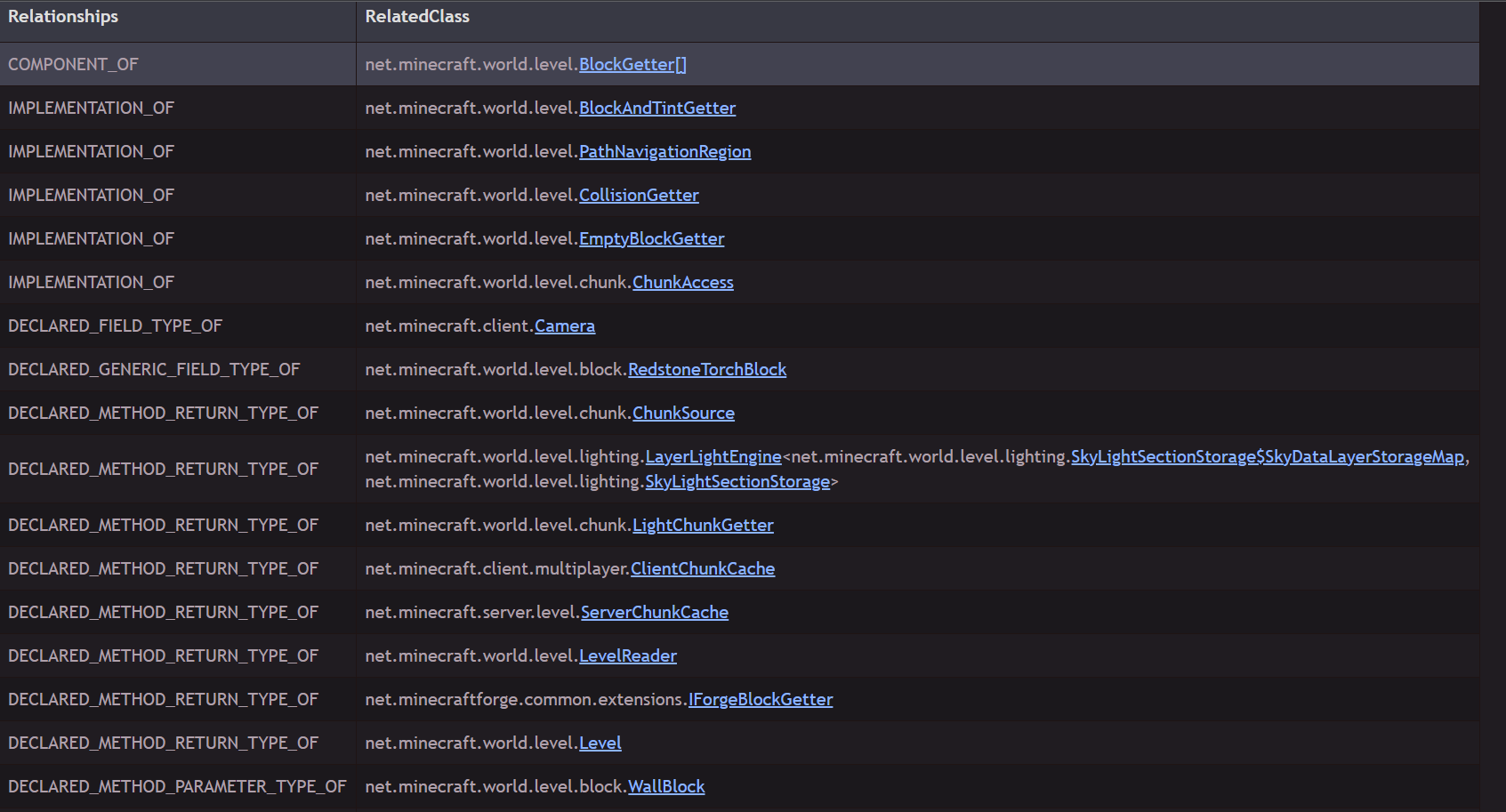
Wouldn’t it be nice to be able to have all the properties of an event for any given event?
This is the goal of KubeJS Offline.
To provide all the type-related data that you would ever need for KubeJS in the form of a single html file.
To get started, all you have to do is run the /kubejsoffline command inside of a single-player world. The html file can be found in the /<instance>/kubejs/documentation folder, which is created automatically after a successful run. You can also open the file by clicking the link in the chat when it is finished generating.
Want to see if this mod is for you? Preview what it generates here:
Forge 1.19.2: https://hunter19823.github.io/kubejsoffline/1.19.2/forge/
Fabric 1.19.2: https://hunter19823.github.io/kubejsoffline/1.19.2/fabric/
Forge 1.18.2: https://hunter19823.github.io/kubejsoffline/1.18.2/forge/
Fabric 1.18.2: https://hunter19823.github.io/kubejsoffline/1.18.2/fabric/
常见问题
KubeJS Offline 支持哪些 Minecraft 版本?
KubeJS Offline 支持 Minecraft Java 版 1.18.2–1.21.1,共 5 个版本,可用的加载器:Fabric / Forge / NeoForge。下载时注意选择和你游戏版本一致的文件。
KubeJS Offline 怎么安装?
先用 PCL2 或 HMCL 启动器安装对应版本的 Fabric / Forge / NeoForge,再把下载的 .jar 文件放进游戏目录的 mods 文件夹,重新启动游戏即可。开启了版本隔离的,mods 文件夹在 versions/版本名 下面。运行环境:客户端 / 服务端。

评论
登录后评论和评分