
Krikke’s Mod
A mod filled with stuff I like, such as pearls, oysters, an extractor, crystals etc.
截图
介绍
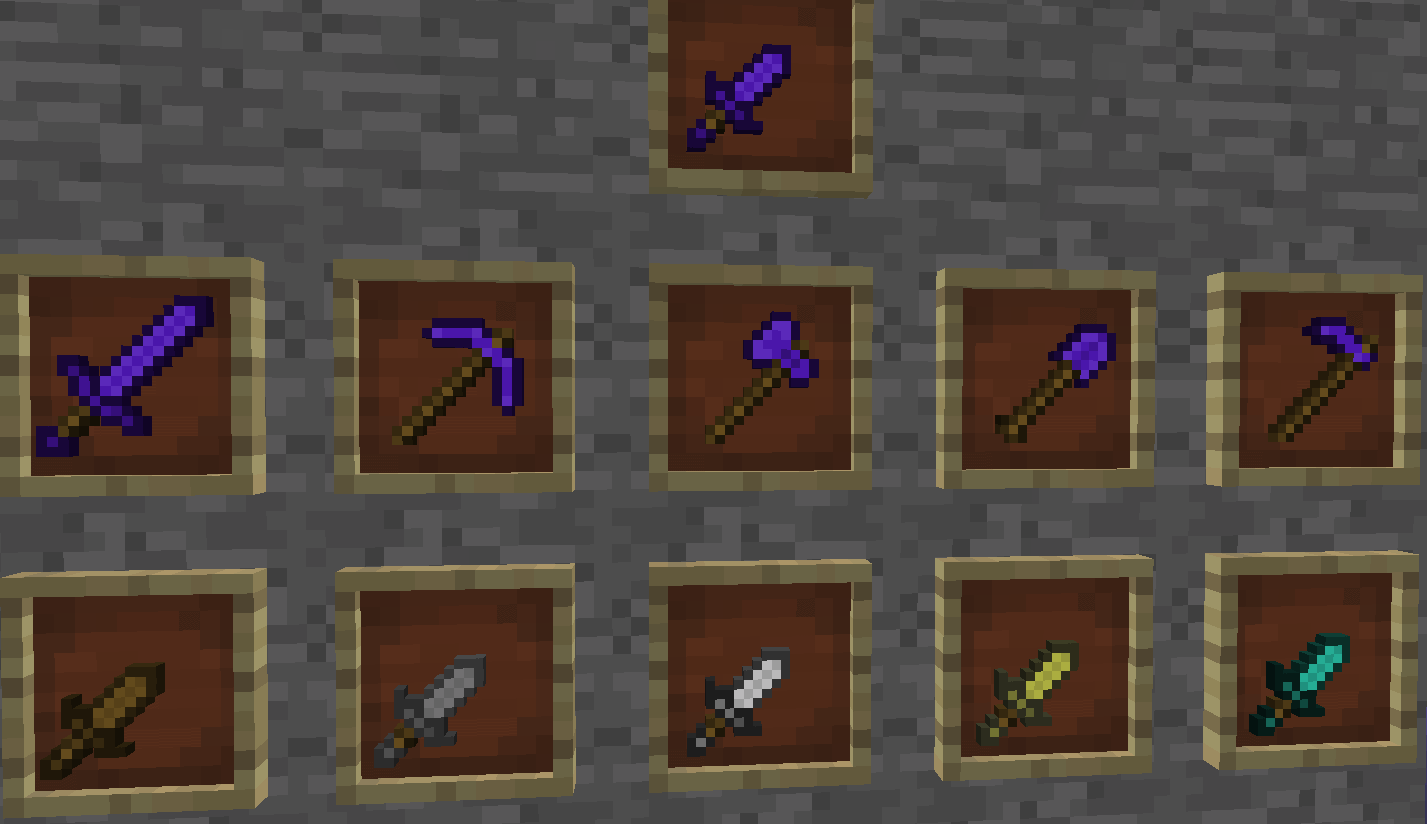
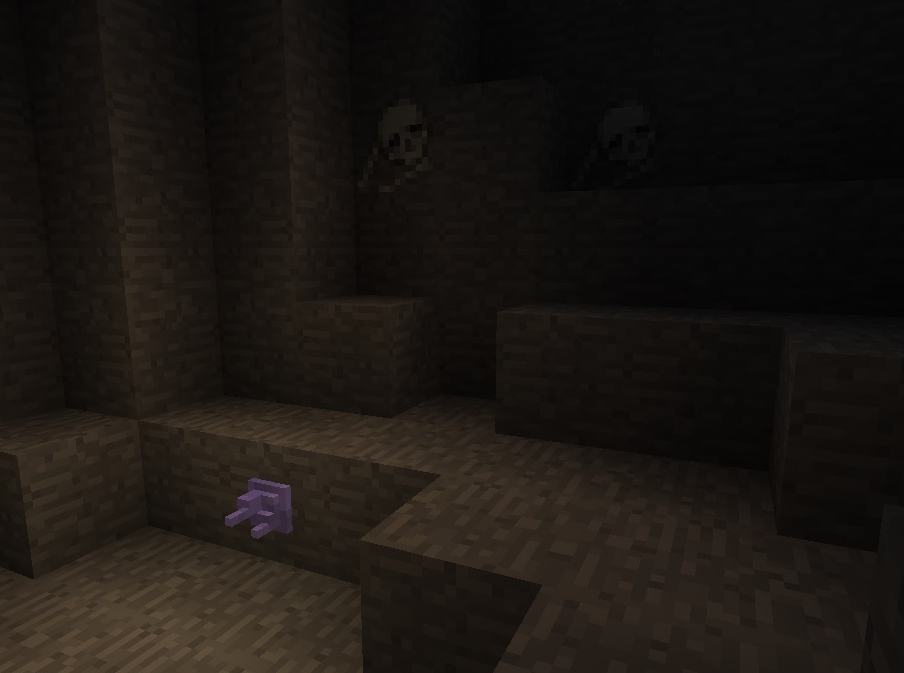
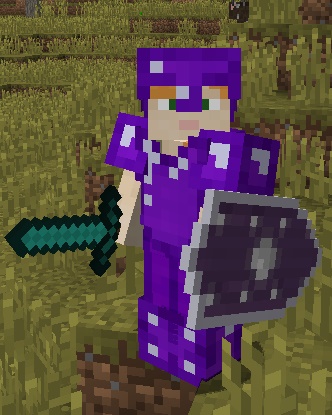
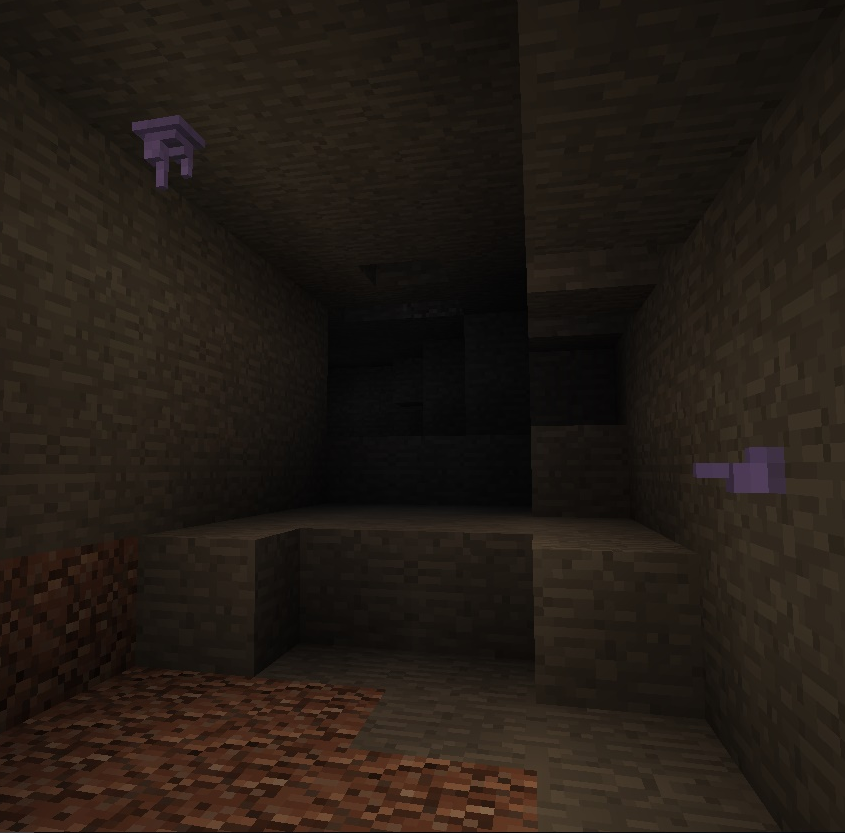
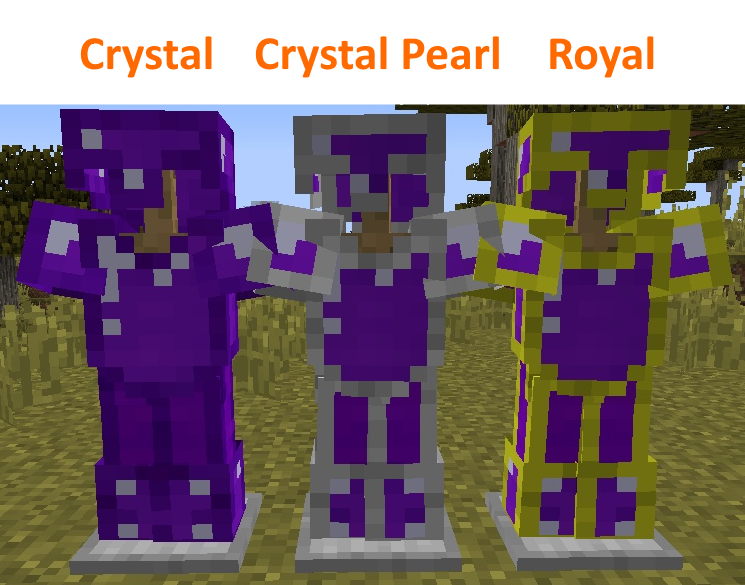
Crystals spawn randomly across the world in deep-layer caves. These crystals can be used to create Crystal Armor and a Crystal Shield.
Blood Crystals spawn randomly across the nether. These can be used to create Vampyre Armor.
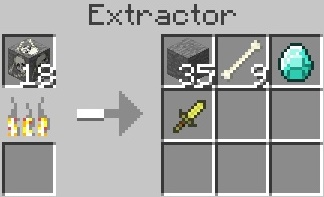
A special crafting station called the Extractor can be crafted and interacted with to extract certain items from their resources.
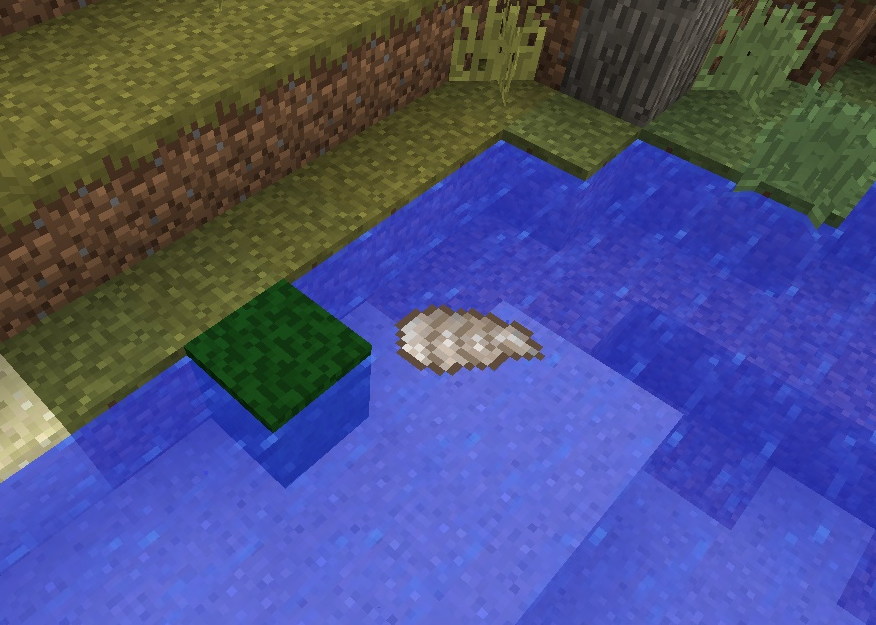
Pearls can be extracted from Oysters using the Extractor.
These pearls can be used to create the Crystal Shield or some really cool Vanity Gear, but beware, Pearls are really rare.
Another cool addition is the fact that you can extract Gravel with the Extractor with a 1/3 chance to extract Flint. This way you don’t need to dig for Flint anymore (but you still need fuel).
Fossils spawn randomly underground in Stone. These can be extracted using the Extractor to get some random items like Smooth Stone, Bones etc.
Jellyfish are new passive mobs found in the ocean. When you come too close, they’ll try to sting you to death. They can drop Jelly which can be crafted into a Block of Jelly, a pink variant of the Slime Block.
Graves spawn across the world with a Treasure beneath which can be extracted for lots of goodies!
**All additional information (such as crafting recipes) can be found on the minecraft forums here.
常见问题
Krikke’s Mod 支持哪些 Minecraft 版本?
Krikke’s Mod 支持 Minecraft Java 版 1.10.2,可用的加载器:Forge。下载时注意选择和你游戏版本一致的文件。
Krikke’s Mod 怎么安装?
先用 PCL2 或 HMCL 启动器安装对应版本的 Forge,再把下载的 .jar 文件放进游戏目录的 mods 文件夹,重新启动游戏即可。开启了版本隔离的,mods 文件夹在 versions/版本名 下面。
评论
登录后评论和评分