
KoHs Inventory Tweaks
Fast, precise, and fully customizable client-side inventory controls
介绍




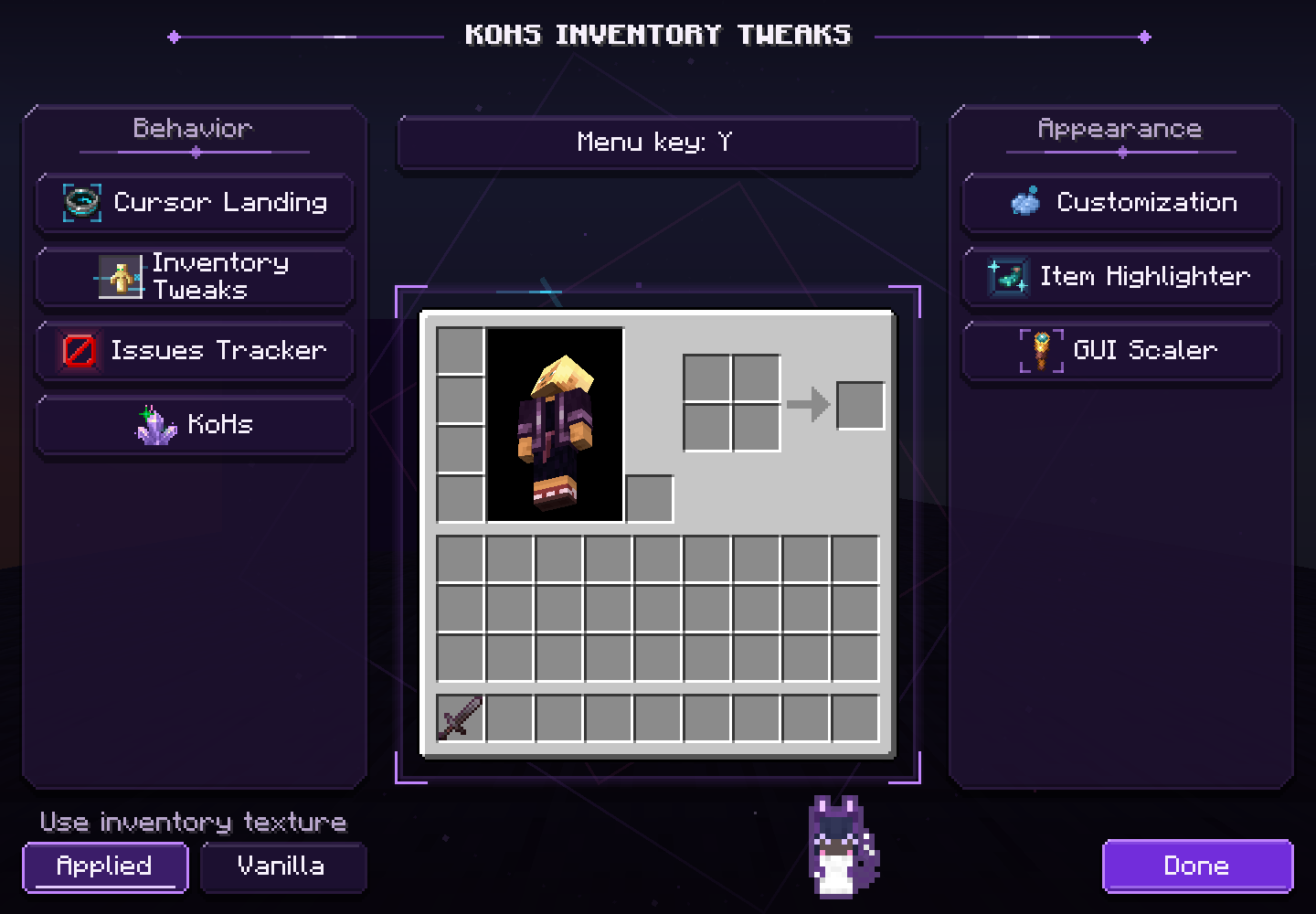
Support update (September 2026): KoHs Inventory Tweaks now supports Minecraft 1.21.11 and later. The 1.21.10 builds stay downloadable as archived versions but no longer receive fixes or new features.
Your inventory, your rules
KoHs Inventory Tweaks is the client-side successor to KoHs Inv Cursor, maintained for Minecraft 1.21.11, 26.1, 26.1.1, 26.1.2, and 26.2. It gives you precise cursor placement, faster and more reliable inventory input, visual customization, item highlighting, and an inventory-only GUI scaler—all through a responsive purple configuration menu, with a little cat to keep you company.
The mod keeps normal Minecraft inventory rules. It does not require installation on the server and does not add automated item transfers or custom inventory packets.
New in 1.3.0
- Minecraft’s inventory bugs, fixed — double clicks that collect again (MC-306262, MC-301852, MC-312333, MC-311852), F and number keys that keep swapping while held, inventory and drop keys on mouse buttons (MC-577), the player in your inventory moving only 20 times a second (MC-265935), and toggles on mouse buttons after a screen (MC-308595). Always on.
- Steady inventory — on servers with ping, your clicks stop flashing back while the server catches up. In our ping lab the double re-totem flickered in up to 11 of 24 tries at 200 ms; with Steady inventory, in none.
- Hide recipe book — no recipe book button, and no book pushing your inventory aside mid-fight. Off by default.
- Leave with movement keys — a movement key closes a container and you start moving. Off by default.
- Center Mouse Fix in every container, not only in your inventory.
Features
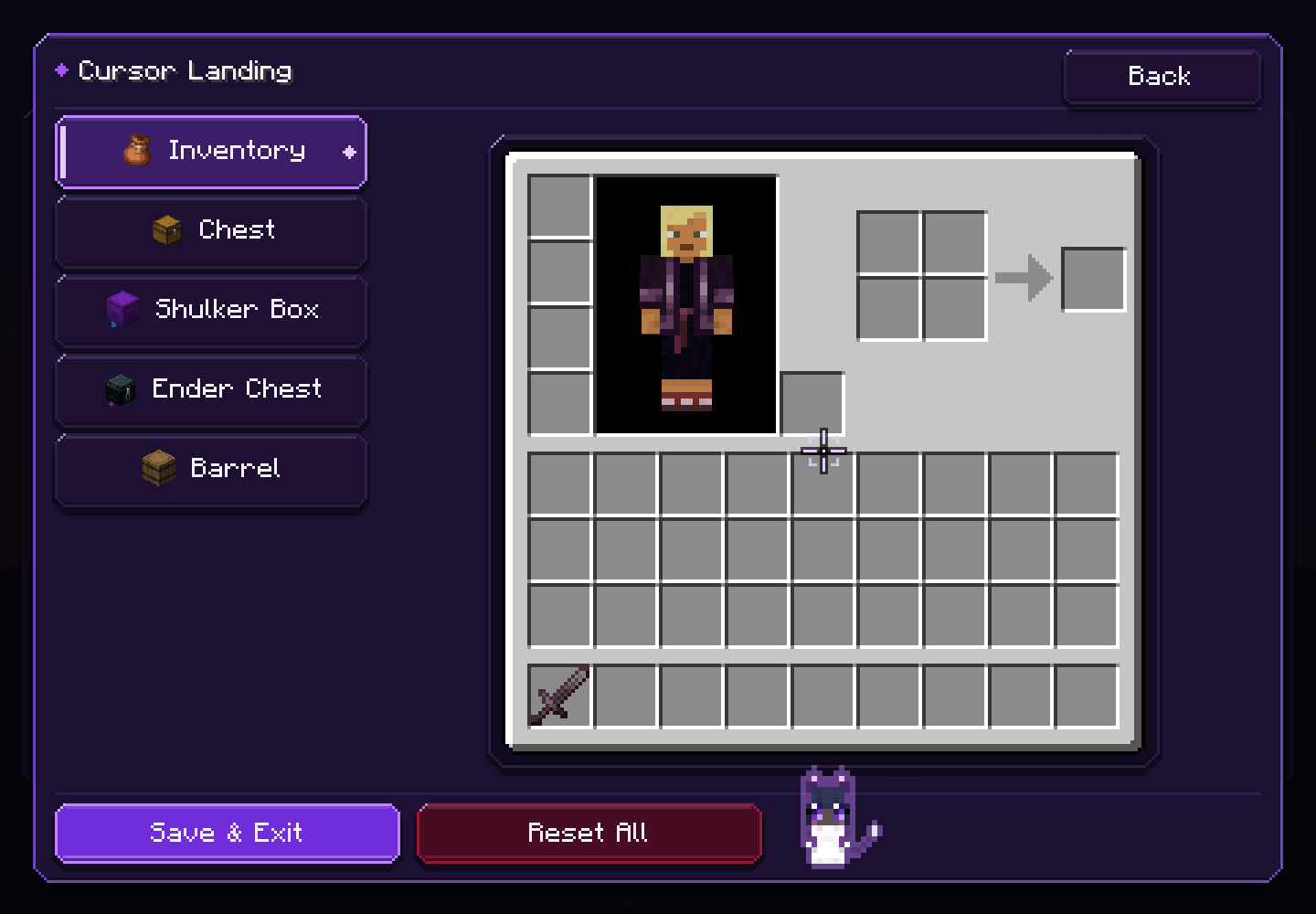
- Cursor Landing — choose where the cursor appears in your inventory, single or double chests, Ender Chests, and barrels. Every container can be individually disabled to keep its Vanilla behavior.
- Center Mouse Fix — places the cursor in a single move right as Minecraft releases the mouse, before your inventory or any container exists. A hand already moving toward a totem or any item is never pulled back.
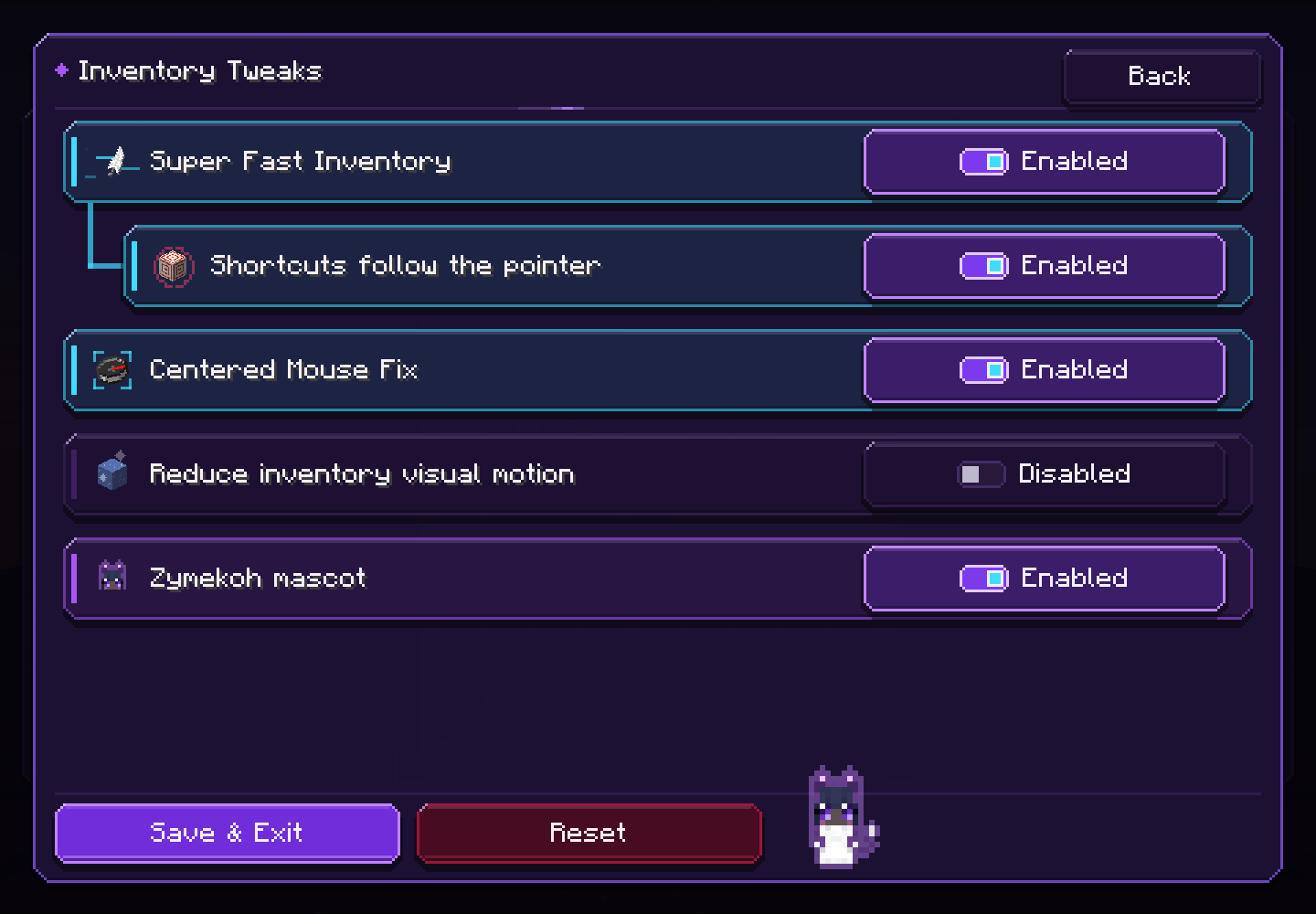
- Super Fast Inventory — shows the local inventory up to one tick (50 ms) sooner, and waits only when Vanilla would still run something first, such as a pending attack or an item in use. Only the screen is early: what you do in it is handled once that tick has run, in the order a Vanilla client sends.
- Shortcuts follow the pointer — under Super Fast Inventory: F, 1-9, Q and Ctrl+Q act on the slot under your pointer the moment you press them, even right after a fast flick, in your inventory and every Vanilla container.
- Steady inventory — with ping, the slots your clicks just changed keep showing those clicks until the server answers them all; everything else shows the server’s word at once. Nothing you send changes.
- Hide recipe book and Leave with movement keys — optional: no recipe book button, and movement keys that close a container.
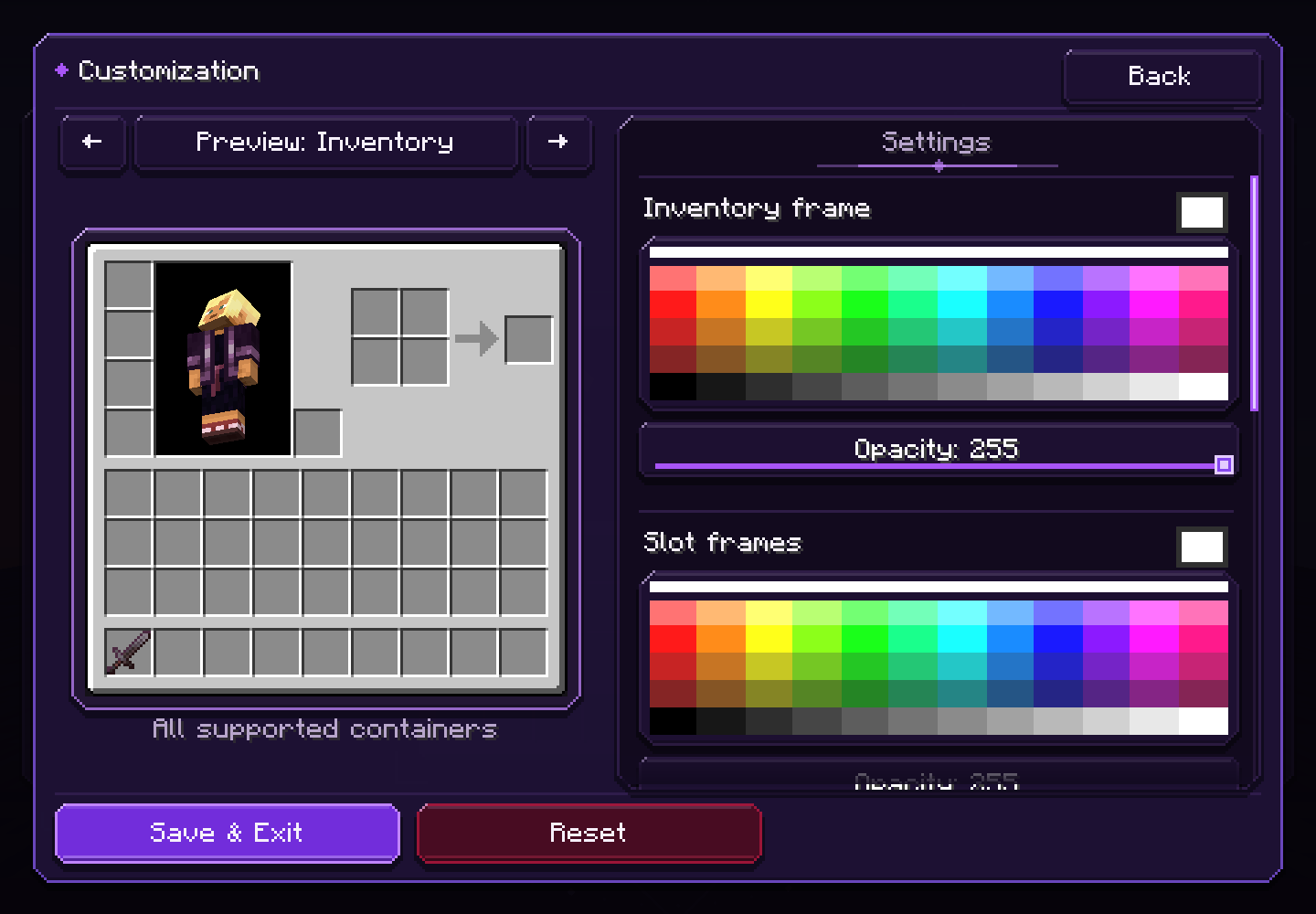
- Customization — recolor inventory and slot frames, control opacity and world backdrop darkness, or use a cropped image, GIF, or short video background.
- Resource-pack aware — choose the active resource-pack inventory texture or the Vanilla base, then apply KoHs customization above it.
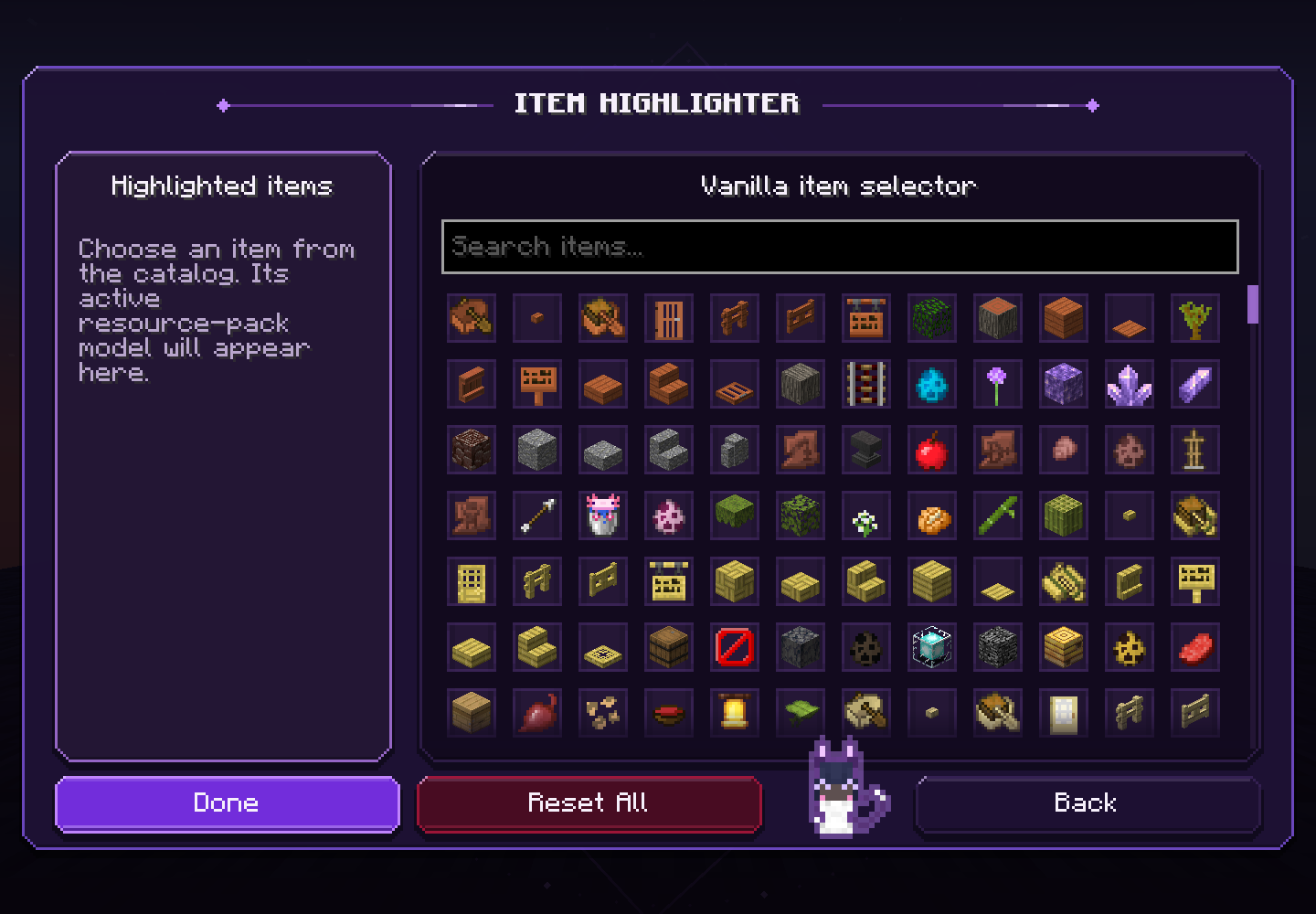
- Item Highlighter — search Vanilla items and configure slot colors, borders, hotbar highlighting, and dynamic hover highlighting.
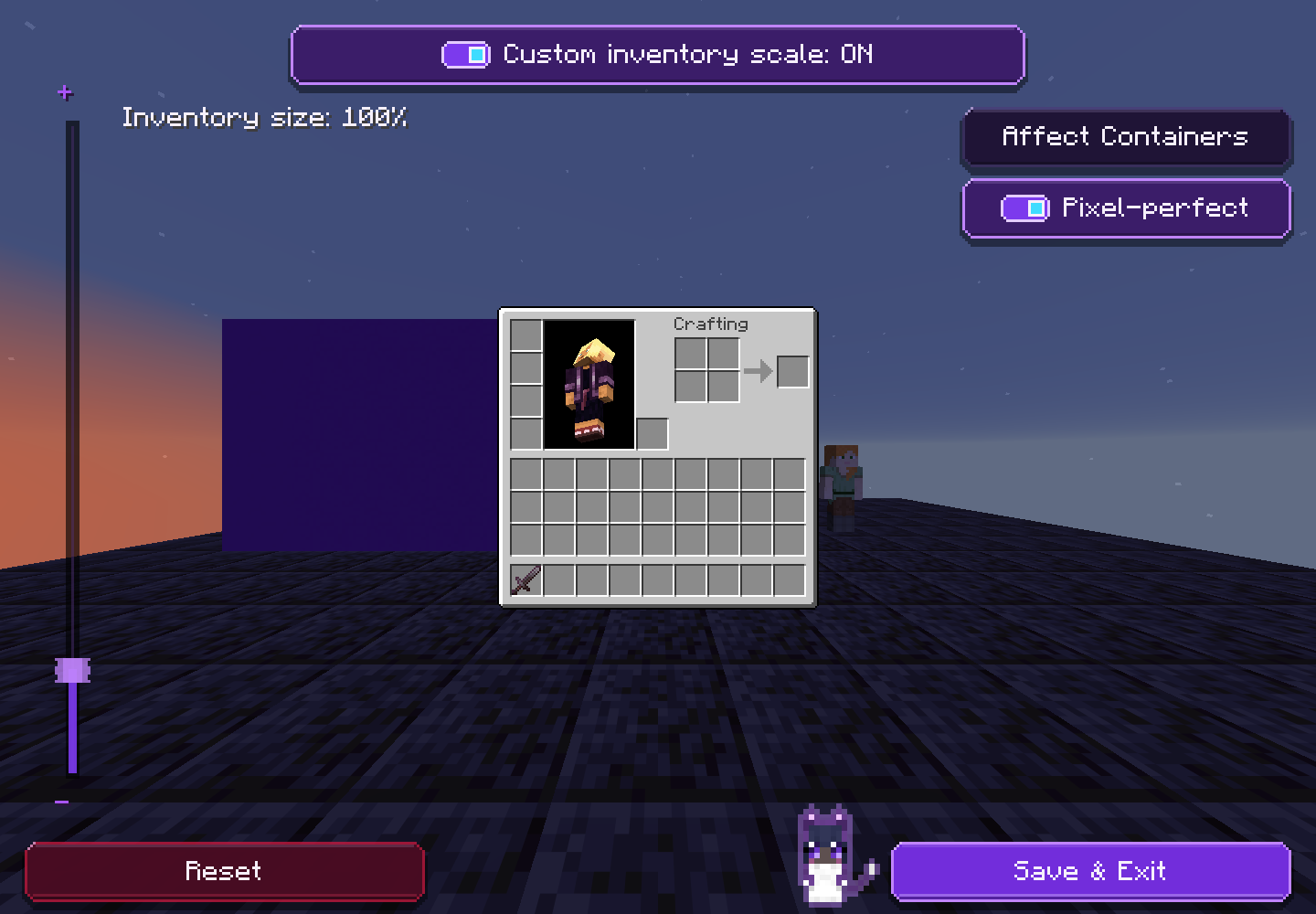
- GUI Scaler — resize only the player inventory, including its slots, text, items, and character model. Pixel-perfect scale keeps every slot even and sharp.
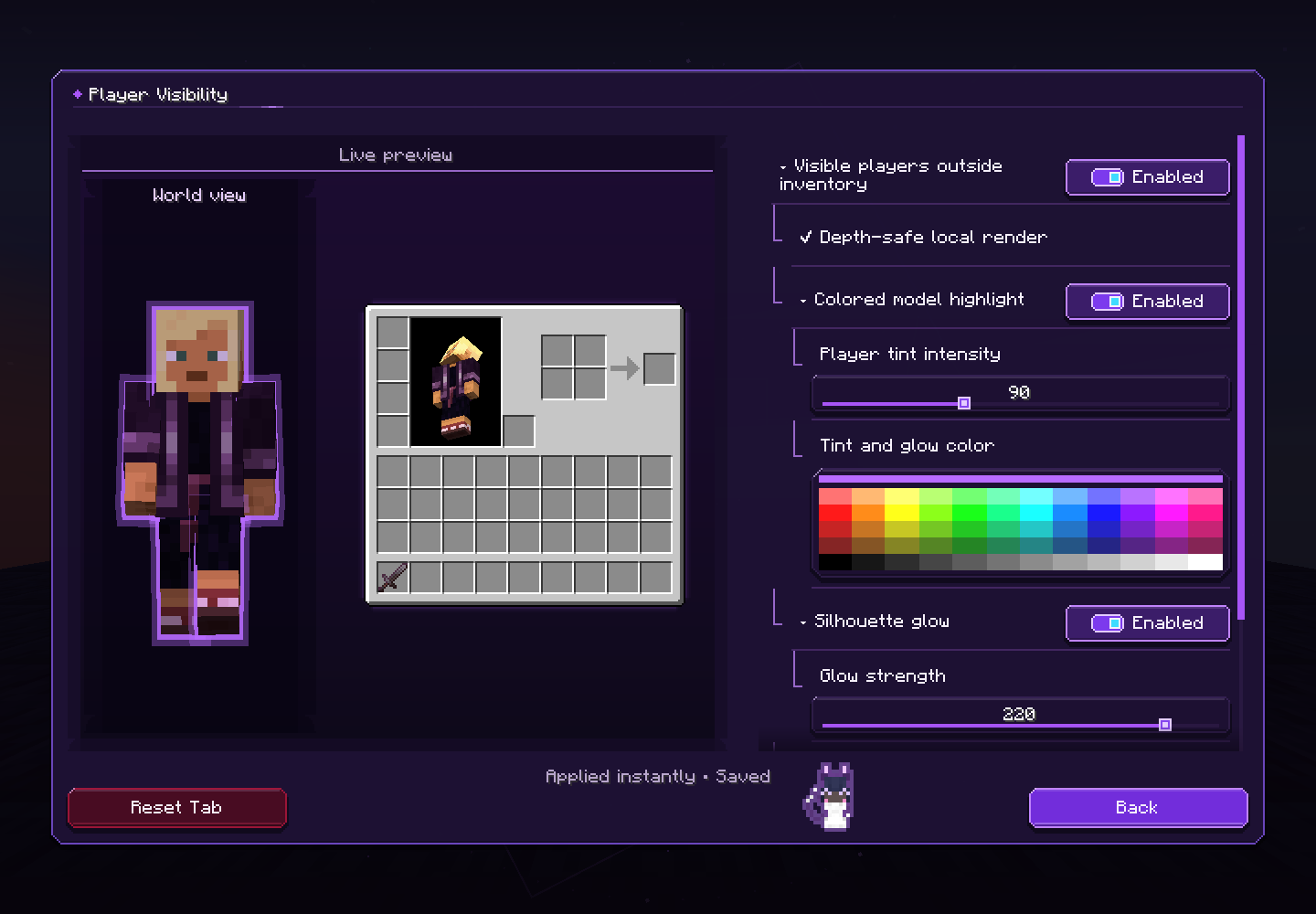
- Player Visibility — tint and a glowing silhouette for the players you can already see while your inventory is open. Blocks hide both: nothing shows through walls.
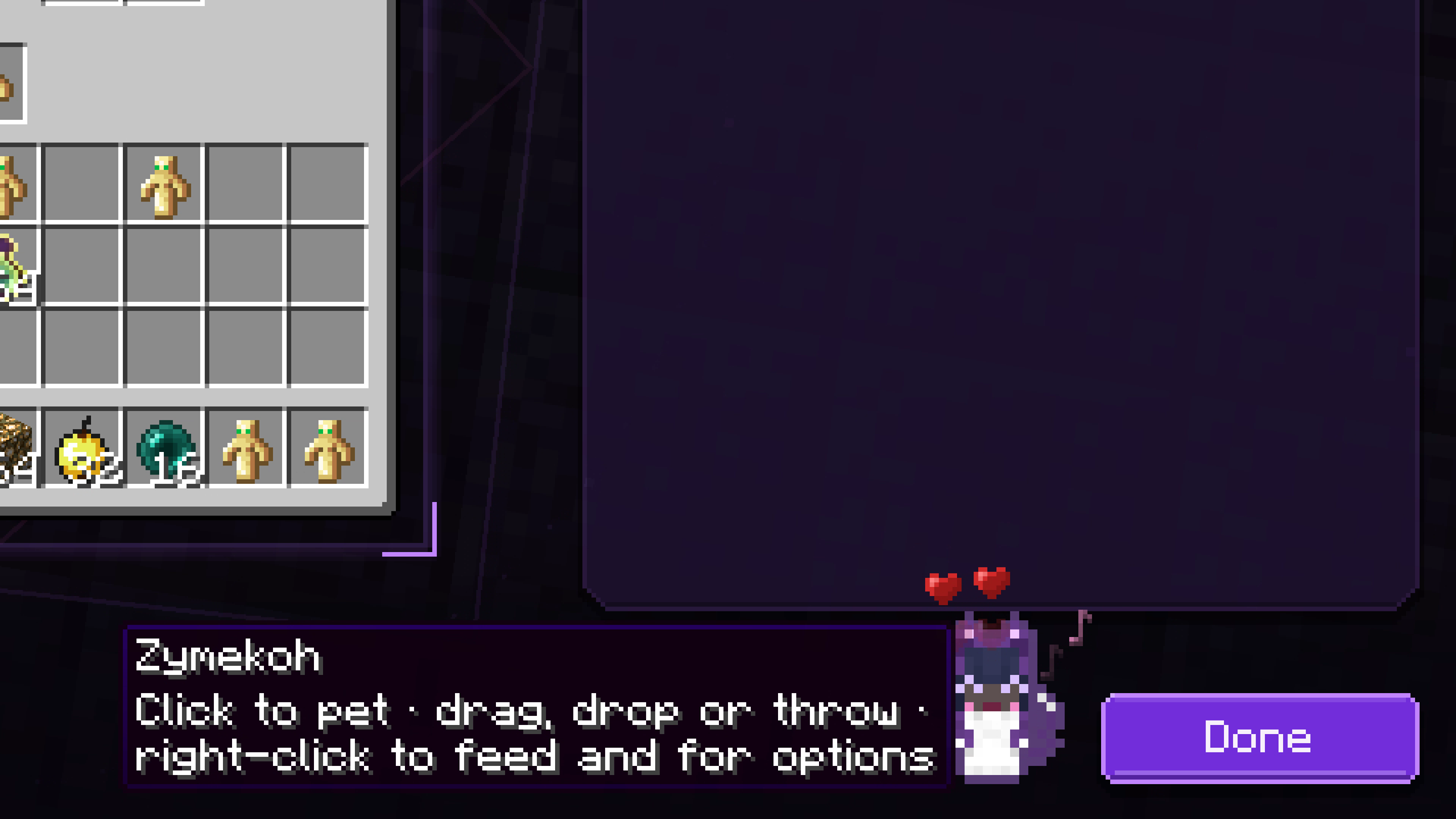
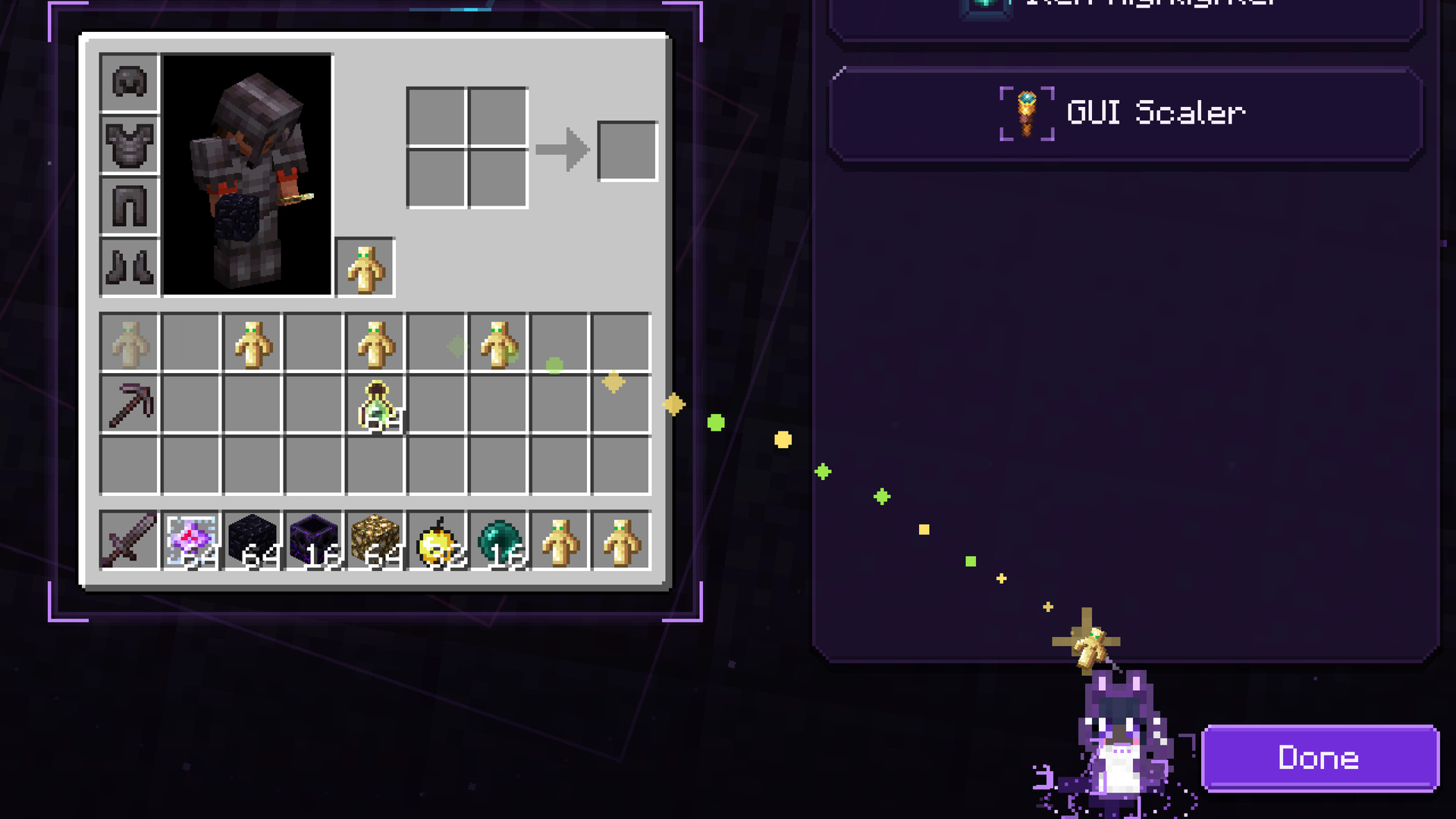
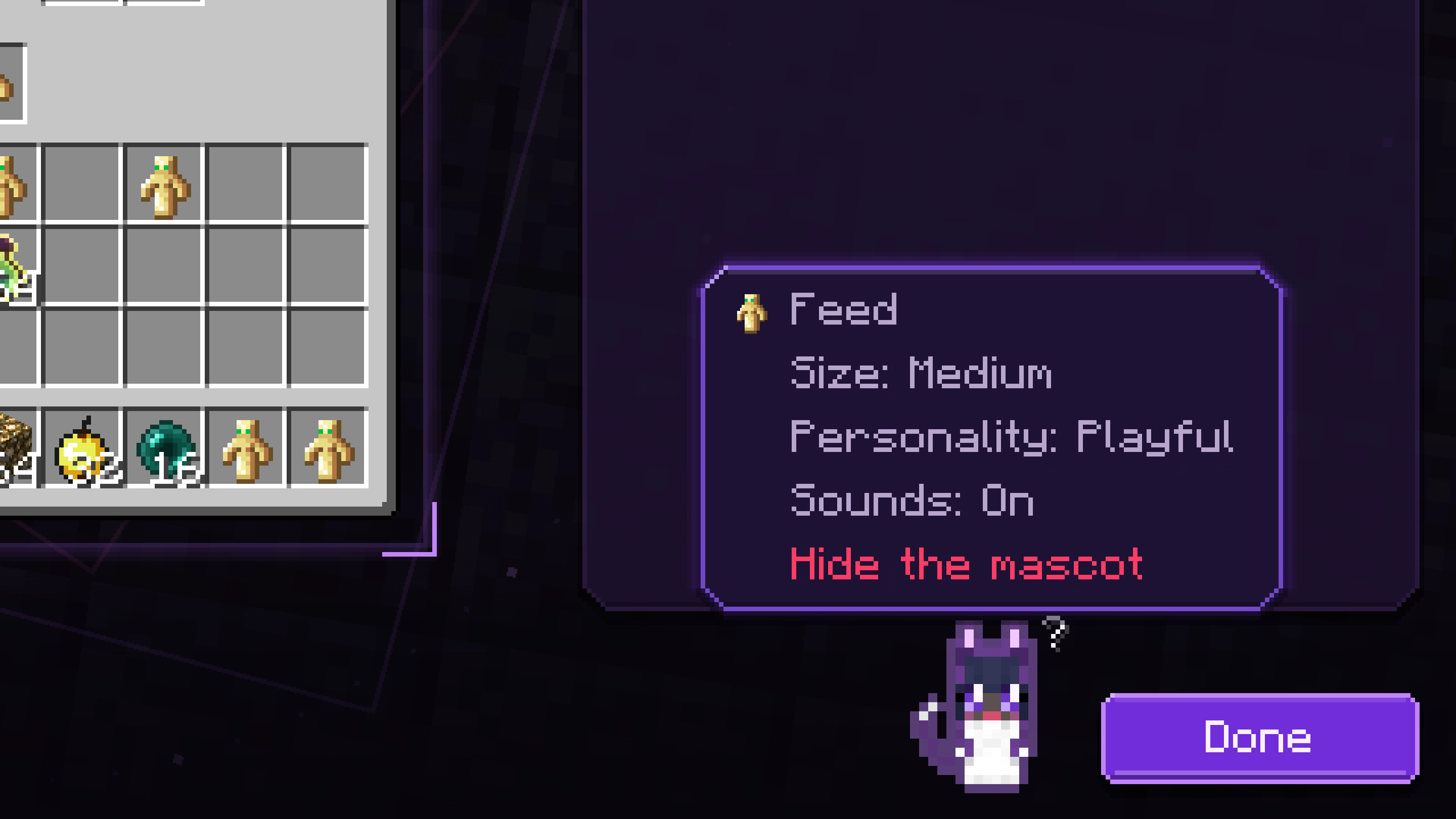
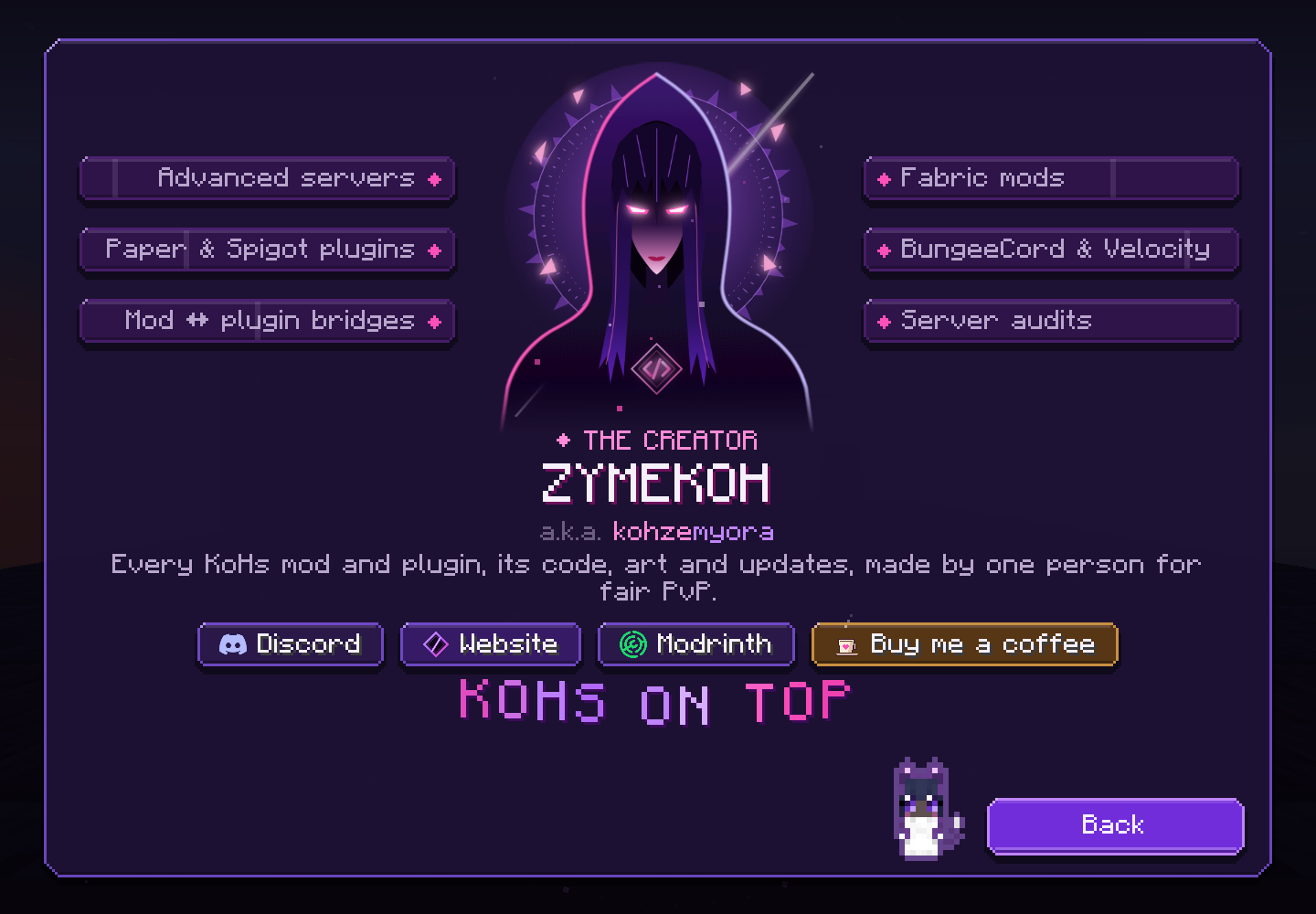
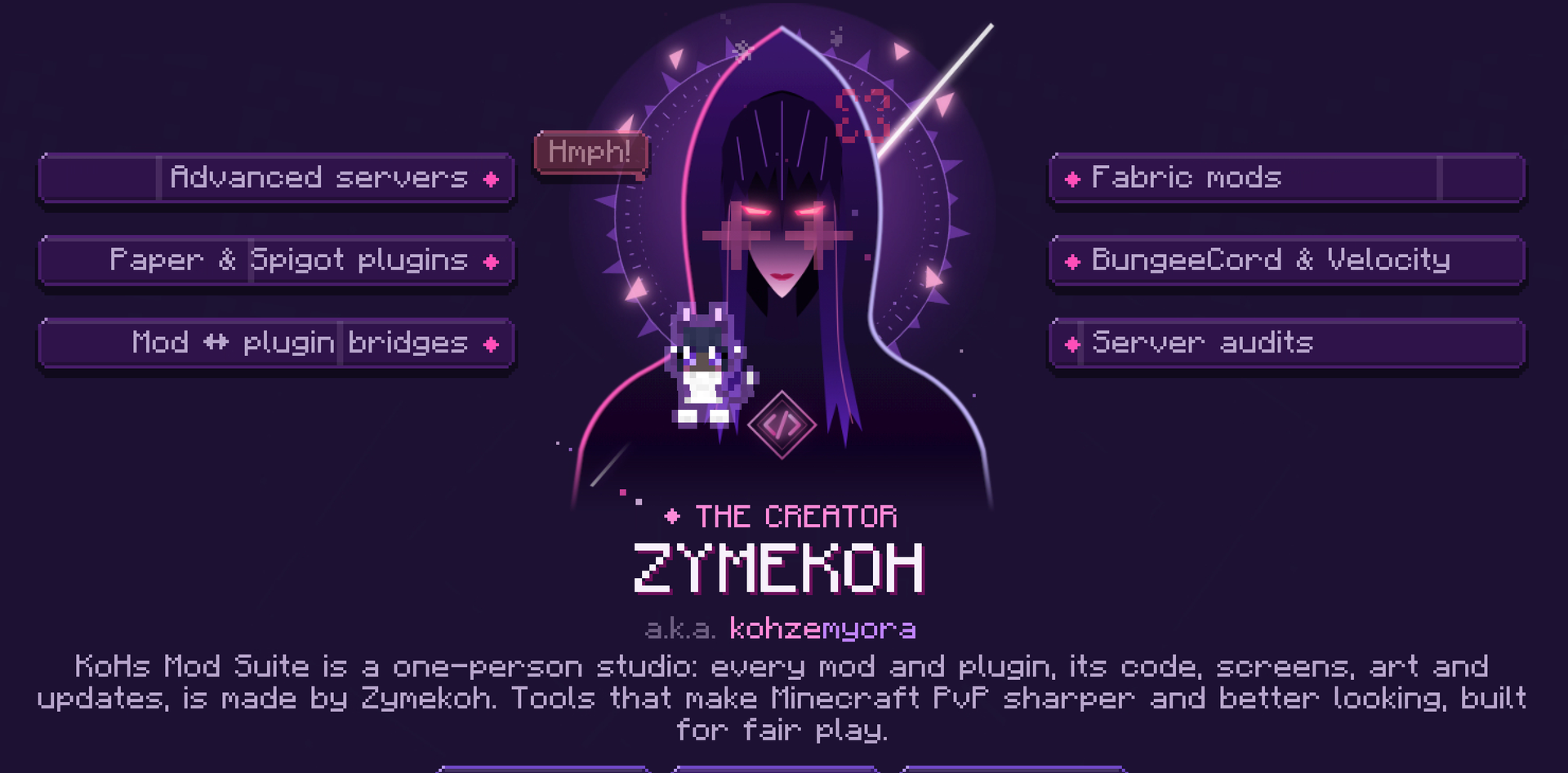
- Zymekoh mascot — it breathes, blinks, follows your pointer and reacts to your switches. It only eats Totems of Undying, pulled by magic from your inventory preview: your real inventory is never touched. Five make it round and heavy for ten minutes. Turn it off on the Inventory Tweaks page or hide it from its menu.
- The interface — dark violet glass, animated icons that no graphics or particle setting stills, controls that never shift under your pointer, hover explanations, and pages that fit at GUI scale 2, 3 and 4.
- English and Spanish — every supported Spanish locale uses the Spanish interface; other languages fall back to English.
A closer look
Inventory Tweaks
The Zymekoh mascot
KoHs tab
Cursor Landing
Inventory appearance
Item Highlighter
Inventory-only GUI Scaler
Player Visibility
Changelog
Every change, version by version: CHANGELOG.md on GitHub
For complete instructions, media limits, troubleshooting, and configuration backups, read the KoHs Inventory Tweaks Wiki.
常见问题
KoHs Inventory Tweaks 支持哪些 Minecraft 版本?
KoHs Inventory Tweaks 支持 Minecraft Java 版 1.21.11–26.2,共 5 个版本,可用的加载器:Fabric。下载时注意选择和你游戏版本一致的文件。
KoHs Inventory Tweaks 怎么安装?
先用 PCL2 或 HMCL 启动器安装对应版本的 Fabric,再把下载的 .jar 文件放进游戏目录的 mods 文件夹,重新启动游戏即可。开启了版本隔离的,mods 文件夹在 versions/版本名 下面。运行环境:仅客户端。
zymery_dria 的其他作品
查看全部 →
Crystal Tweaks KoHs
Customize crystal glow, colors, sounds, and other-player crystal profiles.

KoHs Death Effects
Animated, configurable death effects for players: ragdolls, angels, hellfire, a reaper, weapon fatalities and 35 special ones, with a live 3D preview of your own skin, a playable sandbox and The Soul Vault. Contains blood and gore.

Keyboard Place Fix
Fixes inventory right-click behavior for external Keyboard Place setups without changing core KBP functionality.

Alert Tweaks KoHs
PvP alerts for what the screen does not tell you at a glance: no totem in offhand, enemy totem pops, armour breaking, lethal falls, server lag. Plus a low-health heartbeat and arrows pointing at whoever hit you.
评论
登录后评论和评分