
截图
介绍
说明 Docs
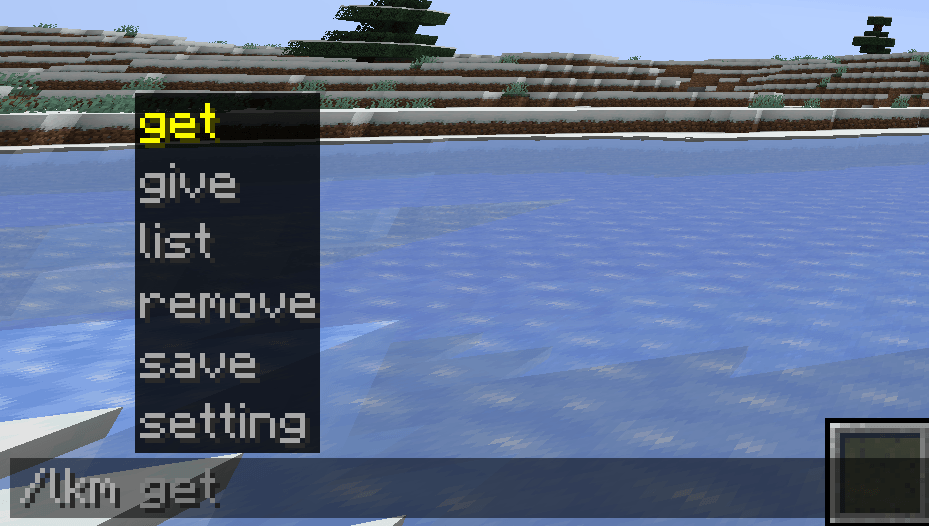
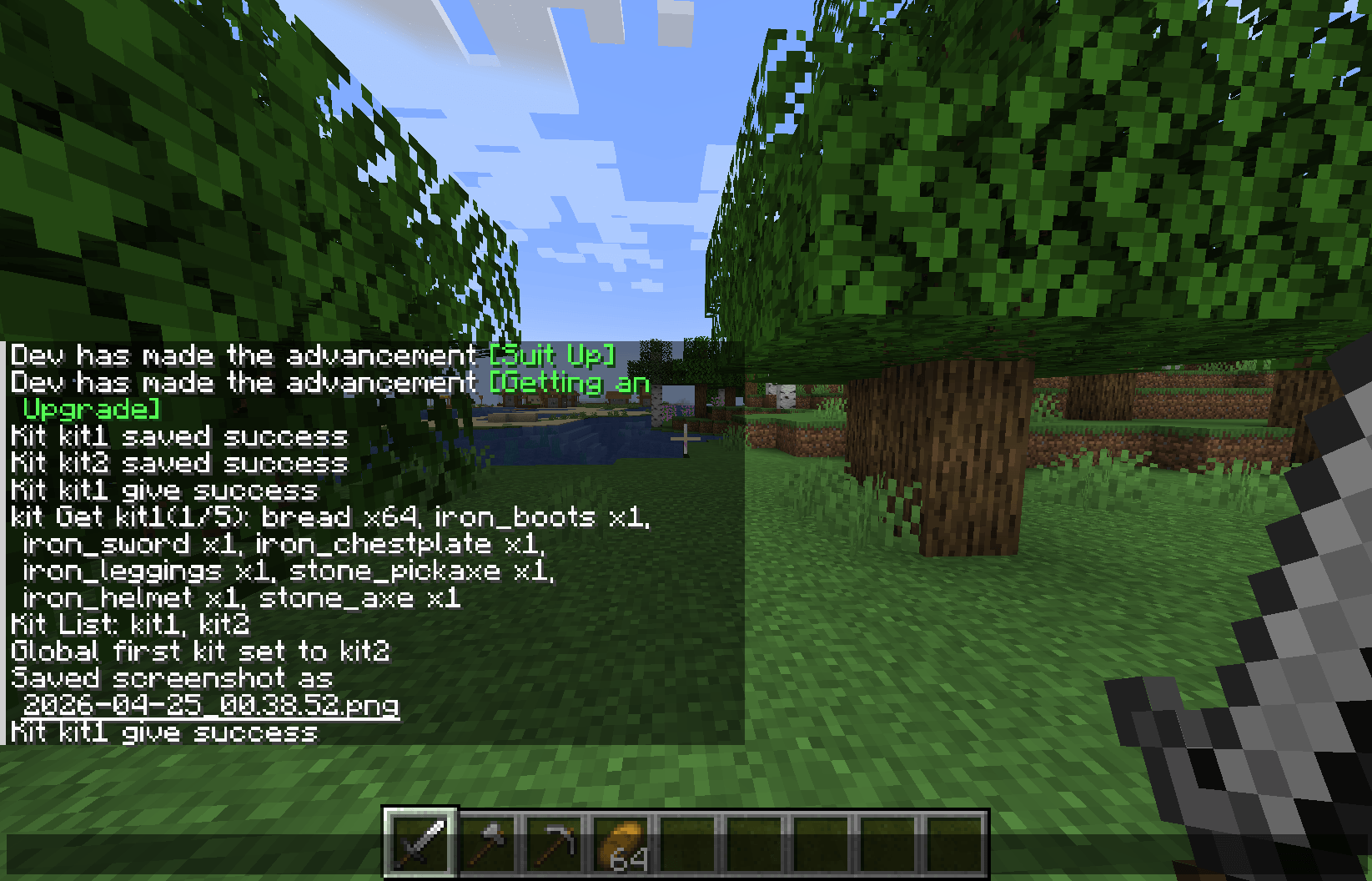
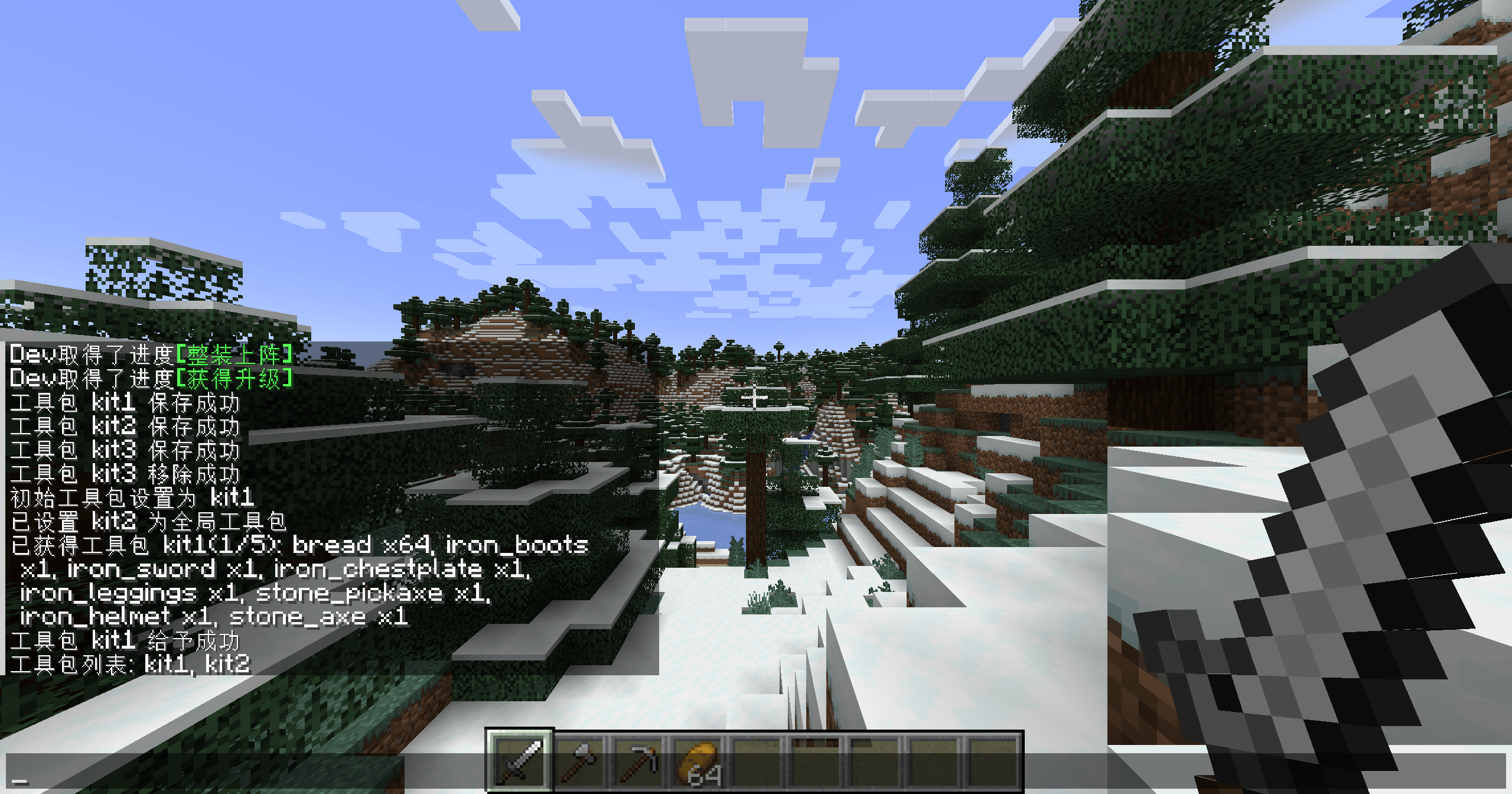
你可以轻松的将背包物品保存为工具包(礼包),并可以给予/获取/删除/设置为全局(世界)初始工具包,还可以使用多种的给予方式。
You can easily save your backpack items as a toolkit (gift package), and you can give, obtain, delete, or set it as the global (world) initial toolkit. You can also use various giving methods.
指令 Command
保存(创建/覆盖)工具包 Save(create/overwrite) as an kit
/lkm save <kitID> <isGet> <getCount>该参数为可选的(非必填,默认不允许)
- <isGet> – 是否允许使用get获取
- <getCount> – 允许每位玩家get获取的次数
This parameter is optional(Default FALSE)
- <isGet> – Is it allowed to use get
- <getCount> – The number of times get
给予工具包 Give the kit
/lkm give [playerTarget] <kitID> <giveMode>给予方式 <giveMode>
- add – 添加模式 (按保存的物品和对应的数量给予)
- cover – 覆盖模式 (完全按照保存时的槽位进行给予[包括空位])
- random_add <count> – 随机添加模式 (与add相似,但随机给予[几率均等])
- random_cover <count> – 随机覆盖模式 (与cover相似,但随机覆盖[几率均等])
随机数量 <count>
- 随机的数量,如填2则是随机给予2个槽位的物品和数量
设置当前存档/全局初始工具包 Set the current world/global first kit
/lkm setting first_kit/global_first_kit <kitID>设置玩家的get次数 Set the count of get
/lkm setting player_get_count <kitID> [playerTarget] <getCount>获取/列出/移除工具包 Get/List/Remove Kit
/lkm get/list/remove <kitID>获取指令无需任何的权限
The “get” command does not require any permissions
文件与配置 Flie and config
配置 Config
- config/LaryZsc/KitMaster/Setting.toml
kit文件 kit json
- config/LaryZsc/KitMaster/kit/<kitID>.json
玩家数据 Player Data
- saves/<savesName>/LaryZsc/KitMaster/PlayerGet.json
- saves/<savesName>/LaryZsc/KitMaster/PlayerFirstKit.json
关于 Credit
-
本模组由LaryZsc制作,开源于GitHub(GPLv3.0),你可以随意的在整合包中使用
-
如果你有建议和BUG可以向我进行反馈,非常感谢!
-
This mod is created by LaryZsc and is open source on GitHub(GPLv3.0). You can freely use it in modpacks.
-
If you have any suggestions or encounter any bugs, please feel free to give me feedback. Thank you very much!
常见问题
Kit Master 支持哪些 Minecraft 版本?
Kit Master 支持 Minecraft Java 版 1.20.1,可用的加载器:Forge。下载时注意选择和你游戏版本一致的文件。
Kit Master 怎么安装?
先用 PCL2 或 HMCL 启动器安装对应版本的 Forge,再把下载的 .jar 文件放进游戏目录的 mods 文件夹,重新启动游戏即可。开启了版本隔离的,mods 文件夹在 versions/版本名 下面。
评论
登录后评论和评分