
Kill Switch
The first ever kill (public?) switch in Minecraft. Default Bind is K. Be careful since its instant exit.
截图
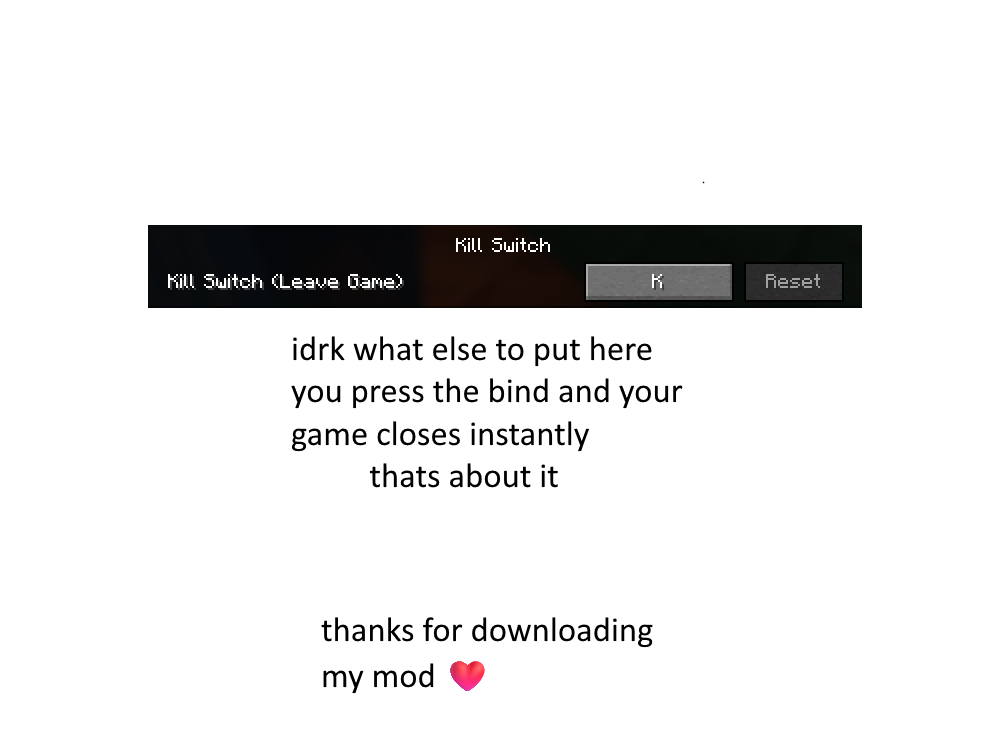
介绍
🚨 Minecraft Kill Switch 🚨
🧨 Overview
The Minecraft Kill Switch is a simple yet powerful mod that lets you instantly kill the game with a single keystroke. Whether you’re stuck in a tight spot, want to quit without waiting for the game to close normally, or just need a quick “emergency exit,” this mod does the job. The default keybinding for this action is the K key.
⚡ Instant Shutdown: Press the K key to instantly close your Minecraft game, no questions asked.
🛠️ Features
- One-Press Shutdown: Simply press the K key to terminate Minecraft immediately.
- No Confirmation Required: This is an emergency switch; there’s no “Are you sure?” prompt—just a quick exit.
🎮 How It Works
The Minecraft Kill Switch works by intercepting the game’s input and detecting the press of the K key. When the key is pressed, the game is forcibly closed without any delay.
Default Keybind
- Key:
K(Can be customized in Minecraft’s control settings)
⚙️ Installation Guide
Follow these steps to install the Minecraft Kill Switch Mod:
- Download the Mod:
- Install Fabric (or Forge):
- You’ll need either Fabric or Forge installed to run this mod. You can get Fabric from here.
- Follow the installation instructions on their website for your version of Minecraft.
- Add the Mod:
- Move the downloaded mod
.jarfile into your Minecraft mods folder: - On Windows:
AppData > Roaming > .minecraft > mods - On macOS:
~/Library/Application Support/minecraft/mods
- Launch Minecraft:
- Open your Minecraft Launcher, select the correct profile (Fabric/Forge), and click Play.
🖱️ Customizing the Keybind
If you want to change the default K key to something else:
- Open Minecraft and go to Options > Controls.
- Look for the section labeled Kill Switch Mod.
- Change the key to your preferred button.
- Hit Done and you’re set!
🧳 Troubleshooting
- The mod isn’t working: Ensure you’re using the correct version of Fabric/Forge. Double-check that the mod file is in the correct mods folder.
- The key doesn’t work: Make sure no other mods are conflicting with the keybind. Try resetting your controls.
- Accidentally pressing K: Change the key to something less accessible.
🔐 Safety Warning
This mod is designed to terminate the game instantly when the key is pressed. While useful, please use responsibly—accidentally pressing the key could cause you to lose unsaved progress.
⚙️ Requirements
- Loader: Fabric 0.16.10)
- Fabric API: Recommended])
常见问题
Kill Switch 支持哪些 Minecraft 版本?
Kill Switch 支持 Minecraft Java 版 1.21.3,可用的加载器:Fabric。下载时注意选择和你游戏版本一致的文件。
Kill Switch 怎么安装?
先用 PCL2 或 HMCL 启动器安装对应版本的 Fabric,再把下载的 .jar 文件放进游戏目录的 mods 文件夹,重新启动游戏即可。开启了版本隔离的,mods 文件夹在 versions/版本名 下面。运行环境:仅客户端。
评论
登录后评论和评分