
截图
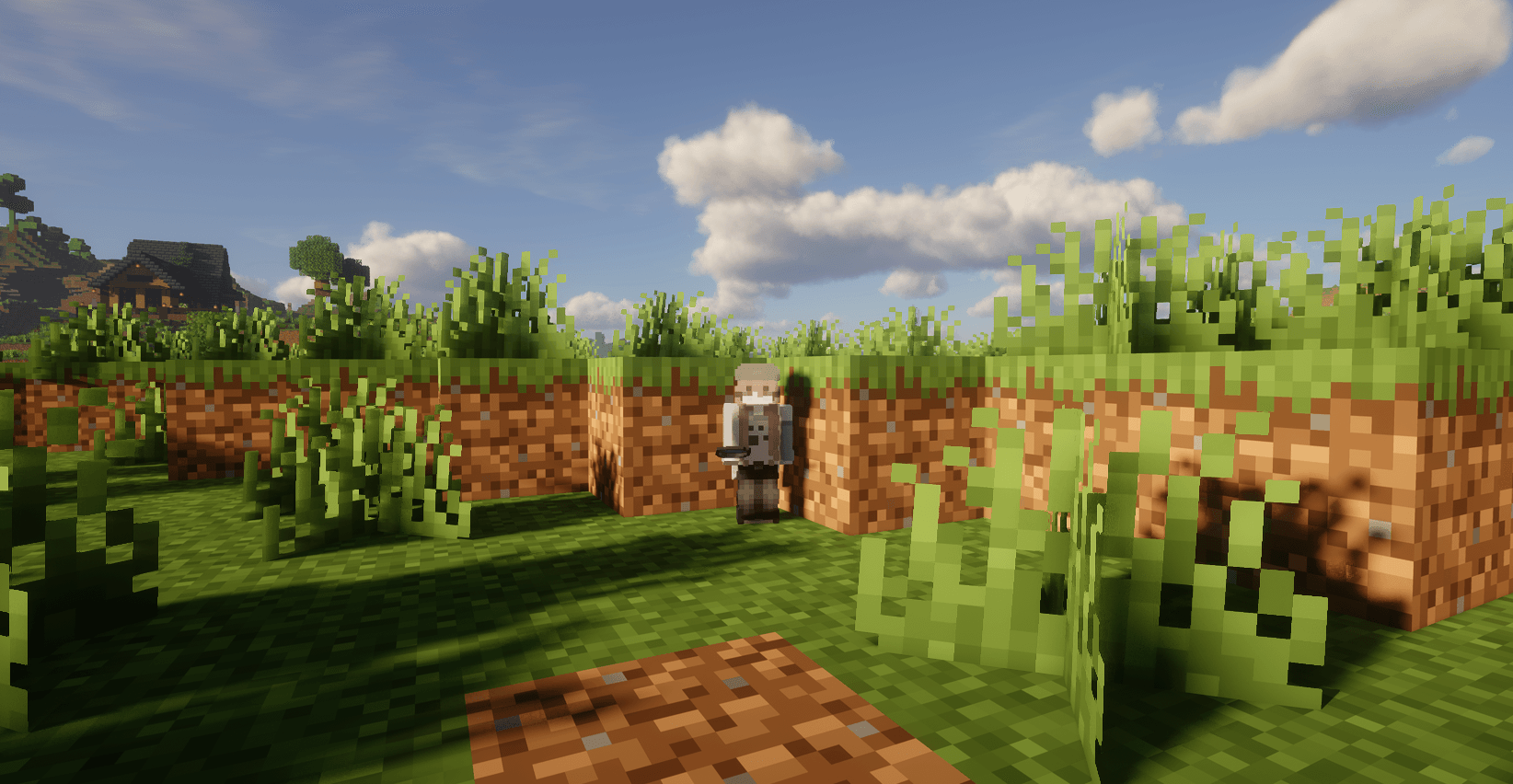
介绍
中文介绍正在准备中,下面暂时显示原文。
✦ Kiem Addons
A clean, modern Quality of Life (QoL) and visual enhancement mod for Minecraft (Fabric 26.1.2 & 26.2).
Crafted by gamedese.
🌟 Key Features
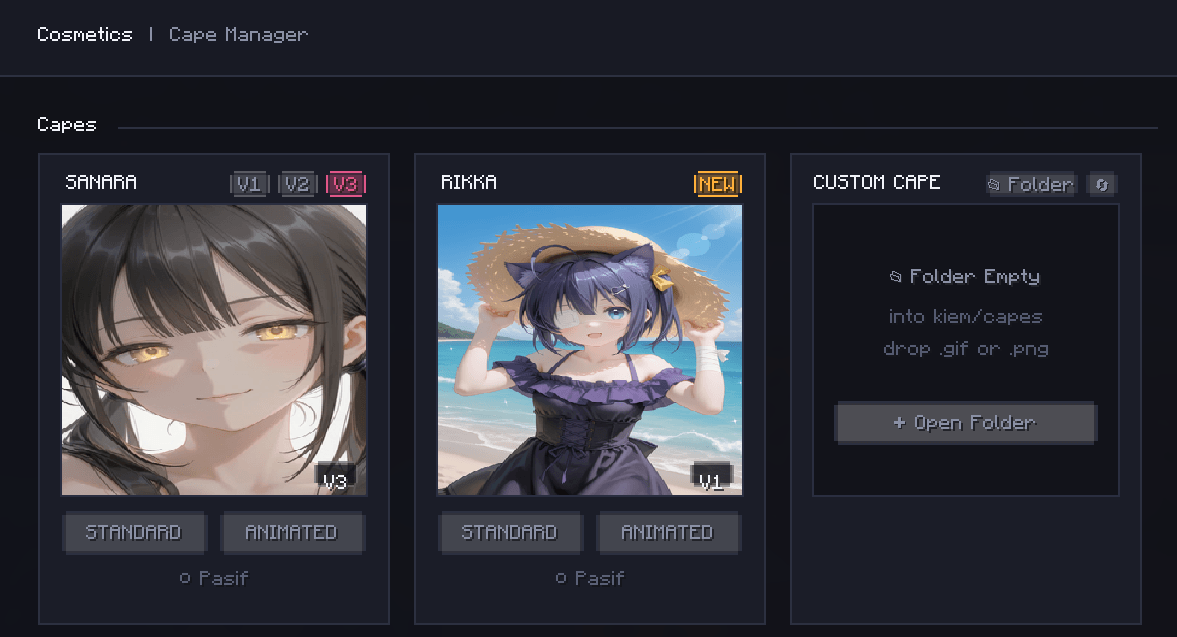
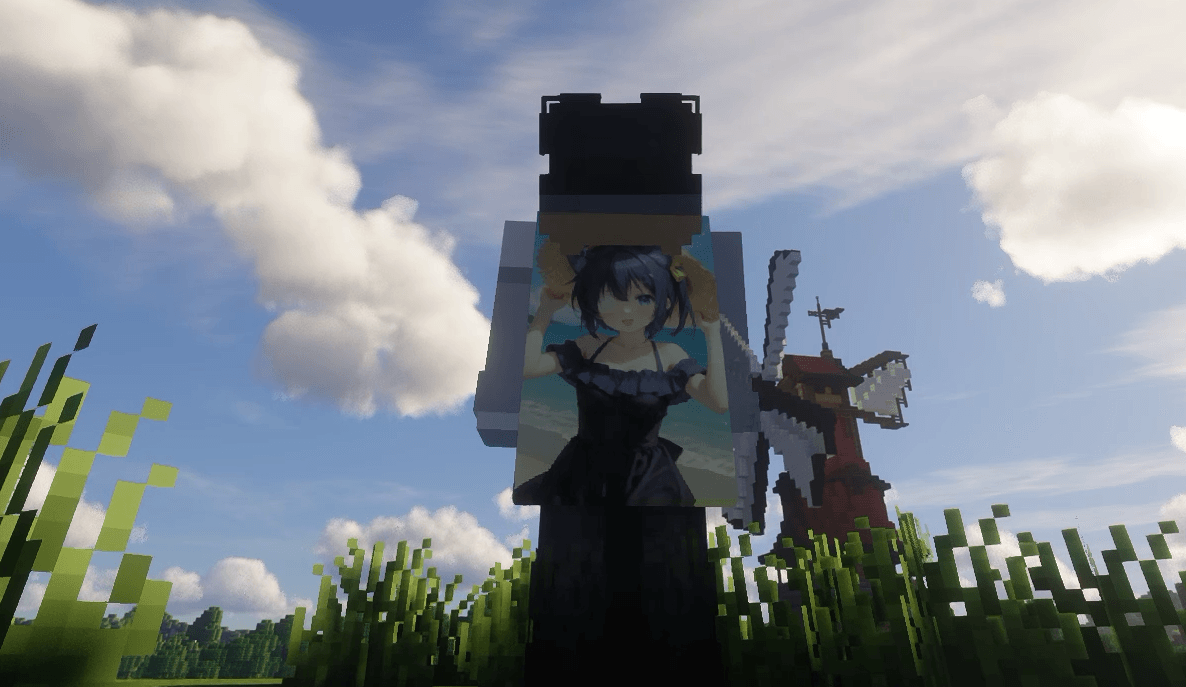
✨ Animated & Static Capes
- Smooth 24 FPS & HD Capes: High-resolution animated and static anime capes (Sanara V1/V2/V3 and Rikka).
- In-Game Selector: Live preview and equip capes directly inside the in-game menu (
F6).
🗡️ Custom Viewmodel & Swing
- Item Positioning: Full 3D control over held item scale, position (X, Y, Z), and rotation (Pitch, Yaw, Roll).
- Swing Speed: Control attack animation speed without affecting your actual hit cooldown or CPS.
- Smooth Animations: Prevents click spam from cutting off swing animations prematurely.
🔍 Smooth Zoom
- Smooth Zoom (
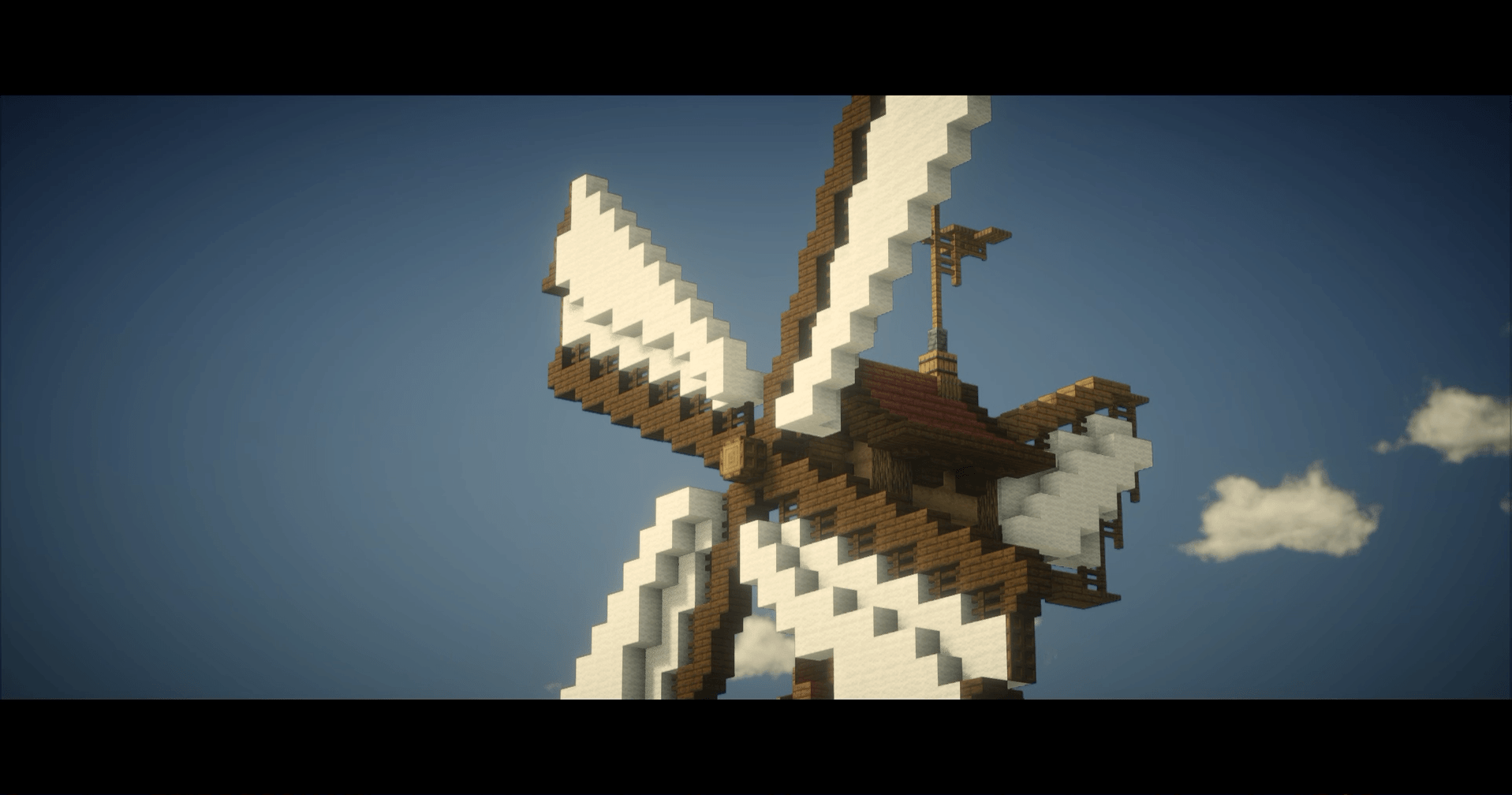
C): Cinematic zoom with mouse wheel distance control (up to 15x magnification). - Cinematic Black Bars (Optional): Movie-style letterbox black bars during zoom for cinematic screenshots and videos.
🎥 Better Third Person & Camera Lag
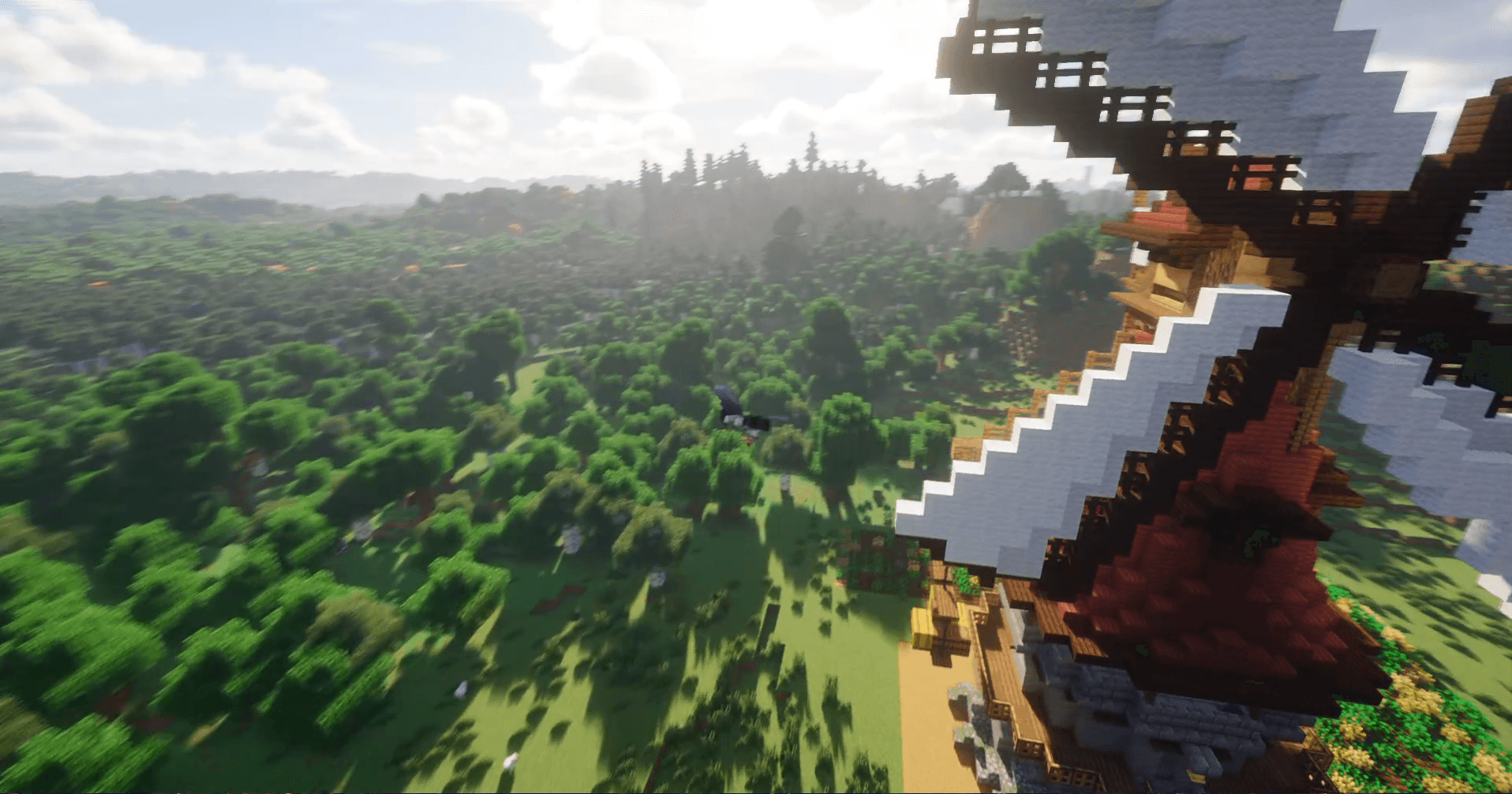
- Cinematic Camera Lag: Natural camera trailing that smoothly follows your momentum while sprinting or flying.
- Shoulder View (
V): Over-the-shoulder perspective with smooth left/right shoulder switching. - Free 360° Rotation: Rotate and inspect your character without altering player direction.
💬 Chat QoL
- Quick Peek (
Z): Hold hotkey to quickly glance at and scroll chat history without stopping your movement. - Infinite Chat: Removes the default 100-line chat scrollback limit.
- Copy Message:
Ctrl + Left Clickon any chat message to copy it to your clipboard. - Chat Compactor: Automatically stacks identical consecutive messages with a
(x2, x3)counter.
📜 Scrollable Tooltips
- Scroll Long Tooltips: Smoothly scroll oversized item tooltips with your mouse wheel so lengthy stats never get cut off off-screen.
- Scale Tooltips:
Ctrl + Scrollto make item tooltips larger or smaller dynamically.
🎬 AFK Cinematic Camera
- Dynamic Angles: Switches to cinematic camera sweeps when going idle.
- Instant Wakeup: Touch your mouse or keyboard, and you are instantly back in normal first-person view.
🧍 Mini Player Models
- 3D Scale: Adjust your character’s visual model size independently across X, Y, and Z axes.
- Multiplayer Support: Works for both your own view and other players.
🌐 Multi-Language Support
– Full in-game toggle between English 🇬🇧 and Türkçe 🇹🇷 with one click.
⌨️ Default Keybinds
| Key | Action |
|---|---|
| F6 | Open Kiem Addons Menu |
| Z (Hold) | Quick Chat Peek |
| C (Hold) | Smooth Zoom (Scroll to adjust zoom level) |
| V | Toggle Shoulder View |
| Ctrl + Scroll | Resize Item Tooltip |
(All keybinds are fully rebindable in the standard Controls > Key Binds menu).
🛠️ Installation
- Install Fabric Loader for Minecraft 26.2 or 26.1.2.
- Put the
kiem-addons-1.0-*.jarfile into your.minecraft/modsfolder. - Launch Minecraft and press
F6in-game!
常见问题
kiem addons 支持哪些 Minecraft 版本?
kiem addons 支持 Minecraft Java 版 26.1.2–26.2,共 2 个版本,可用的加载器:Fabric。下载时注意选择和你游戏版本一致的文件。
kiem addons 怎么安装?
先用 PCL2 或 HMCL 启动器安装对应版本的 Fabric,再把下载的 .jar 文件放进游戏目录的 mods 文件夹,重新启动游戏即可。开启了版本隔离的,mods 文件夹在 versions/版本名 下面。
评论
登录后评论和评分