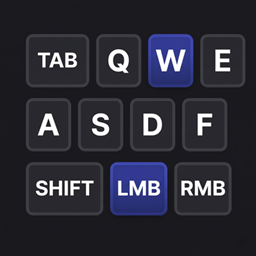
Keyboard mouse overlay
A keystrokes display for your screen — the same idea as the overlay streamers use, but built for everyday play
截图
介绍
# Keyboard Mouse Overlay
A keystrokes display for your screen — the same idea as the overlay streamers use, but built for everyday play.
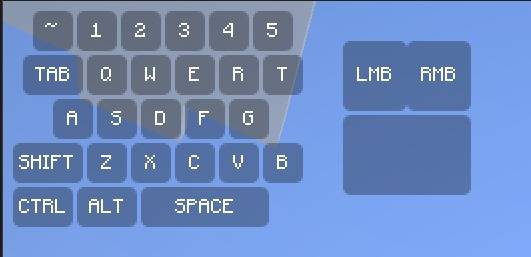
It draws a compact keyboard and mouse in the corner of your HUD, and each key lights up the instant you press it. You can see at a glance whether your SHIFT is actually held, whether your W registered, or whether that click landed — useful for PvP, parkour, bridging, recording, or just checking your own habits.
**What’s on screen**
– Number row (`~ 1 2 3 4 5`), TAB, `Q W E R T`, `A S D F G`, SHIFT, `Z X C V B`, CTRL, ALT and a wide SPACE bar
– Left and right mouse buttons with a mouse body beside the keyboard
– Pressed keys change color and text color so input is unmistakable
– Labels can be hidden if you prefer a clean, minimal look
**Making it yours**
– Toggle it instantly with **O** (rebindable in Controls), with an on-screen ON/OFF confirmation
– `/keyboard-mouse-overlay scale 0.1–2.0` resizes it; `/kamo` works as a short alias
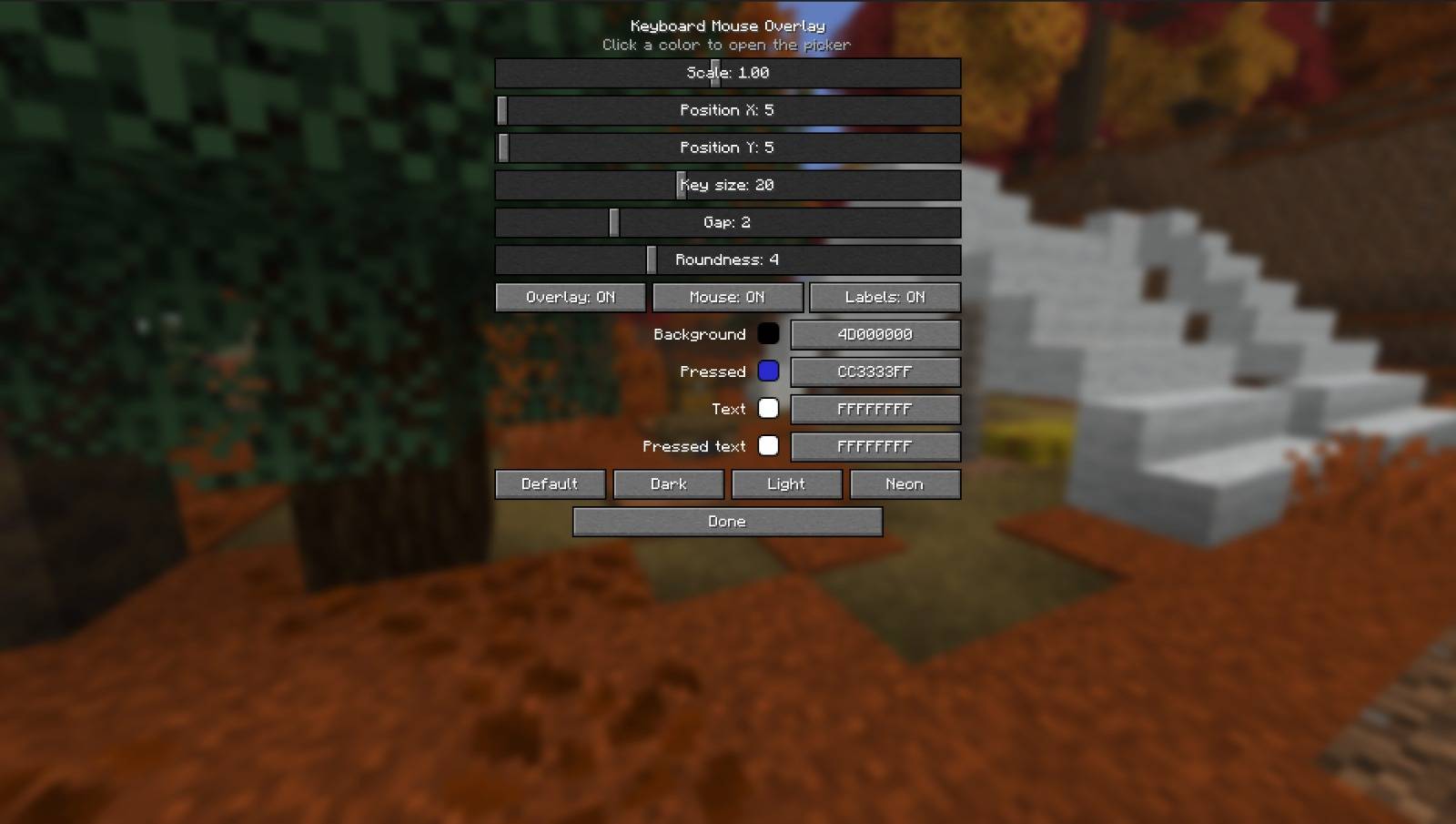
– A full config screen in Mod Menu: size, position, key size, spacing, and corner roundness — from sharp square keys all the way to fully rounded
– Pick any color by dragging on a live color wheel/square, with alpha for transparency
– One-click themes: Default, Dark, Light, Neon
– Everything saves automatically and comes back exactly as you left it
**Good to know**
– Client-side only — works on any server, including ones you don’t own, and nobody else needs it installed
– Hides together with the rest of the HUD when you press F1
– Lightweight: it doesn’t touch gameplay, rendering of the world, or networking
– Free and open source under the MIT license
Built by **mayank** / **AFKZ Studios** for Fabric, available for 1.21.11, 26.1, 26.1.1, 26.1.2, 26.2 and 26.3.
常见问题
Keyboard mouse overlay 支持哪些 Minecraft 版本?
Keyboard mouse overlay 支持 Minecraft Java 版 1.21.11–26.3,共 6 个版本,可用的加载器:Fabric。下载时注意选择和你游戏版本一致的文件。
Keyboard mouse overlay 怎么安装?
先用 PCL2 或 HMCL 启动器安装对应版本的 Fabric,再把下载的 .jar 文件放进游戏目录的 mods 文件夹,重新启动游戏即可。开启了版本隔离的,mods 文件夹在 versions/版本名 下面。
afkzstudios 的其他作品
查看全部 →
Motion Blur Enhanced
AFKZ Motion Blur 是一款轻量级的客户端 Fabric 模组,可添加流畅的时域动态模糊,并支持简单的游戏内控制和保存设置。

Hitbox-Enhanced
为战斗训练和 PvP 添加彩色碰撞箱。

Fullbright Plus
这款 Minecraft Fabric 客户端模组可提升多人服务器中的能见度:按 G 移除黑暗效果,按 H 清除迷雾,按 J 打开设置菜单。

Clean View Enhanced
Afkz Clean View 是一款 Minecraft Fabric 模组,可通过游戏内配置界面的开关选项移除药水粒子,以及水下和熔岩迷雾。
评论
登录后评论和评分