
介绍
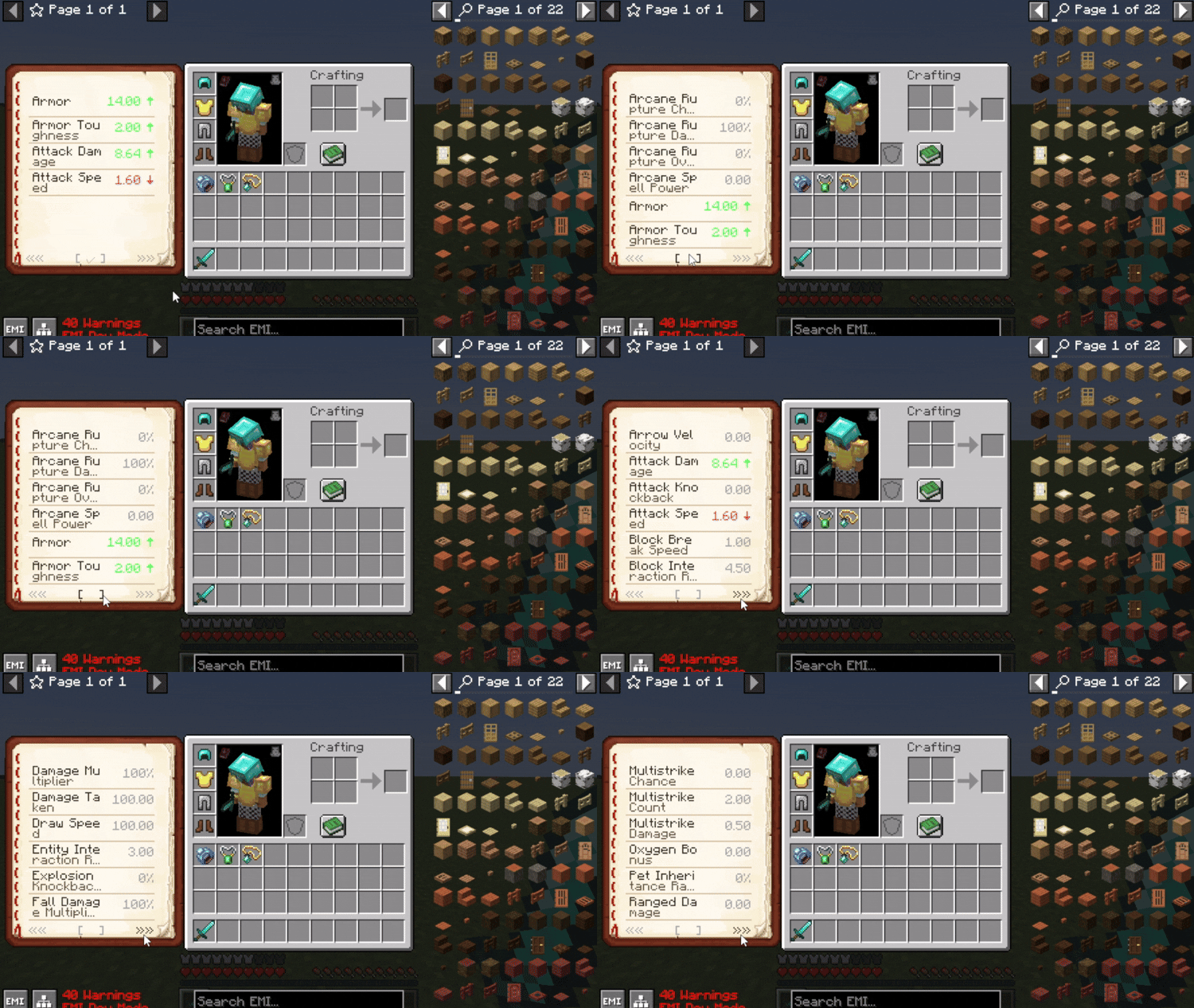
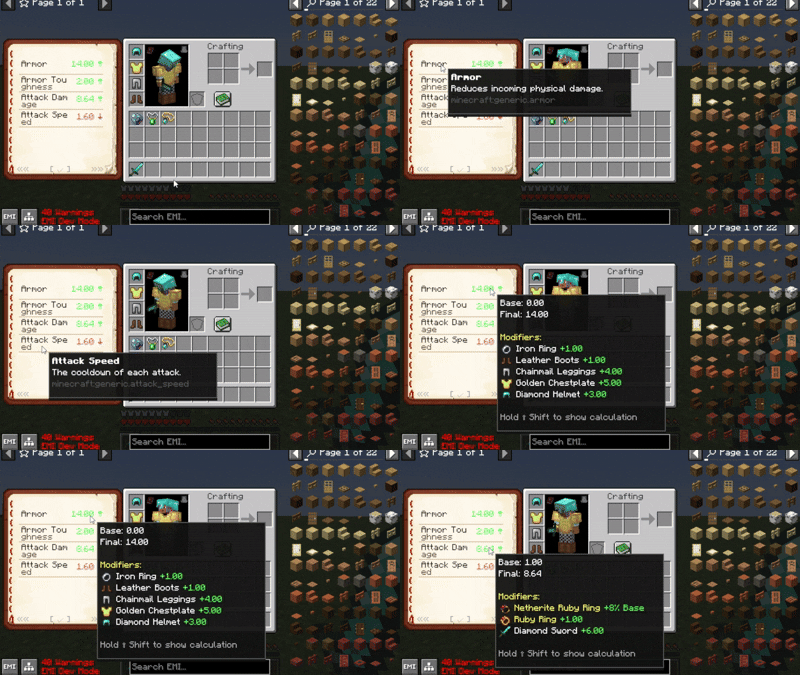
Available in 1.1.5 with customizable headers and icons inside Mod Menu or config:
Resourcepack used to showcase: EaglesEye’s Tooltip Attribute Icons with Icon Leading Tooltip
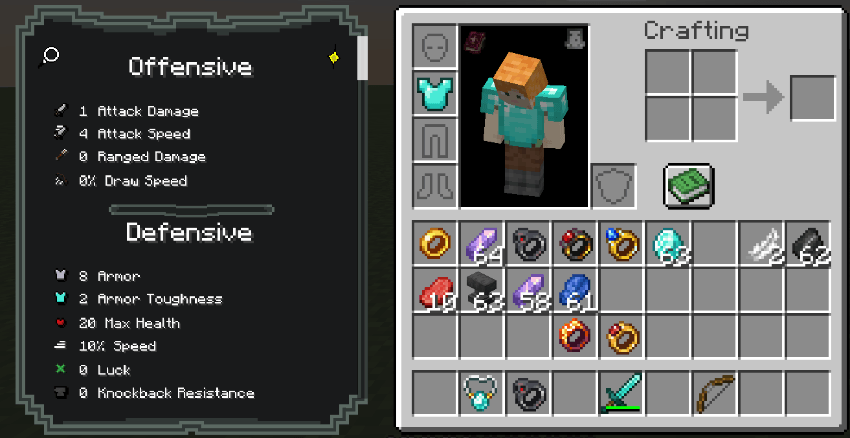 🔧 Adding Descriptions to Custom Attributes
To add descriptions to any attributes:
- Create a resource pack, and inside it, navigate to:
assets/<your_namespace>/lang/en_us.json
- Add your attribute descriptions like this:
{

  "description.attribute.name.modid.attributename": "Your attribute description here.",
  "description.attribute.name.spell_engine.healing_taken": "Modifies how much healing is received."

}
✅ Replace modid and attributename with your actual mod’s ID and the attribute’s name.
Currently has innate support for:
- TieredZ
- Trinkets / Curios / Accessories
- Reskillable Reimagined
- Apotheosis
- Pufferfish Skill Trees
- RPG Systems
- Spell Engine (Set Equipment)
- More Quest Types (Rewards)
- RPG Systems (Titles)
Giving an attribute the id -> minecraft:diamond\_sword.hello\_world -> will show in tooltip as the diamond sword with the custom name as “Hello World”

常见问题
Kev’s Attributes Panel 支持哪些 Minecraft 版本?
Kev’s Attributes Panel 支持 Minecraft Java 版 1.20.1–1.21.1,共 2 个版本,可用的加载器:Fabric / Forge / NeoForge。下载时注意选择和你游戏版本一致的文件。
Kev’s Attributes Panel 怎么安装?
先用 PCL2 或 HMCL 启动器安装对应版本的 Fabric / Forge / NeoForge,再把下载的 .jar 文件放进游戏目录的 mods 文件夹,重新启动游戏即可。开启了版本隔离的,mods 文件夹在 versions/版本名 下面。运行环境:客户端和服务端都要装。
KevzCz 的其他作品
查看全部 →
Kev’s Library
A library for all Kev's mods

Kev’s Tierify Modifiers
More Tieredz modifiers!

Icon Leading Tooltip
Places icons before the attributes!
Cthulib
Core utility mod for Pixel Dream Studios modpacks
评论
登录后评论和评分