
Kevin’s Cozy Corner – An Enderman Plushie
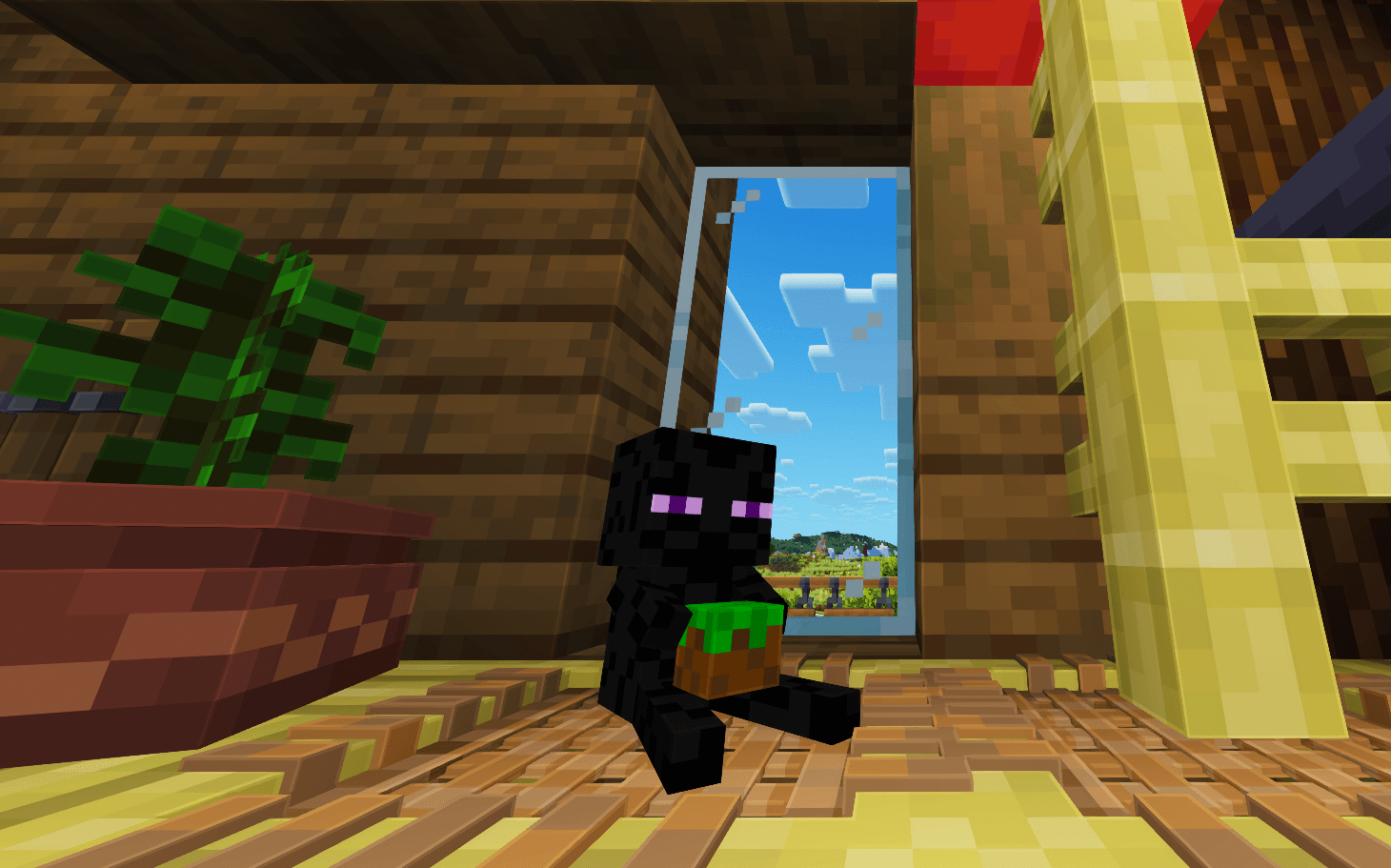
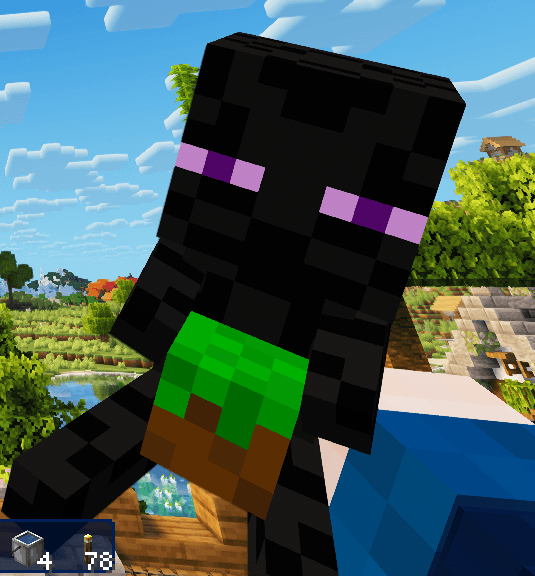
Meet Kevin the Endermate, your tiny, grass-block-loving buddy, always holding his beloved grass block. Place him anywhere to bring a little Enderman charm into your Minecraft world!
截图
介绍
Kevin’s Cozy Corner – An Enderman Plushie
Meet Kevin the Endermate!
Place him anywhere and give your new little friend a cozy home! 💜
💜 Why Kevin?
Why Kevin and not just another Enderman?
Well, Kevin’s story began as a funny little inside joke that somehow turned into a beloved character of his own.
Unlike most Endermen, Kevin isn’t particularly interested in teleporting around or causing trouble. He prefers staying home, enjoying his cozy little corner and keeping an eye on things while you’re away.
He’s quite happy being home alone, actually. Someone has to look after the house, after all!
And don’t worry — he’s got his beloved grass block to keep him company. 🌱
✨ Features
Place Anywhere – Give Kevin a cozy spot in your home, on a shelf or wherever he feels welcome.
8-Way Rotation – Kevin automatically faces you when placed and can be rotated in 45° steps by right-clicking with an empty hand.
Survival Friendly – Craft your own Kevin using simple materials.
Vanilla-Inspired Pixel Art – A small, lightweight decorative addition to your Minecraft world.
🧵 Crafting Recipe
Arrange the following materials in a crafting table:
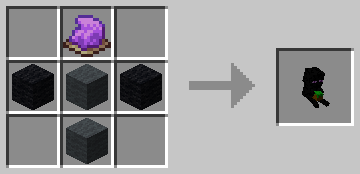
Ingredients:
– 2× Black Wool
– 2× Gray Wool
– 1× Purple Dye
💜 Creation
Made with love, a little pixel art, and probably more black tea than necessary. ☕✨
Model & Textures
– Blockbench
– Paint.NET
—
Adopt a Kevin!
常见问题
Kevin’s Cozy Corner – An Enderman Plushie 支持哪些 Minecraft 版本?
Kevin’s Cozy Corner – An Enderman Plushie 支持 Minecraft Java 版 26.3,可用的加载器:Fabric。下载时注意选择和你游戏版本一致的文件。
Kevin’s Cozy Corner – An Enderman Plushie 怎么安装?
先用 PCL2 或 HMCL 启动器安装对应版本的 Fabric,再把下载的 .jar 文件放进游戏目录的 mods 文件夹,重新启动游戏即可。开启了版本隔离的,mods 文件夹在 versions/版本名 下面。
Zabeenia 的其他作品
查看全部 →
Azura UI – Aurora Ice Edition
A crystal-inspired Minecraft UI featuring elemental aesthetics and handcrafted icons.

Azura UI – Ruby Fire Edition
A crystal-inspired Minecraft UI featuring ruby crystal glass, molten lava accents and a love for cherries.
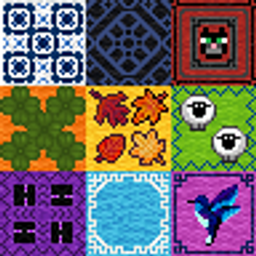
Prismatic Loom: Custom Carpets
New carpets on the Block - get yourself some fancy floor fashion and feel free to Mix & Match as you like!

Azura UI – Winterglow
A winter-inspired Minecraft UI for everyone who loves that icy look – complete with mandarins to keep your vitamin C levels up!
评论
登录后评论和评分