
Just Enough Filters (JEF)
A lightweight add-on for JEI/REI/EMI. Filtering exact items is just a click away!
截图
介绍
Just Enough Filters (JEF)
A lightweight add-on for JEI, REI, and EMI.
It adds a dedicated filter bar to your item list,
allowing you to quickly find exactly what you need without typing complex search queries.

Important Notes
- This mod is client-sided only!
Dependencies
- Mod Menu if using Fabric
- Any of Kotlin Adapter mods:
- For (Neo)Forge: Kotlin for Forge
- For Fabric: Fabric Language Kotlin
- Any of the following item listing mods:
- Just Enough Items (JEI)
- Roughly Enough Items (REI)
- EMI
Features
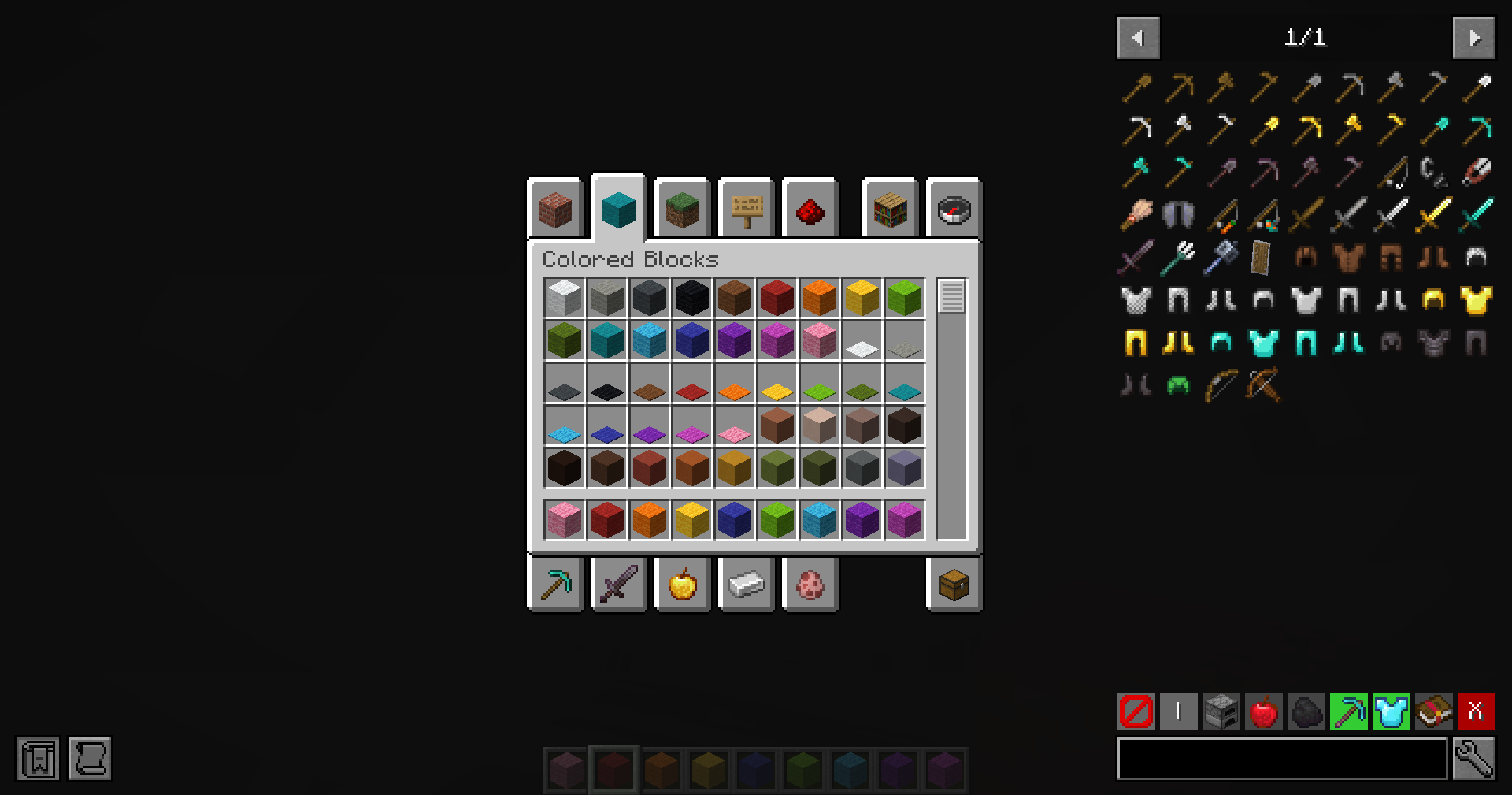
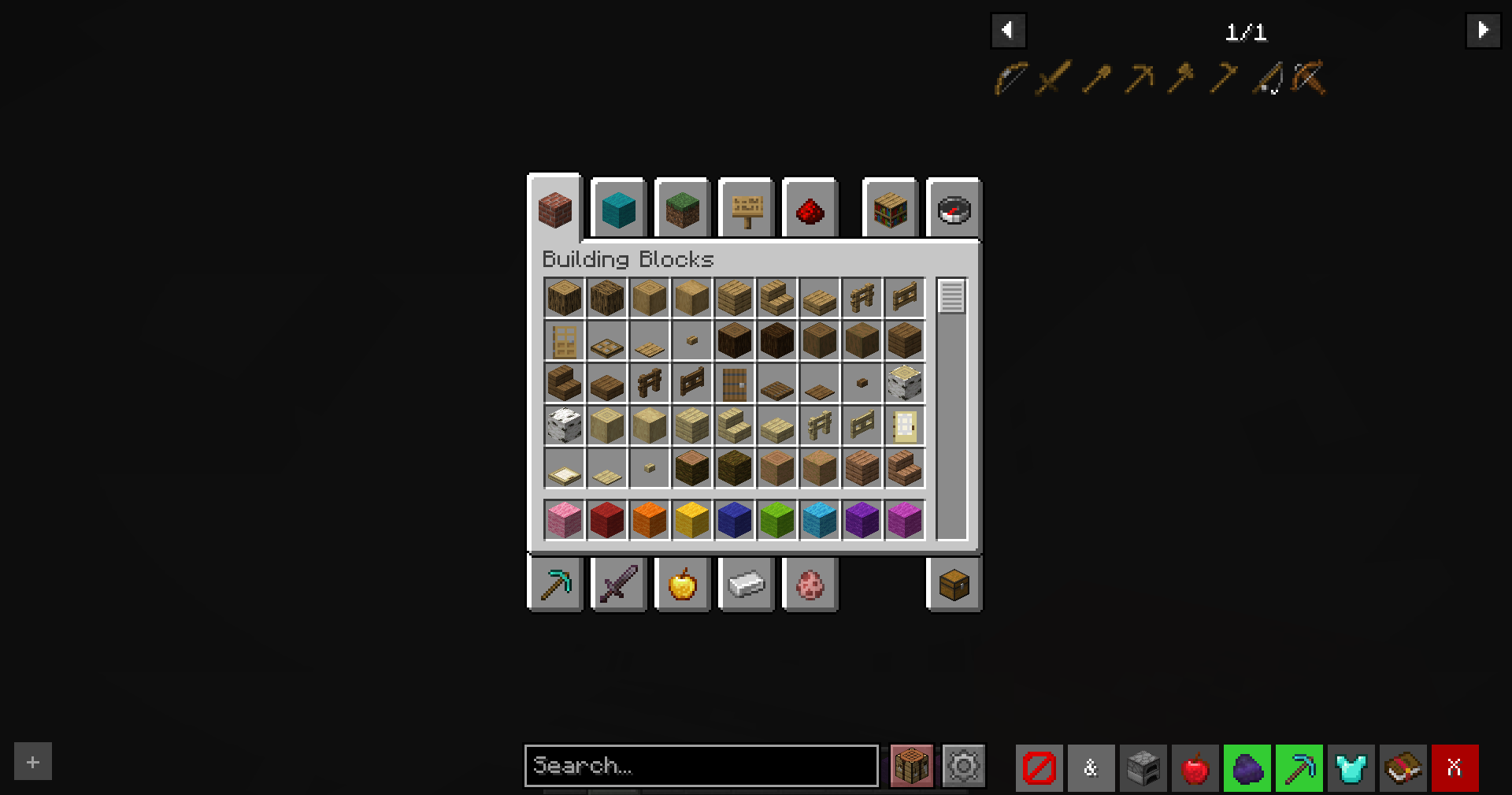
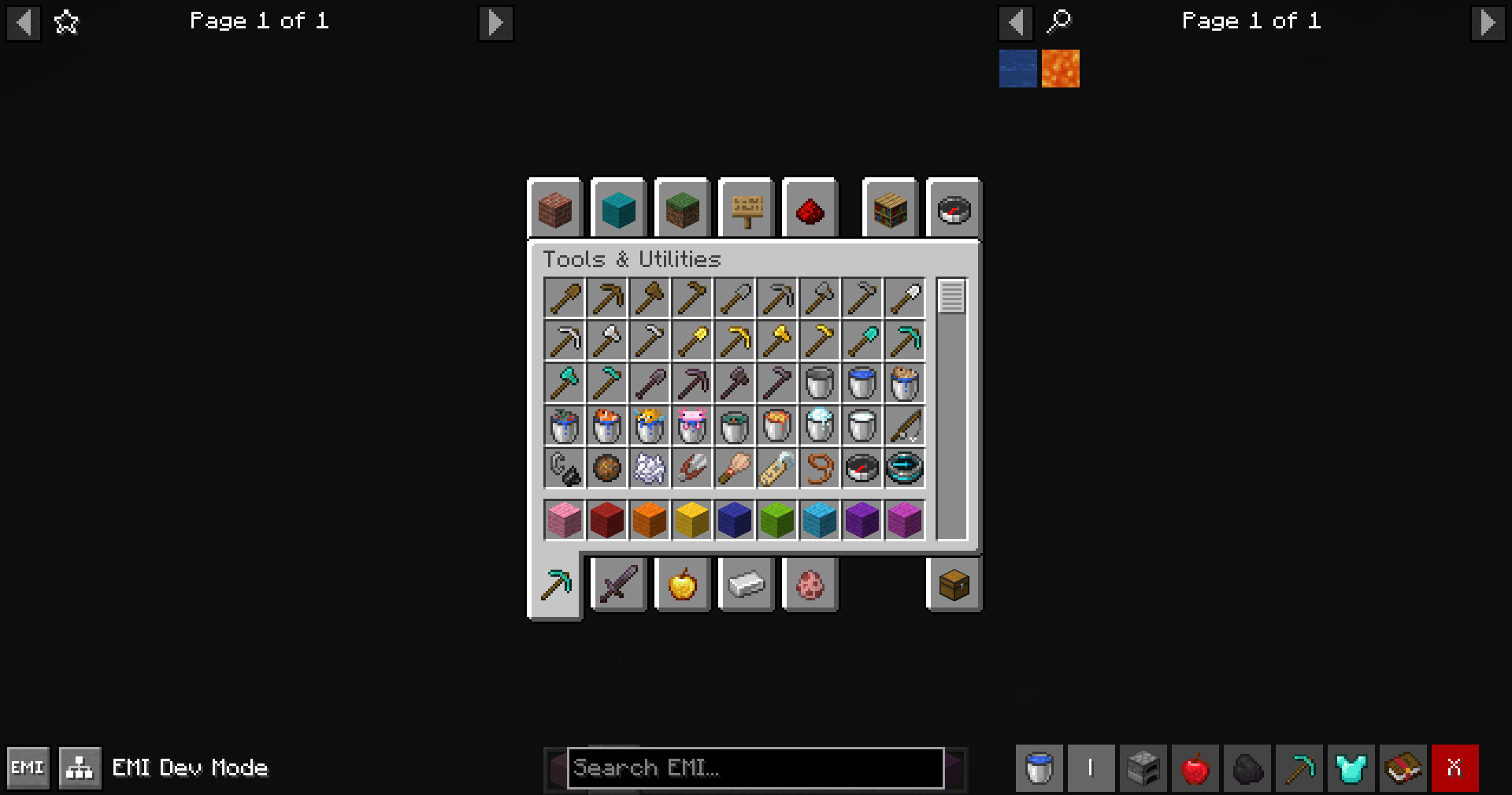
Adds a filter bar below the item list overlay with the following features(left to right):
- Type Filters: Instantly filter items by their main categories:
- Item
- Block
- Non-Item
- Logic Modes:
- OR Mode: Show items that match any of the active filters.
- AND Mode: Show items that match all of the active filters.
- Various Filters: Let filtering items be much simpler with just a single click.
- Built-in filters for common item types (e.g., tools, armor, food).
- Support for customizable filters based on user preferences.
- Clear Filters: A one-click button to deactivate all active filters instantly.
How to Use
- Open your inventory or any container.
- Look for the filter bar at the bottom of the item list (right side of the screen).
- Enjoy filtering your items with just a click!
Configuration
Through the mod list screen,
you can access the configuration options for Just Enough Filters to customize your filtering experience.
Following are the customizable options available:
- Active Filters: define which filters are active in inventory bar.
- Custom Filters: create your own filters based on various criteria.
For Developers
- Including this mod in every mod pack is welcome!
- To depend on our mod and use API, please check out code repo.
常见问题
Just Enough Filters (JEF) 支持哪些 Minecraft 版本?
Just Enough Filters (JEF) 支持 Minecraft Java 版 1.20–26.2,共 11 个版本,可用的加载器:Fabric / Forge / NeoForge / Quilt。下载时注意选择和你游戏版本一致的文件。
Just Enough Filters (JEF) 怎么安装?
先用 PCL2 或 HMCL 启动器安装对应版本的 Fabric / Forge / NeoForge / Quilt,再把下载的 .jar 文件放进游戏目录的 mods 文件夹,重新启动游戏即可。开启了版本隔离的,mods 文件夹在 versions/版本名 下面。运行环境:仅客户端。


评论
登录后评论和评分