
Jump_Connect
Quickly join a configurable server by holding a modifier key whilst clicking on the Multiplayer Button.
截图

介绍
Jump_Connect



Hold The Alt/Ctrl/Shift down and click the Multiplayer Button in the Main Menu.
The Mod then connects you to the Server Address you have configured for Alt/Ctrl/Shift.
How to Configure
Use Mod Menu to access the Configuration Screen of the Mod 🙂
Dependencies
& You should install Mod Menu to get access to the config Screen.
Recommended Mods
- Your_Time: Display your playtime on the in-game HUD..
常见问题
Jump_Connect 支持哪些 Minecraft 版本?
Jump_Connect 支持 Minecraft Java 版 1.20.1–1.21,共 4 个版本,可用的加载器:Fabric / Quilt。下载时注意选择和你游戏版本一致的文件。
Jump_Connect 怎么安装?
先用 PCL2 或 HMCL 启动器安装对应版本的 Fabric / Quilt,再把下载的 .jar 文件放进游戏目录的 mods 文件夹,重新启动游戏即可。开启了版本隔离的,mods 文件夹在 versions/版本名 下面。运行环境:仅客户端。
rotgruengelb 的其他作品
查看全部 →
My Nether’s Delight Refabricated
农夫乐事全新下界附属模组的现代Fabric移植版。
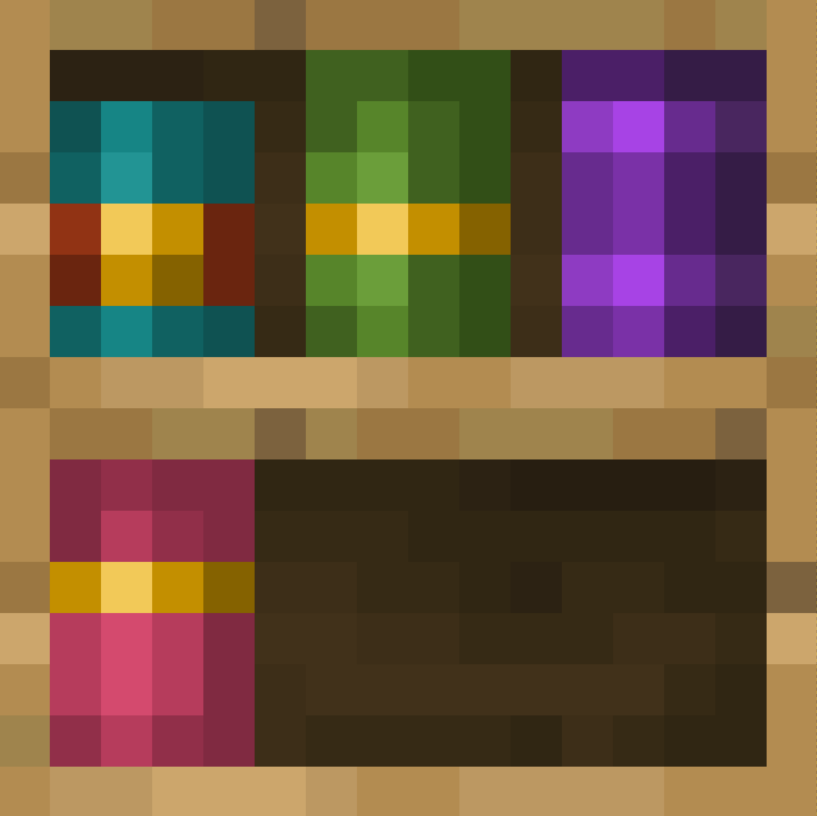
Better Bookshelves
Smoother Bookshelf Textures.

BetterTooltip
Makes the Hover Tooltip Transparent and more simple.
Better Bookshelves
Smoother Bookshelf Textures.
评论
登录后评论和评分