
Jump Circle
Turn every jump into a spectacle with stunning customizable effects and smooth, FPS-friendly performance.
截图
介绍
Jump Circle
Turn every jump into a polished visual effect.
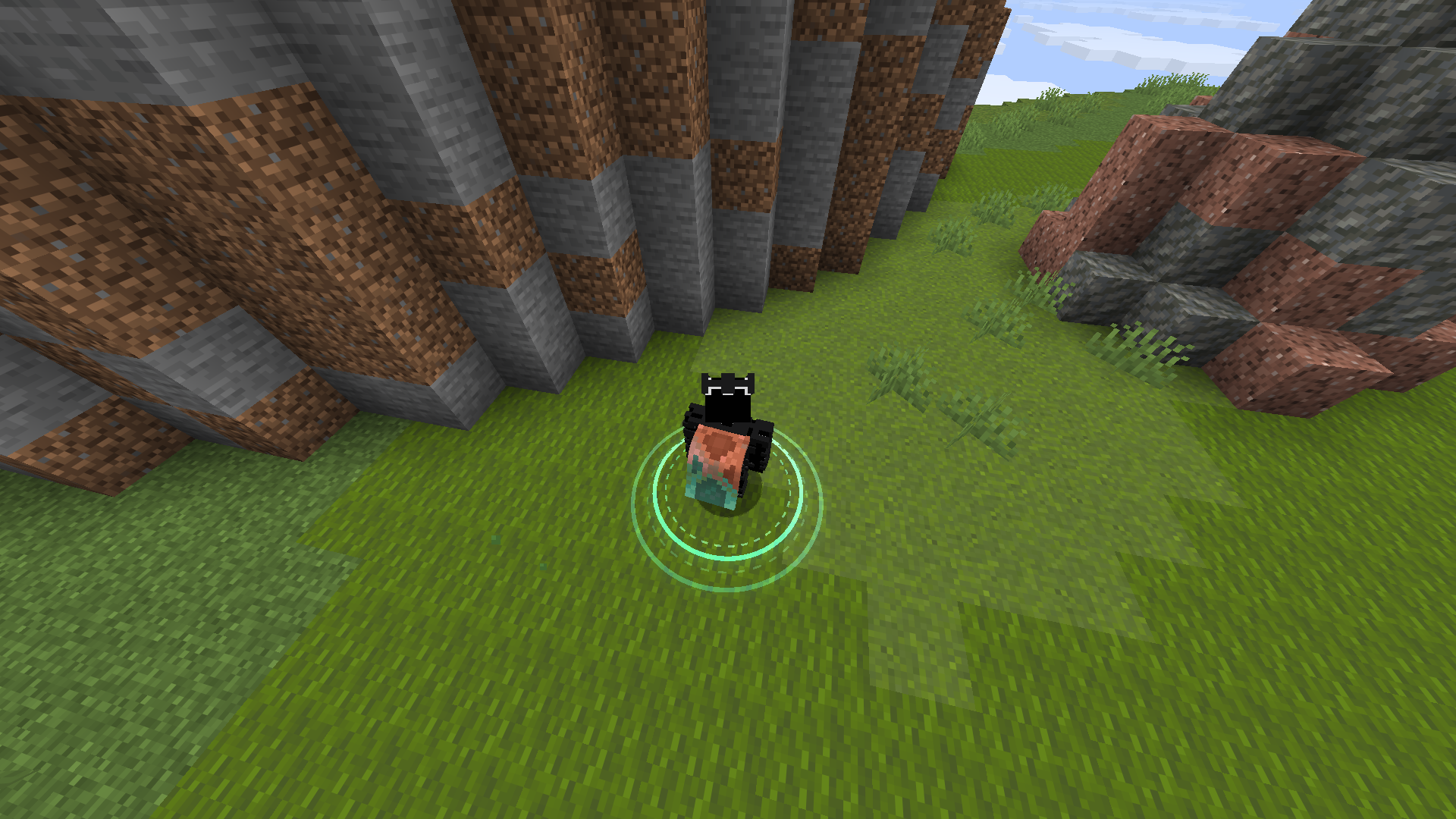
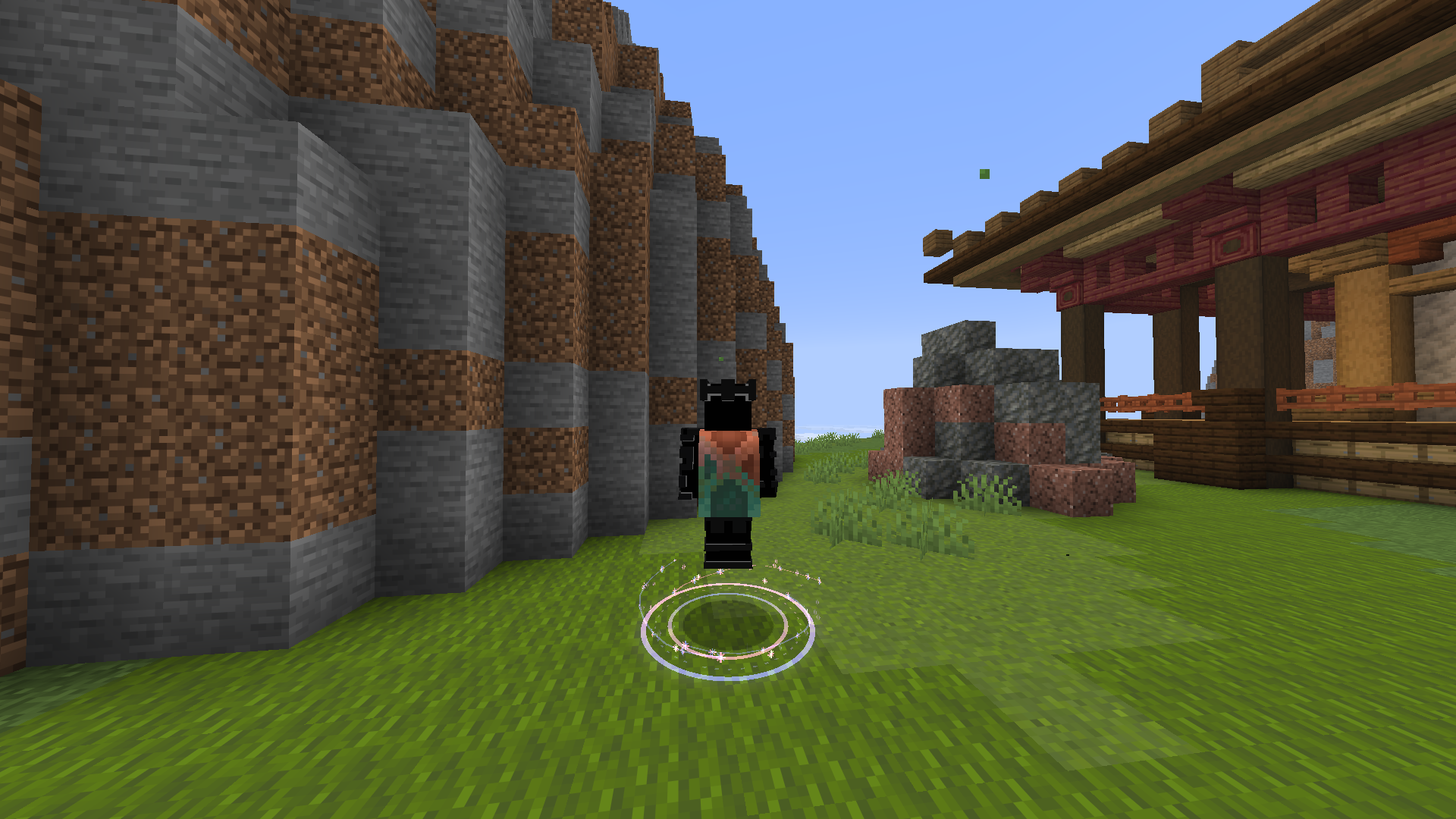
Jump Circle is a lightweight cosmetic mod that creates animated rings and themed energy effects beneath your feet whenever you jump. Choose between six circle types, eight completely different particle styles, and sixteen color schemes to match your character, resource pack, PvP setup, or cinematic build.
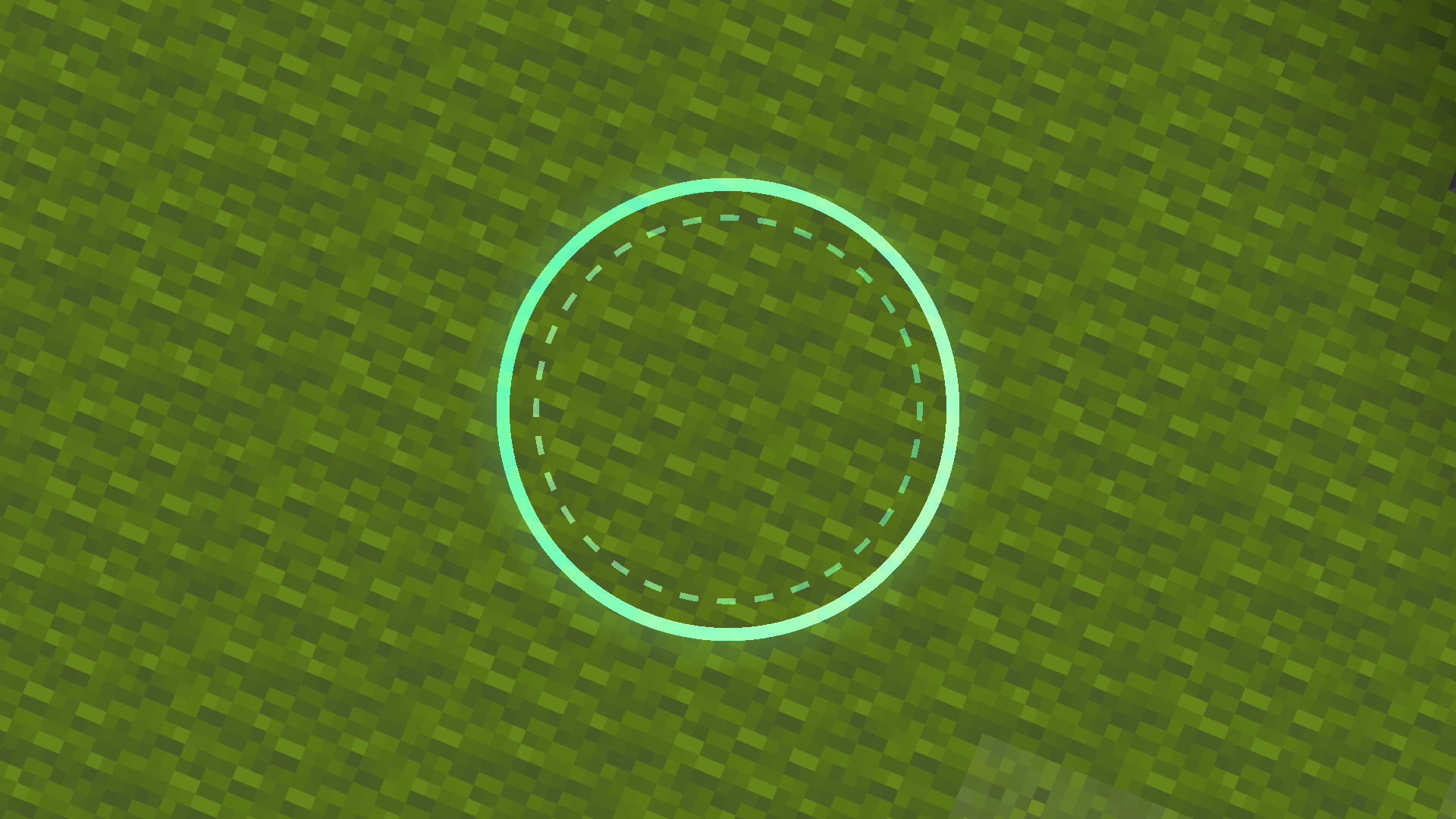
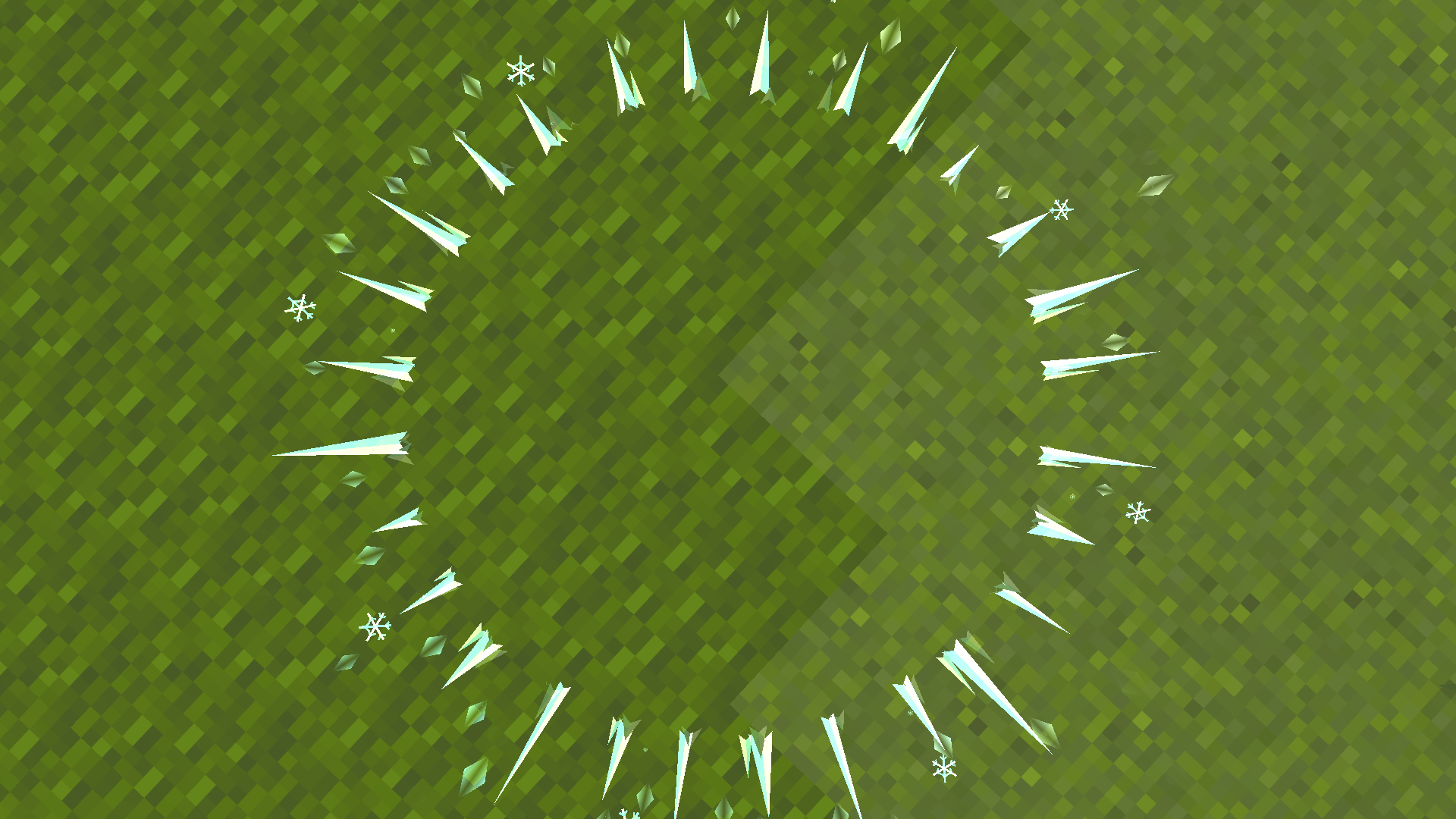
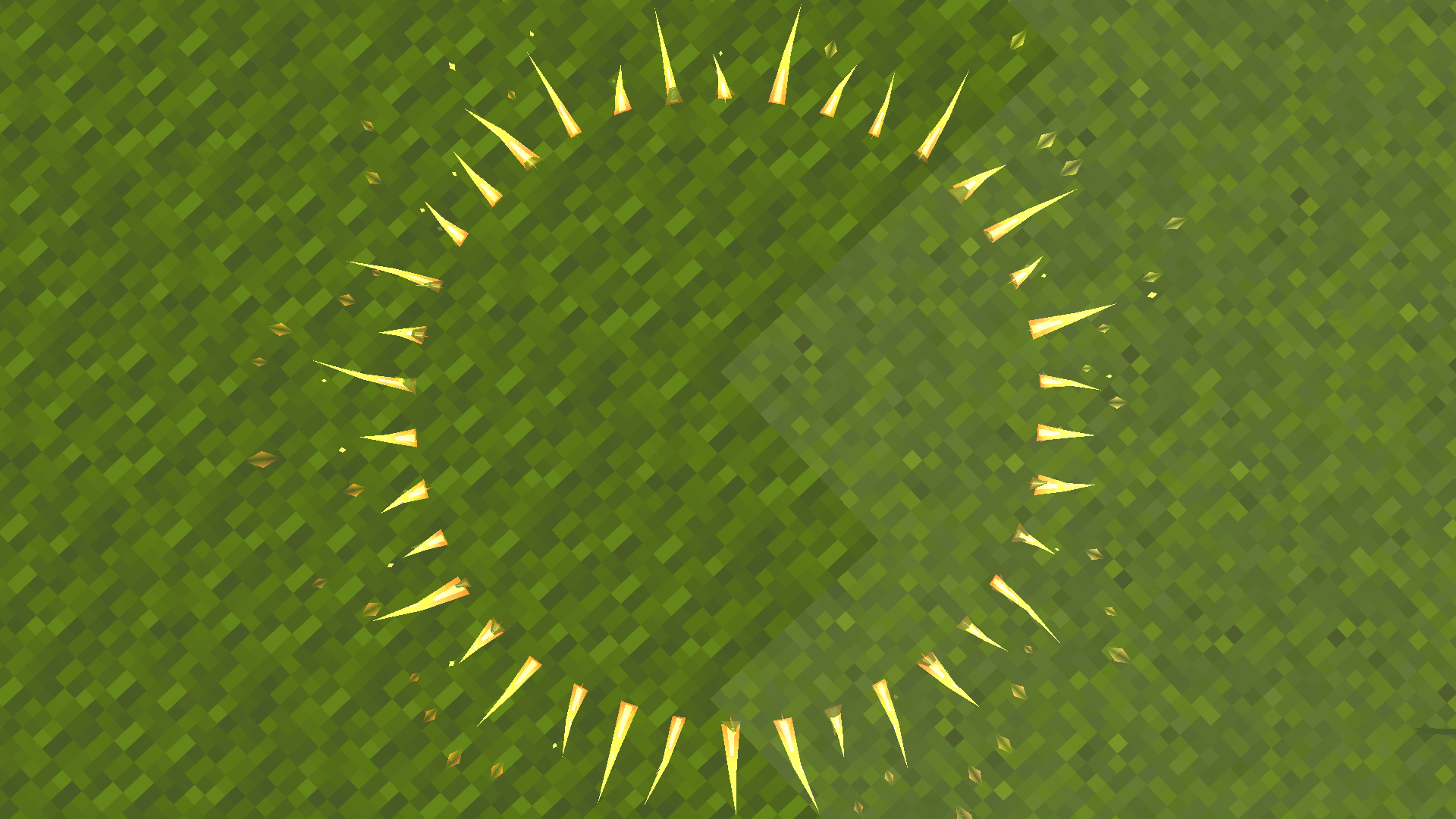
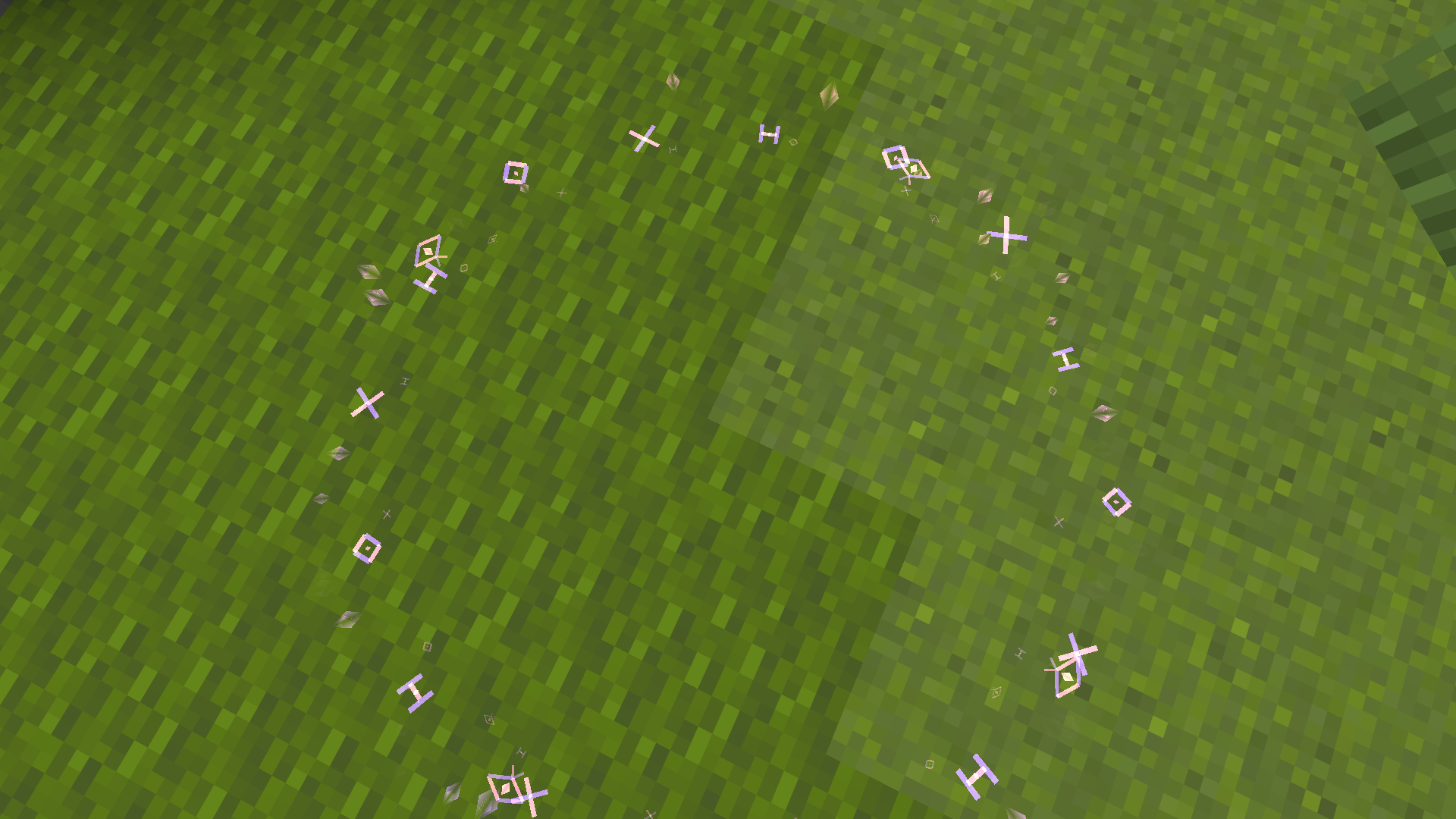
The effect appears at the exact takeoff position, expands smoothly, and dissolves while remaining fixed in the world. It is rendered with custom geometry instead of ordinary vanilla particle clouds, giving every style a recognizable shape—from ice crystals and magical runes to branching lightning and orbiting stars.
Jump Circle is client-side only, works on multiplayer servers without server installation, and stays inactive when there is nothing to render. It changes no gameplay mechanics—it simply makes movement feel more responsive, stylish, and personal.
Why Jump Circle?
- Makes jumping feel more responsive and visually satisfying
- Six circle types that can be freely combined with eight particle styles
- Every particle style has its own geometry and animation
- Sixteen built-in two-color schemes
- No gameplay advantage or server-side changes
- Smooth partial-tick animation
- Minecraft-style settings screen with live preview
- Rebindable settings key
- Mod Menu integration on Fabric
- Eleven included UI languages
- Optimized for high-FPS client setups
Two Independent Effect Layers
Jump Circle keeps the base circle and thematic particles separate:
- Circle Type selects the ring shape and animation.
- Particle Style selects the custom geometry that rises from and moves around it.
Particle geometry works with every circle type. Choose Energy Effects when you want only the selected particle style with no ordinary ring underneath.
You can mix them freely—for example, Shockwave with Fire, Gradient with Enchant, or Layered Rings with Galaxy.
Circle Types
- Classic Rings — a clean expanding ring with geometric markers
- Layered Rings — coordinated inner and outer circles
- Shockwaves — an energy band opening outward from the center
- Gradients — layered two-color geometry
- RGB Effects — a continuously animated rainbow ring
- Energy Effects — the selected particle style without a generic base ring
Eight Particle Styles
Every style uses its own geometry, motion, silhouette, and sparks:
- Ice — crystals, ice shards, snowflakes, and frozen sparks
- Fire — rising flames, embers, and hot energy bursts
- Nature — growing stems, leaves, and geometric petals
- Soul — ghostly figures, spiraling wisps, and soul trails
- Enchant — orbiting runes, occult symbols, and magical sparks
- Wither — dark spikes, skulls, ash, and heavy debris
- Lightning — branching bolts and sharp electric arcs
- Galaxy — spiral arms, orbiting stars, ribbons, and comets
Colors and Settings
Choose from sixteen compact two-color schemes:
Lime, Emerald, Aqua, Sky, Blue, Purple, Magenta, Pink, Red, Orange, Gold, White, Ice, Fire, Soul, and Galaxy.
Color schemes affect the base circle. Particle styles retain their thematic colors so every style stays recognizable.
The settings screen includes:
- Enabled state, circle type, particles, particle style, easing, and lifetime
- Radius, thickness, opacity, and segment count
- Color scheme with live preview
- Render distance, ground offset, maximum effects, and RGB speed
Settings are saved to:
config/jumpcircle.jsonPerformance
Jump Circle performs no world scanning and renders nothing while no effects are active. Its render path uses object pooling, distance culling, distance-based detail, cached spark data, reused render objects, and precomputed trigonometry.
The optimized geometry path preserves the same vertex count while reducing CPU geometry-generation time by roughly 15–23% in the included microbenchmark.
Supported Fabric Versions
| Minecraft | Download |
| — | — |
| 1.21–1.21.8 | JumpCircle-Fabric-1.21-1.21.8.jar |
| 1.21.9 | JumpCircle-Fabric-1.21.9.jar |
| 1.21.10–1.21.11 | JumpCircle-Fabric-1.21.10-1.21.11.jar |
| 26.1, 26.1.2, 26.2 | JumpCircle-Fabric-26.1-26.2.jar |
Minecraft 1.21–1.21.11 requires Java 21. Minecraft 26.1–26.2 requires Java 25.
Fabric requires Fabric API. Mod Menu is optional.
Supported Forge Versions
Verified Forge builds are available for Minecraft:
1.21, 1.21.1, 1.21.8, 1.21.9, and 1.21.10.
Installation
- Install Fabric Loader with Fabric API, or install Forge, for your exact Minecraft version.
- Download the matching Jump Circle JAR.
- Place it in your Minecraft
modsfolder. - Launch the game and open Jump Circle using its registered keybind.
The mod is client-side only and is not required on servers.
Compatibility
Jump Circle is designed to coexist with common client optimization mods. The Fabric 1.21.11 build has been launch-tested with Sodium and Iris.
Mods that replace large parts of world rendering may require individual testing.
Included Languages
English, German, Spanish, French, Japanese, Polish, Portuguese (Brazil), Russian, Turkish, Ukrainian, and Chinese (Simplified).
License
MIT
常见问题
Jump Circle 支持哪些 Minecraft 版本?
Jump Circle 支持 Minecraft Java 版 1.21–26.2,共 16 个版本,可用的加载器:Fabric / Forge。下载时注意选择和你游戏版本一致的文件。
Jump Circle 怎么安装?
先用 PCL2 或 HMCL 启动器安装对应版本的 Fabric / Forge,再把下载的 .jar 文件放进游戏目录的 mods 文件夹,重新启动游戏即可。开启了版本隔离的,mods 文件夹在 versions/版本名 下面。运行环境:仅客户端。

评论
登录后评论和评分