
介绍
FEATURES
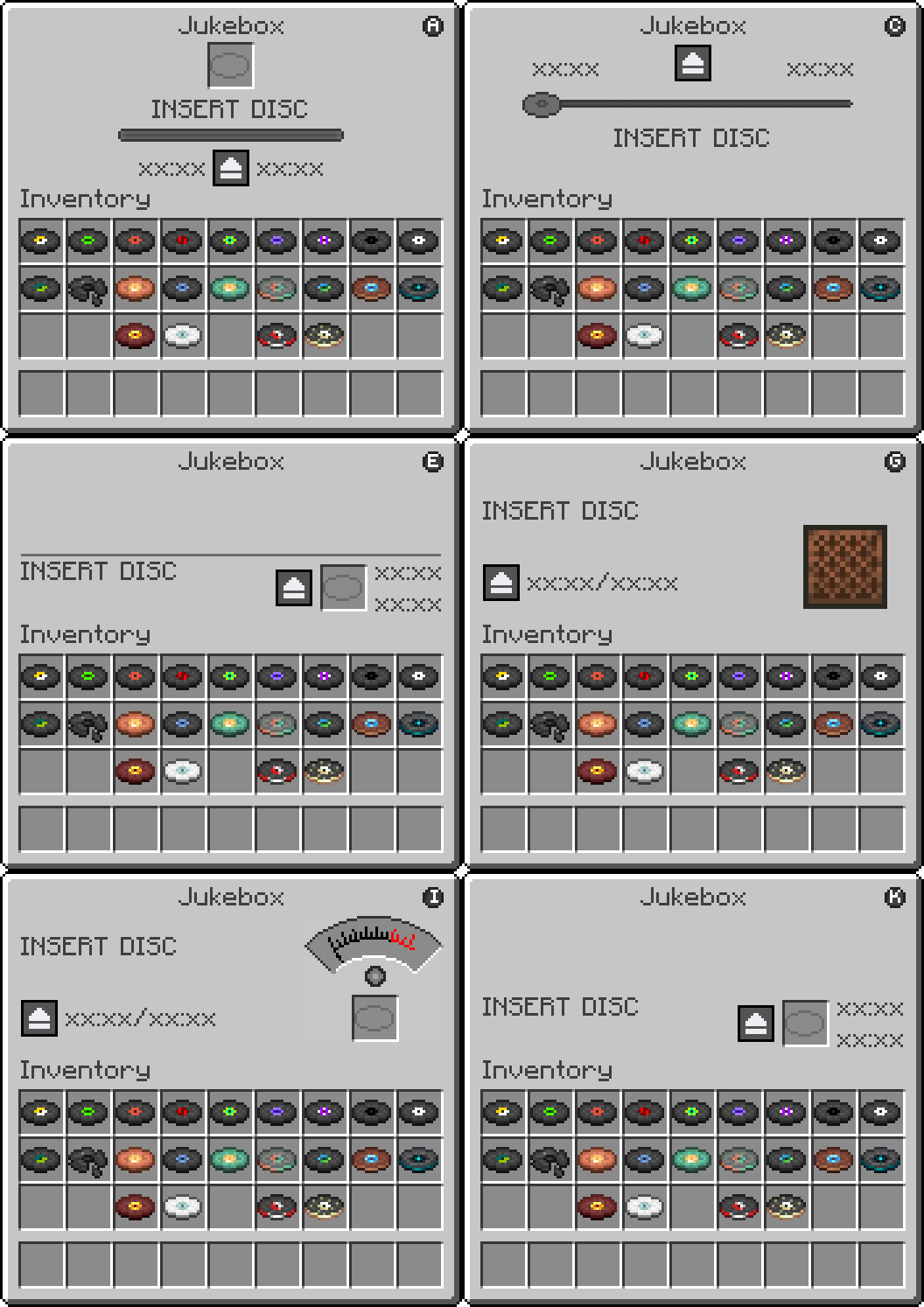
| Jukebox Management Screen | Displays an interactive GUI for the vanilla Jukebox |
| Disc Slot | Insert and eject music discs directly from the interface |
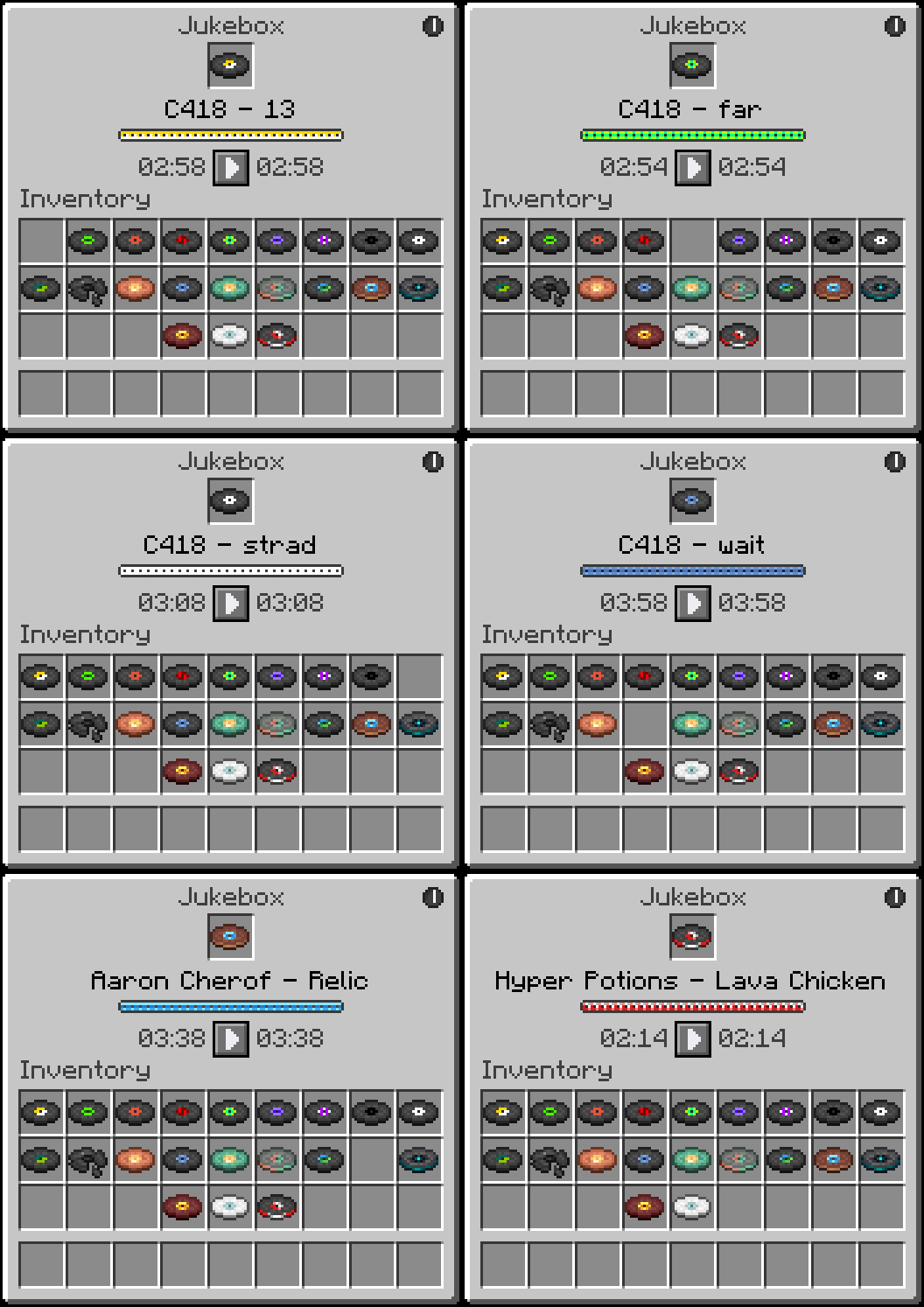
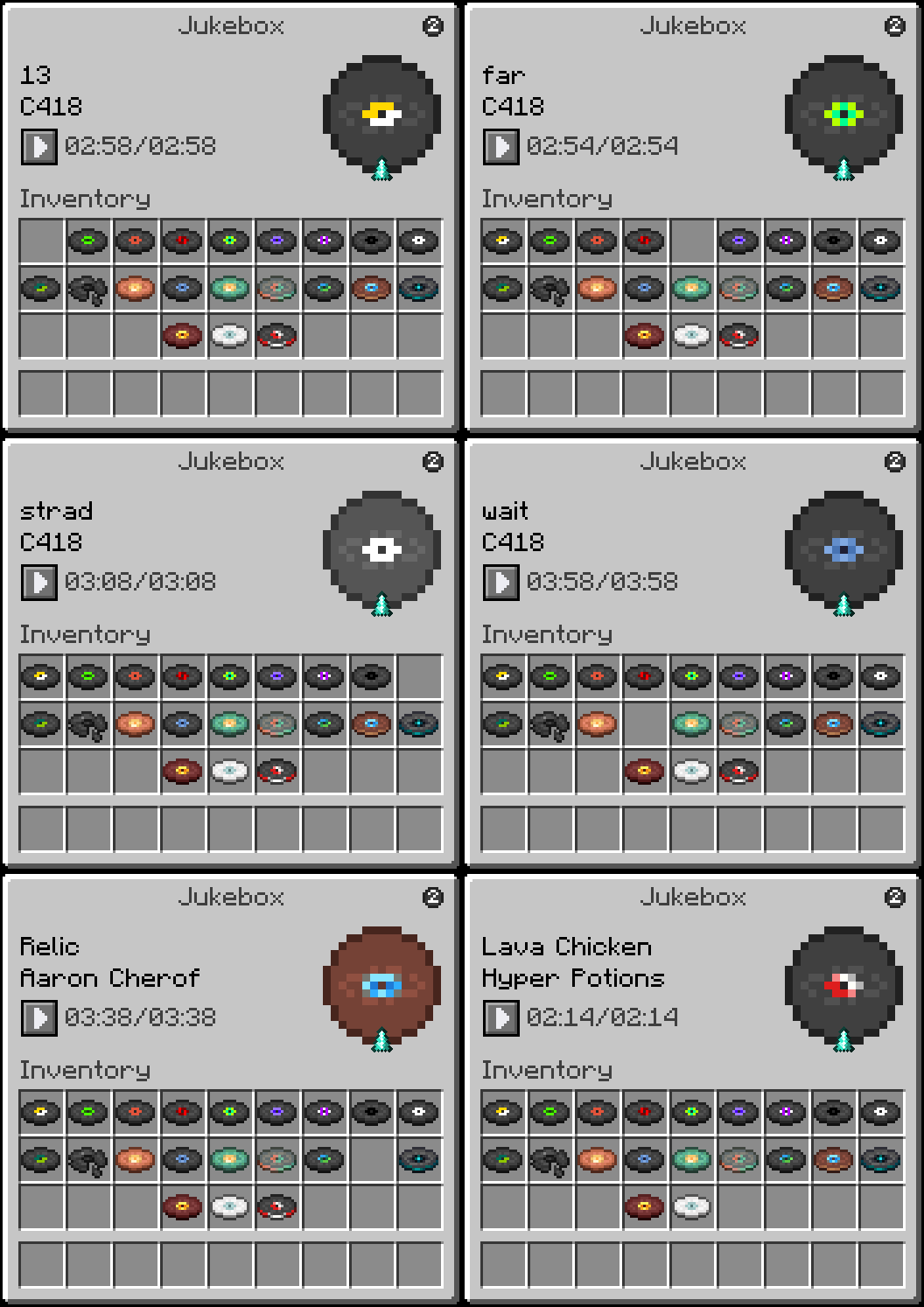
| Song Title Display | Shows the Artist and Title of the currently loaded disc, animates in rainbow colors while playing and turns black when stopped |
| Digital Timer | Displays elapsed time and total song duration in MM:SS format |
| Playback Controls | Pause and resume your music at any time with dedicated control buttons |
| Themes | 11 visual themes to choose from, each with a unique style and playback display |
HOW TO USE
 a Jukebox while holding nothing or any item to open the JukeboxGUI screen.
- Drag a music disc into the disc slot to start playback.
- Click the pause button to pause the track and freeze the timer. Click the play button to resume from where you left off.
- Click the theme toggle button in the top right corner to switch between themes.
- Click the disc in the slot to eject it and stop playback.
- Close the GUI at any time. Music continues and the timer keeps running in the background.
- Reopen the GUI to see the updated elapsed time.
Regular Right-Click (without sneaking) inserts or ejects discs the vanilla way. The GUI will still reflect the correct playback state when opened afterward.
REQUIREMENTS
- Fabric Loader
- Fabric API
CLIENT & SERVER
Some functionality exists on both the client and server, requiring the mod to be installed on both sides.
FREE & PUBLIC SOURCE
This is a completely free project. I’m not asking for donations or “buy me a coffee” contributions. If you enjoy the mod, the best way to support it is by:
- Leaving a rating/review
- Sharing it with friends
- Reporting any bugs you find
GALLERY
Theme 1
Theme 2
常见问题
Jukebox GUI 支持哪些 Minecraft 版本?
Jukebox GUI 支持 Minecraft Java 版 1.21–26.2,共 16 个版本,可用的加载器:Fabric。下载时注意选择和你游戏版本一致的文件。
Jukebox GUI 怎么安装?
先用 PCL2 或 HMCL 启动器安装对应版本的 Fabric,再把下载的 .jar 文件放进游戏目录的 mods 文件夹,重新启动游戏即可。开启了版本隔离的,mods 文件夹在 versions/版本名 下面。运行环境:客户端和服务端都要装。
armaninyow 的其他作品
查看全部 →
Inventory Overlay
This mod displays your inventory directly on the HUD without needing to open it.
Inventory Overlay
This mod displays your inventory directly on the HUD without needing to open it.

Bee GUI
This mod lets you inspect your bee hives and nests without breaking them open.

More Cloud Layers
This mod adds extra layers of clouds above the vanilla cloud layer.
评论
登录后评论和评分