
Judgement Day
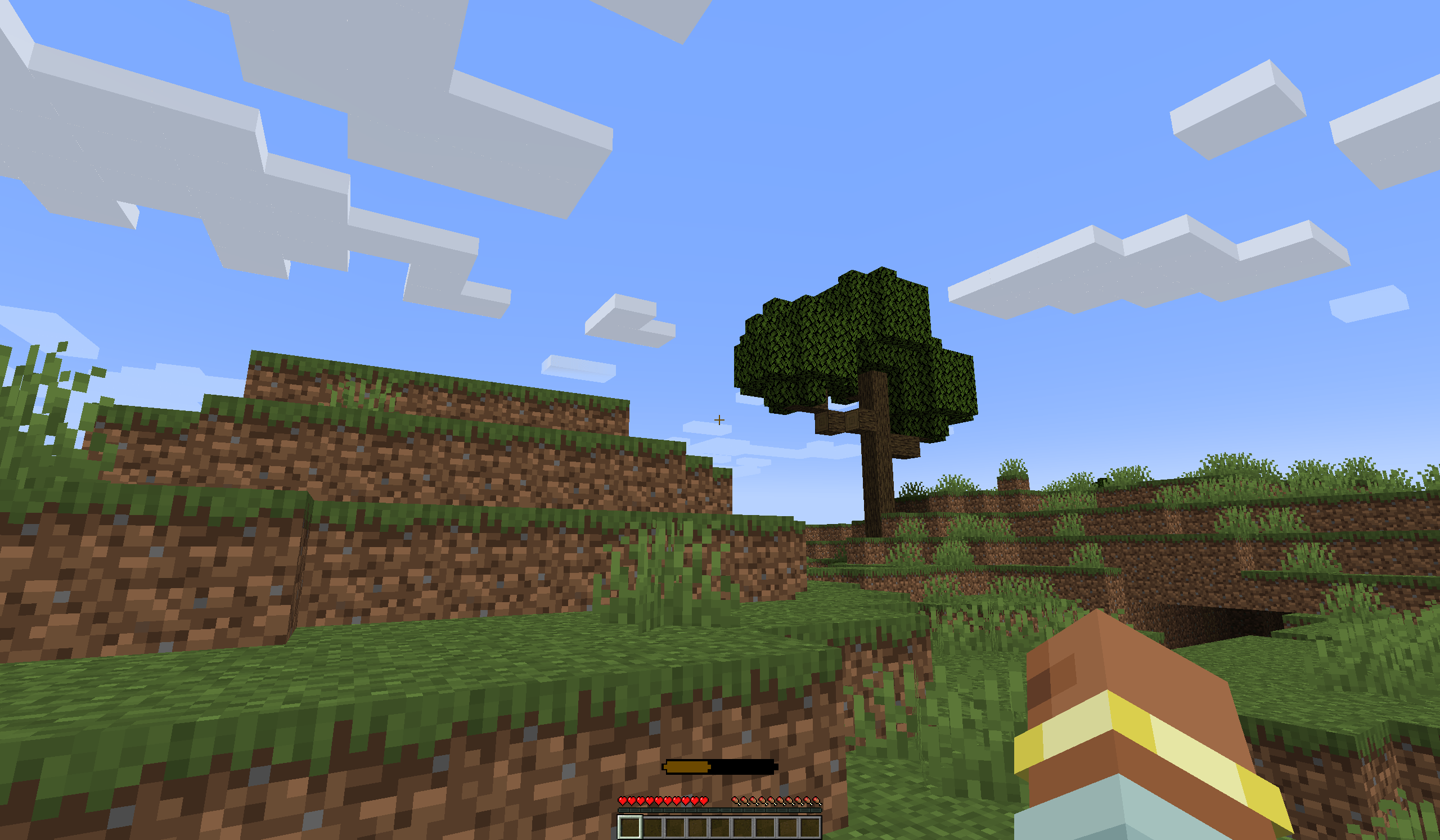
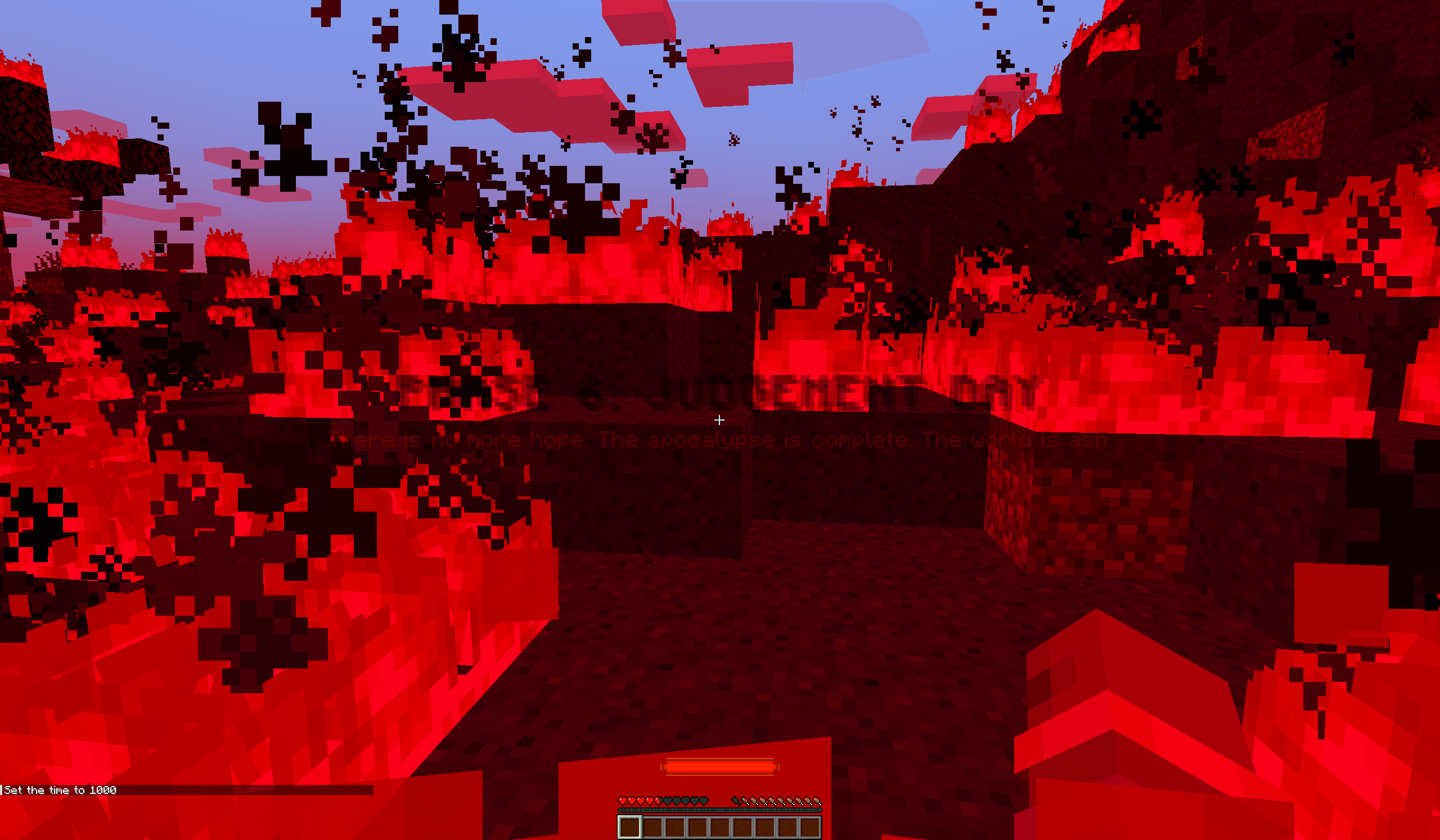
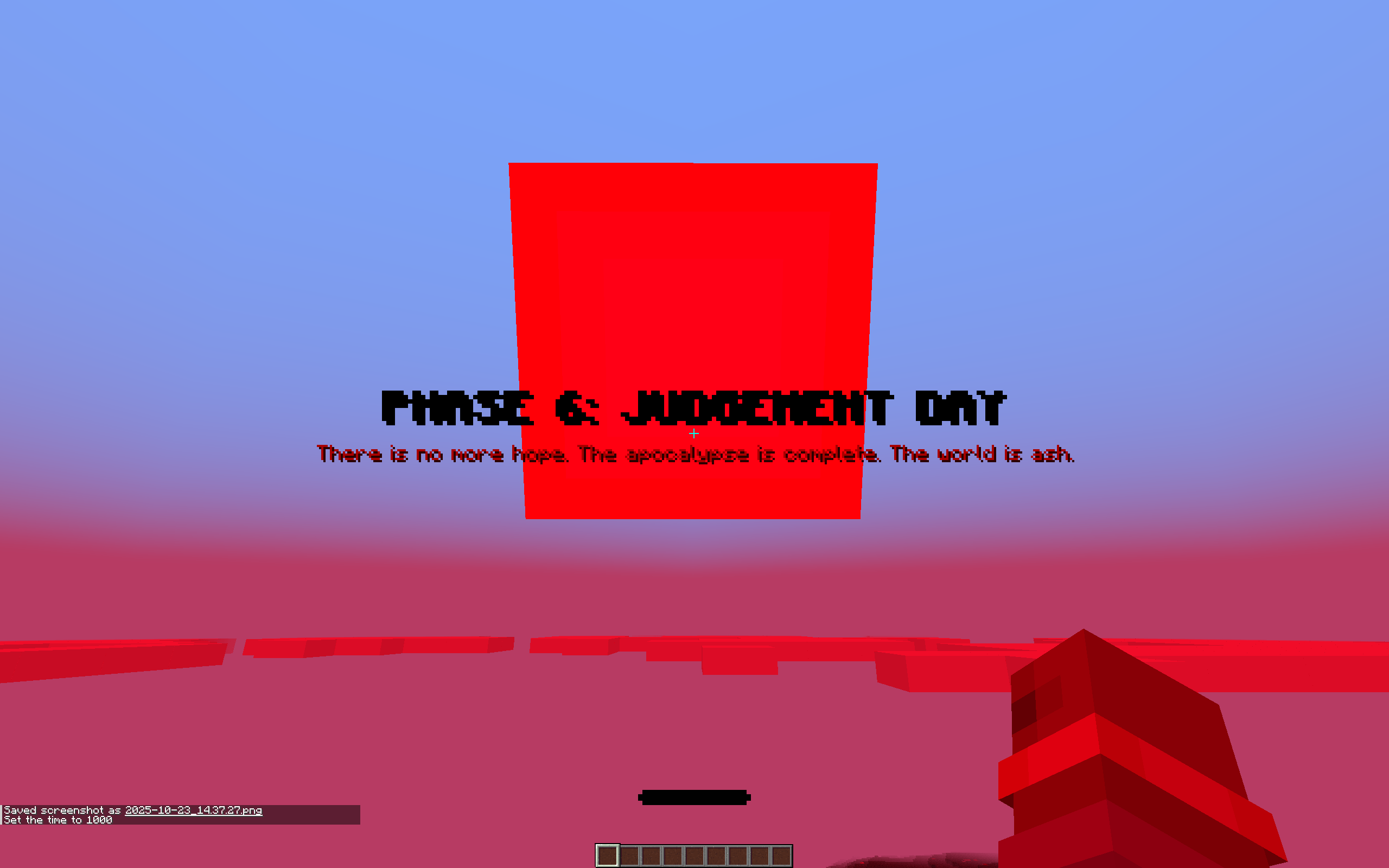
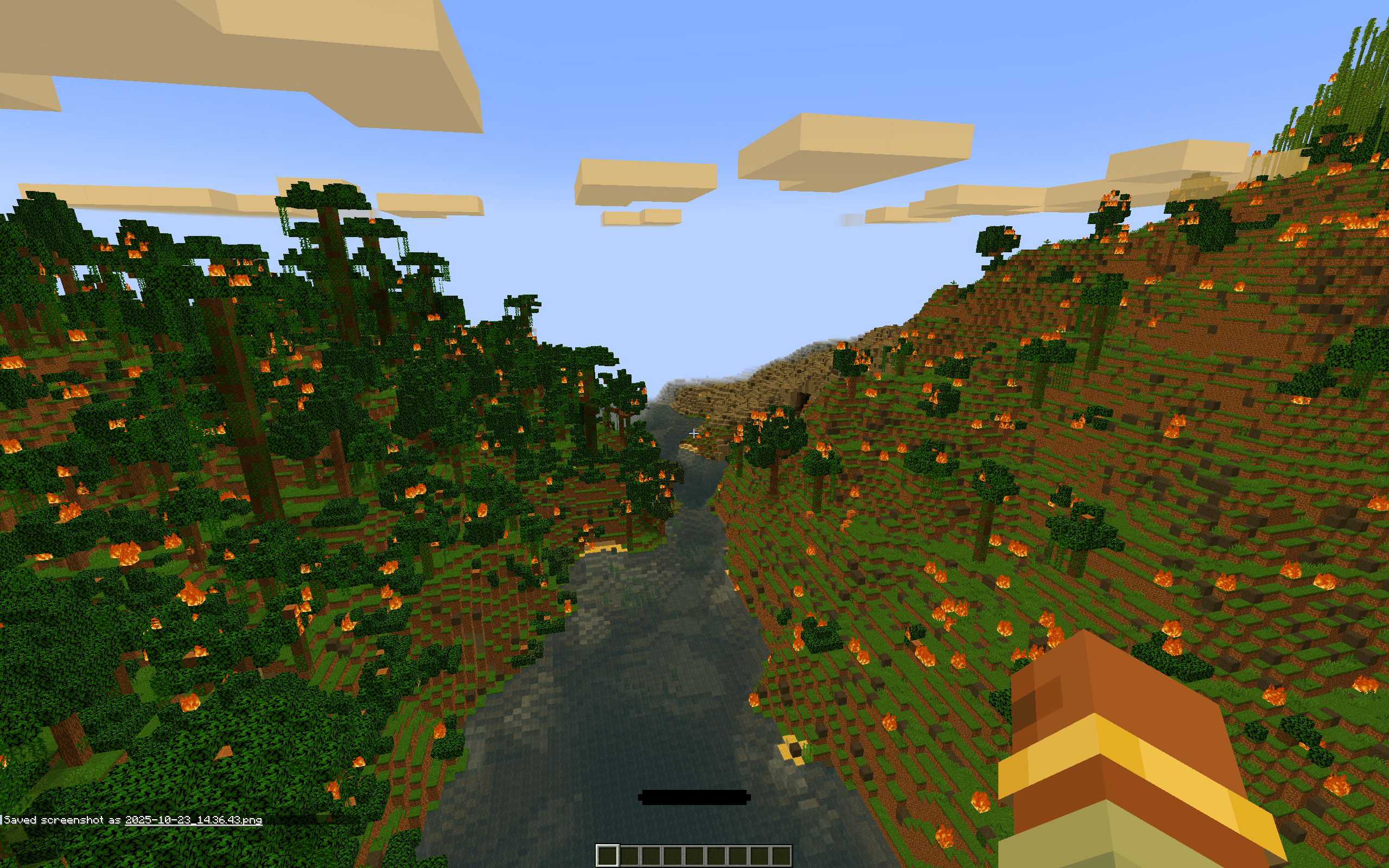
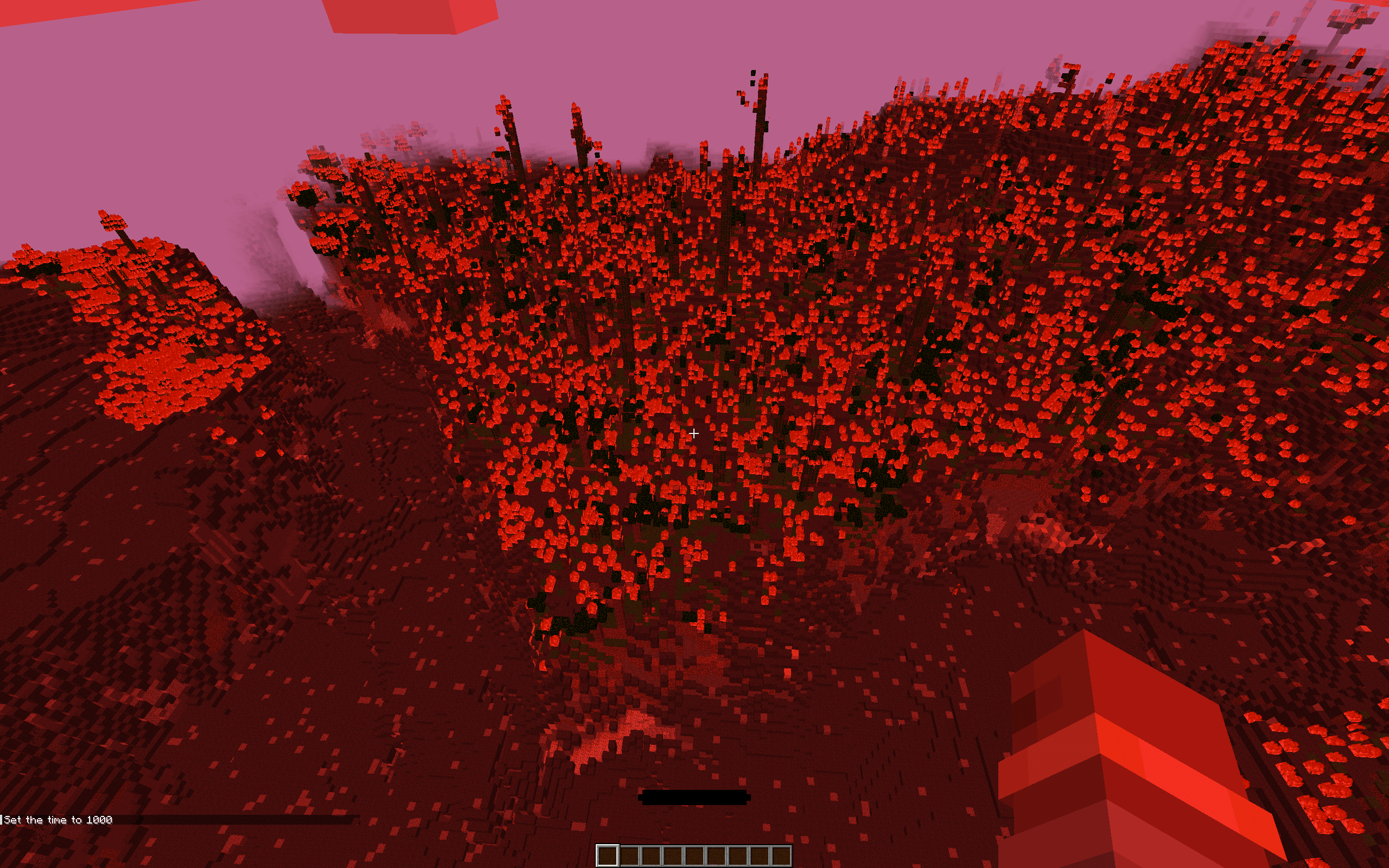
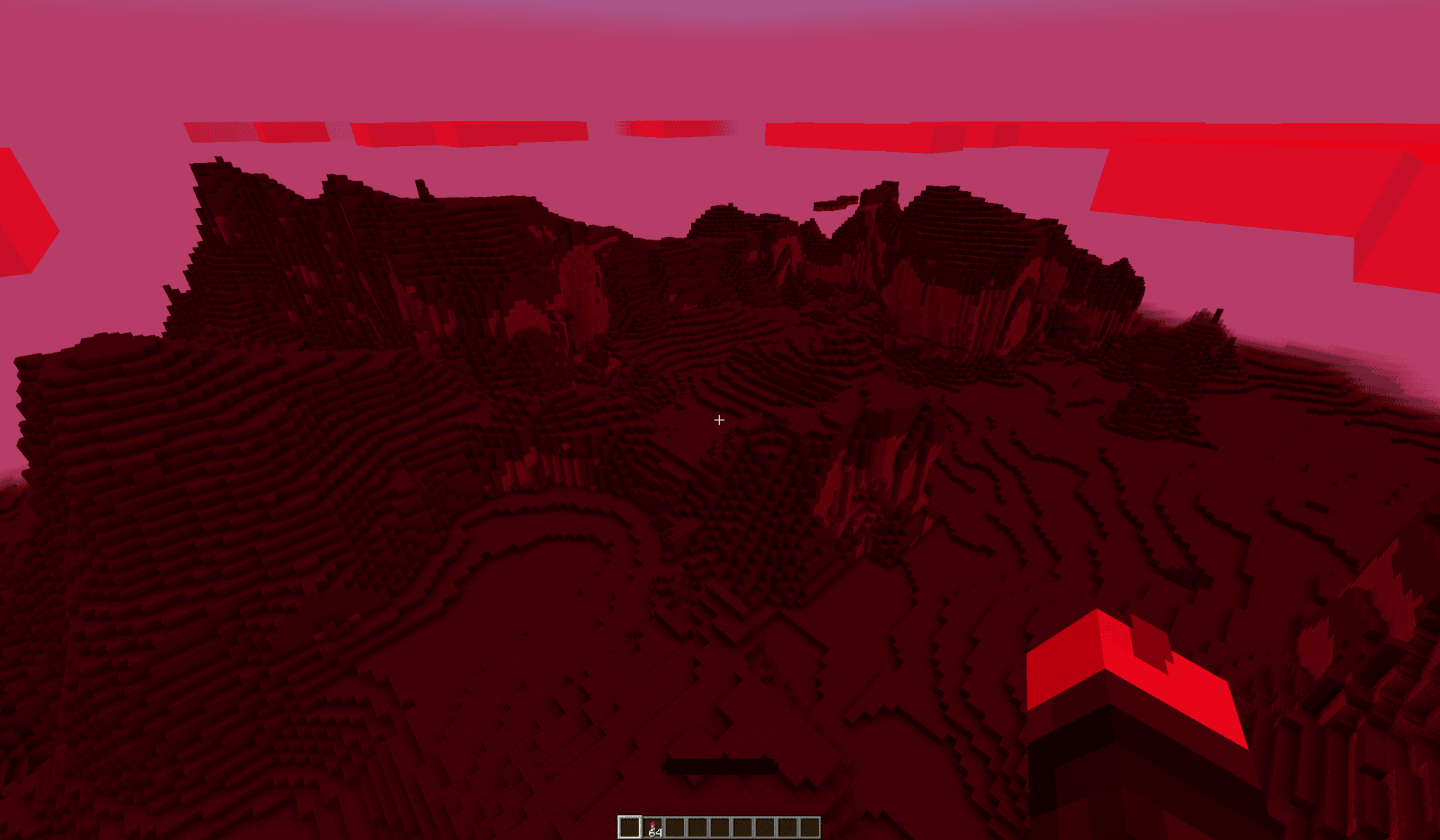
Turns your Minecraft world into a decaying, apocalyptic wasteland that evolves every day.
截图
介绍

Judgement Day — The Slow Apocalypse
Judgement Day is not just another world-generation mod — it’s the end of the world, slowly unfolding before your eyes.
Every sunrise brings change. Every sunset steals a piece of life from your world.
At first, it’s subtle: the grass turns pale, the sky grows heavy, the lakes start to fade.
But soon… the world begins to burn.
Ash covers the land, the air grows hotter, and everything you once knew starts to die.
The apocalypse doesn’t strike all at once — it creeps.
Each Minecraft day brings the planet one step closer to its collapse.
Crops wither. Water evaporates. Mobs burn under a dying sun.
And when survival above ground becomes impossible… only the depths below can save you.
Survive the End
You will need to plan ahead — gather, build, and prepare.
Once the heat rises beyond control, the surface will no longer sustain life.
The only safe haven will be underground, where the light of the burning sky can’t reach you.
The deeper you go, the longer you’ll survive.
But even then… nothing lasts forever.
One day — after countless cycles of fire and decay — the flames will fade.
The dust will settle.
And you will rise again, to see a world of ashes waiting to be rebuilt.
This is your Judgement Day — and your chance for redemption.
Stopping the Apocalypse — The Heart of Oblivion
There is a way to fight back against the end of the world.
Not through technology or magic alone, but by invoking the ancient essence of all realms:
the four symbols of creation and destruction.
These materials represent the Heart of the Four Worlds:
- Ash Block → the dying Overworld, reduced to dust but still carrying the memory of life.
- Dragon Egg → the End’s eternal cycle of death and rebirth, the silent promise of renewal.
- Ancient Debris → the Nether’s unbreakable strength, forged in fire and carrying the will to endure.
- Reinforced Deepslate → the deepest laws of reality itself, the stone that shapes and binds matter at its core.
(its layered structure represents the compression of ages — a foundation strong enough to hold the rebirth of a world)
Using these four essences, you can forge a unique artifact: the Heart of Oblivion.

1. Forging the Heart — The First Ritual
The Heart cannot be crafted at a table.
It must be summoned, through a vertical totem that aligns the forces of the four realms.
Build the structure exactly as follows (from bottom to top):
[ Dragon Egg ]
[ Reinforced Deepslate ]
[ Ancient Debris ]
[ Ash Block ] ← right–click this block
Step-by-step:
- Place an Ash Block on the ground — this is the core of the ritual.
- Directly above it, stack:
- Ancient Debris
- Reinforced Deepslate
- Dragon Egg (top)
- Right-click the Ash Block.
If the structure is correct, the ritual will consume the blocks in a violent burst of energy and create the Heart of Oblivion.
2. Ending the Apocalypse — The Second Ritual
Once you hold the Heart of Oblivion, you gain access to a final, world-changing ritual.
To stop the apocalypse:
- Seek out a Grass Block — a task far harder than it once was.
In the scorched remains of the Overworld, patches of living grass are almost extinct,
surviving only in narrow cracks, shaded ravines, or forgotten corners where the heat has not yet consumed everything. - Hold the Heart of Oblivion in your main hand.
- Right-click the Grass Block.
This will unleash the second ritual:
thunder, energy surges, distortions in the sky — a final clash against the burning world.
When the ritual completes, the apocalypse is halted, the sky calms, and the world enters its last silent stage — a land of ash waiting to be reclaimed.
After the End
When the apocalypse finally ends, the surface returns to silence.
No birds, no trees, only ruins and cinders.
From there, it’s up to you to rebuild what was lost —
to reclaim a world that forgot what peace looked like.
Can you endure the heat long enough to see the new dawn?
Features
- Gradual environmental decay that unfolds over in-game days
- Configurable apocalypse speed and duration
- Realistic water evaporation and heat damage
- Smooth lighting and chunk updates
- Animal extinction: once the apocalypse reaches its peak, animals stop appearing on their own (breeding and other forced births still work)
- Full multiplayer support: titles, music, HUD and sky synced for every player
- A separate configuration for every world, an optional HUD and an optional delay before the apocalypse begins
Apocalypse Configuration (Advanced Users)
You can fine-tune every aspect of the apocalypse through the config file.
By default, it’s created automatically inside:
<world>/serverconfig/judgementdaymod-apocalypse.properties (every world has its own)
New worlds start from the settings in config/judgementdaymod-defaults.properties: edit it to change the defaults of all your future worlds. Always edit these files while the game or the server is closed.
Below is the full set of options you can modify:
apocalypseActive=false
startBeforeApocalypse=true
apocalypseCurrentDay=0
apocalypseMaxDays=50
apocalypseEndDay=200
minWaterEvaporationHeight=60
minDamageHeight=60
startDelayDays=0
showDayCounter=true
showHeatBar=true
Option details:
apocalypseActive→ Enables or disables the final apocalypse. (will activate automatically once the maximum number of days has been reached)startBeforeApocalypse→ Adds a small preparation period before decay starts.apocalypseCurrentDay→ Internal tracker (do not edit unless testing).apocalypseMaxDays→ Number of days before the apocalypse reaches its peak.apocalypseEndDay→ When the decay finally stops spreading.minWaterEvaporationHeight→ Minimum Y-level where water begins to evaporate.minDamageHeight→ Height above which creatures take heat damage. Below it, only where the sun reaches them directly (the bottom of a hole open to the sky).startDelayDays→ Days of normal play before the apocalypse starts counting.showDayCounter→ Shows the day counter on the HUD (for every player).showHeatBar→ Shows the heat bar on the HUD (for every player). The bar only appears while you are heating up.
Server option:
pauseWhenEmpty=true
pauseWhenEmpty→ For dedicated servers. While nobody is online, the apocalypse waits: the days (including the preparation days) stop counting and pick up where they left off when someone joins. The Minecraft clock keeps running as usual. Set it tofalseto keep the apocalypse going with an empty server. It has no effect in singleplayer.
Each player can also hide the day counter and the heat bar just for themselves in config/judgementdaymod-client.properties.
Survival Tip
When the sun turns crimson, don’t wait.
Dig. Hide. Prepare.
The surface will become a furnace, and only the earth below will protect you.
But remember: someday, when the fires die out,
you’ll climb back to the surface — to a world of ashes ready to be reborn.
Judgement Day — Because every sunrise could be your last.
💬 Feedback & Development
Judgement Day is a living project — constantly evolving and improving.
Every comment, suggestion, or interaction on GitHub is greatly appreciated.
If you encounter bugs, performance issues, or unexpected behavior, please report them on the GitHub page.
🧩 Server integration has been reworked in version 1.3.0, so feedback from server owners is especially valuable.
🔗 GitHub Repository:
https://github.com/DavideCarra/ApocalypseMod
常见问题
Judgement Day 支持哪些 Minecraft 版本?
Judgement Day 支持 Minecraft Java 版 1.20.1,可用的加载器:Forge。下载时注意选择和你游戏版本一致的文件。
Judgement Day 怎么安装?
先用 PCL2 或 HMCL 启动器安装对应版本的 Forge,再把下载的 .jar 文件放进游戏目录的 mods 文件夹,重新启动游戏即可。开启了版本隔离的,mods 文件夹在 versions/版本名 下面。
评论
登录后评论和评分