
截图

介绍
中文介绍正在准备中,下面暂时显示原文。
JUST SHOW ME MY TIME OF DAY!
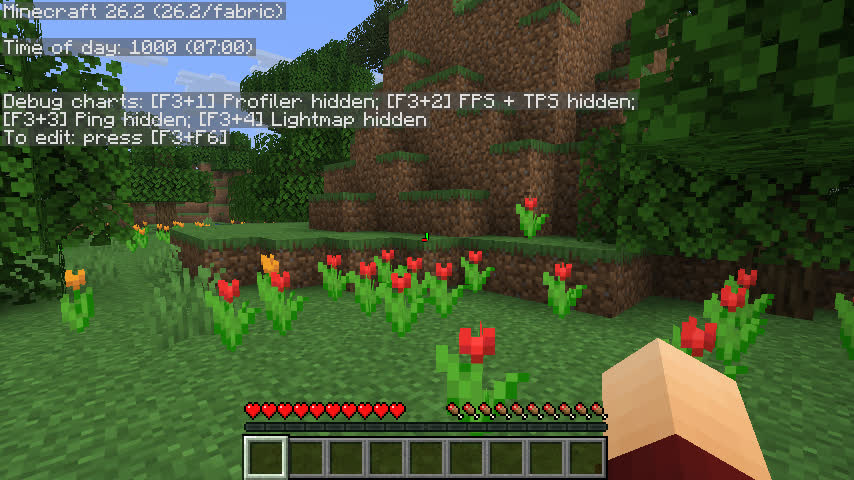
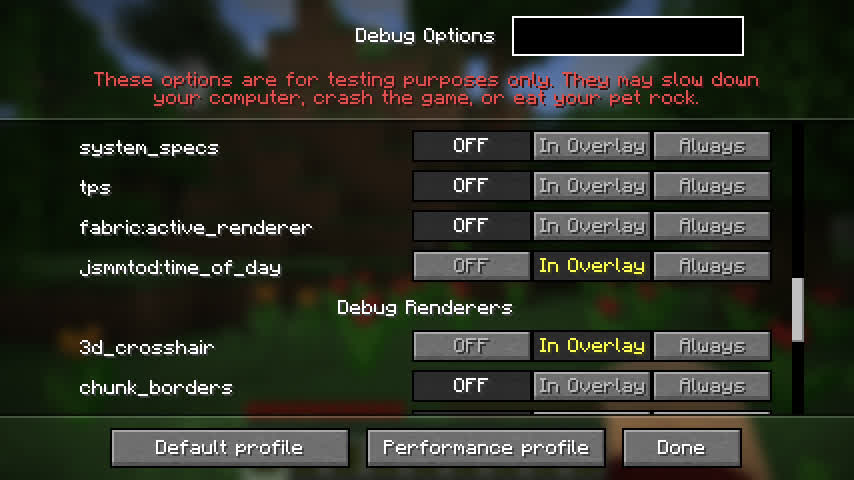
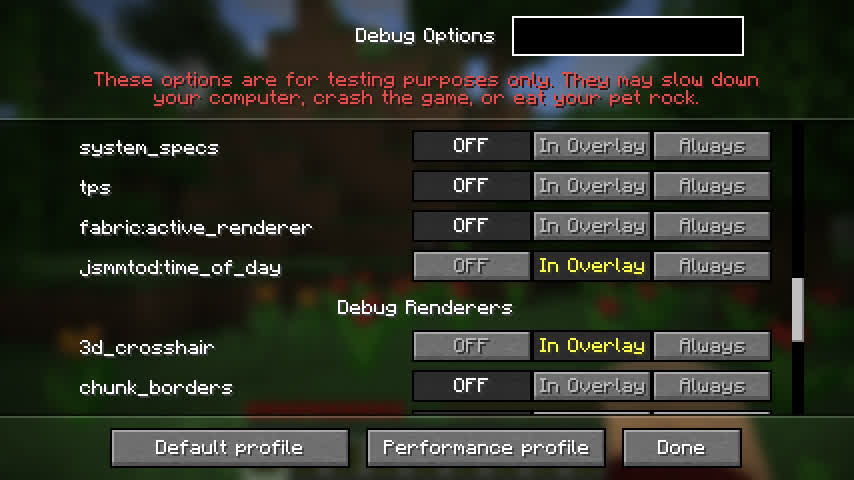
Shows your time of day in the debug screen. That’s it. You can add it as usual to the debug screen (time_of_day or jsmmtod:time_of_day), and can also configure it if you add Cloth Config and Mod menu.
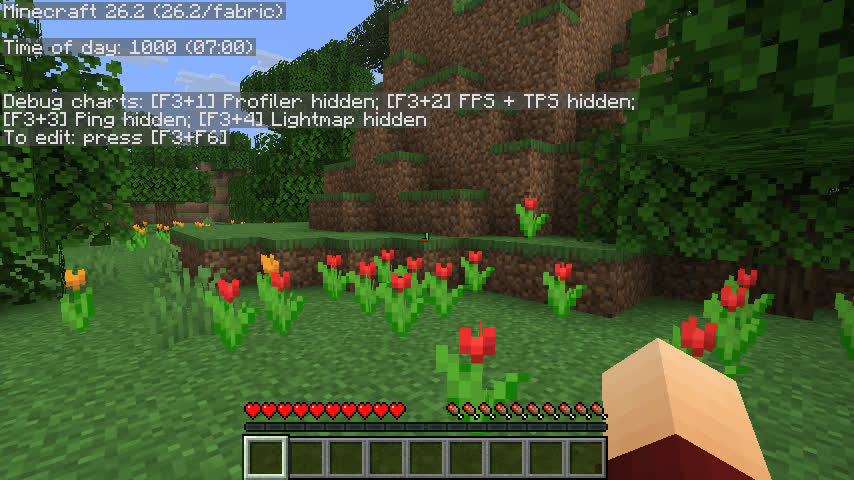
If you don’t have those mods installed, it will default to showing the ticks and time of day in a 24-hour clock (see screenshot below).
Options
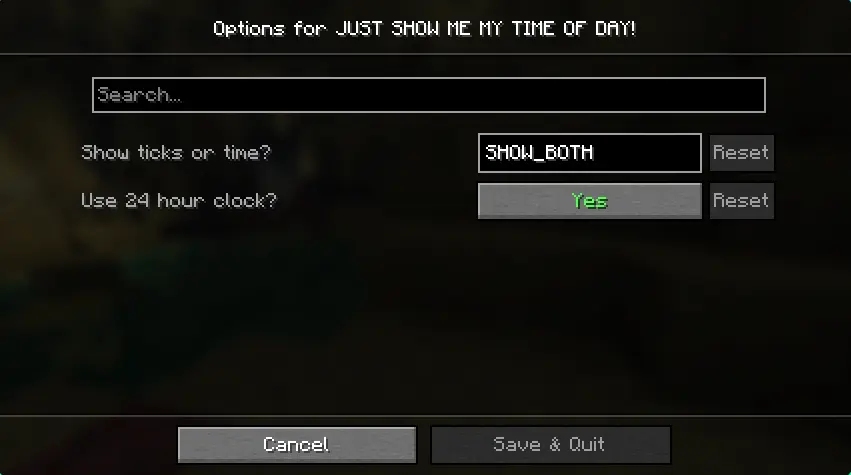
You can go to the config screen through Mod menu.
Screenshots
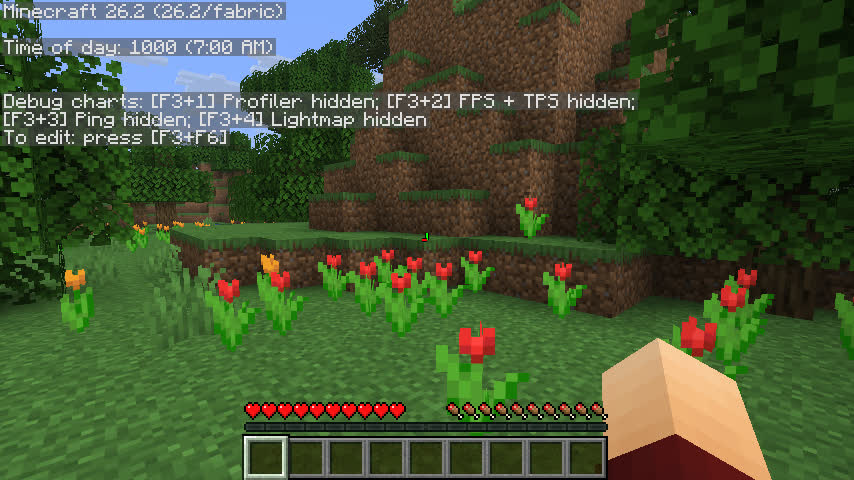
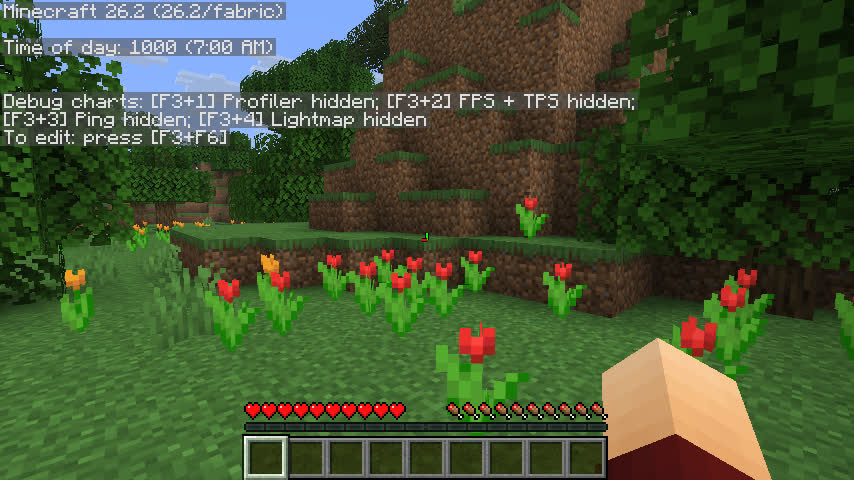
Twelve-hour clock:
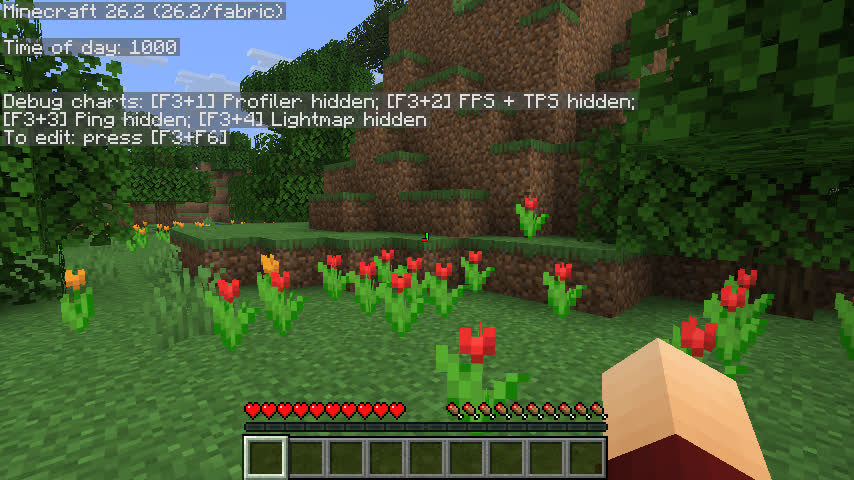
Only showing ticks:
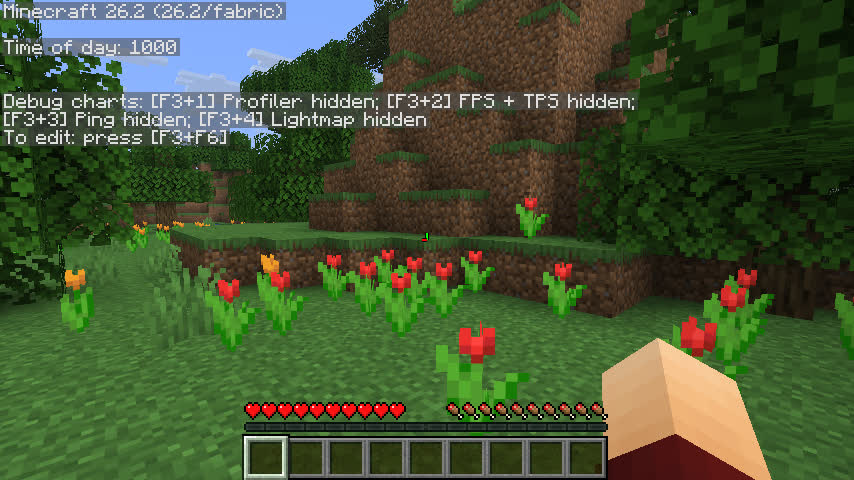
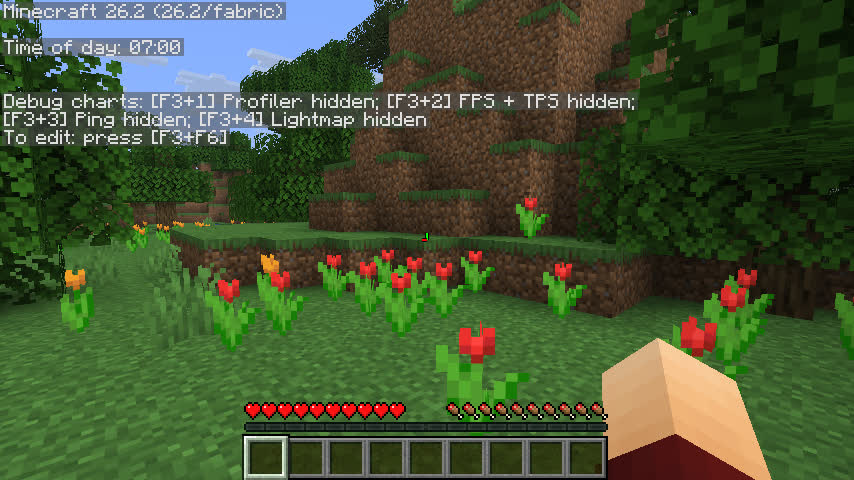
Only showing time:
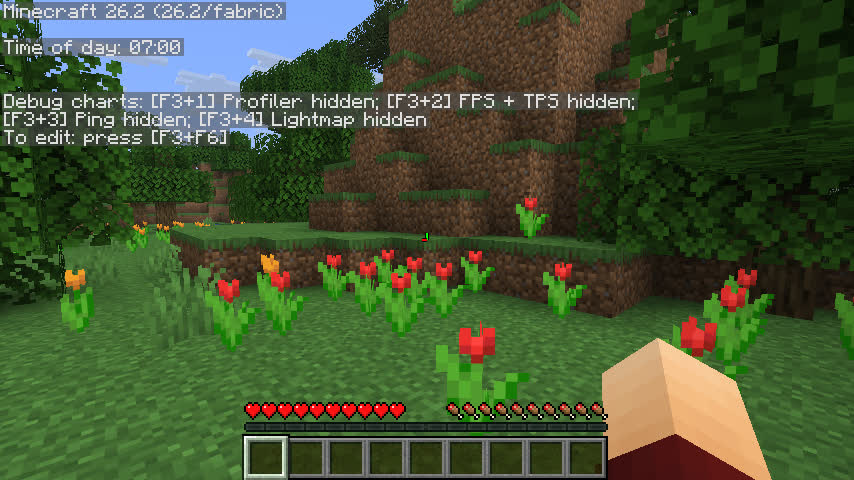
In the debug menu:
常见问题
JUST SHOW ME MY TIME OF DAY! 支持哪些 Minecraft 版本?
JUST SHOW ME MY TIME OF DAY! 支持 Minecraft Java 版 26.1–26.3,共 5 个版本,可用的加载器:Fabric / Quilt。下载时注意选择和你游戏版本一致的文件。
JUST SHOW ME MY TIME OF DAY! 怎么安装?
先用 PCL2 或 HMCL 启动器安装对应版本的 Fabric / Quilt,再把下载的 .jar 文件放进游戏目录的 mods 文件夹,重新启动游戏即可。开启了版本隔离的,mods 文件夹在 versions/版本名 下面。运行环境:仅客户端。

评论
登录后评论和评分