
截图
介绍
JPG Screenshot has a new look!


New icon, same old two-mixin mod. Now updated for 26.1!
Why save screenshots as jpg?
Save disk space!
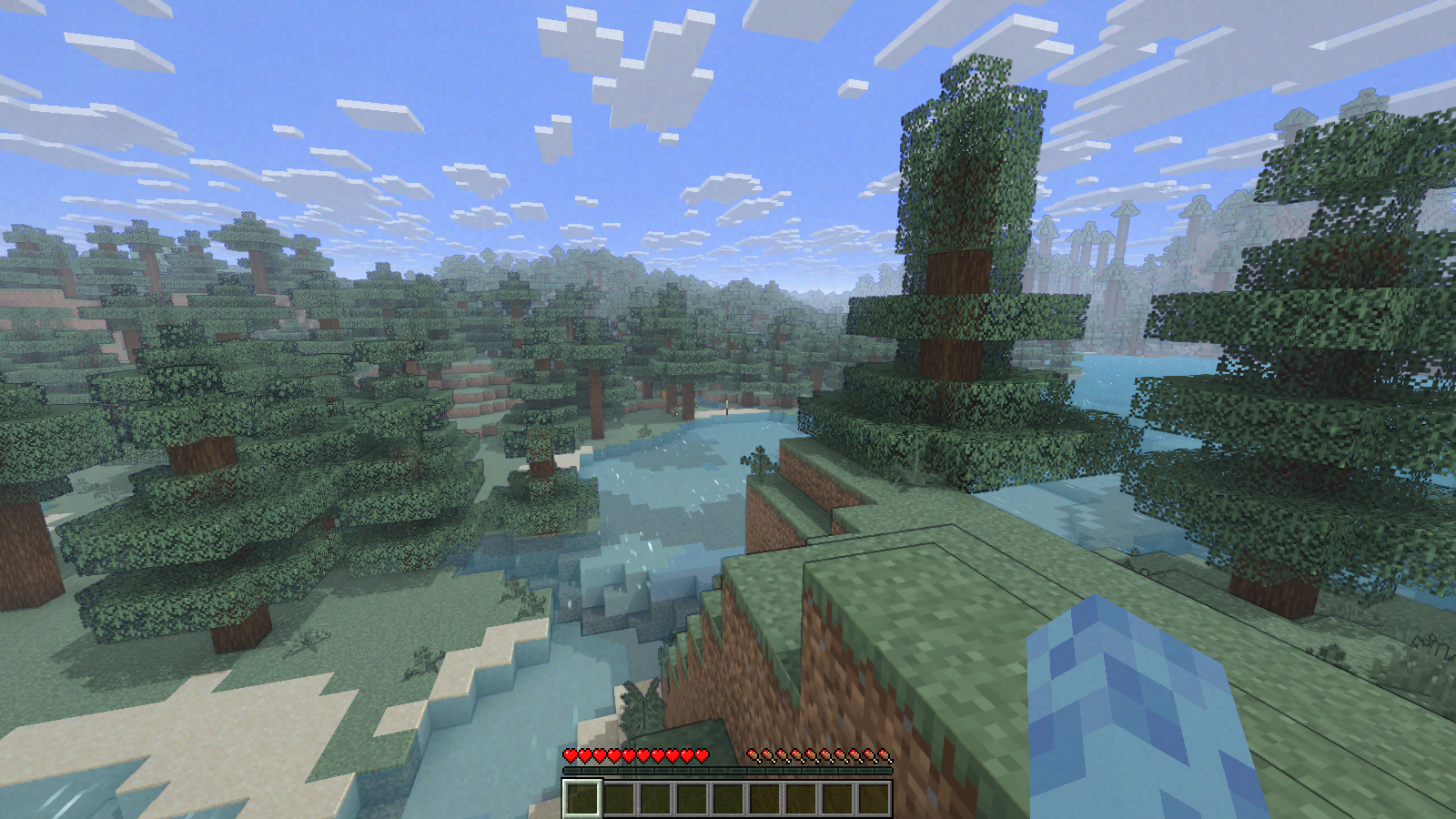
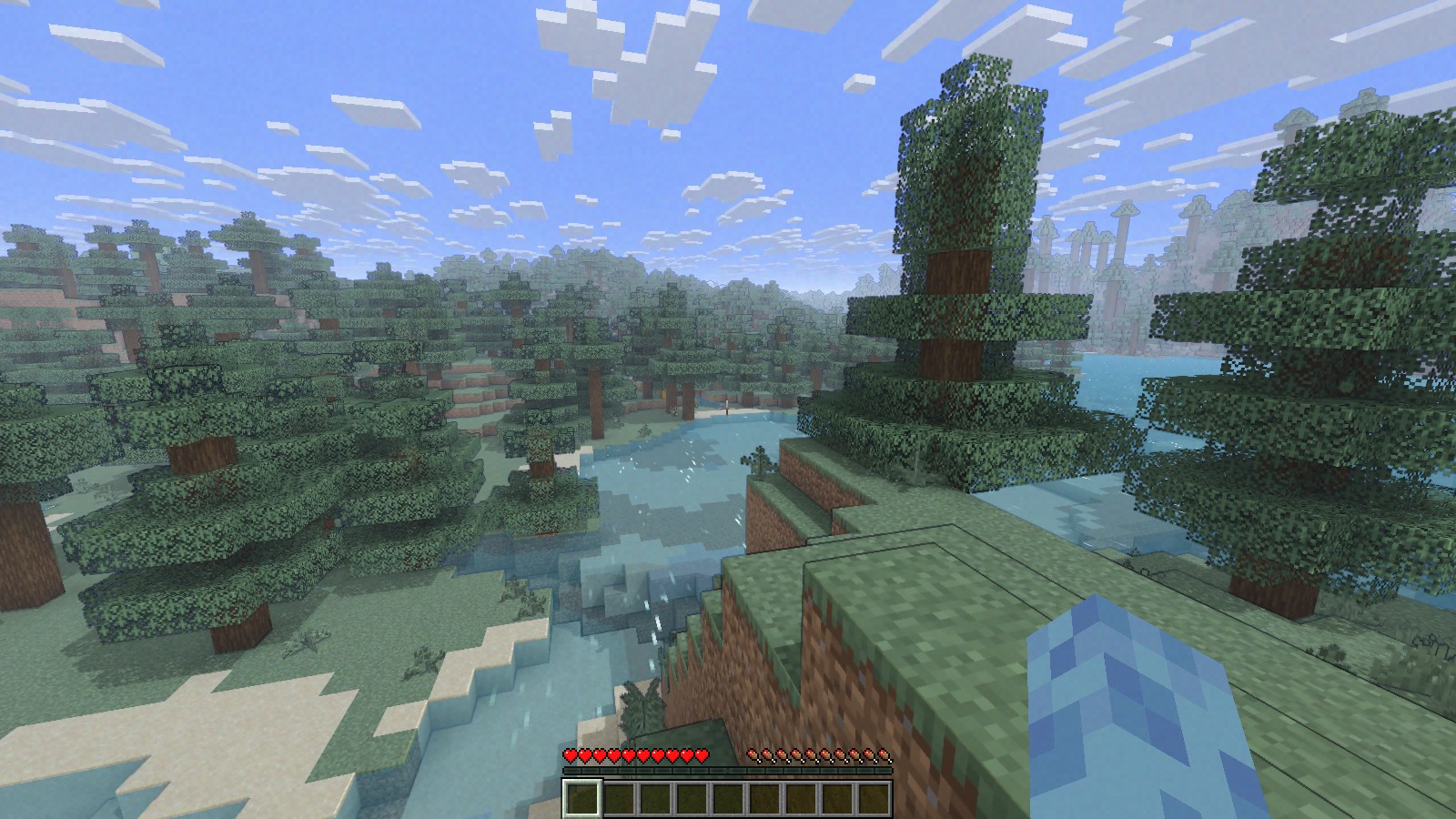
Minecraft saves screenshots as ~2MB png files at 1080p. This mod changes it to ~400KB high quality jpg files which look almost indistinguishable.
Perfect if you:
- Take lots of screenshots
- Can’t let them go
- Don’t want to buy another harddisk
Small downside: saving the screenshot is slightly longer, although the screenshot itself is instantaneous. Taking many screenshots in succession may cause the game to stutter.
Can I still take png screenshots?
Yes, just hold Left CTRL Key while taking a screenshot. You can change this key in the game’s Key Binds setting.
About older versions
Prior to version 2.0.0, the default modifier key was Left Alt Key. Also, the jpg quality used to be worse.
Issues
If you find an issue, feel free to open an issue here.
Other things
Fabric API is required to properly display the keybind label and modmenu description.
常见问题
JPG Screenshot 支持哪些 Minecraft 版本?
JPG Screenshot 支持 Minecraft Java 版 1.17–26.1.1,共 14 个版本,可用的加载器:Fabric / Quilt。下载时注意选择和你游戏版本一致的文件。
JPG Screenshot 怎么安装?
先用 PCL2 或 HMCL 启动器安装对应版本的 Fabric / Quilt,再把下载的 .jar 文件放进游戏目录的 mods 文件夹,重新启动游戏即可。开启了版本隔离的,mods 文件夹在 versions/版本名 下面。运行环境:仅客户端。
spiralhalo 的其他作品
查看全部 →
Canvas Renderer
Open source shaders for players and content creators

ecos shader for Canvas
Lightweight graphics enhancements for your laptop. Requires Canvas/can-pipe mod.

JMX
JSON Model Extensions

FREX
FREX Rendering Extensions Library
评论
登录后评论和评分