
截图


介绍
Welcome to the Jobs Mod !
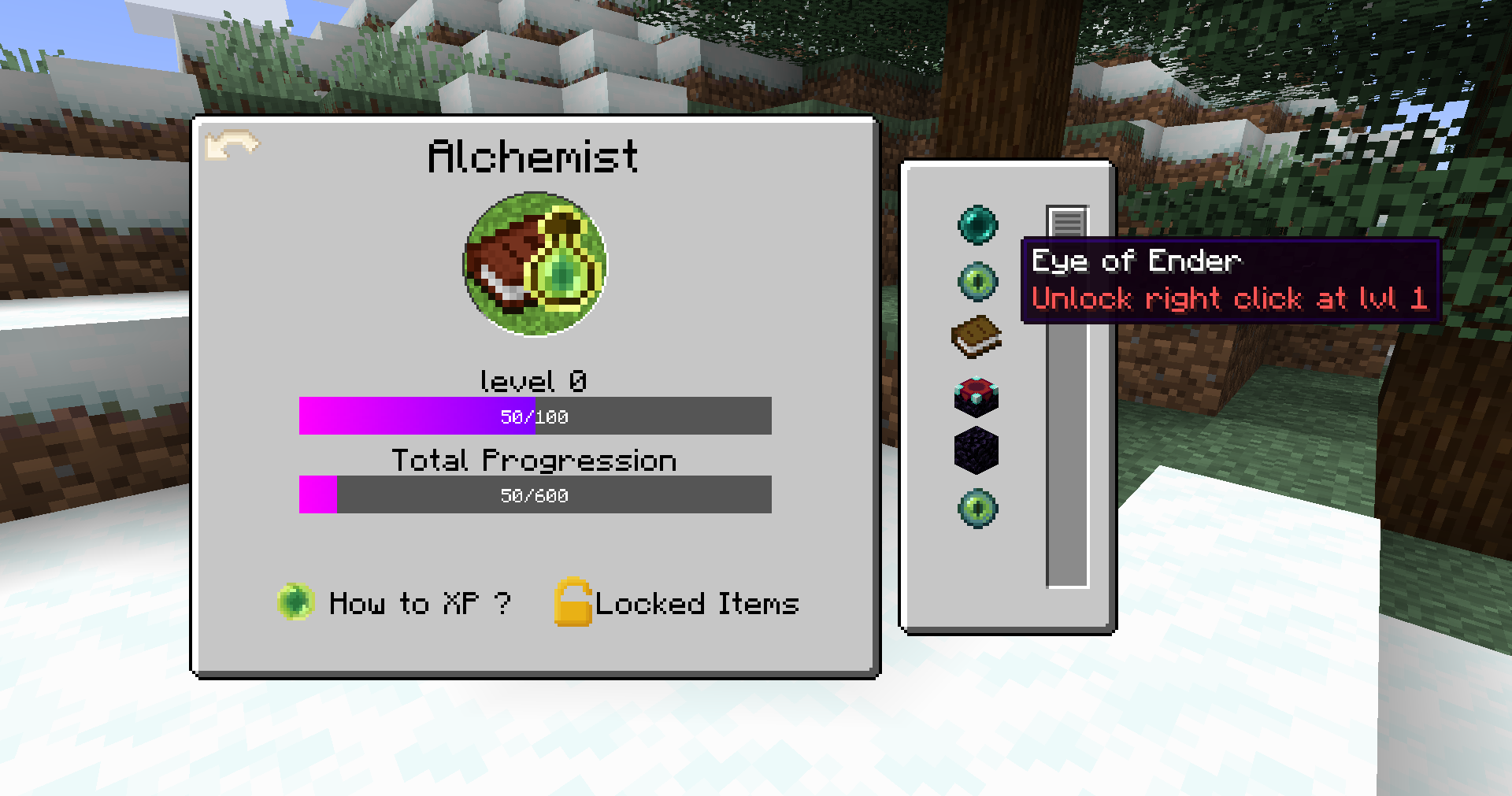
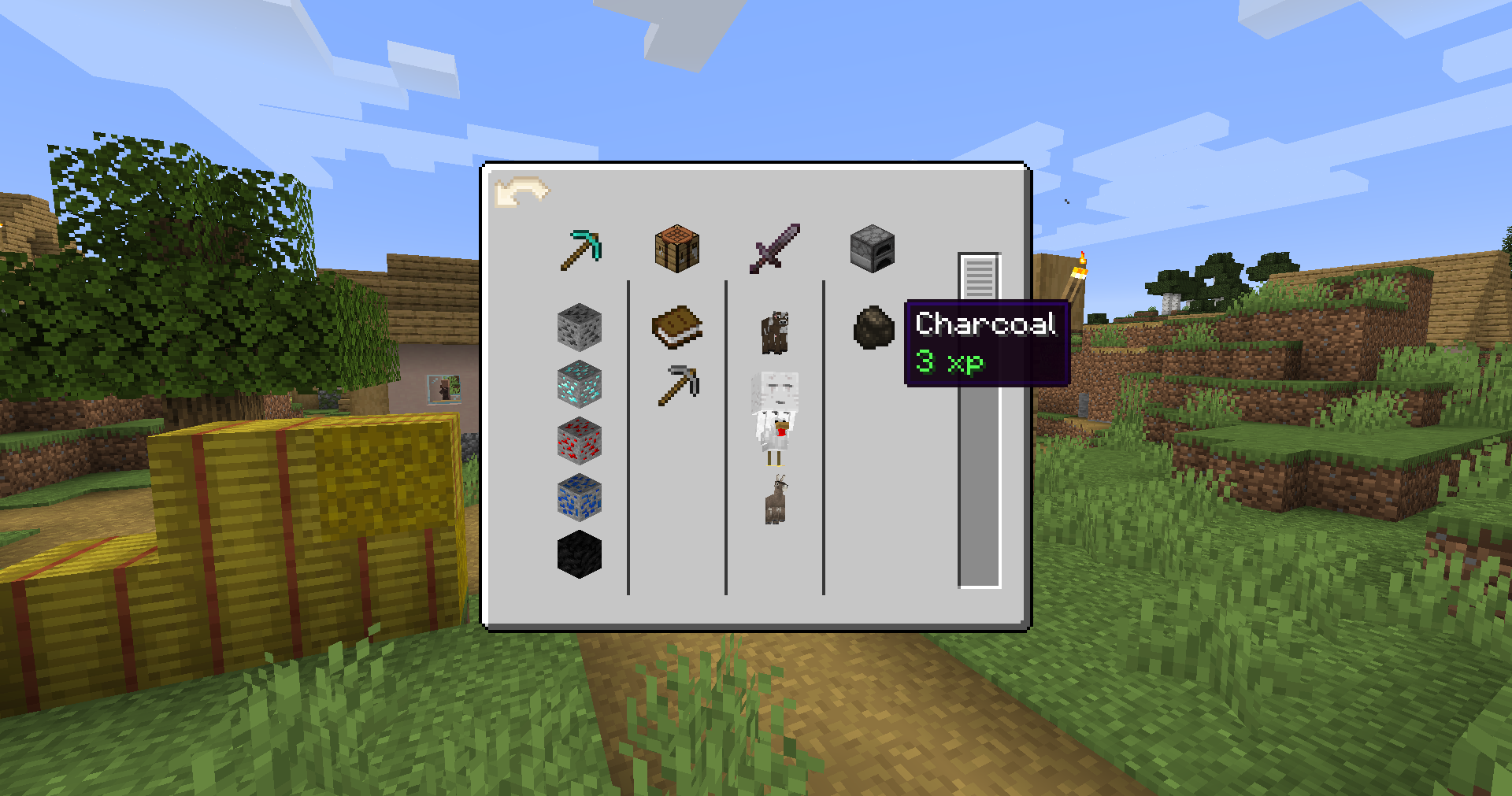
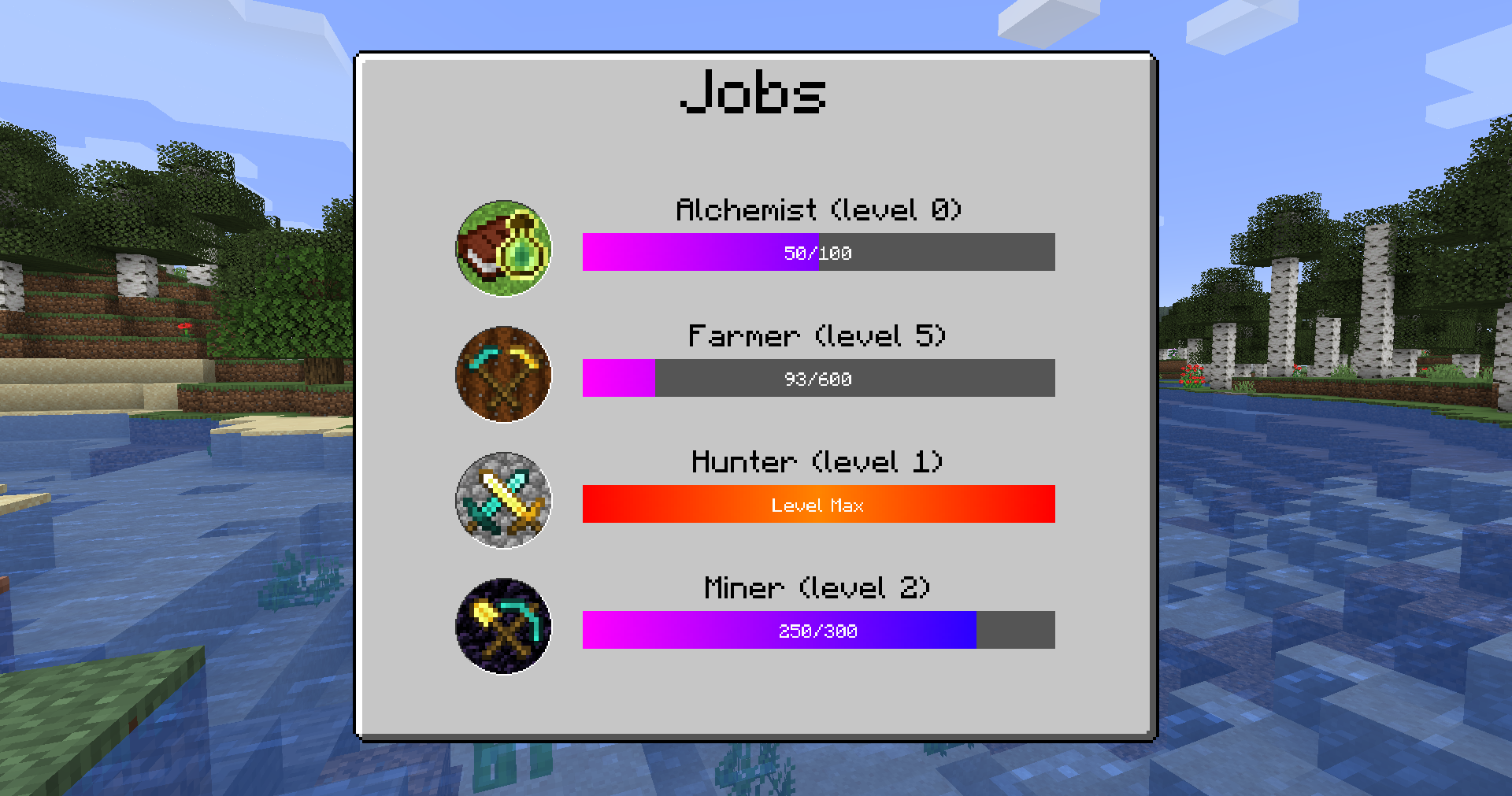
Jobs is a mod that adds a jobs system to Minecraft, to give a new dimension of progress to your games. You will have to gain xp for each jobs to unlock items and blocks and usage of items. The best part ? It is completely customizable ! You can create your own jobs and choose precisely which items you must unlock and how you gain xp for the different jobs.In the Wiki, you will find a complete guide to configure the latest version of the mod for 1.16.5 (v3.0) and for 1.18.2 (beta). Other versions are not recommended, but you can still find the documentation in the wiki if you really want to use them.
Quick Description :
You can create jobs in the mod. The players will need to collect xp to level up their jobs. You can fully customize the levels of the jobs and the amount of xp required to level up. You can even choose your own names and icons for the jobs ! You can also customize how players will gain their xp, using 6 possible ways : crafting and smelting items, mining blocks, harvesting crops, hunting and breeding mobs.
You can follow me on Patreon, where I post pictures and updates publicly about the mod. And of course, don’t hesitate to send me a message if you have any question, I will be glad to answer them. If you find a bug in the mod, please share it using a Github issue here.
Note : The mod is currently available for 1.12.2, 1.16.5, 1.18.2 and 1.19.2. I plan to make versions for 1.19.4, 1.20 and even higher versions later on, as I implement each feature for every version.
If the image doesn’t work, here is the link to get the 15% reduction : https://billing.kinetichosting.net/aff.php?aff=366
常见问题
Jobs 支持哪些 Minecraft 版本?
Jobs 支持 Minecraft Java 版 1.12.2–1.20.1,共 5 个版本,可用的加载器:Forge。下载时注意选择和你游戏版本一致的文件。
Jobs 怎么安装?
先用 PCL2 或 HMCL 启动器安装对应版本的 Forge,再把下载的 .jar 文件放进游戏目录的 mods 文件夹,重新启动游戏即可。开启了版本隔离的,mods 文件夹在 versions/版本名 下面。
评论
登录后评论和评分