
截图
介绍
Fabric 1.21.1 / 1.21.11 / 26.3
Neoforge 1.21.1 / 1.21.11
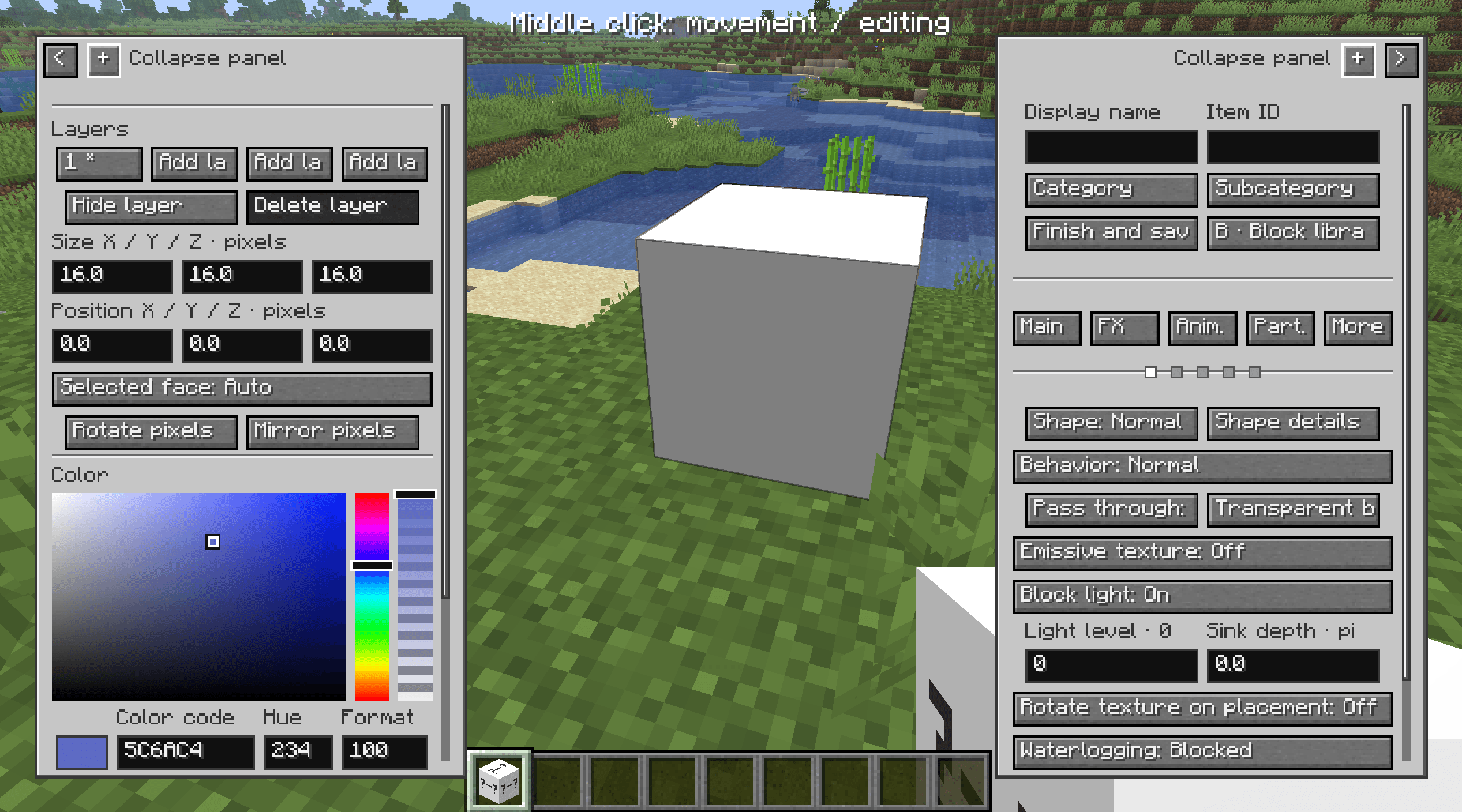
Create and place your own custom blocks directly in Minecraft!
Jinditmool’s Custom Blocks expands your creative possibilities by allowing you to create and place custom blocks directly in-game.
Features
- In-Game Block Creation: Create and use your own custom blocks without leaving the game.
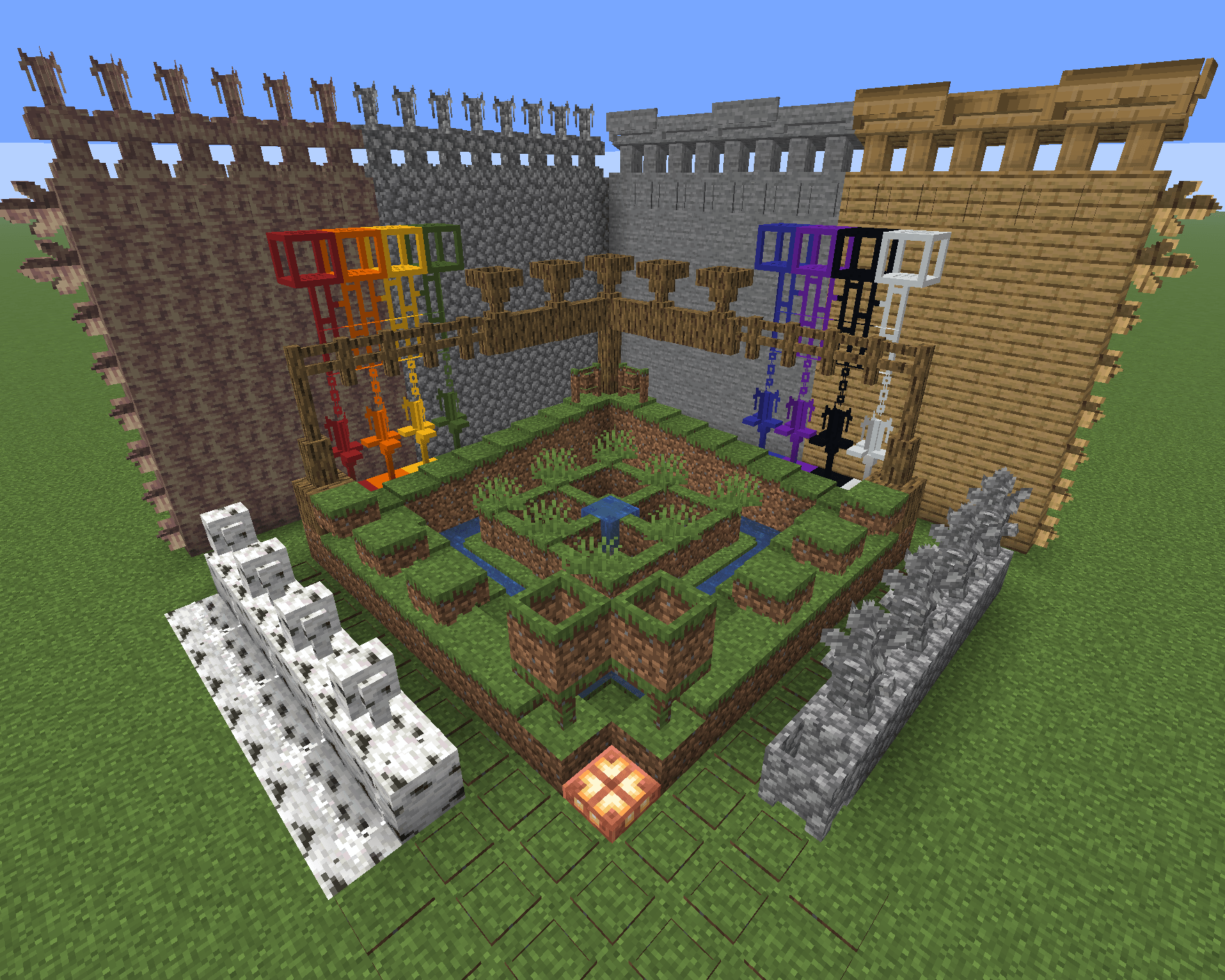
- Adaptive Blocks: Use special blocks that mimic the textures and properties of other blocks based on their placement direction.
- Terrain Editing: Convert snow into pixel mimic blocks, update their mimicked materials, and smooth terrain with pixel-level precision.
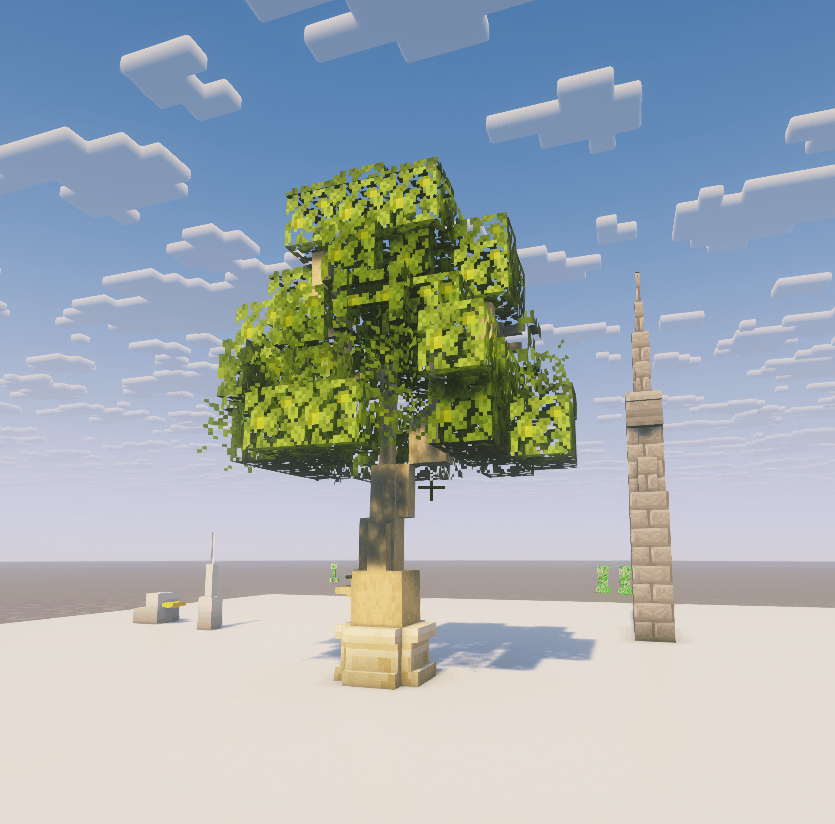
- Creative Building: Bring more flexibility and detail to your Minecraft builds.
Getting Started
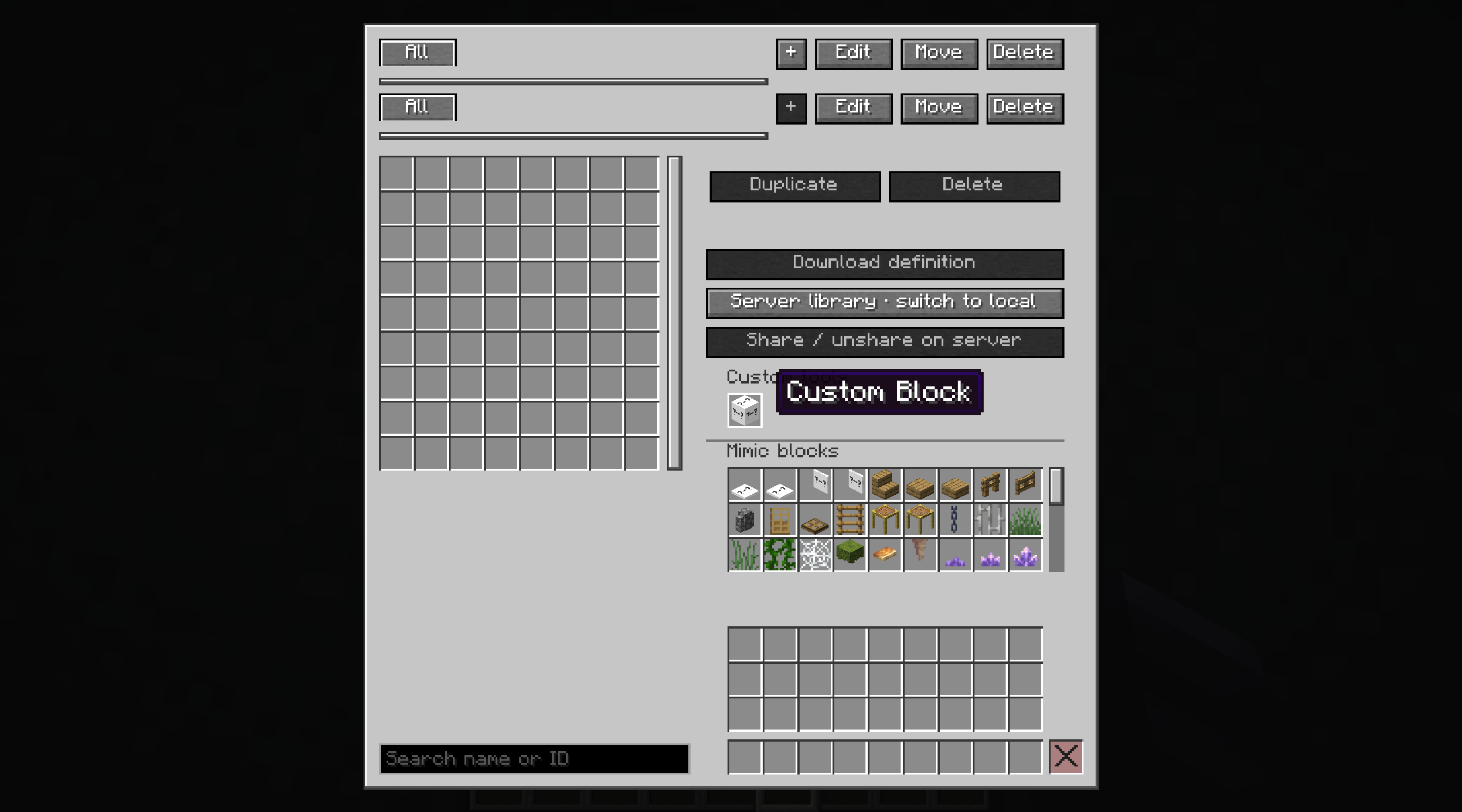
Press B to open your Block Storage.
Terrain Commands
Use /jcb terrain to convert snow, refresh mimic blocks, and smooth terrain.
Examples:
/jcb terrain convert pixel we— Converts snow blocks and layers in a WorldEdit selection into pixel mimic blocks while preserving their heights./jcb terrain remimic all we— Refreshes mimic blocks in a WorldEdit selection by copying the textures and properties of the blocks directly beneath them./jcb terrain smooth pixel 4 true 2 we— Smooths pixel mimic block terrain similarly to WorldEdit’s smooth tool, using 4-pixel increments and 2 passes, including existing side pixels.
Additional commands support coordinate-based selections, areas around the player, and terrain operation management.
Compatibility
Initial testing has shown that the mod works to some extent alongside several other mods, including:
- WorldEdit
- Axiom
- Voxy
Full compatibility has not yet been verified, and some features may not work as expected. Further testing and improvements are planned.
Supported Languages
The mod is available in 12 languages, with AI-assisted translations:
English, Korean, Japanese, Simplified Chinese, Traditional Chinese, Spanish, French, German, Brazilian Portuguese, Russian, Italian, and Indonesian.
AI-assisted translations may contain errors or unnatural phrasing. Reports and corrections are welcome!
Roadmap
Planned Feature
- Custom Model Blocks: Create and use blocks with custom 3D models.
Additional features and improvements may be introduced in future updates. Plans are subject to change during development.
Bug Reports & Feedback
If you encounter any bugs, unexpected behavior, compatibility issues, or translation errors, please report them, even if they seem minor.
Your feedback helps improve the mod’s stability, performance, and overall experience.
Support Development
If you enjoy this mod and would like to support its continued development, please consider making a donation.
Your support helps me spend more time improving the mod, fixing bugs, and adding new features.
Donations are completely optional, and all core features will remain free for everyone.
Thank you for your support!
Support me on Ko-fi: https://ko-fi.com/jinditmool
常见问题
Jinditmool’s Custom Blocks 支持哪些 Minecraft 版本?
Jinditmool’s Custom Blocks 支持 Minecraft Java 版 1.21.1–26.3,共 3 个版本,可用的加载器:Fabric / NeoForge。下载时注意选择和你游戏版本一致的文件。
Jinditmool’s Custom Blocks 怎么安装?
先用 PCL2 或 HMCL 启动器安装对应版本的 Fabric / NeoForge,再把下载的 .jar 文件放进游戏目录的 mods 文件夹,重新启动游戏即可。开启了版本隔离的,mods 文件夹在 versions/版本名 下面。
评论
登录后评论和评分