
JEI Buttons
作者:vanilla0001
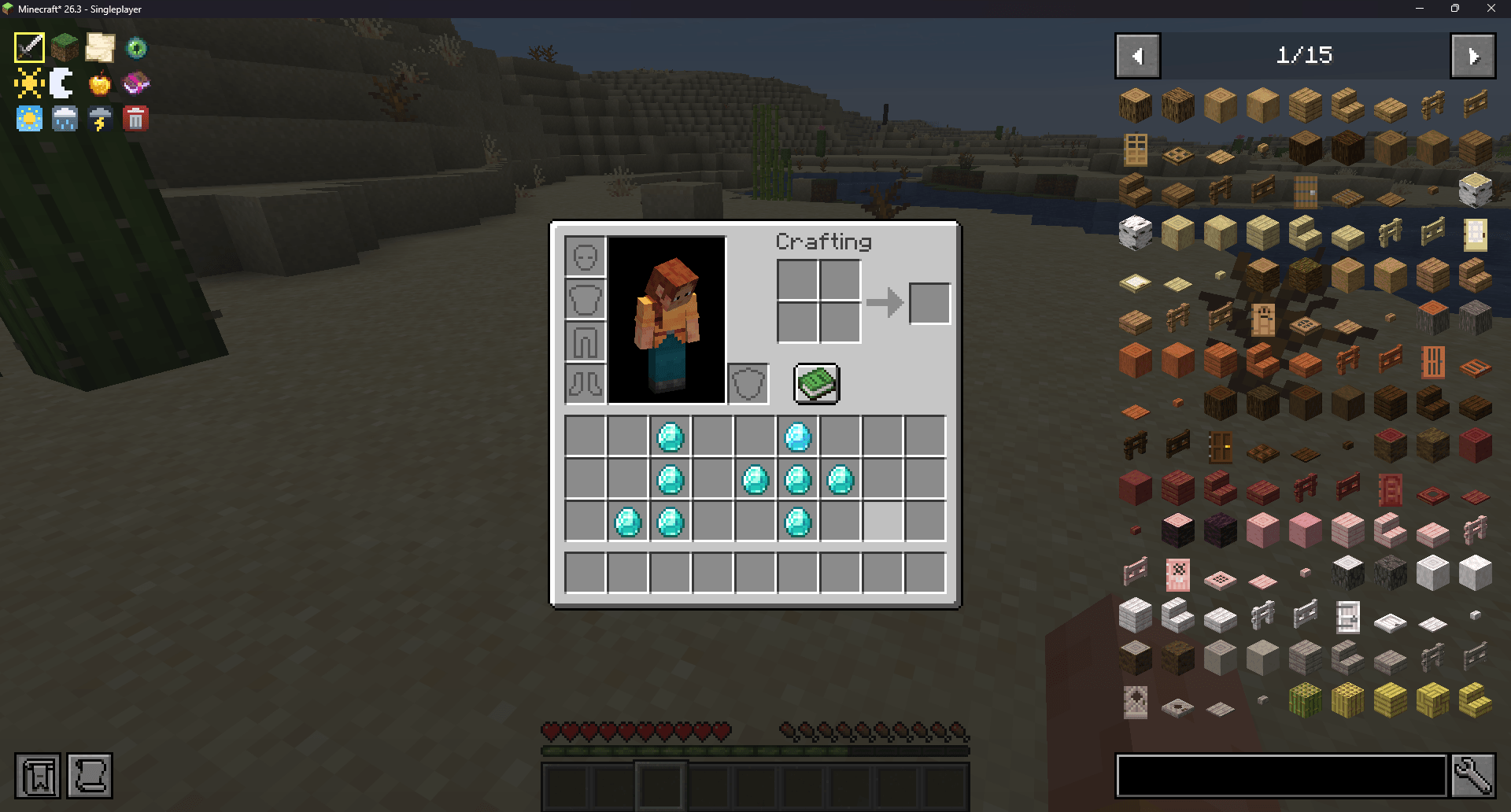
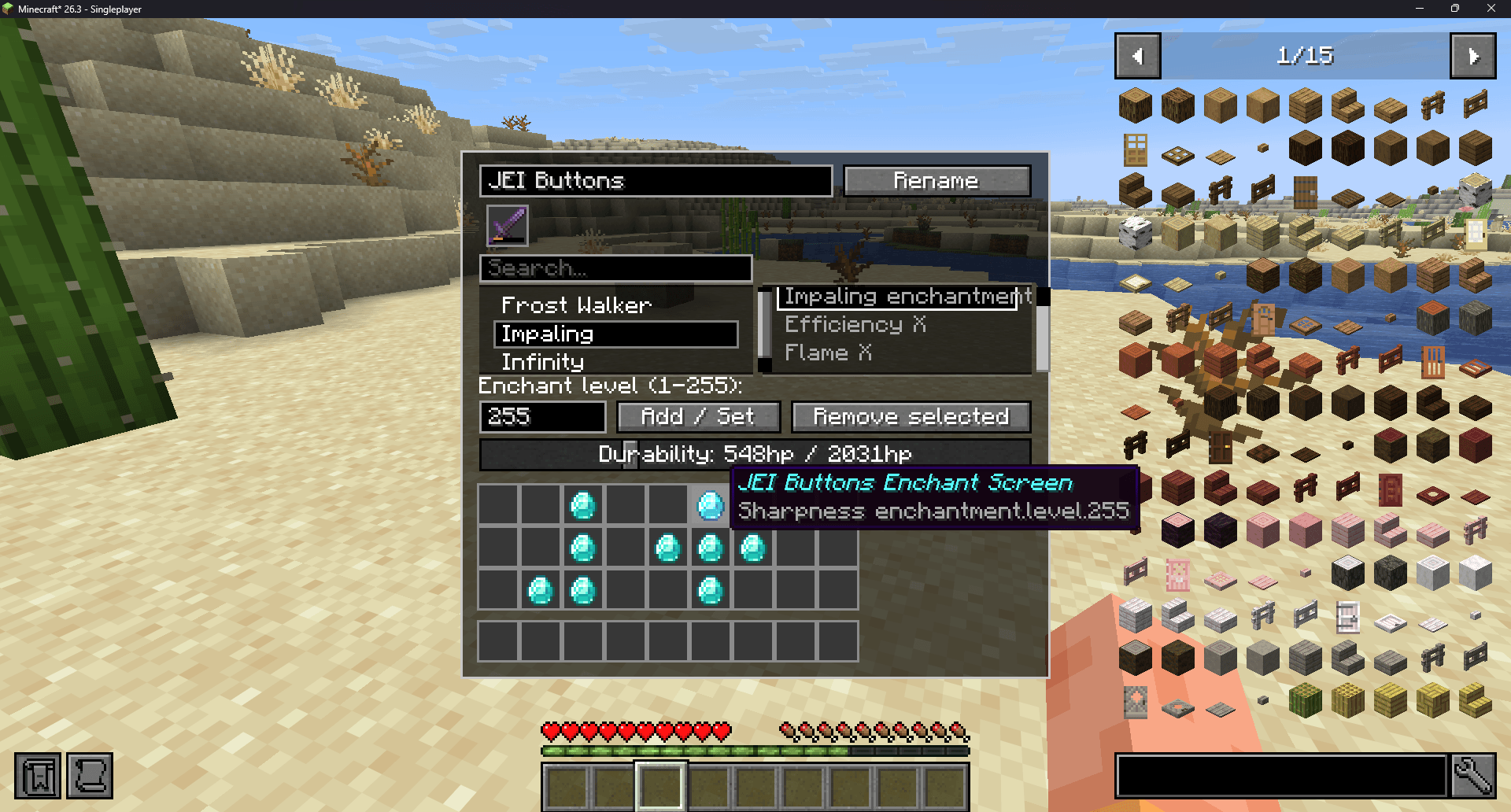
Adds gamemode buttons, add enchants to items (up to level 255), set day/night, set weather, and delete item.
截图
介绍
中文介绍正在准备中,下面暂时显示原文。
JEI Buttons
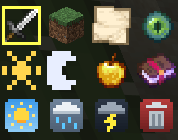
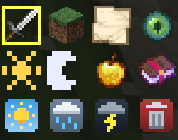
This mod adds a row of buttons to the top left of your JEI screen for instant access to:
- Gamemode – Switch between creative, survival, adventure, and spectator with a single click.
- Time of Day – Switch between day and night.
- Enchantment Set – Apply any enchantment onto any item up to level 255. You can also remove any enchant with ease. You can now change item durability on this screen.
- Heal & Feed – Instantly restore both health and hunger.
- Weather – Instantly change the weather to clear, rain, or thunder.
- Item Delete – Delete the item you’re currently holding.
Completely client side, requiring no install for any joining players. Sends no command feedback. Requires operator permissions to work.
These buttons will show up in the top left part of your JEI screen, giving you access to the options listed above:
Requirements:
- JEI (Just Enough Items)
Thank you for downloading! If any issues are found, please leave a comment and I will fix them ASAP 🙂
常见问题
JEI Buttons 支持哪些 Minecraft 版本?
JEI Buttons 支持 Minecraft Java 版 26.2–26.3,共 2 个版本,可用的加载器:Fabric。下载时注意选择和你游戏版本一致的文件。
JEI Buttons 怎么安装?
先用 PCL2 或 HMCL 启动器安装对应版本的 Fabric,再把下载的 .jar 文件放进游戏目录的 mods 文件夹,重新启动游戏即可。开启了版本隔离的,mods 文件夹在 versions/版本名 下面。
评论
登录后评论和评分