
介绍
中文介绍正在准备中,下面暂时显示原文。
How does this Addon work?
- This JEI addon crawls the web for mod wikis! If no wiki is found it goes into the mod files and tries to find item info there.
- This is to help those who own big modpacks or for people who play big modpacks with a plethora of items that you have no idea what they do, and saves the time of going out and searching for a wiki!
- All you have to do is when hovering over an item in JEI click R-Alt (Can be changed in Keybinds) to bring up the Wiki!
–If no wiki pops up and there IS a wiki that exists, please report it so I can add support! 🙂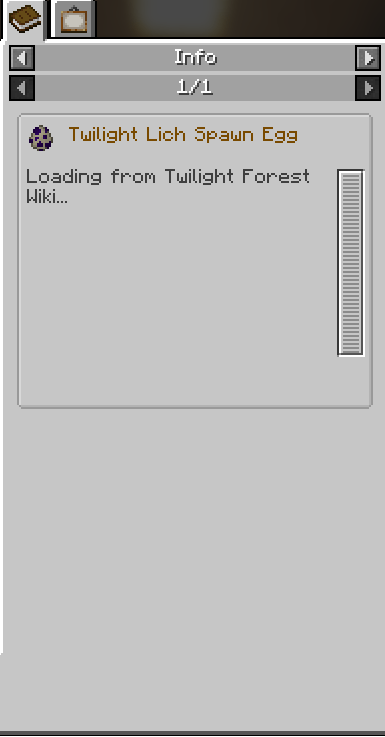
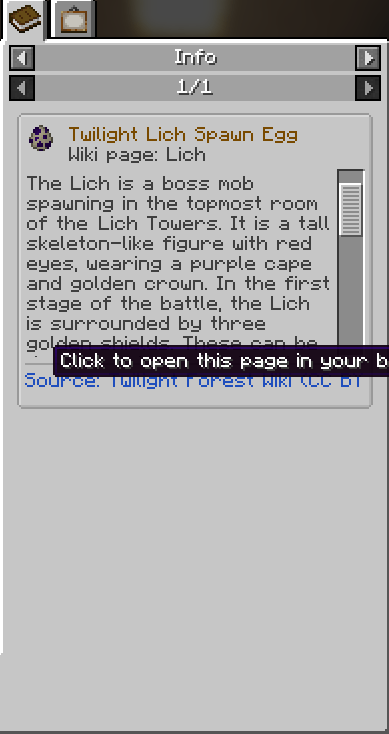
- The Info Addon also adds a few extra features!
–Mob Drops – See the loot pool of any mobs along with a 3D model of said mob included in your modpack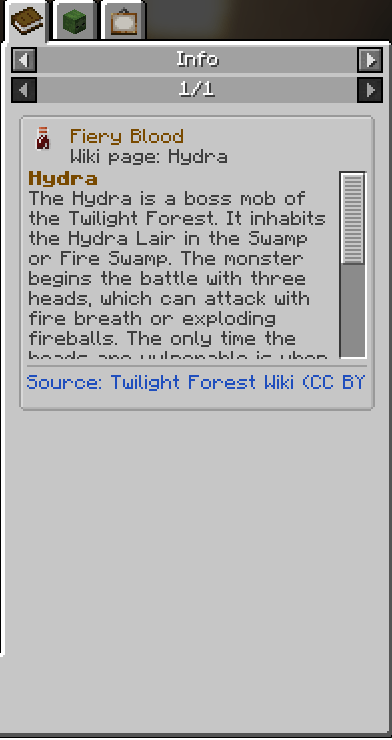
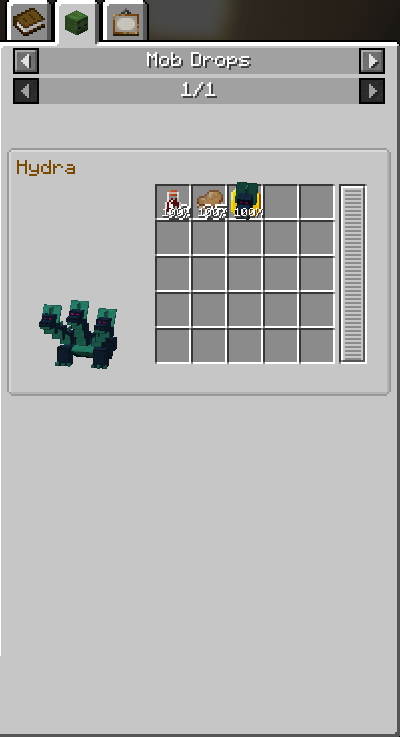
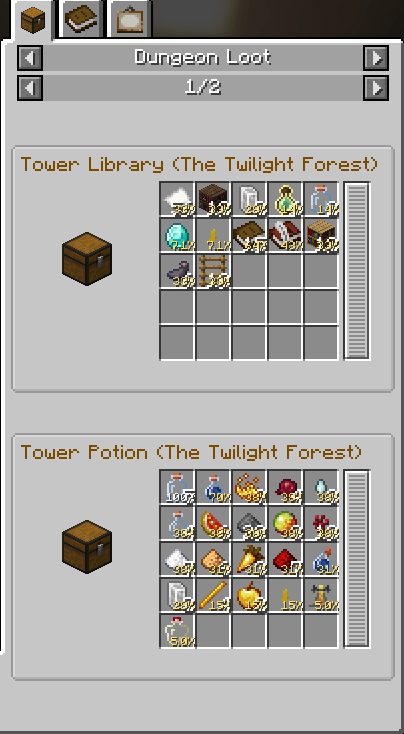
–Dungeon Loot – See the Dungeon Loot pool of your modpack
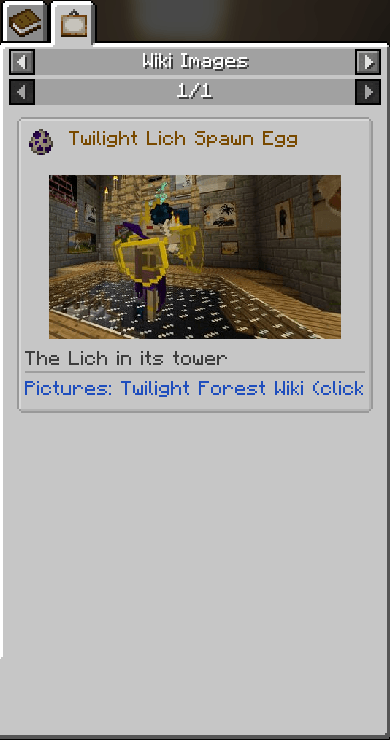
–Wiki Images – If Wiki page contains Gallery images the mod will separate those on to its own tab
常见问题
JEI Addon: JEInfo 支持哪些 Minecraft 版本?
JEI Addon: JEInfo 支持 Minecraft Java 版 1.21.1,可用的加载器:Fabric。下载时注意选择和你游戏版本一致的文件。
JEI Addon: JEInfo 怎么安装?
先用 PCL2 或 HMCL 启动器安装对应版本的 Fabric,再把下载的 .jar 文件放进游戏目录的 mods 文件夹,重新启动游戏即可。开启了版本隔离的,mods 文件夹在 versions/版本名 下面。
iiampanda 的其他作品
查看全部 →
Morph: Revived
by iiampanda
iChun's legendary Morph Mod brought to current versions and expanded!
834
4 天前
CurseForge

Prisms – Better Enchantment Glint
by iiampanda
Vanilla-style way to change up your enchantment glint with any of the 16 dyeable colors and some secret ones!
463
4 天前
CurseForge

Better Carpets
by iiampanda
Remove the restrictions of building with carpets!
385
20 天前
CurseForge
Armor Trim Template
by iiampanda
Create your own custom Armor Trim in-game!
311
15 天前
CurseForge
评论
登录后评论和评分