Jay’s Elytra Hud
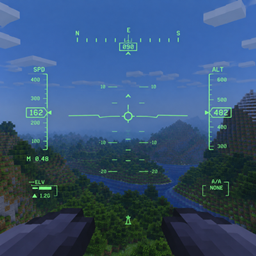
A working F-16 head-up display for elytra flight: flight path marker, pitch ladder, speed and altitude tapes, G-meter and more. Compatible with Do a Barrel Roll.
截图
介绍
Jay’s Elytra Hud
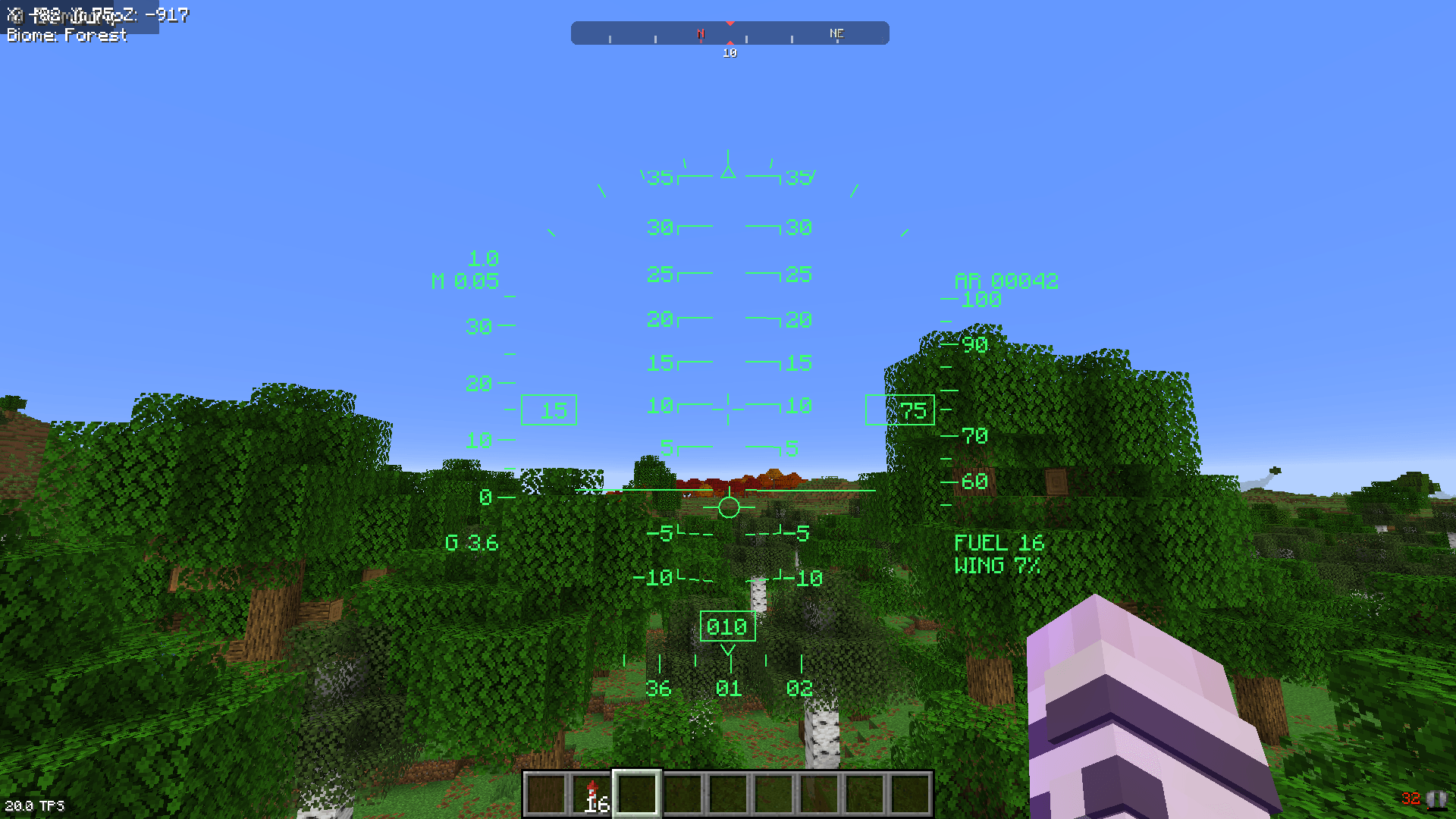
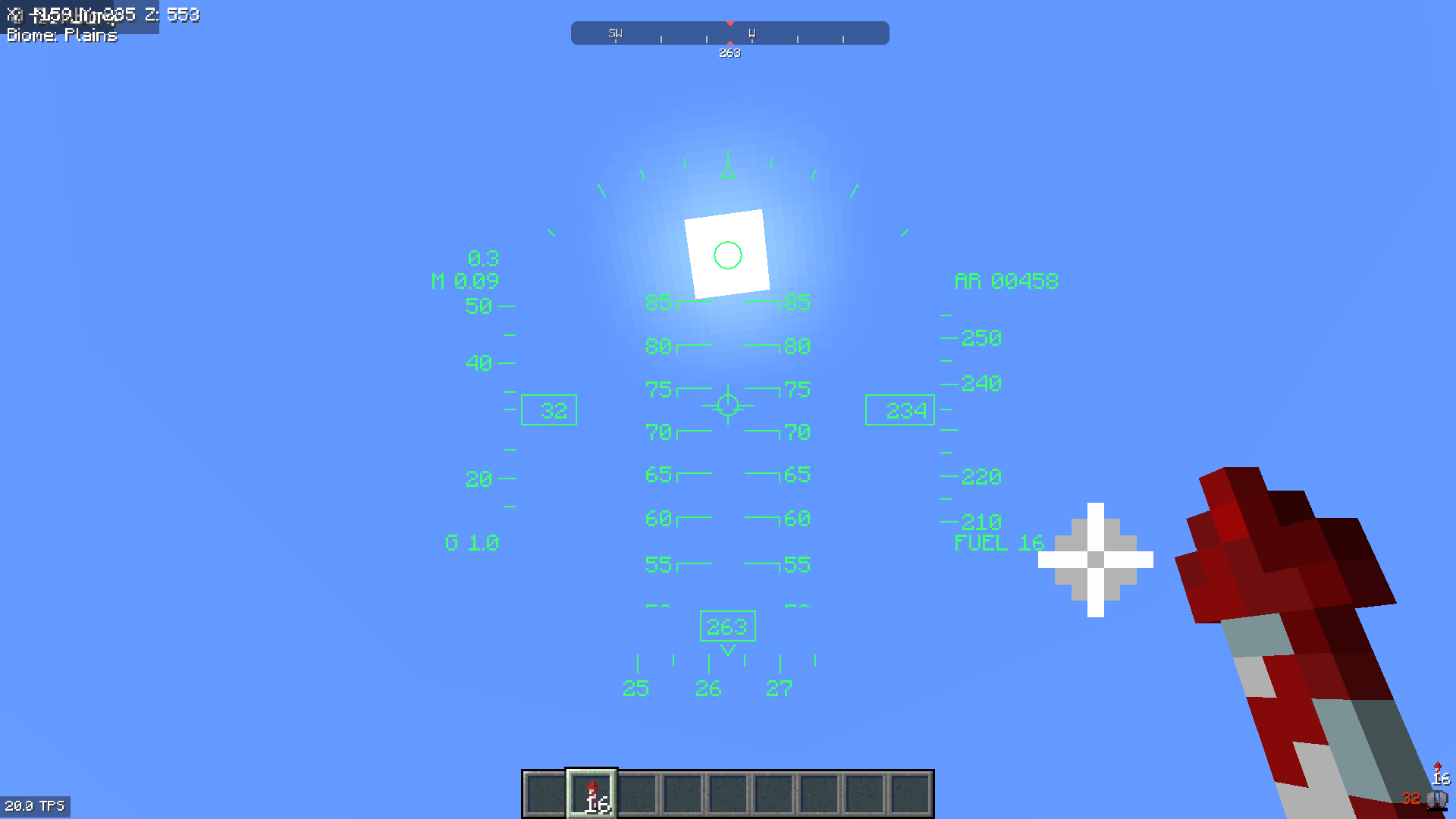
Fly your elytra like a fighter jet. F-16 HUD adds a working head-up display, modelled on the F-16, that appears whenever you glide with an elytra in first person.
The HUD isn’t just decoration. The flight path marker and pitch ladder line up with the world, so the marker shows exactly where you’re actually flying. Keep it above that mountain and you’ll clear it.
Features
- Flight Path Marker (velocity vector): shows where you are really going, not just where your nose points. It flashes at the HUD edge when your flight path leaves the display.
- Pitch ladder: solid bars above the horizon and dashed, angled bars below, just like the F-16. It rolls with the horizon.
- Airspeed tape in blocks per second, plus Mach number
- Altitude tape showing your coordinates, plus radar altitude (height above ground)
- Bank angle scale with a sky pointer
- Systems block:
FUEL: firework rockets left in your inventory (flashes when you’re down to 2 or fewer)WING: elytra durability (flashes below 10%)
- Ground warning:
WARNflashes when you’re sinking too fast for your height or your flight path hits terrain within the next 3 seconds. - Bank assist: the camera leans gently into turns for a smoother, more aircraft-like feel. It only kicks in while the HUD is active and Do a Barrel Roll isn’t controlling the roll.
Do a Barrel Roll
Fully compatible with Do a Barrel Roll. The HUD reads the camera’s real orientation, so the pitch ladder and flight path marker follow every roll, loop and knife-edge pass. DABR is optional: without it, the built-in bank assist provides the leaning.
Works at any resolution
The HUD scales to your window size and GUI scale. Windowed, fullscreen, 4K and ultrawide all work. Lines stay sharp, text stays crisp, and everything sits above your hotbar. Switching to fullscreen with F11 mid-flight just works.
Controls
| Key | Action |
|---|---|
H |
Toggle HUD |
J |
Cycle HUD brightness (4 levels) |
Both keys can be rebound under Options → Controls → F-16 HUD.
Requirements
- Minecraft 26.3
- Fabric Loader 0.19+
- Fabric API
- Java 25
Client-side only. Works on any server, vanilla included. Nothing is needed on the server.
HUD layout based on the Simscape F-16 HUD documentation.
常见问题
Jay’s Elytra Hud 支持哪些 Minecraft 版本?
Jay’s Elytra Hud 支持 Minecraft Java 版 26.3,可用的加载器:Fabric。下载时注意选择和你游戏版本一致的文件。
Jay’s Elytra Hud 怎么安装?
先用 PCL2 或 HMCL 启动器安装对应版本的 Fabric,再把下载的 .jar 文件放进游戏目录的 mods 文件夹,重新启动游戏即可。开启了版本隔离的,mods 文件夹在 versions/版本名 下面。

评论
登录后评论和评分