
J4mc (play with your friends) – by jade
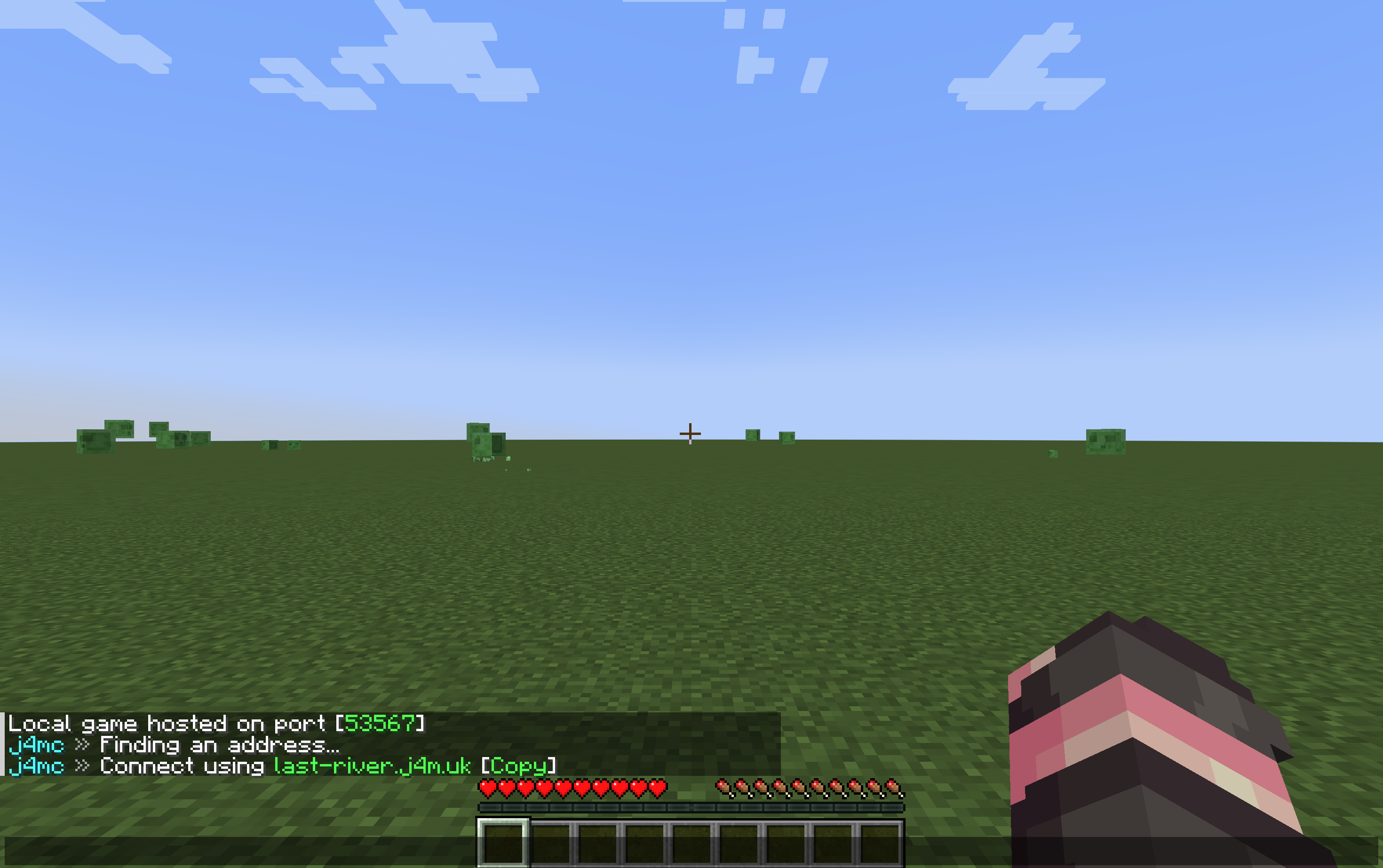
j4mc lets you open your singleplayer world to friends without port forwarding. Open your world to LAN, wait a moment, and the mod gives you a public address that your friends can join through. Now you can invite your friends through the game in one click!
截图

介绍
j4mc
j4mc lets you open your singleplayer world to friends without port forwarding.
Open your world to LAN, wait a moment, and j4mc gives you a public *.j4m.uk address that your friends can join through.
Features
- Public
*.j4m.ukaddress for LAN worlds - Works through the j4mc relay backend
- Clickable copy button for the connection address
- Localized messages: English, Russian
- Ping display in the player list
- Host notification when a player joins through j4mc
How It Works
- Install j4mc.
- Open a singleplayer world.
- Click Open to LAN.
- Wait for j4mc to assign an address.
- Send the ip address to your friends.
Remote server disclosure
j4mc connects to the j4m.uk relay backend when you open a singleplayer world to LAN. The relay assigns a public *.j4m.uk address and forwards Minecraft TCP traffic between your LAN world and players joining through that address.
The relay may process the requested hostname, LAN port, Minecraft account name provided by the client, connection metadata, and tunnel traffic needed to route the connection. The tunnel closes when the LAN world is closed or the client disconnects.
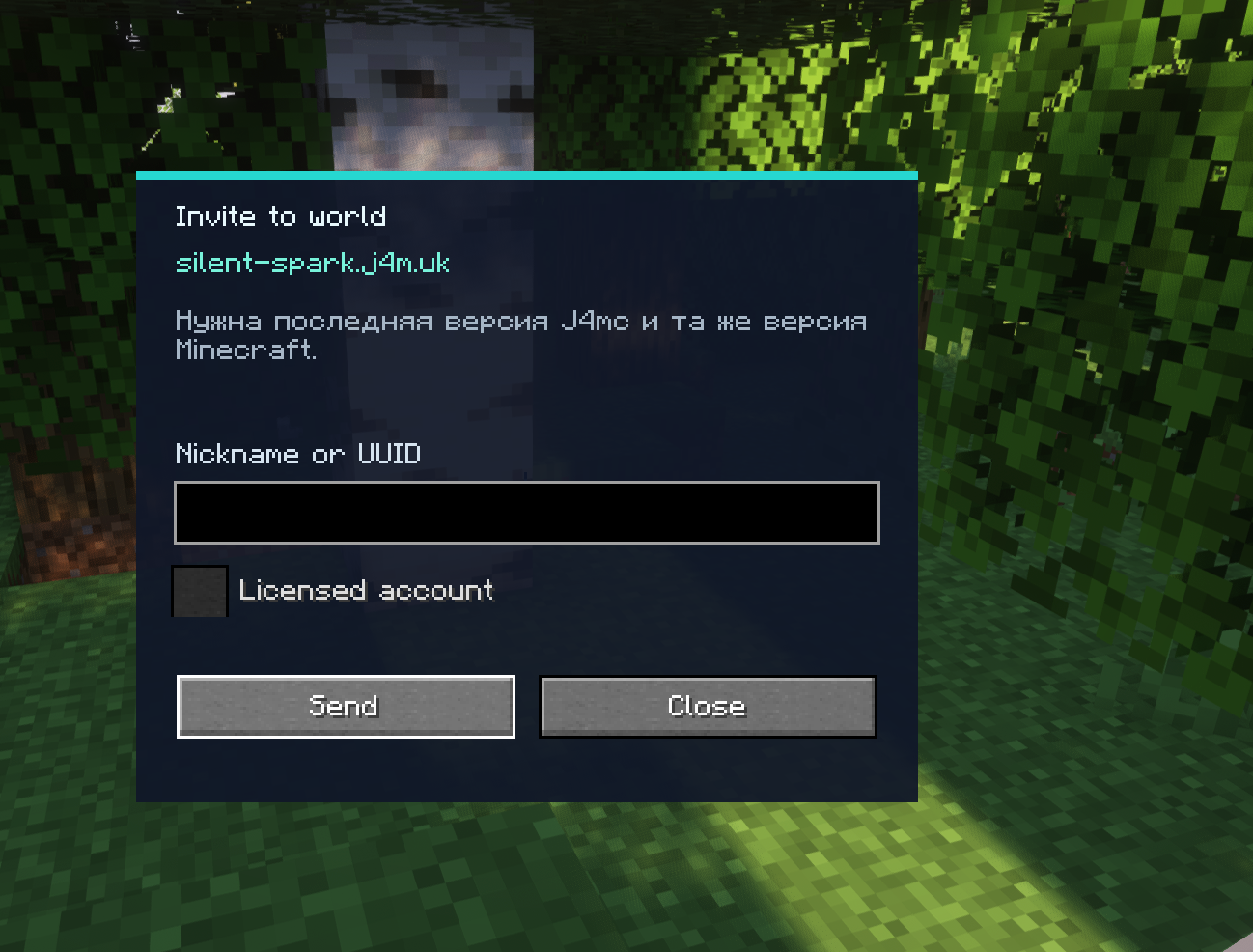
Added “invitations”—you can invite any player who has the mod installed to join your world with a single click
You can now invite a player to the server you’re on if you’re on their whitelist. Works on any third-party servers
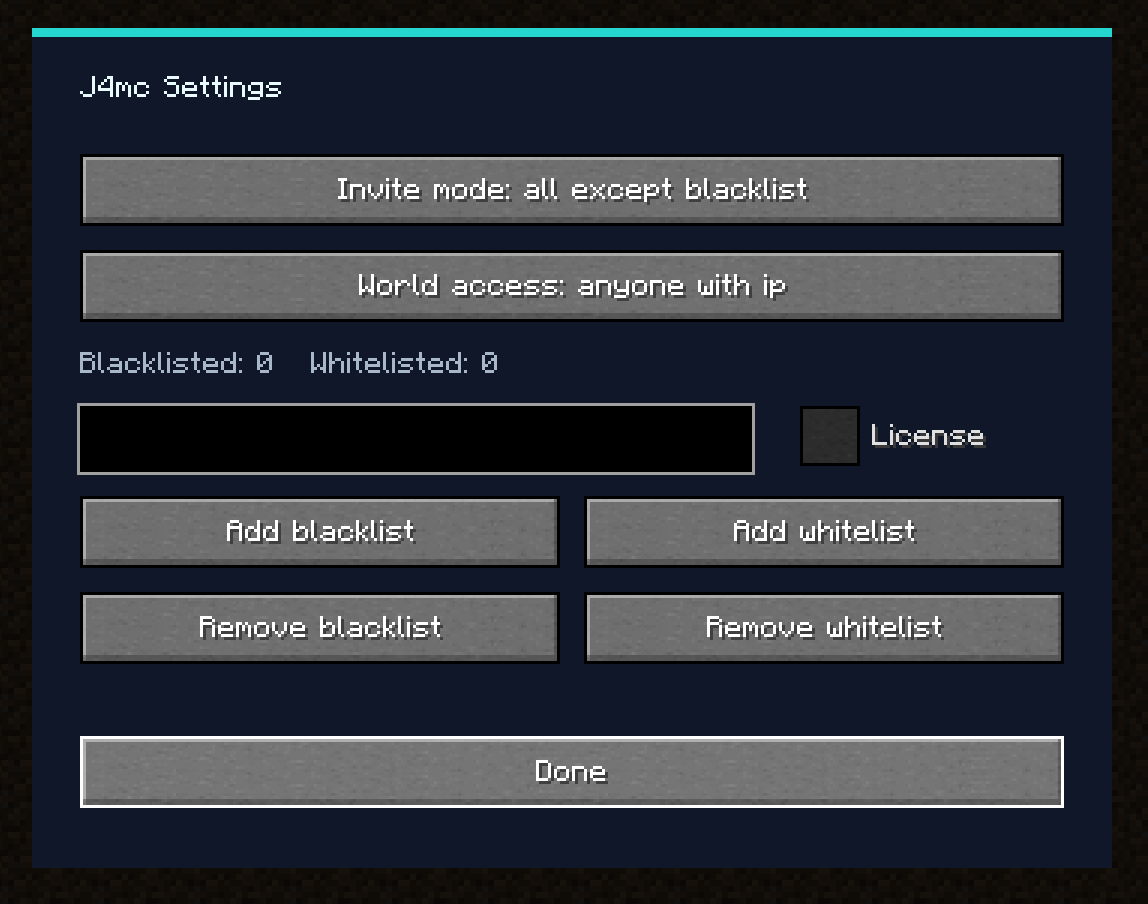
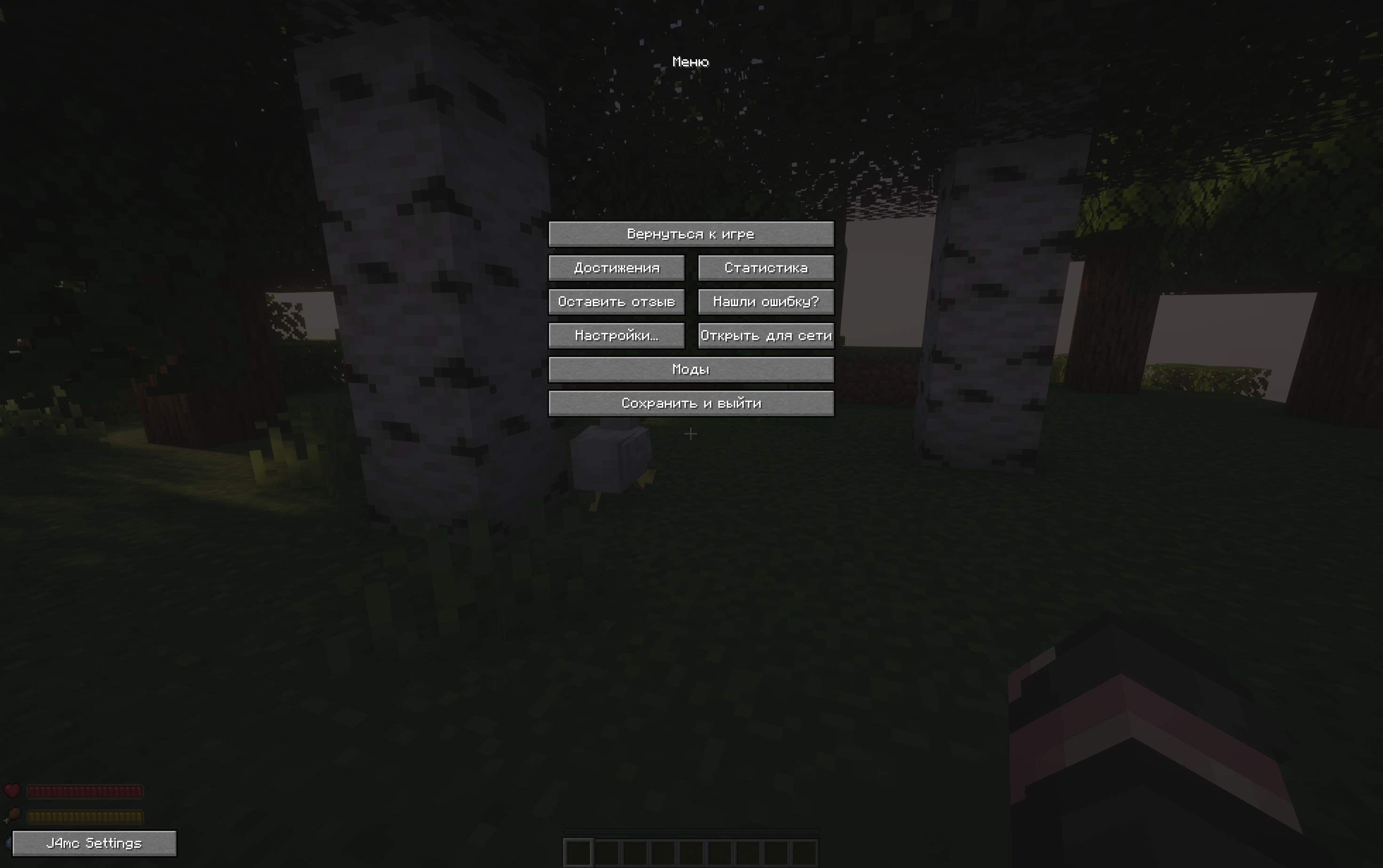
Added settings for the mod
j4mc на русском
j4mc позволяет открыть одиночный мир для друзей без проброса портов.
Открой мир для сети, подожди немного, и j4mc выдаст публичный адрес *.j4m.uk, по которому друзья смогут подключиться.
Возможности
- Публичный адрес
*.j4m.ukдля LAN-миров - Работа через backend-релей j4mc
- Кликабельная кнопка копирования адреса
- Локализация сообщений: русский, английский
- Отображение пинга в списке игроков
- Уведомление создателю, когда игрок заходит через j4mc
- Более короткие адреса, в отличии от e4mc
Как использовать
- Установи j4mc.
- Открой одиночный мир.
- Нажми Открыть для сети.
- Подожди, пока j4mc выдаст адрес.
- Отправь полученный адрес друзьям.
Добавлены “приглашения” – вы можете пригласить любого игрока у которого установлен мод присоединиться в ваш мир по 1 кнопке
Теперь вы можете позвать игрока на сервер на котором вы находитесь, если вы есть в его белых списках. Работает на любых сторонних серверах
Добавлены настройки для мода
Важно – известен баг на версиях Fabric: нет настроек мода. Будет исправлено позже
常见问题
J4mc (play with your friends) – by jade 支持哪些 Minecraft 版本?
J4mc (play with your friends) – by jade 支持 Minecraft Java 版 1.8.9–26.3,共 50 个版本,可用的加载器:Fabric / Forge。下载时注意选择和你游戏版本一致的文件。
J4mc (play with your friends) – by jade 怎么安装?
先用 PCL2 或 HMCL 启动器安装对应版本的 Fabric / Forge,再把下载的 .jar 文件放进游戏目录的 mods 文件夹,重新启动游戏即可。开启了版本隔离的,mods 文件夹在 versions/版本名 下面。运行环境:仅客户端。
评论
登录后评论和评分