
截图
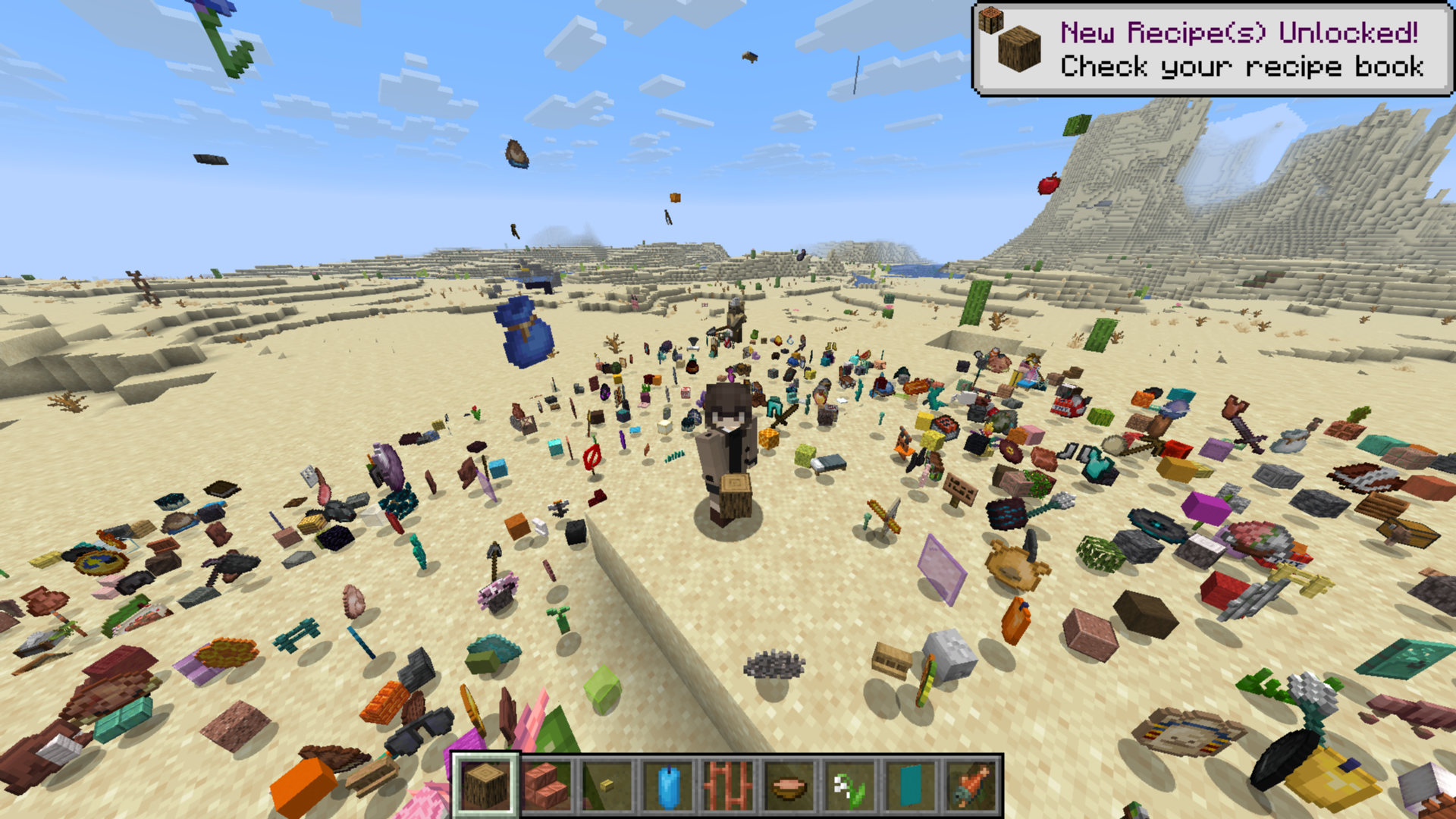
介绍
Item Rain Mod
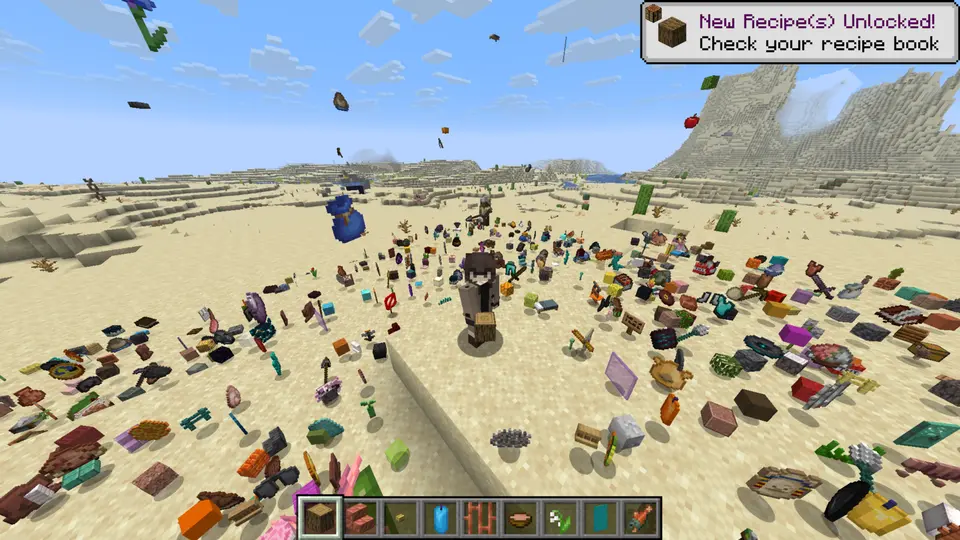
This mod introduces the /ir command, which controls all the item rain functionality.
Command Syntax:
/ir <target> <item-name> [amount] [duration] [range] [height] [delay]
How to Use
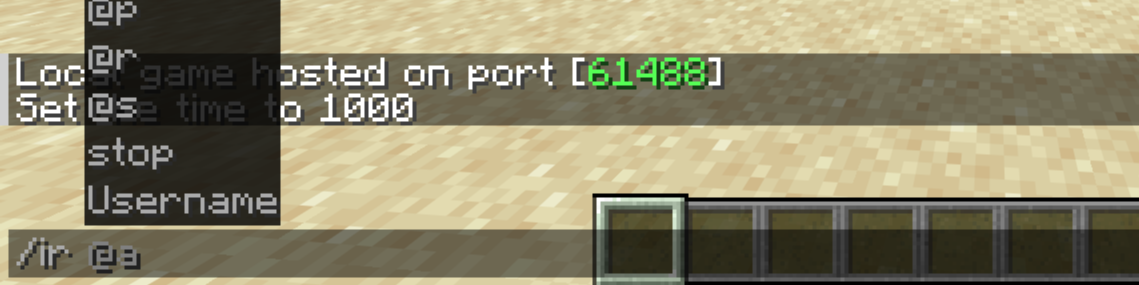
1. Target
First, you must specify who the items will rain on. The command will not work if this parameter is missing.
2. Item
Next, choose which item will fall from the sky.
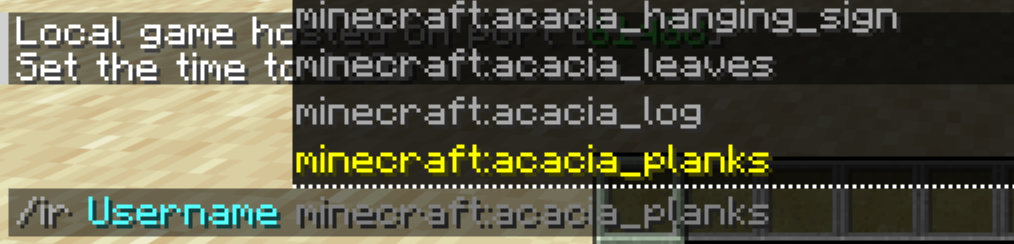
If you want completely randomized item drops, simply type random instead of an item name.
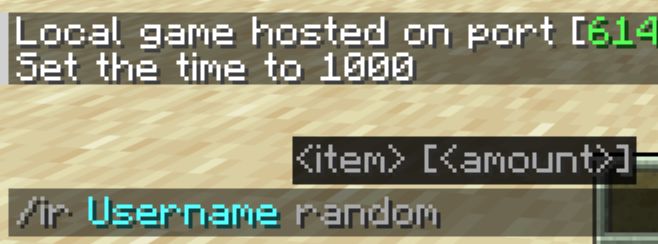
3. Amount
Now, decide how fast and dense the items should fall.
- Default: 1
- Minimum: 1
- Maximum: 5
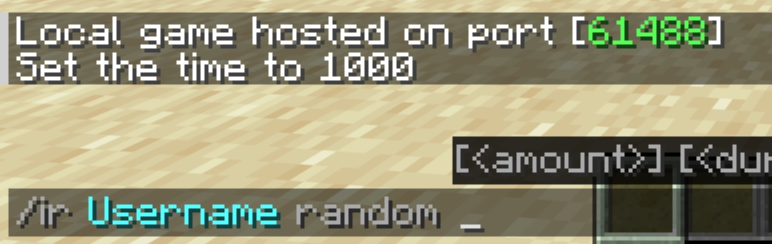
4. Duration
Specify how long (in seconds) the item rain will last.
- Default: 10 seconds
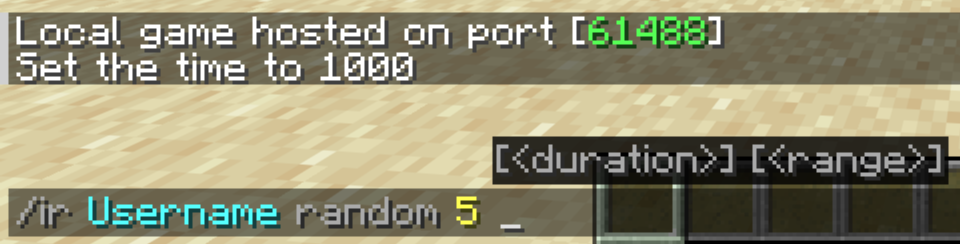
5. Range
Determine the horizontal radius (in blocks) around the target where the items will scatter.
- Default: 10 blocks
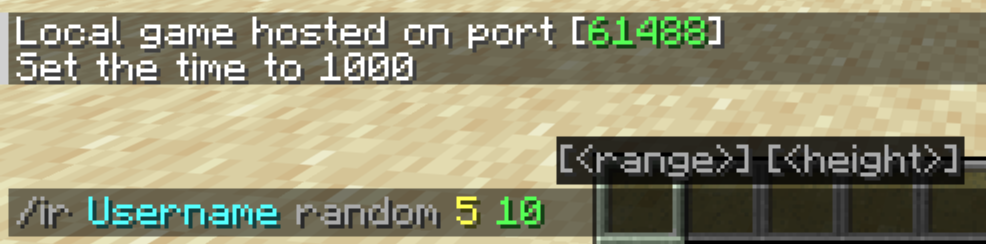
6. Height
Choose how high above the target the items will spawn and begin their descent.
- Default: 20 blocks
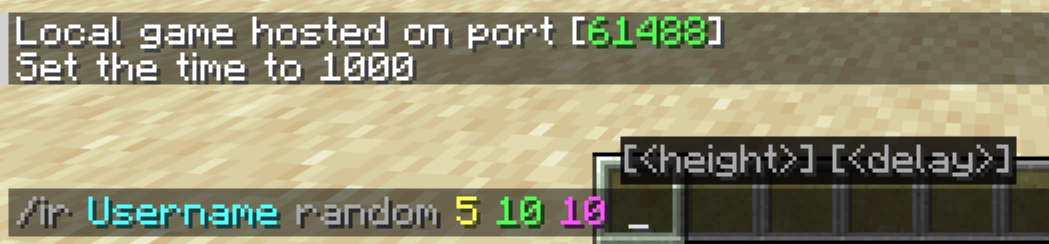
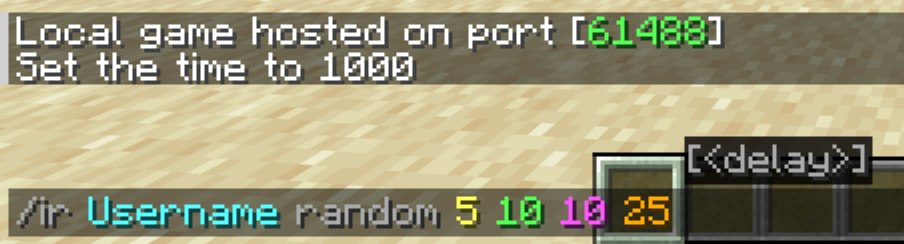
7. Delay
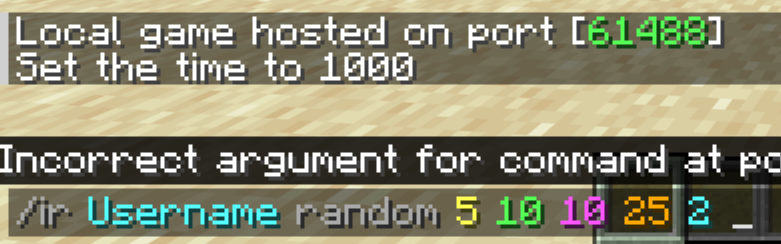
Finally, you can add a countdown timer (in seconds) before the rain starts. This is completely optional.
Stop the Rain
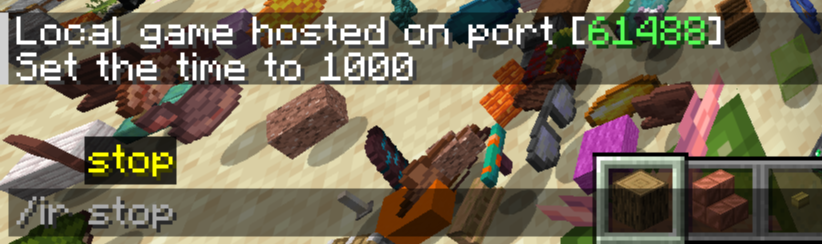
If the chaos gets out of hand, you can clear all active rain effects instantly by running:
/ir stop
NOTE: You can also launch a quick rain by typing only the target and the item name.
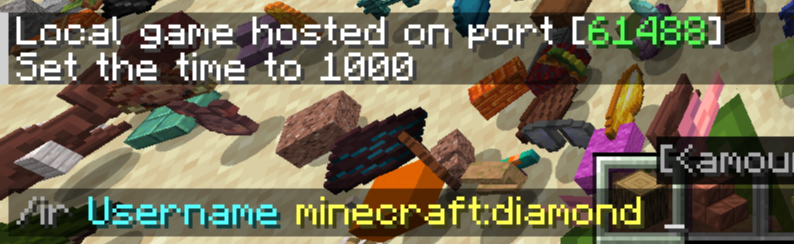
Example
常见问题
Item Rain 支持哪些 Minecraft 版本?
Item Rain 支持 Minecraft Java 版 1.21.11,可用的加载器:Fabric。下载时注意选择和你游戏版本一致的文件。
Item Rain 怎么安装?
先用 PCL2 或 HMCL 启动器安装对应版本的 Fabric,再把下载的 .jar 文件放进游戏目录的 mods 文件夹,重新启动游戏即可。开启了版本隔离的,mods 文件夹在 versions/版本名 下面。运行环境:仅服务端。
评论
登录后评论和评分