
截图
介绍
中文介绍正在准备中,下面暂时显示原文。
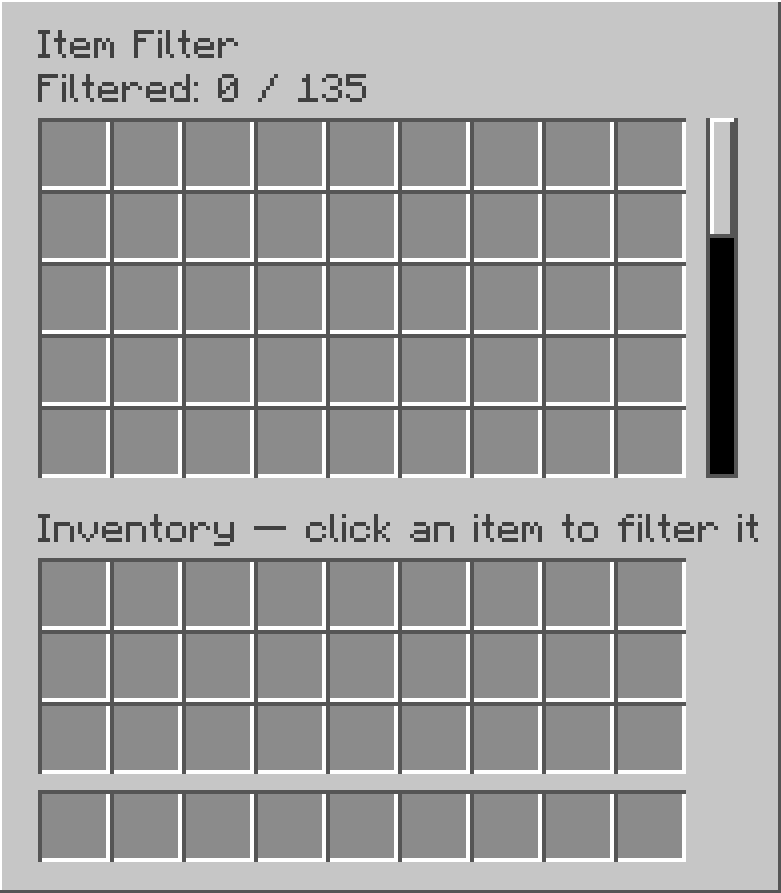
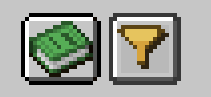
There’s a filter button next to the recipe book in the inventory. Click it and click the items you don’t want to pick up anymore. Once an item is clicked it will be added to the filter list. To remove an item from the filter list, click it from the filter list.
常见问题
Item Pickup Filter 支持哪些 Minecraft 版本?
Item Pickup Filter 支持 Minecraft Java 版 26.2,可用的加载器:Fabric。下载时注意选择和你游戏版本一致的文件。
Item Pickup Filter 怎么安装?
先用 PCL2 或 HMCL 启动器安装对应版本的 Fabric,再把下载的 .jar 文件放进游戏目录的 mods 文件夹,重新启动游戏即可。开启了版本隔离的,mods 文件夹在 versions/版本名 下面。
ElBarabba 的其他作品
查看全部 →
Legendary Onslaught Core
by ElBarabba
A core mod for the Onslaught mode for my legendary weapons series.
1,047
2 个月前
CurseForge
Cherry Blossom Sword
by ElBarabba
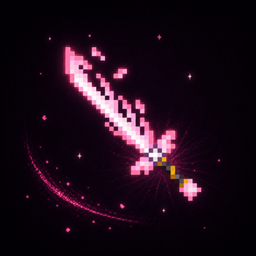
A blade covered with deadly cherry blossom petals
1,006
2 个月前
CurseForge

ElBarabba’s Better Progression (EBP)
by ElBarabba
Better Progression aims to extend the fun of vanilla Minecraft's early-game progression across the entire game.
865
2 个月前
CurseForge

Configurable Beacon Range
by ElBarabba
Lets you configure the beacon's range at every level (1, 2, 3, 4)
185
2 个月前
CurseForge
评论
登录后评论和评分