
Item Frame Management
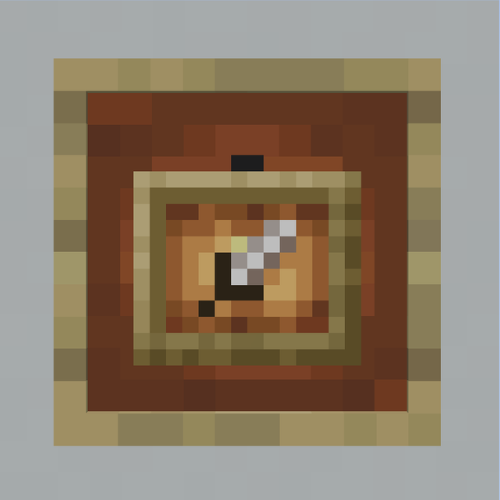
This mod adds the functionality to click through item frames & reset an item frames rotation.
截图
介绍
This mod adds functionality to click through item frames via a toggle (keybind “I” by default), and also the functionaility to reset an items rotation in an item frame by using SHIFT + Middle Click.
Reset an Items rotation:
- Use SHIFT + Middle Click and the item will go back to its default rotation
Click Through Item Frames
- You can toggle on Click Through by pushing the button “I” (can be rebound in controls).
- You can normal right click on an item frame to open a container behind it.
- You can shift + right click to edit the item frame.
常见问题
Item Frame Management 支持哪些 Minecraft 版本?
Item Frame Management 支持 Minecraft Java 版 26.1.2–26.3,共 3 个版本,可用的加载器:Fabric。下载时注意选择和你游戏版本一致的文件。
Item Frame Management 怎么安装?
先用 PCL2 或 HMCL 启动器安装对应版本的 Fabric,再把下载的 .jar 文件放进游戏目录的 mods 文件夹,重新启动游戏即可。开启了版本隔离的,mods 文件夹在 versions/版本名 下面。运行环境:仅客户端。
zskv 的其他作品
查看全部 →
Green Screen Pack!
A texture pack for content creators that replaces Lime Concrete with the Green screen texture!

Litematica Easy Place Indicator
This mod adds a very simple on screen indicator when you have your easy place mode on in Litematica!

String Removes Snow
With this mod, you can now place string at Y 319 above where you want snow to not spawn.

Creator Status Datapack!
The Creator Status mod, but as a datapack!
评论
登录后评论和评分