
Item Discovery
A small mod which lets survival players name all items whatever they want without imposing any pre-existing names.
截图


介绍
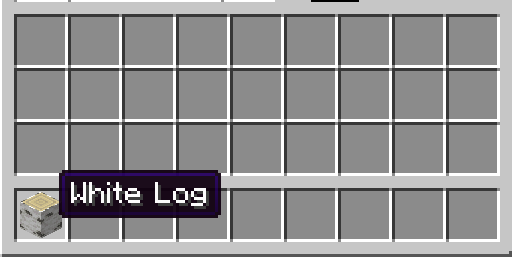
Item Discovery forces all items and blocks to be displayed as “Unkown Item/Block” in the inventory when in survival mode.
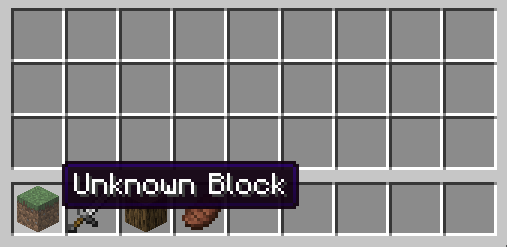
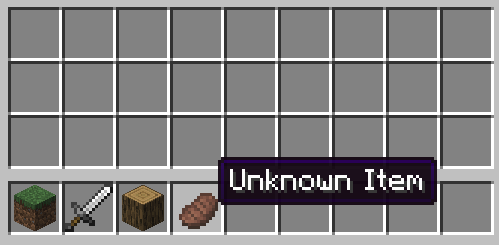
If an item is unknown, right-clicking it will bring up the renaming screen
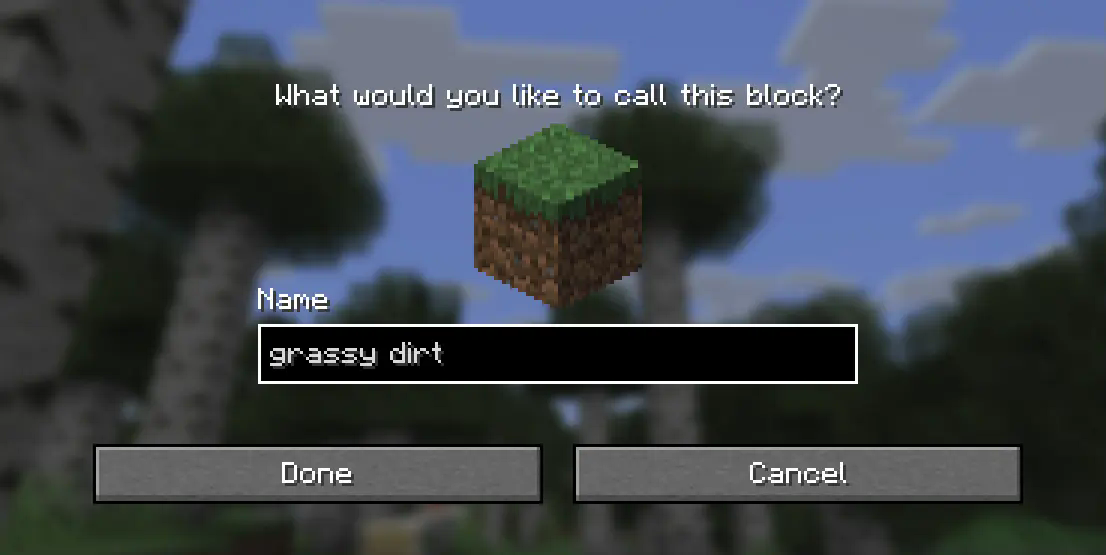
Which allows you to name the item whatever you want.
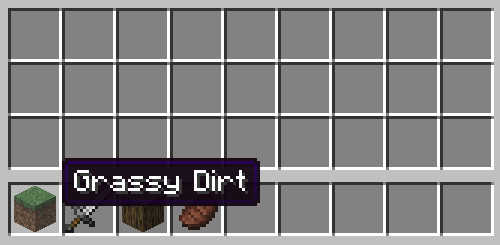
(Names are also automatically formatted to match Minecraft’s typical “Title Case”)
A keybind is also available (K by default), to bring up this menu for the currently held item at any time if you wish to change the name later. Assigned names are global across all items of that type but can be overridden with an anvil like usual.
Names are stored per-world, per-player and are not visible in creative or spectator mode.
常见问题
Item Discovery 支持哪些 Minecraft 版本?
Item Discovery 支持 Minecraft Java 版 1.21.8,可用的加载器:NeoForge。下载时注意选择和你游戏版本一致的文件。
Item Discovery 怎么安装?
先用 PCL2 或 HMCL 启动器安装对应版本的 NeoForge,再把下载的 .jar 文件放进游戏目录的 mods 文件夹,重新启动游戏即可。开启了版本隔离的,mods 文件夹在 versions/版本名 下面。运行环境:客户端和服务端都要装。
EssenceDev 的其他作品
查看全部 →
Hellspawn | Starting Dimension
A mod that allows you to pick the starting dimension of your world. Works with modded and datapack dimensions too!

Hellspawn
A mod that allows you to pick the starting dimension of your world. Works with modded and datapack dimensions too!

World’s Edge
Adds back The Farlands and Monoliths to newer versions. Every aspect of their generation can be configured and disabled.
评论
登录后评论和评分