
Iron’s Spells HUD
Client-side addon for Iron's Spells & Spellbooks, allowing to get mana values using NBT for HUD mods
截图
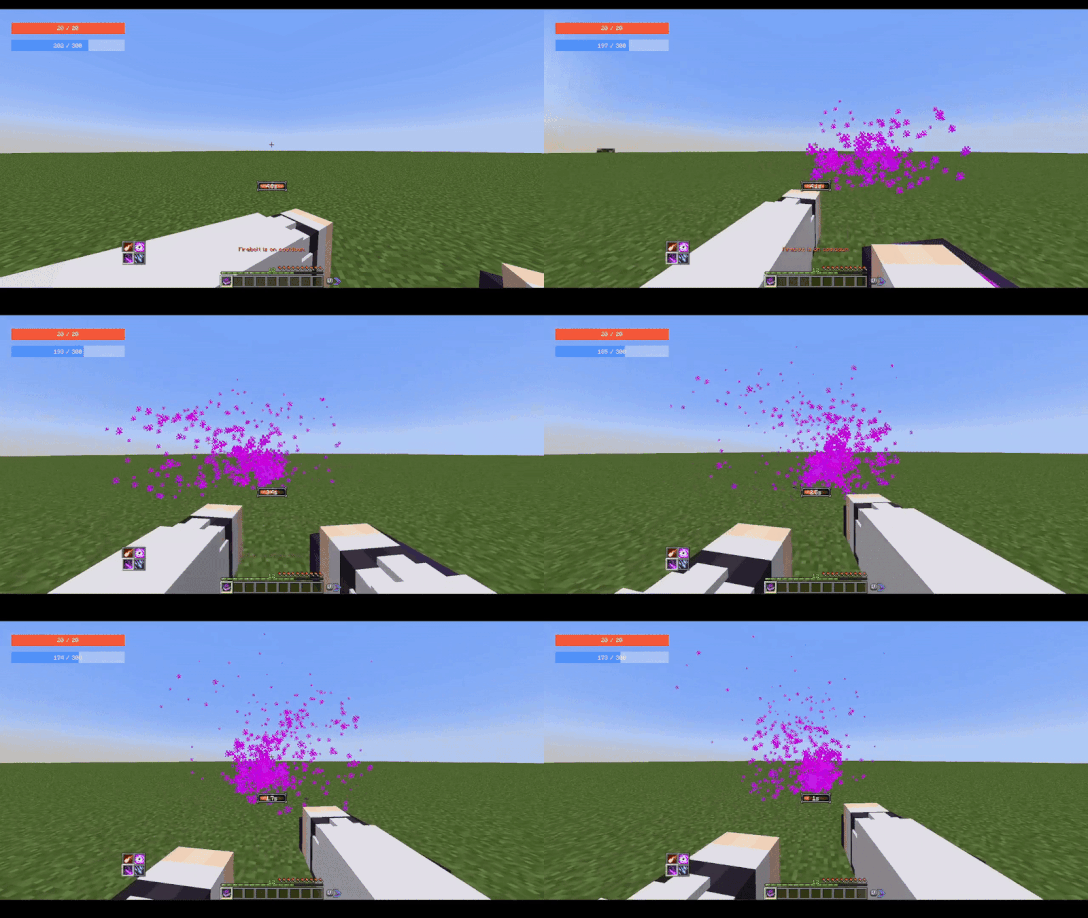
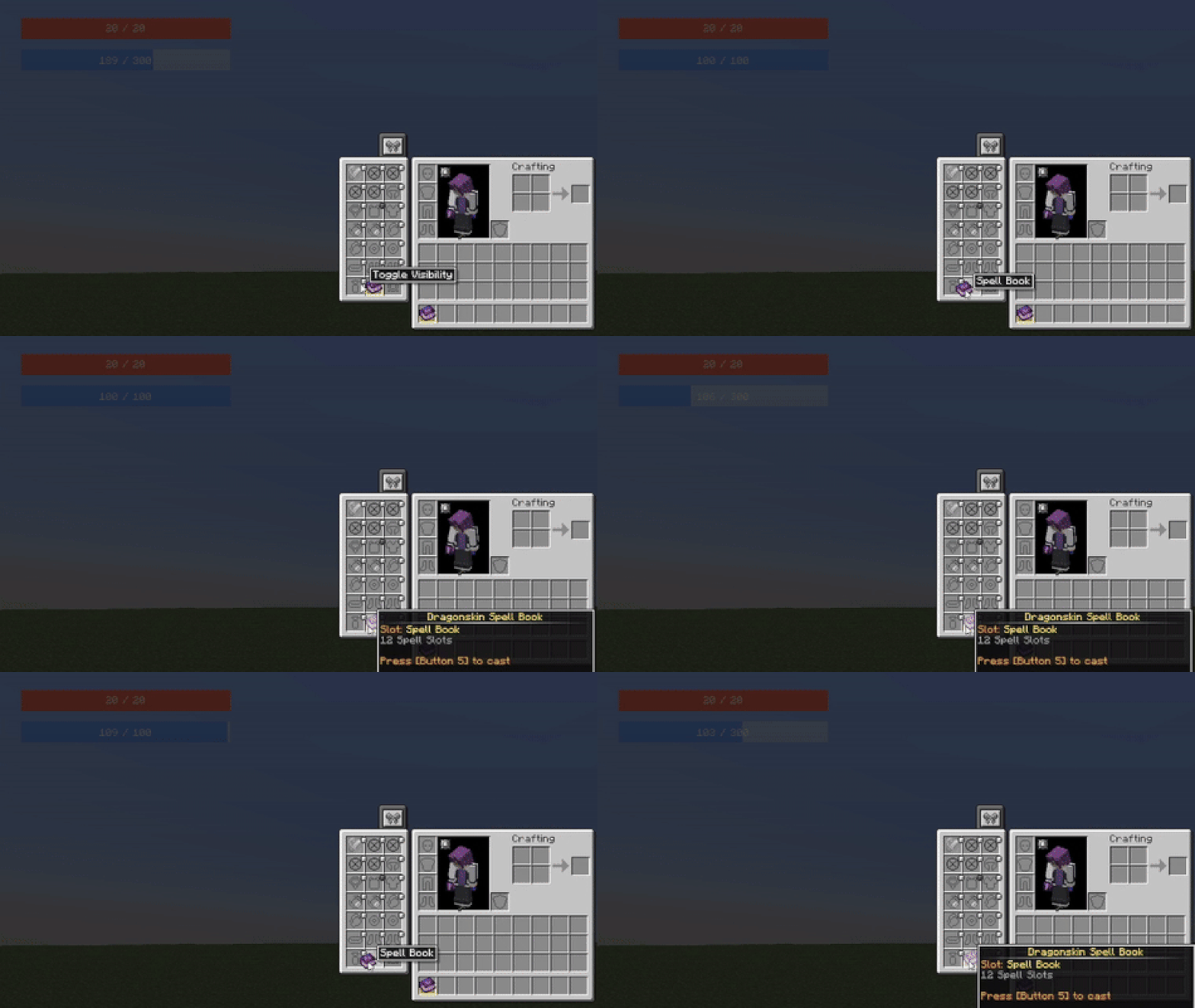
介绍


Recommended with FancyMenu and SpiffyHUD
Requires Iron’s Spell ‘n Spellbooks
🖥️ CLIENT-SIDE ONLY
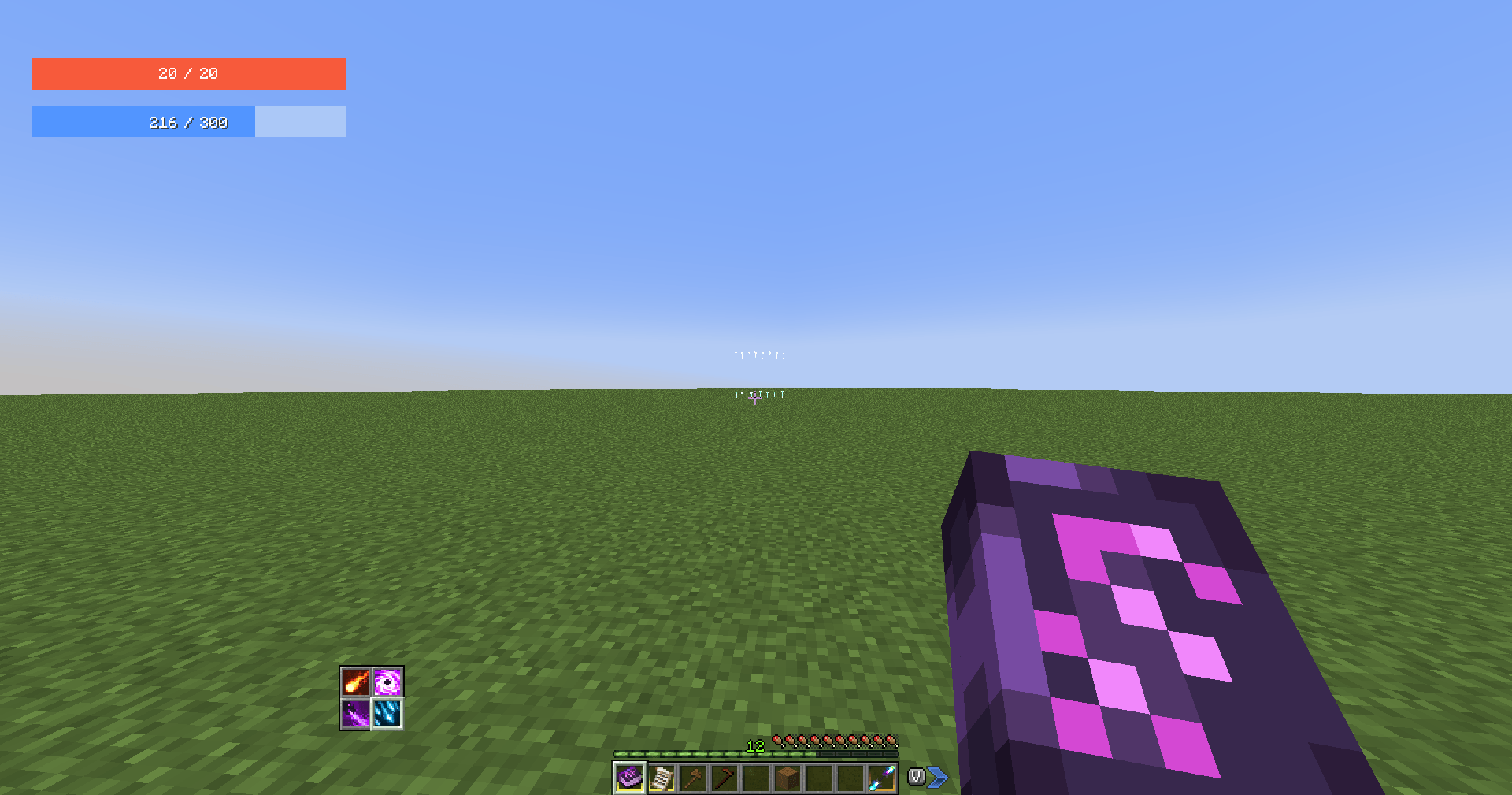
Iron’s Spells HUD is a client-side mod that provides the Current Mana and Max Mana nbt data values to work with FancyMenu and SpiffyHUD.
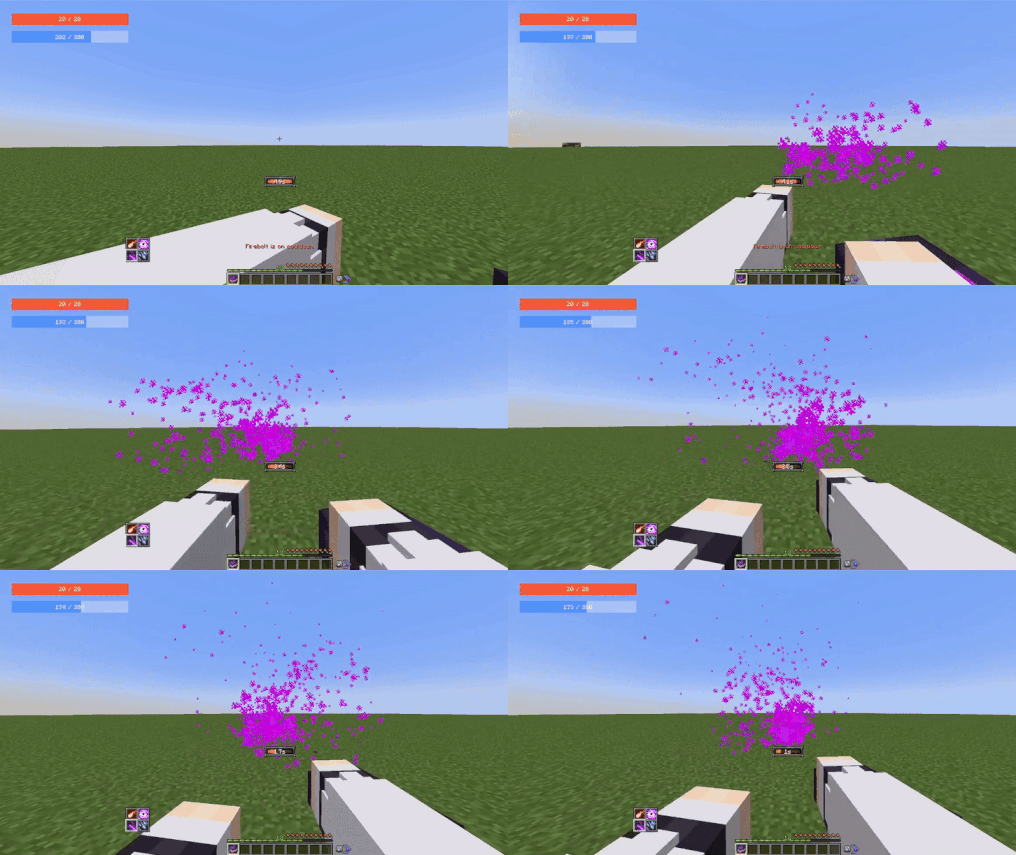
The original Iron’s Spells mod doesn’t sync client nbt attributes and attachments when playing on a multiplayer server, making SpiffyHUD unable to get and use those values. I saw many users asking the developer of FancyMenu on how to implement Mana without any working solution, that’s why I’ve decided to create and post this mod
The values should work with any mod using the nbt data/attachments, but it was primarily made to work with SpiffyHUD & FancyMenu.
ℹ️ As it is a client-side mod, you will be unable to see the attachment values using the /data command, however they will be fully available for mods
ℹ️ You can disable the original Mana bar on instance/config/irons_spellbooks-client.toml and set manaBarDisplay = "Never"
⚠️ Requirements
– Iron’s Spells & Spellbooks
– FancyMenu (Optional but I don’t know why you would use my mod without it)
– SpiffyHUD (same as FancyMenu)
📜 Usage with SpiffyHUD & FancyMenu
📘 Documentation on how to use FancyMenu here
Use the following placeholders on any text component to display the values
– Current Mana:
{"placeholder":"player_nbt_data","values":{"path":"neoforge:attachments.ironspellshud:current_mana"}}
– Max Mana:
{"placeholder":"player_nbt_data","values":{"path":"neoforge:attachments.ironspellshud:max_mana"}}
🚫 Informations/Copyright
- You are free to use this mod in your servers/modpacks
- You are free to port the mod on Fabric/Forge for private use
- I will update for bug fixing, but rarely to add new features
常见问题
Iron’s Spells HUD 支持哪些 Minecraft 版本?
Iron’s Spells HUD 支持 Minecraft Java 版 1.21.1,可用的加载器:NeoForge。下载时注意选择和你游戏版本一致的文件。
Iron’s Spells HUD 怎么安装?
先用 PCL2 或 HMCL 启动器安装对应版本的 NeoForge,再把下载的 .jar 文件放进游戏目录的 mods 文件夹,重新启动游戏即可。开启了版本隔离的,mods 文件夹在 versions/版本名 下面。


评论
登录后评论和评分