
Iris Utils
This is a simple mod that adds the option to swap shaders with the up and down arrow keys and also allows the player to download a shader from modrinth with the dlshader command.
截图
介绍
About:
This is a simple mod that adds the option to swap Iris shaders with the up and down arrow keys, and also allows the player to download a shader from modrinth with the /dlshader \ command.
Since this is an Iris addon, it requires the correct versions of Iris and Sodium to be present to function
I am not affiliated in any way with iris or any of the shaders or their creators shown in these examples.
NOTE:
Since this mod can download shaders if you ask it to, it will affect your file system. The source code is available if you click on the ‘view source’ button under the links section if you want to verify it yourself.
#
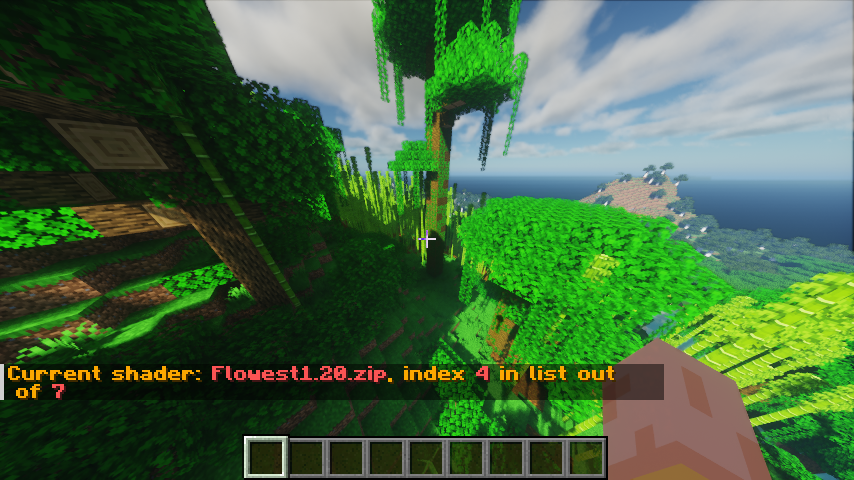
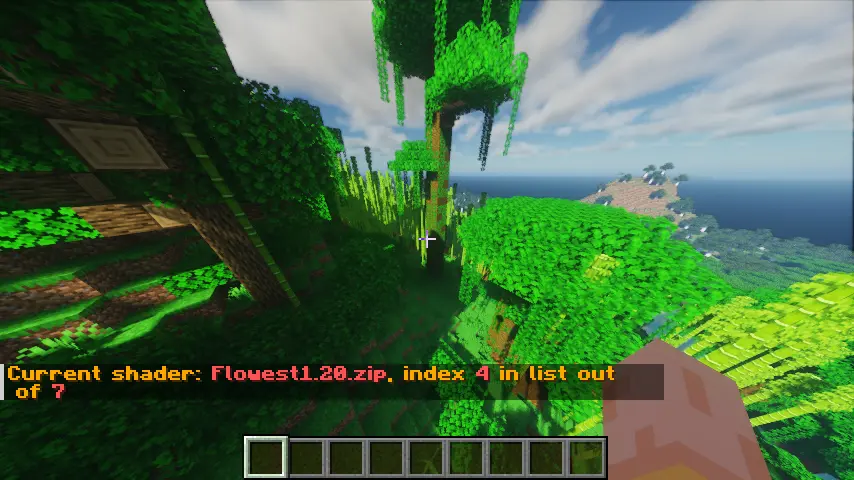
An example of the shader swapping info:
#
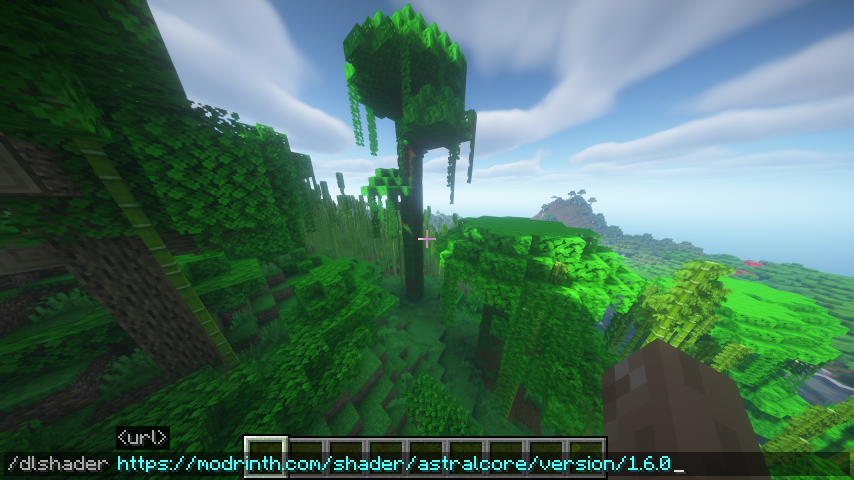
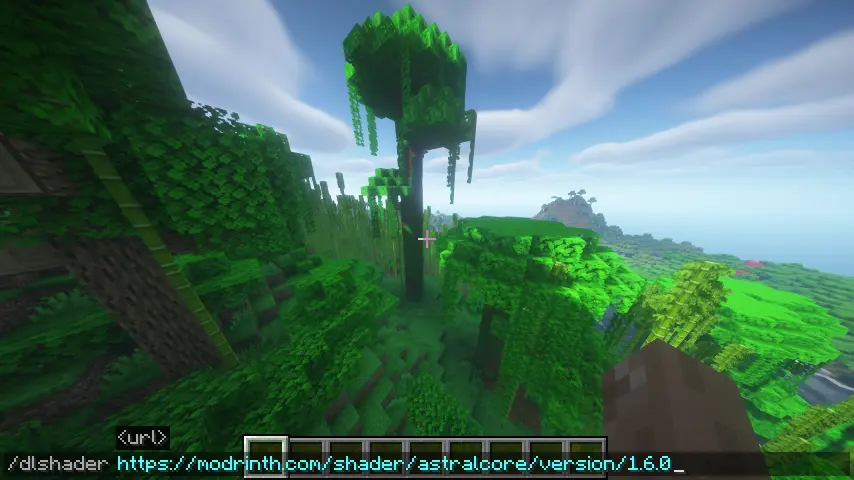
The command to download a shaderpack:
You can include either https://, http:// or nothing at the start, and it will be accepted.
#
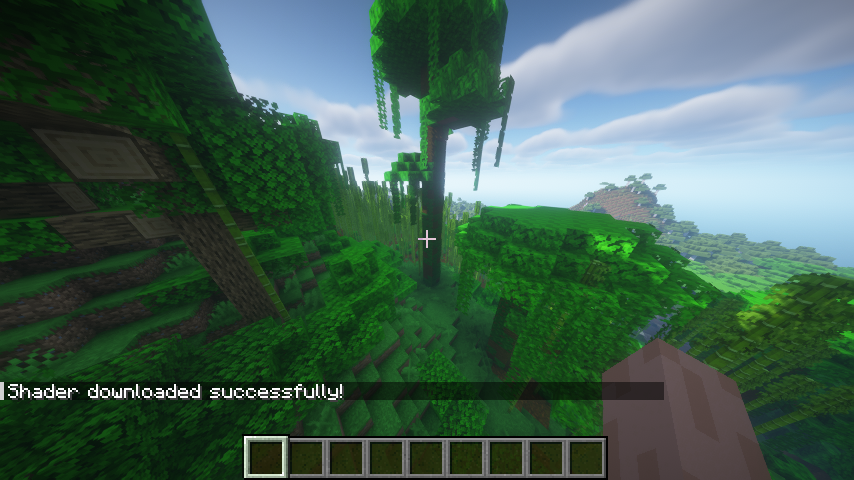
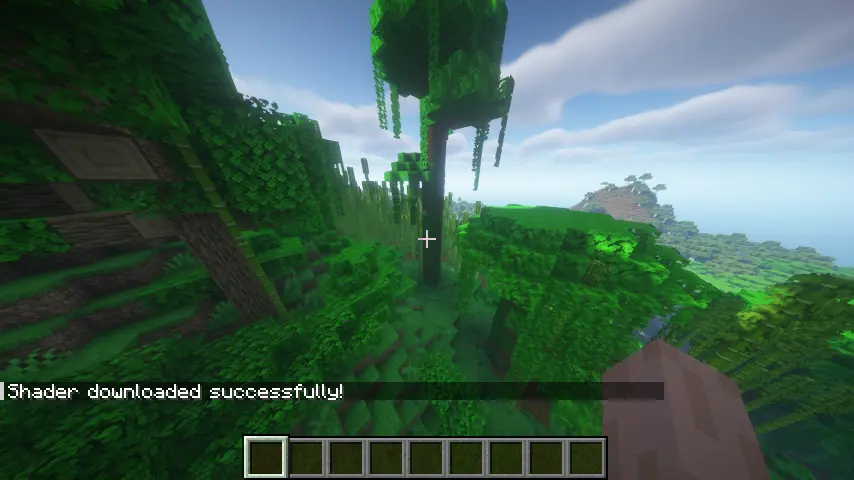
A shader being downloaded correctly
#
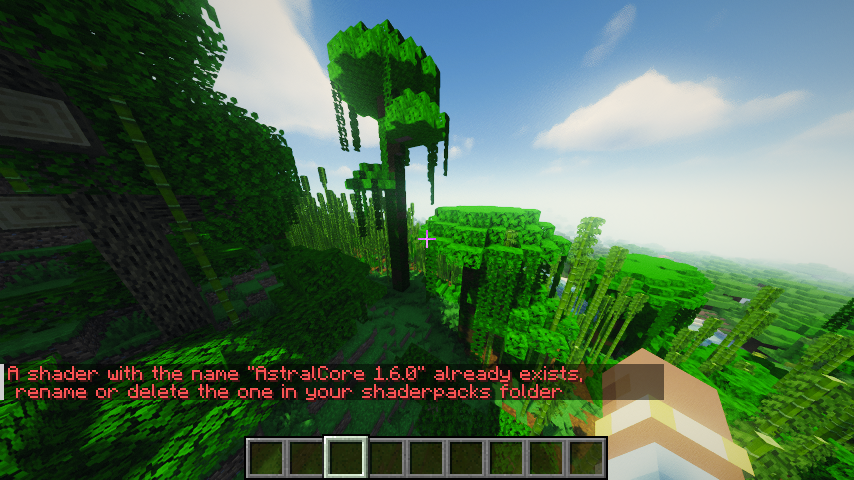
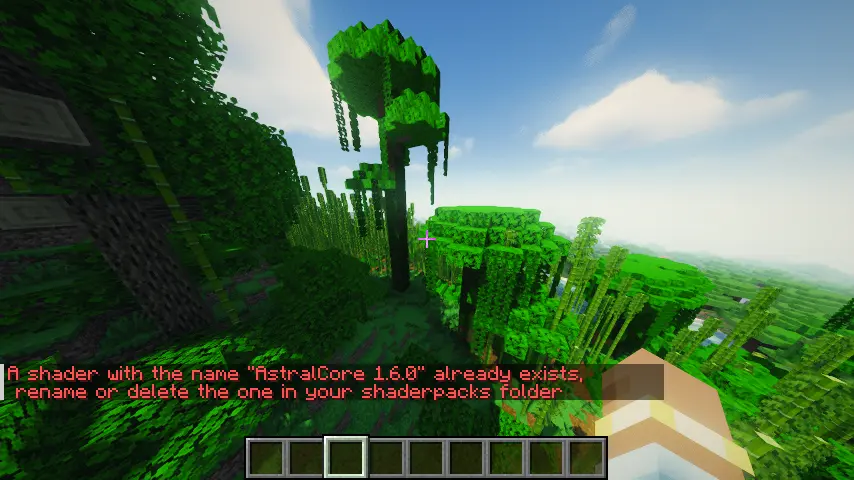
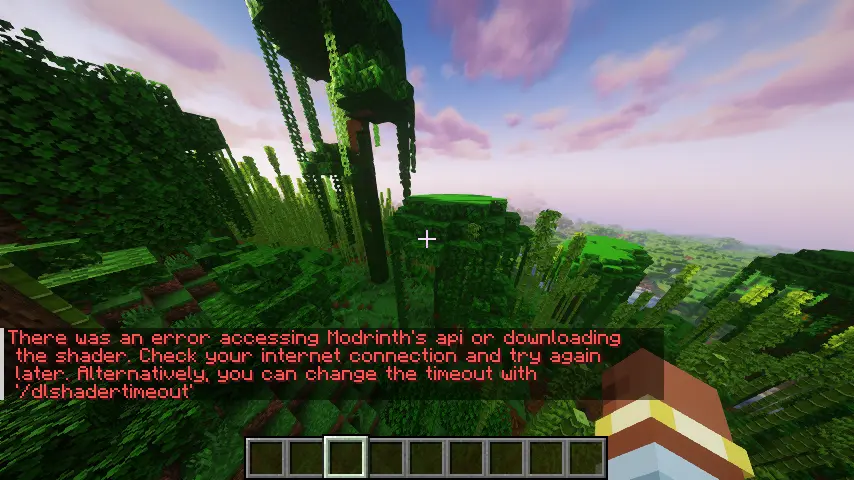
Failures
There are two main reasons a shader may fail to download:
- The shader you’re trying to download has the same name as one already present
- An internet connection error
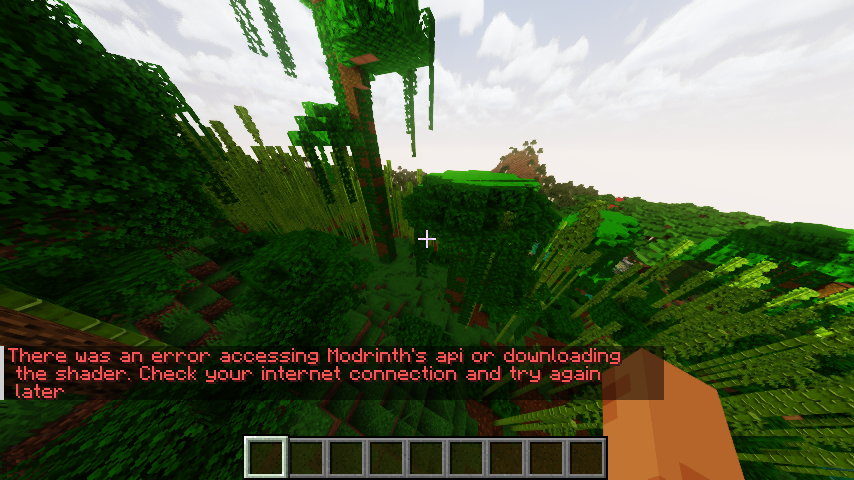
Both are shown in screenshots below.
If there is a connection error, the game may freeze for a few seconds before the connection attempt times out. This is set to 5 seconds by default but can be changed with the /dlshadertimeout command. This command takes in the time (in milliseconds) that the client should try to download the shader for.
常见问题
Iris Utils 支持哪些 Minecraft 版本?
Iris Utils 支持 Minecraft Java 版 1.20.1–1.20.4,共 3 个版本,可用的加载器:Fabric。下载时注意选择和你游戏版本一致的文件。
Iris Utils 怎么安装?
先用 PCL2 或 HMCL 启动器安装对应版本的 Fabric,再把下载的 .jar 文件放进游戏目录的 mods 文件夹,重新启动游戏即可。开启了版本隔离的,mods 文件夹在 versions/版本名 下面。运行环境:仅客户端。

评论
登录后评论和评分