
截图
介绍
介绍由机器翻译自 CurseForge 原页面,仅供参考。
这是一个非常轻量的模组,会自动为某些光影添加类似草方块和树叶的方块,以实现正确的摆动效果。所有细节均可配置。
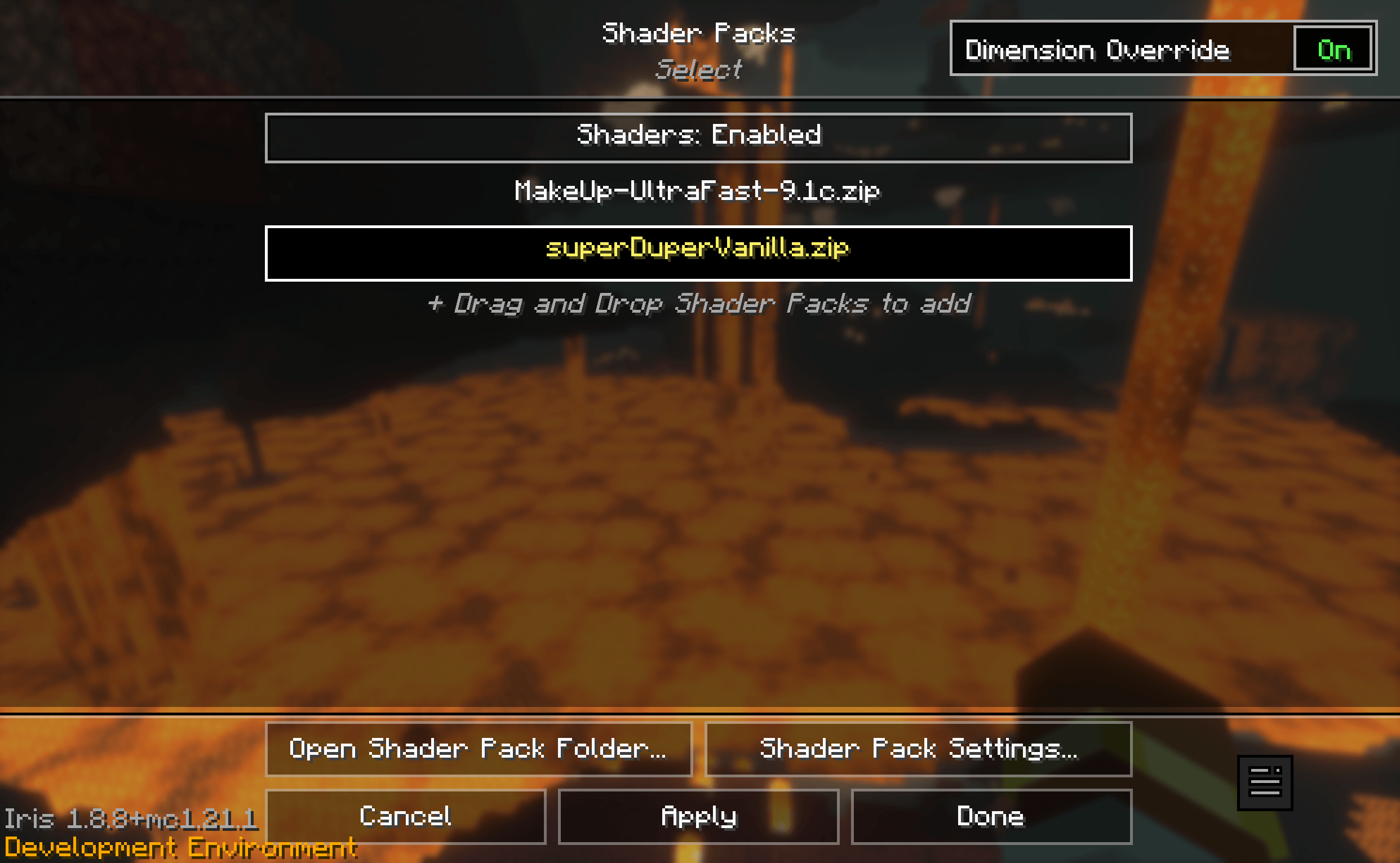
现在,你可以在光影选择界面中使用“维度覆盖”开关,为不同维度使用不同的光影。通过配置禁用指定维度光影的现有功能仍然有效,但启用“维度覆盖”后,也可以覆盖该设置。
默认配置
#List of blocks and/or block tags that will be included as waving grass-like.
wavingBlocks = ["#minecraft:sword_efficient", "farmersdelight:sandy_shrub"]

#List of blocks and/or block tags that will be included as leaves.
leavesBlocks = ["#minecraft:leaves"]

#List of blocks and/or block tags that will be included as crops.
cropsBlocks = [""]

#List of blocks and/or block tags that will be excluded from the other lists.
excludeBlocks = ["#minecraft:saplings", "minecraft:melon", "minecraft:pumpkin", "minecraft:carved_pumpkin", "minecraft:jack_o_lantern", "minecraft:chorus_plant", "minecraft:chorus_flower"]

#List of dimensions where shaders should not be used.
disabledDimensions = ["stellaris:moon", "stellaris:mars", "stellaris:venus", "stellaris:mercury"]
常见问题
Iris Block Compat 支持哪些 Minecraft 版本?
Iris Block Compat 支持 Minecraft Java 版 1.21.1,可用的加载器:NeoForge。下载时注意选择和你游戏版本一致的文件。
Iris Block Compat 怎么安装?
先用 PCL2 或 HMCL 启动器安装对应版本的 NeoForge,再把下载的 .jar 文件放进游戏目录的 mods 文件夹,重新启动游戏即可。开启了版本隔离的,mods 文件夹在 versions/版本名 下面。
juds 的其他作品
查看全部 →
Arctic Nights
by juds
Experience longer nights and colder biomes as you move north.
5.3万
10 个月前
CurseForge

Yet Another Memory Optimization (YAMO)
by juds
Don't load JAR files in memory and lazy-load DFU
4.2万
10 个月前
CurseForge

More Sweat Compat
by juds
Integration between Cold Sweat and other mods, e.g. Mekanism.
2,116
1 年前
CurseForge

Jud’s FunPack 21
by juds
Lightweight tech modpack with a focus on performance and allowing good gameplay with limited memory.
599
10 个月前
CurseForge
评论
登录后评论和评分