
Невидимые блоки света [Invisible Lights Blocks]
作者:DimaplayYT
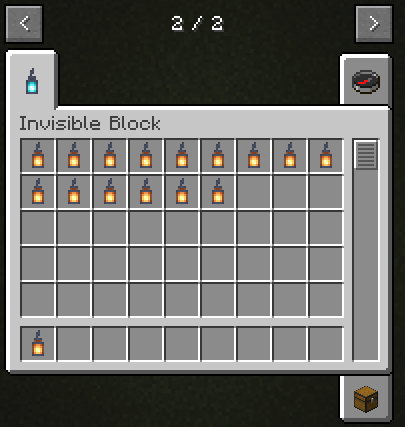
This mod adds invisible light blocks [1-15].
截图

介绍
中文介绍正在准备中,下面暂时显示原文。
This mod adds invisible light blocks [1-15].
Attention
❗ In this version of the mod, light blocks do not have a hitbox, which is why the block can ONLY be removed using the command [/setblock x y z air] ❗
Since version 0.6, you can delete a block by pressing the F10 key, the legs must be in the block
Installation
- Download and install Forge
- Download the mod file
- Copy in .minecraft\mods
常见问题
Невидимые блоки света [Invisible Lights Blocks] 支持哪些 Minecraft 版本?
Невидимые блоки света [Invisible Lights Blocks] 支持 Minecraft Java 版 1.16.5,可用的加载器:Forge。下载时注意选择和你游戏版本一致的文件。
Невидимые блоки света [Invisible Lights Blocks] 怎么安装?
先用 PCL2 或 HMCL 启动器安装对应版本的 Forge,再把下载的 .jar 文件放进游戏目录的 mods 文件夹,重新启动游戏即可。开启了版本隔离的,mods 文件夹在 versions/版本名 下面。运行环境:客户端和服务端都要装。
评论
登录后评论和评分