
Intelibuild
Intelibuild is a Fabric client-side mod focused on utilities for builders and developers.
截图


介绍
Copy Block States
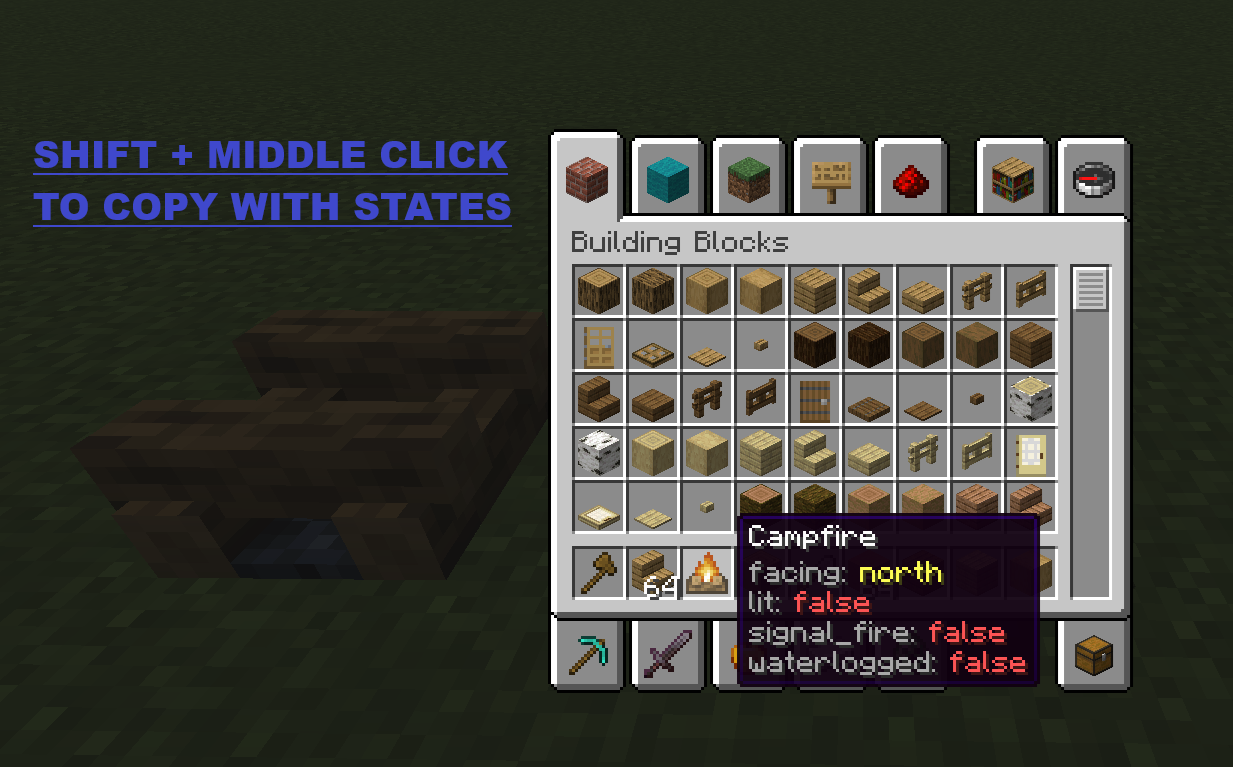
Hold Left Ctrl + middle-click on a block in Creative mode to copy it with all its state properties (facing, waterlogged, axis, half, etc.).
Properties are displayed as colored lore on the copied item:
| Color | Meaning |
|—|—|
| Light gray | Property name |
| Aqua | true value |
| Light red | false value |
| Yellow | Non-boolean value |
Block ID Panel
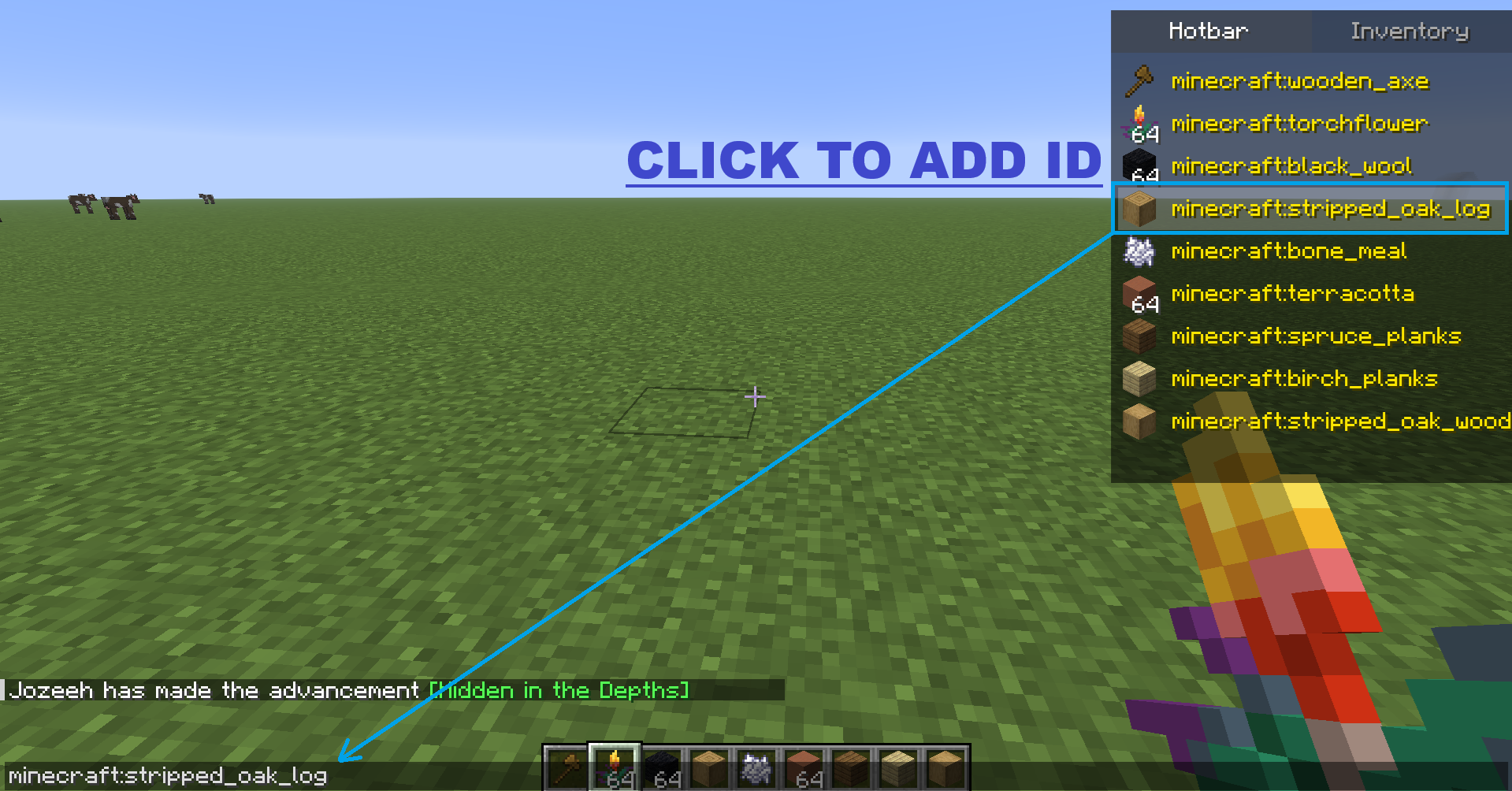
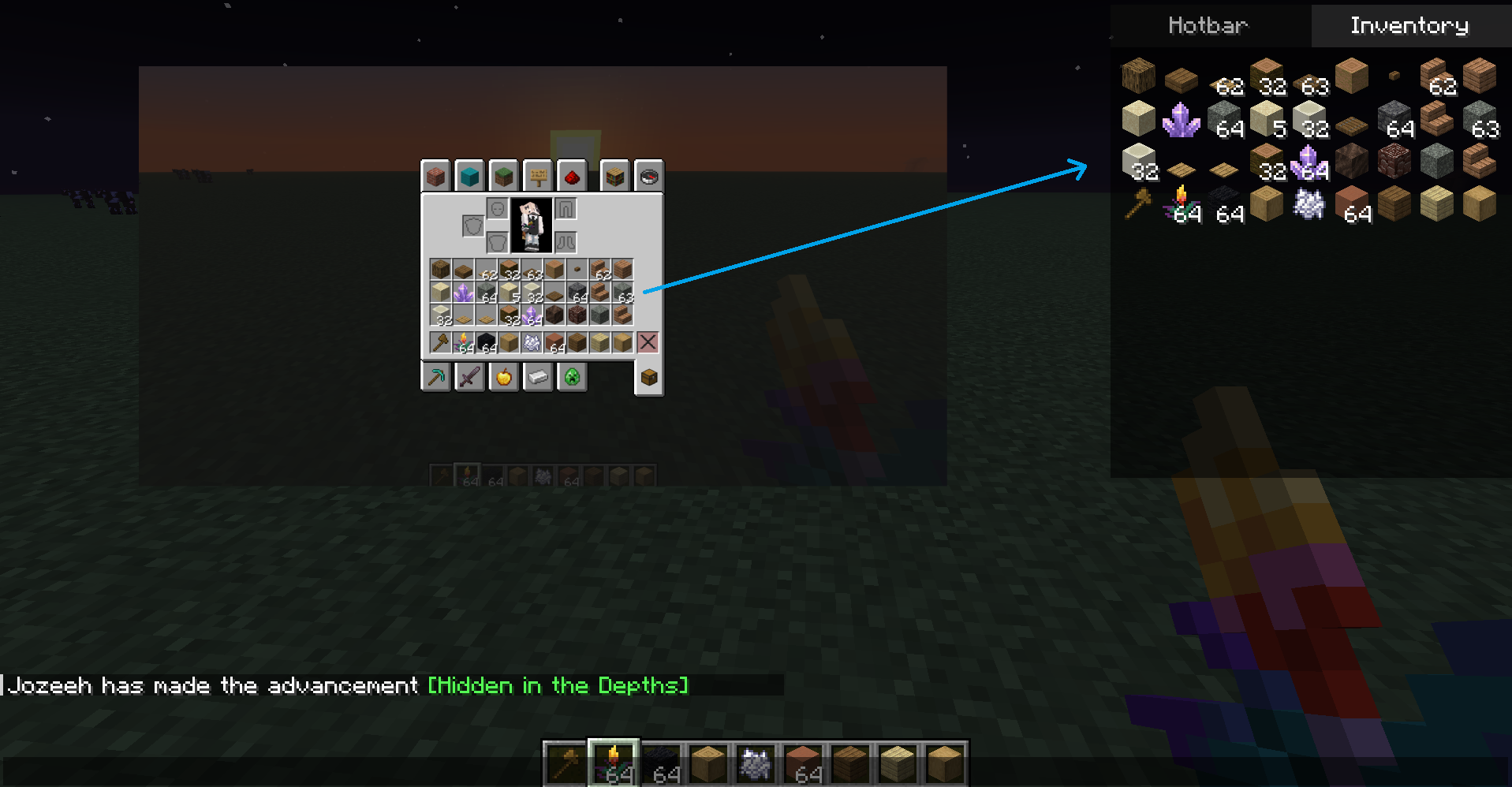
When you open chat (T), a panel appears at the top-right corner with two tabs:
| Tab | Content |
|—|—|
| Hotbar | Icon + full item ID (e.g. minecraft:stone) in yellow text |
| Inventory| 4×9 grid showing every item in your inventory |
Click any item in the panel to insert its full namespaced ID into the chat input.
- F6 — Toggles panel visibility.
- The key is rebindable from Minecraft controls → Intelibuild category.
常见问题
Intelibuild 支持哪些 Minecraft 版本?
Intelibuild 支持 Minecraft Java 版 1.21.11–26.2,共 5 个版本,可用的加载器:Fabric。下载时注意选择和你游戏版本一致的文件。
Intelibuild 怎么安装?
先用 PCL2 或 HMCL 启动器安装对应版本的 Fabric,再把下载的 .jar 文件放进游戏目录的 mods 文件夹,重新启动游戏即可。开启了版本隔离的,mods 文件夹在 versions/版本名 下面。运行环境:仅客户端。
评论
登录后评论和评分