
Infuse SMP
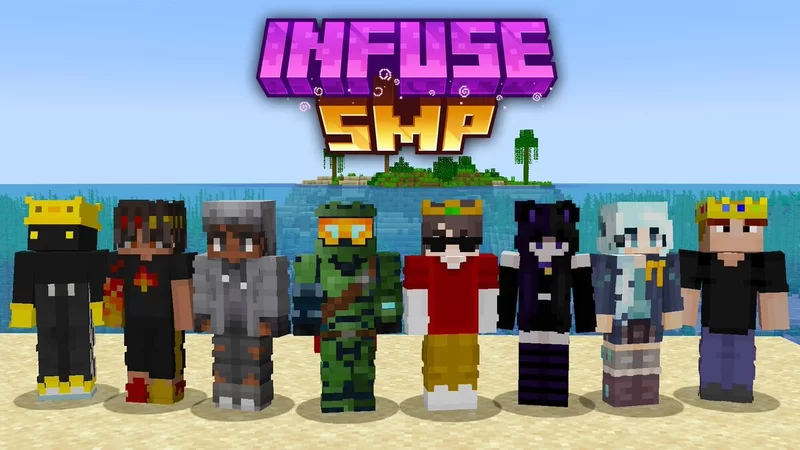
This datapack simulates a slightly modified version of the popular infuse smp.
截图

介绍
A datapack for Minecraft 1.19. This datapack is similar to the Infuse SMP, although there are a few changes.
Features of the datapack:
-When you die, you either gain a negative effect or lose a positive effect if you have one.
-When you kill somebody, you either gain a positive effect or lose a negative effect if you have one.
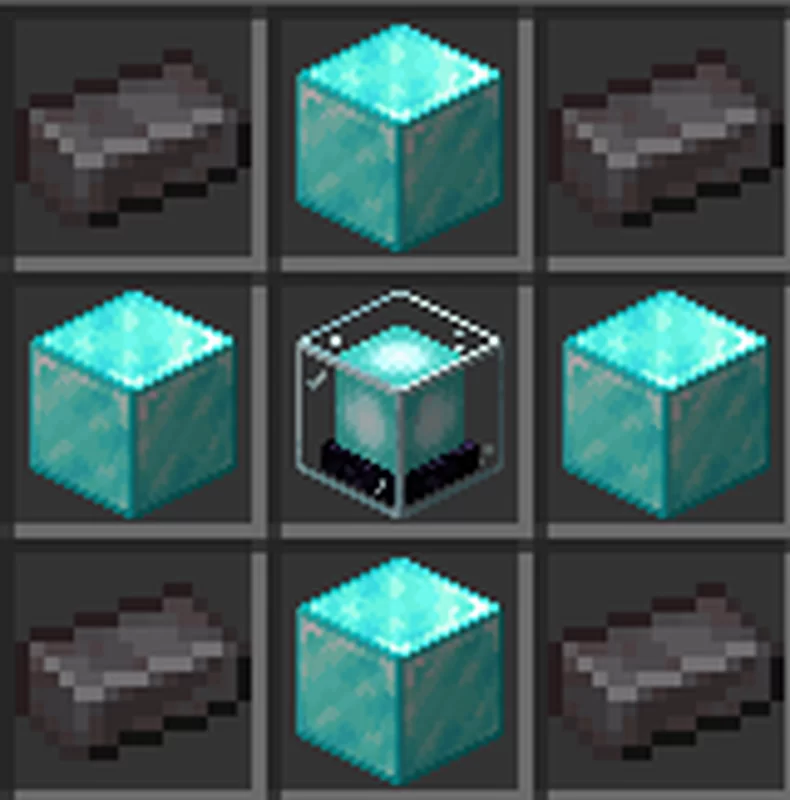
-Custom item that when used gives you an extra effect.
-Custom item that revives a random online dead player, putting them on the almost all negative effects. (If no banned players are online it will not work).
-If you die with all the negative effects you get put into spectator.
-‘/trigger effectwithdraw’ to give you a potion bottle from your effects that when used gives you an effect.
-‘/scoreboard players set {PlayerName} effect {NumberOfEffects}’ to set player effects (admin only) 0 is no effects, and all others should be self explanatory.
Effects (in order)
Buffs
-Luck
-Speed
-Haste
-Strength
-Resistance
-Conduit power
-Fire resistance
-Dolphin’s grace
Debuffs (negative numbers)
-Bad luck
-Slowness
-Mining fatigue
-Weakness
-Hunger
-Glowing
-Jump boost
-Slow falling
I started making this datapack ages ago but I couldn’t fix two bugs so I gave up for a bit. I started working on it later but had to resort to making the effects not randomized. I may add a configuration that you can enable or disable whether natural deaths remove effects if enough people ask for it.
If you have found any bugs or issues, please comment them here https://www.planetminecraft.com/data-pack/infuse-smp/.
I have not tested any other Minecraft versions and so they may or may not work with this datapack.
You may use this for anything you may need as long as you don’t claim it as your own work (i check PMC and Modrinth every week for infuse datapacks)
常见问题
Infuse SMP 支持哪些 Minecraft 版本?
Infuse SMP 支持 Minecraft Java 版 1.19–1.19.2,共 3 个版本,可用的加载器:Fabric / Quilt。下载时注意选择和你游戏版本一致的文件。
Infuse SMP 怎么安装?
先用 PCL2 或 HMCL 启动器安装对应版本的 Fabric / Quilt,再把下载的 .jar 文件放进游戏目录的 mods 文件夹,重新启动游戏即可。开启了版本隔离的,mods 文件夹在 versions/版本名 下面。运行环境:客户端 / 服务端。

评论
登录后评论和评分