
截图
介绍
Info HUD
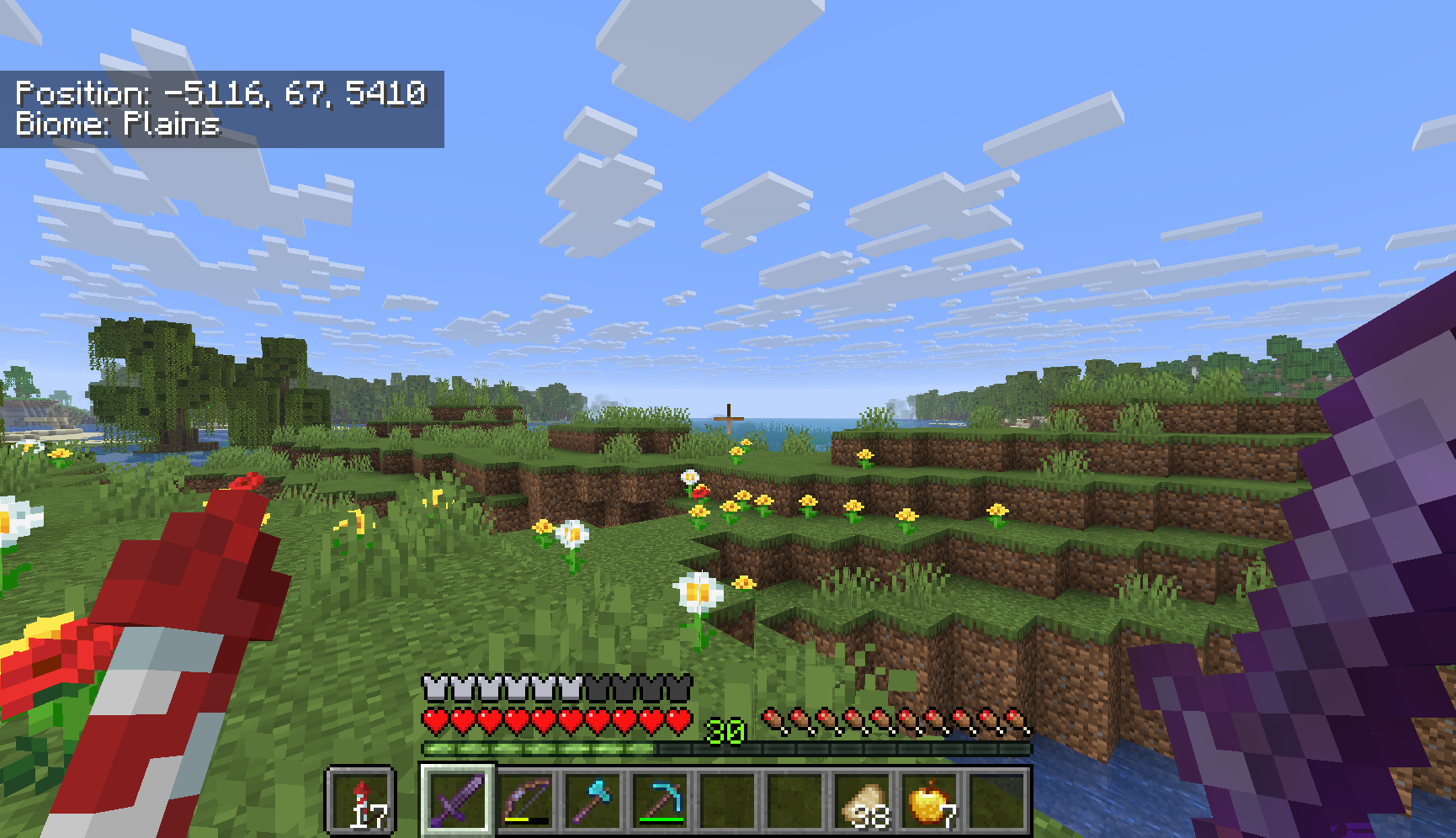
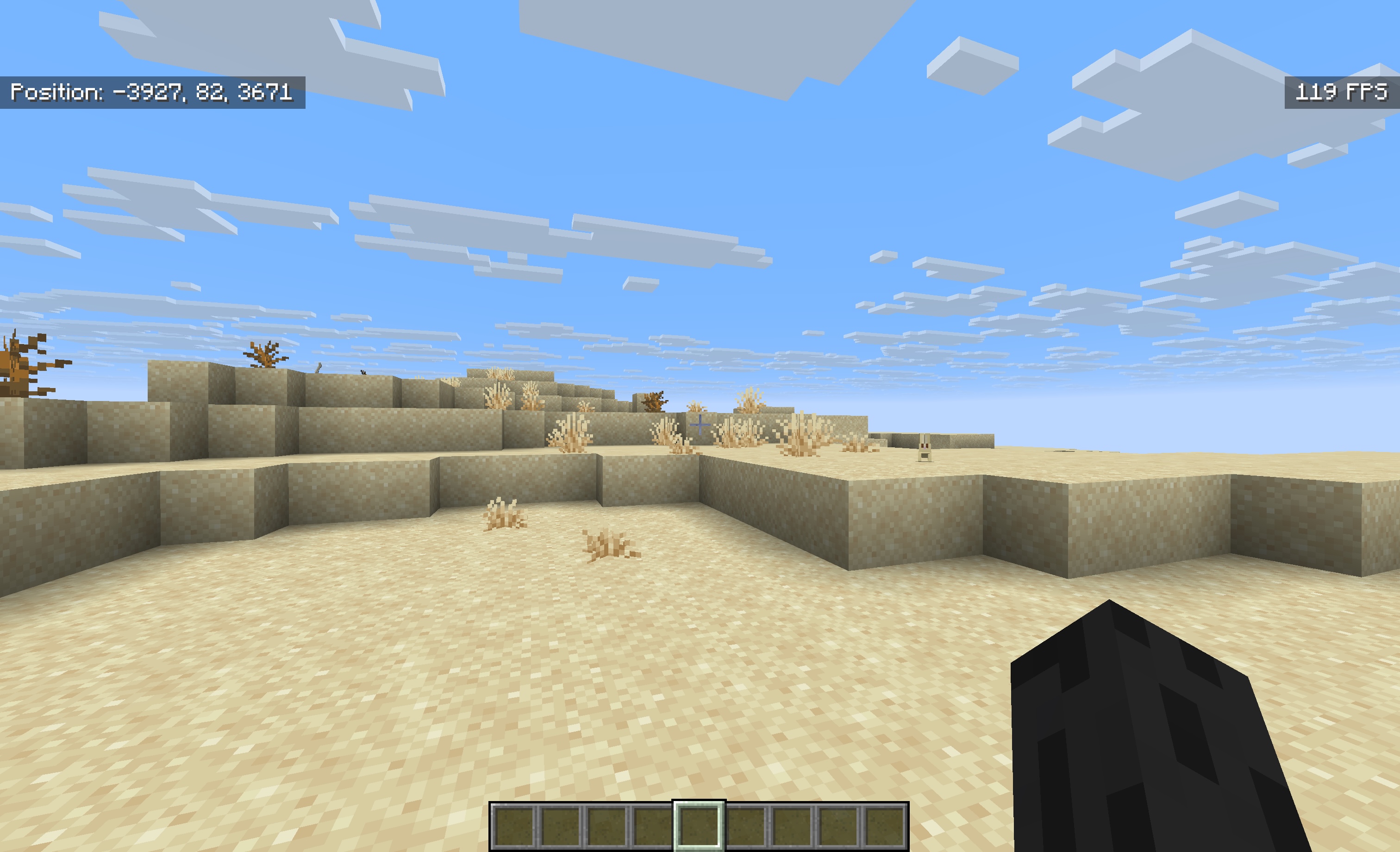
Info HUD is a _lightweight_, adjustable in-game overlay for Minecraft that gives you vital world information at a glance, just like Bedrock Edition’s coordinate display, but with extra features and easy toggling!

Features:
- Shows your current position (XYZ coordinates)
- Displays the direction you’re facing
- Shows your current biome
- Displays the current in-game day
You can freely toggle any part of the HUD on or off without leaving the game, so you always see only the information you want.
How to use:
Info HUD is ready to go as soon as you enter a world!
Press K – Toggle coordinates
Press V – Toggle facing direction
Press B – Toggle biome name
Press N – Toggle in-game day counter
Press O – Toggle FPS display
Each element can be shown or hidden at any time by pressing its key again. The overlay is _discreet_ and adapts to your screen, so it never gets in the way.
Why Info HUD?
No complicated setup or menus, just load the mod and play.
Clean, _minimal_ design that fits Minecraft’s vanilla look.
Great for survival, creative building, exploration, and modded playthroughs.
Make your Minecraft experience smarter and more convenient with Info HUD!
常见问题
Info HUD 支持哪些 Minecraft 版本?
Info HUD 支持 Minecraft Java 版 1.21.7–1.21.10,共 3 个版本,可用的加载器:Fabric。下载时注意选择和你游戏版本一致的文件。
Info HUD 怎么安装?
先用 PCL2 或 HMCL 启动器安装对应版本的 Fabric,再把下载的 .jar 文件放进游戏目录的 mods 文件夹,重新启动游戏即可。开启了版本隔离的,mods 文件夹在 versions/版本名 下面。运行环境:仅客户端。
评论
登录后评论和评分